


Windows Update It has always been a headache for many users. Not only are there problems almost every time it is updated, which makes people reluctant to upgrade (of course, not everyone will encounter it), but there is also the super annoying automatic restart, which will really piss you off if you happen to be working. In the past, although you could pause it in the settings Windows Update, but it can only be paused for a few weeks at most. When the time is up, the system will automatically start updating again. This means that if you want to permanently block updates, you can only rely on third-party tools or manually modify more advanced settings such as group policies and login files, which is a high threshold for ordinary people.
The good news is,MicrosoftFinally listening to the voices of users, it is confirmed that it will bring major changes to Windows 11: users can pause updates indefinitely, and the system will no longer be forced to restart.
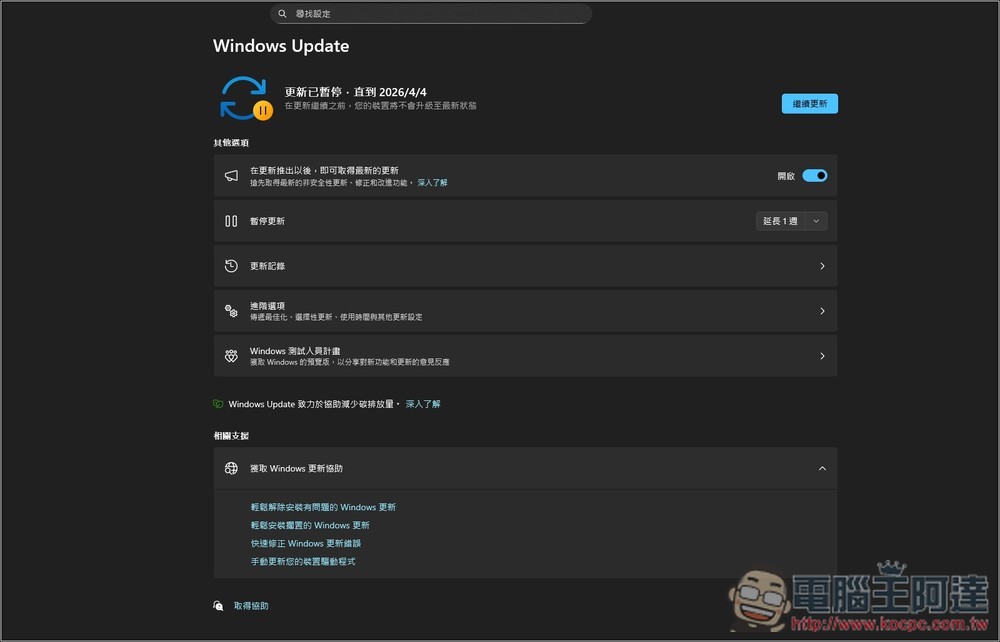
Microsoft confirms that Windows Update will permanently pause updates and will no longer force a reboot
This news comes from an internal memo issued by Pavan Davuluri, head of Microsoft’s Windows + Devices division, in which he listed performance, reliability, and refined experience (Craft) as the three top priorities for Windows in 2026, and improving the Windows Update experience is one of the key projects.
According to foreign media Windows Latest According to reports, Microsoft confirmed the following update directions in this memo:
- Users will be able to pause updates indefinitely, no longer subject to the previous limit of up to 5 weeks.
- When updates are paused, the system will not secretly download and install them in the background, nor will it forcefully restart the computer.
- Windows will change to an update mechanism that only requires rebooting once a month, significantly reducing disruption.
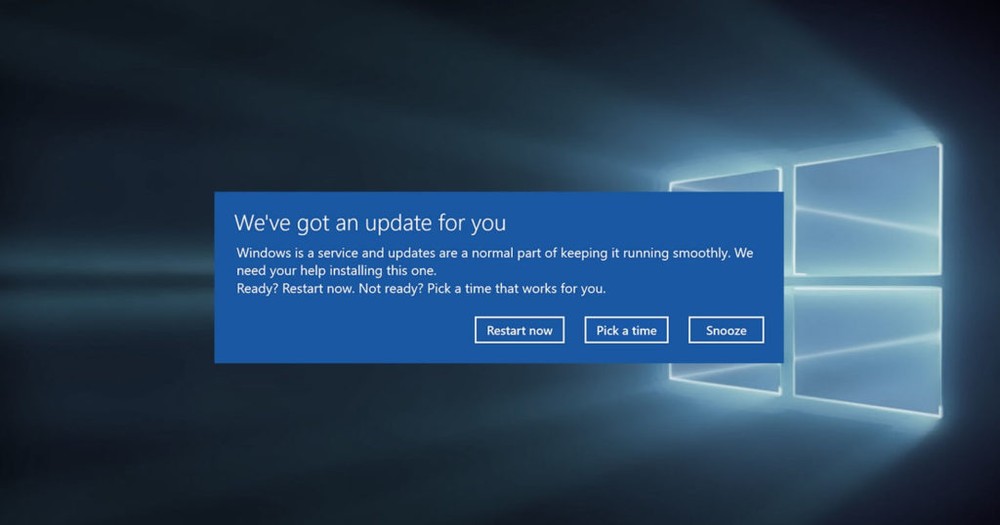
In addition, Microsoft also mentioned that it will provide a “download but do not install” option, allowing users to download the update file and wait until bed at night or when it is convenient to install it. For those who want to get the latest features and fixes as soon as possible, you can also turn on the option to get updates in advance in Windows Update settings.
Currently, Windows 11 updates automatically check, download, and install updates in the background. Even if you manually pause it, it can only last for 1 to 5 weeks at most, and it will automatically resume when the time is up. What’s even more troublesome is that sometimes you just want to shut down the computer directly, but it turns into “update and shut down” or “update and restart”. You have to wait until the update is finished before you can shut down the computer. It may take a few minutes at a faster time, or it may take up to ten minutes at a slow time. When you are in a hurry to go out, you really want to smash the computer.
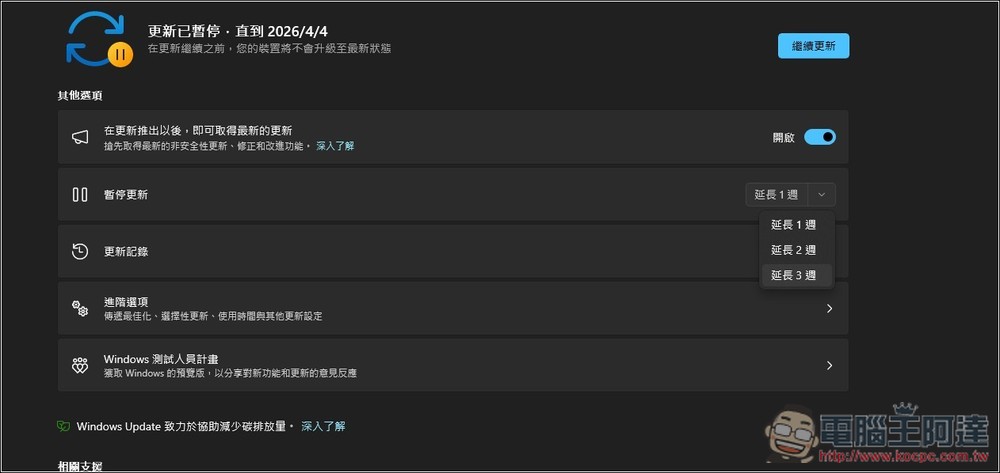
With the launch of the new mechanism, there will no longer be a time limit for pausing updates. You can pause until you are ready before updating. Updates will no longer be carried out secretly, and the pause period is a complete pause. What’s even better is that even if it is updated normally, it will only be restarted during the fixed update cycle once a month, not as frequently as now.
Microsoft also mentioned that the update process will be faster and more reliable, and there will be a clearer progress display when installing updates. In addition, a built-in recovery mechanism will be added. If there is a problem with the update, the system will automatically help you restore it to a stable state. Microsoft’s original text reads: “A faster and more reliable update experience, providing clearer progress during the update process, and built-in recovery capabilities to help the device remain stable when errors occur.”
This can be said to be the biggest experience improvement of Windows Update in many years, and it is finally willing to face the long-term complaints of users. However, it is still in the testing phase. Microsoft said it will gradually open the test through the Windows Insider program in the next few weeks, and it is expected to be pushed to all Windows 11 users later.
Source: KOCPC Chinese