


Spatial audio now pervades every device: soundbars, smart speakers, headphones, and earbuds all claim to deliver a more immersive listening experience. Music streaming platforms such as Apple Music and film and television services such as Disney+ are also actively promoting spatial audio, with the most popular format being Dolby Atmos. But what does “space information” actually mean? How does it work? How do different devices present this effect? Below is a summary of the core concepts you need to master.
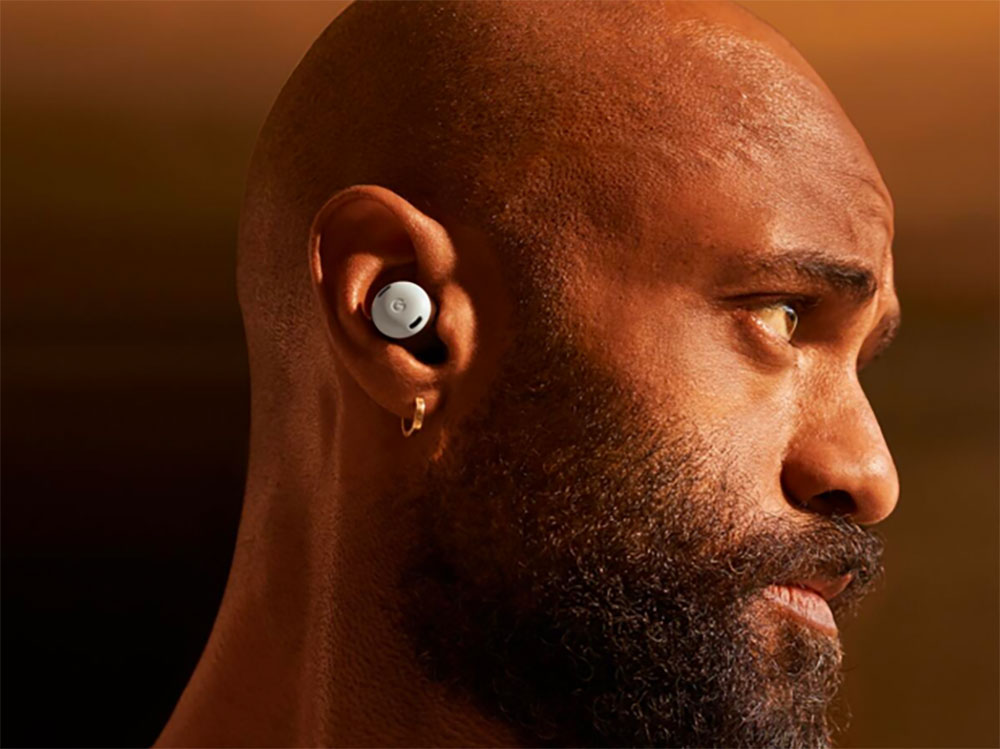
How do headphones and speakers implement spatial audio? What’s the best way to experience spatial audio?
What is space information?
“Spatial audio”, “immersive audio” and “Dolby Atmos” are often used interchangeably, but they play different roles in the three-dimensional sound field.
- immersive audio
Refers to being able to hear sounds from all directions, including above, behind, in front and left and right. To achieve an immersive effect, the content must be mixed in a three-dimensional format, or the hardware must have the corresponding processing capabilities. - Spatial Audio
is a rendering technology usually handled by the hardware inside the headphones or earbuds. It converts stereo or immersive audio into a three-dimensional sound field, and is often paired with head tracking to improve positioning. - Dolby Atmos: is an immersive object-based audio format. Taking AirPods and Apple Music as an example, Apple uses “Dolby Atmos with dynamic head tracking” as the core of its immersive experience. Atmos provides three-dimensional audio content, while head tracking is handled by Apple’s spatial audio technology.
Although “spatial audio” is the most common general term, the truly popular immersive formats are Dolby Atmos and DTS:X. If you want to get the best immersion effect, you should first confirm whether these two formats are supported when purchasing headphones, earbuds or home theater equipment.
Do my headphones support Dolby Atmos?
Technically, most headphones can play Dolby Atmos audio. The reason is that the decoding of Atmos is handled by the playback device (mobile phone or laptop), not the headphones themselves. However, if the headset does not have head tracking or dedicated spatial audio rendering technology, the immersion will be different. Headphones such as AirPods, Sonos Ace, and Sennheiser Momentum 5 are all optimized for Atmos and provide more accurate head tracking.
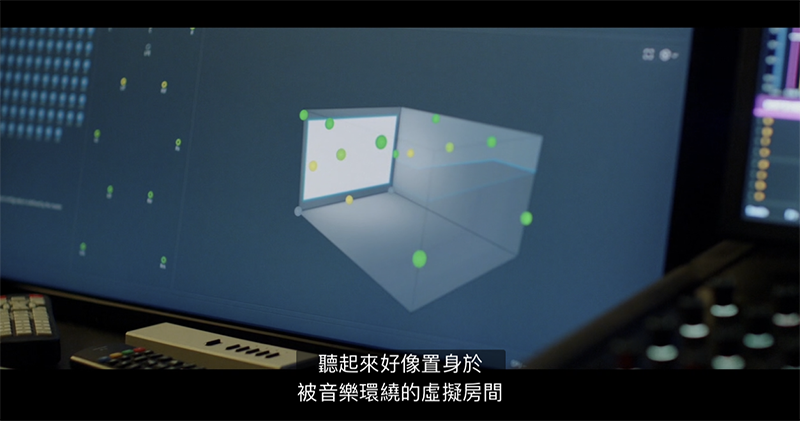
The best way to listen to spatial audio
The most complete immersive experience still comes from a multi-speaker home theater system. Ideal configuration includes:
- A powerful soundbar
- Surround back speakers
- Upward-firing drivers for height channels
Multiple speakers can provide physical channel separation. The larger the room space, the more perfect the calibration technology, and the more natural the positioning effect. Although headphones can simulate a three-dimensional sound field, after all, there are only two units close to the ears, so the rendering technology must supplement additional positioning information. Therefore, the spatial audio effects of different headphones vary greatly. Generally speaking, headsets optimized for Atmos provide the most stable head tracking experience. In comparison, headphones such as Sony WH‑1000XM6 and Bose QuietComfort Ultra (second generation) use their own upmixing and rendering technology. Although they can simulate immersion, the sound field is more digital and the stability is not as good as Atmos-optimized products.

Can I listen to Dolby Atmos without spatial audio?
Yes, Dolby Atmos is an audio format and spatial audio is a rendering technology. Even without spatial audio enabled, you can still play Atmos tracks on Apple Music or other platforms.
The difference is:
- No spatial audio rendering – the soundstage is wide but doesn’t change direction with head movement.
- Enable spatial audio rendering – head tracking can be added for a more dynamic three-dimensional soundscape.
Many brands (Apple, JBL, Bose, Sony, Sennheiser, etc.) support enabling spatial audio on stereo content, but the results vary from device to device and ultimately comes down to personal preference.

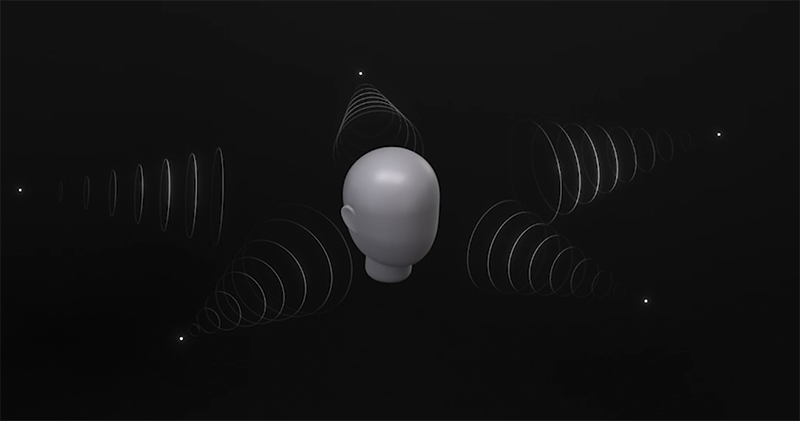
How does spatial audio head tracking work?
The accelerometer and gyroscope in the headset will continuously track the direction and movement of your head, and feed this information back to the rendering system to adjust the position of the sound in three-dimensional space. These sensors also support functions such as head gestures, touch operations, and automatic play/pause.
Different brands have different names for this feature:
- Apple:Spatial Audio
- Bose:Immersive Audio
- Sony:Spatial Sound with Head Tracking
- JBL:Spatial Sound
Why does Apple Music show “Dolby Atmos” instead of “Spatial Audio”?
Apple Music uses Dolby Atmos as its immersive audio format, so all Atmos tracks are mixed from Atmos masters and then re-rendered by your playback device according to its speaker configuration. Atmos is responsible for providing immersive audio content, while Apple’s spatial audio technology is responsible for 3D rendering and head tracking. Even if you don’t enable spatial audio, you can still play Atmos tracks; if you enable head tracking, you can get a more dynamic immersive effect.
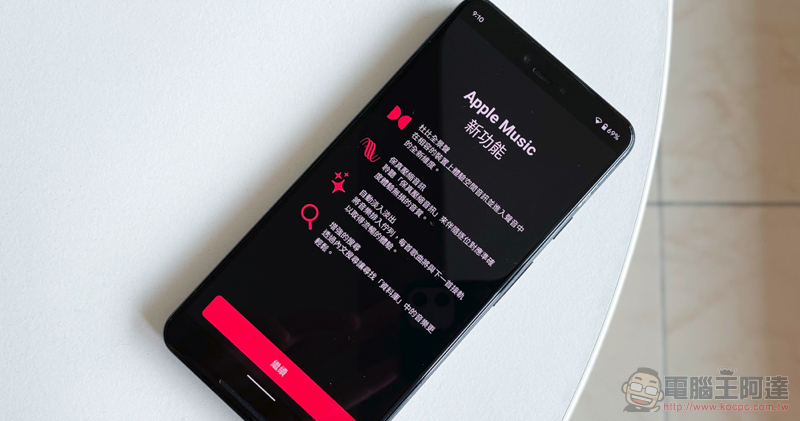
Source: KOCPC Chinese