


When it comes to converting videos and downloaded files into MP3, FLAC and other audio formats, many people may find it troublesome and need to install additional conversion tools. Although there are many online file conversion services, they require uploading files, which is not very convenient. In fact, you don’t have to go through such trouble now. You can open your browser and go to the Mp3To website introduced in this article, and you can convert it directly without uploading files. It supports more than 30 audio formats and is completely free.
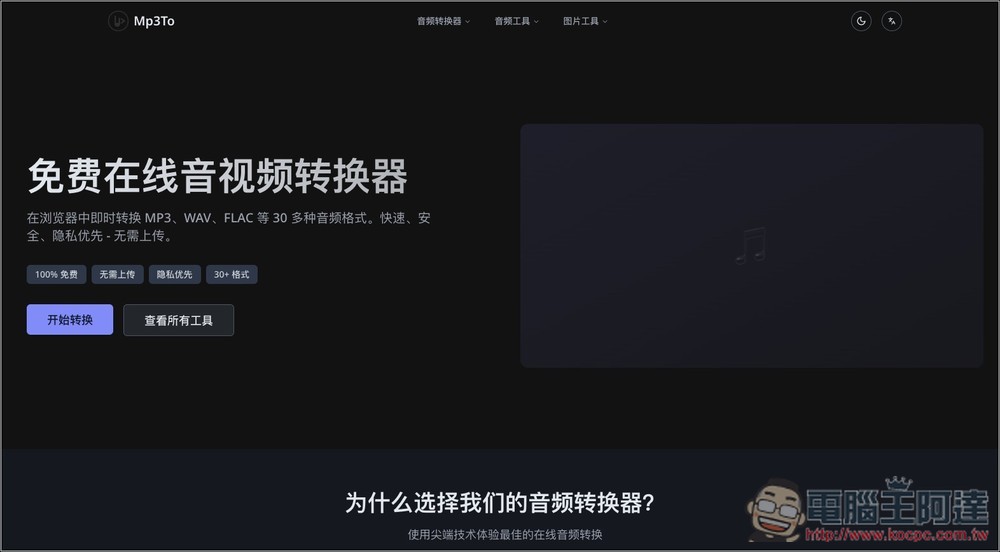
Mp3To introduction and operation tutorial
Mp3To is a free, fast and privacy-first online audio conversion tool. Users do not need to install any software or register an account. They can convert MP3, WAV, FLAC, AAC, OGG, WMA, M4A and other audio formats through the browser. The biggest feature is the browser-side processing method. Files do not need to be uploaded to the server, which reduces waiting time and allows users to feel more at ease when processing private recordings, music files or video audio.
In addition to the common MP3 to WAV, WAV to MP3, MP3 to FLAC, and FLAC to MP3, it also supports extracting audio from videos, such as MP4 to MP3, MOV to MP3, and AVI to MP3, which is very convenient for those who want to convert music, interviews, courses, or voice content in videos into audio files. The website also provides a variety of audio tools, such as MP3 editing, audio merging, audio compression, volume adjustment, speed adjustment, pitch adjustment, online recording, etc., covering almost all daily audio processing needs.
The operation method is also very intuitive. Just select the file, set the output format, and then click Convert to download. If you need to adjust the sound quality, you can also modify the bit rate or sampling rate as needed.
Main features
- Free to use: no registration required, no hidden fees, just open the browser and use it.
- Privacy first: files are processed in the browser and do not need to be uploaded to the server.
- Supports many formats: supports more than 30 formats such as MP3, WAV, FLAC, AAC, OGG, WMA, M4A, etc.
- Can capture audio from videos: supports converting MP4, MOV, AVI and other videos to MP3.
- A variety of built-in audio tools: including editing, merging, compression, recording, volume and speed adjustment.
- Supports batch processing: multiple files can be processed at one time to save conversion time.
- Customizable sound quality: You can adjust the bit rate and sampling rate to balance sound quality and file size according to your needs.
- No software installation is required: all operations can be completed online, suitable for temporary conversion.
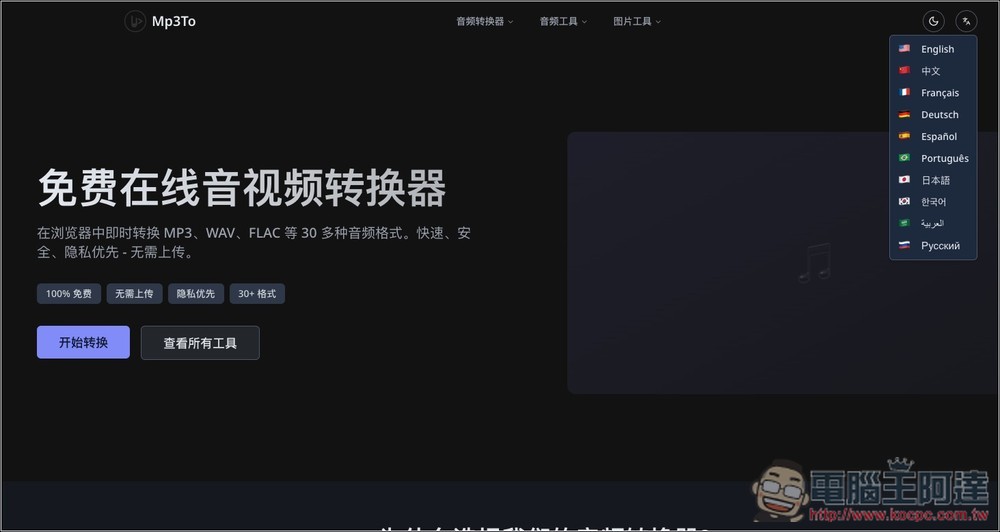
After clicking the link above to enter the Mp3To website, you can directly click “Start Conversion”. If you want to switch to other languages, there are function buttons in the upper right corner:
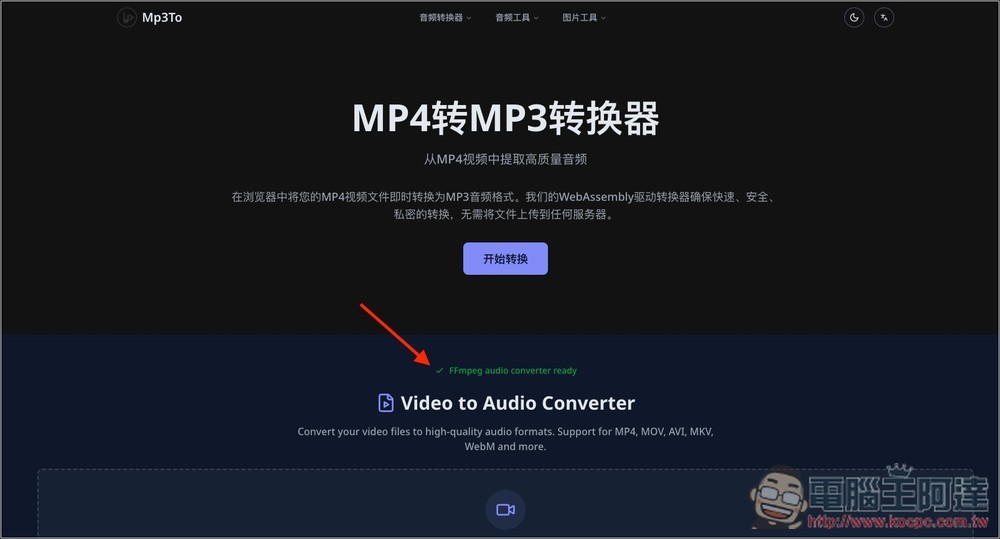
Then you will enter the converter and wait for the green FFmpeg audio converter ready to appear below:
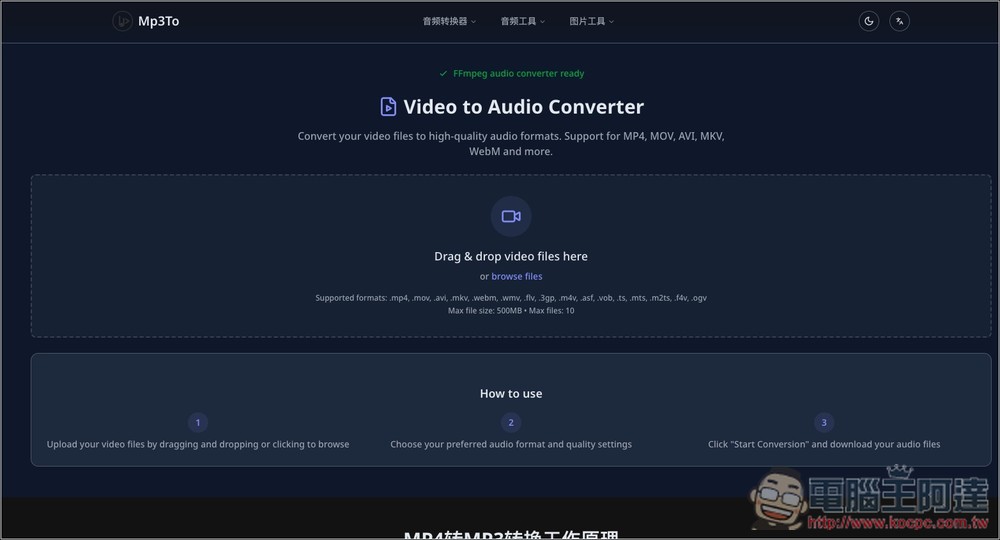
After scrolling down, you can drag in the files you want to convert, or click browse files to select them manually. Can be processed in batches, up to 10 files can be lost, and the maximum file size cannot exceed 500MB. Supports mp4, mov, avi, mkv, webm, wmv, flv, 3gp, m4v, asf, vob, ts, mts, m2ts, f4v and ogv formats:
Next, the conversion settings will appear in the lower left corner, including format, sound quality, sampling rate, etc.:
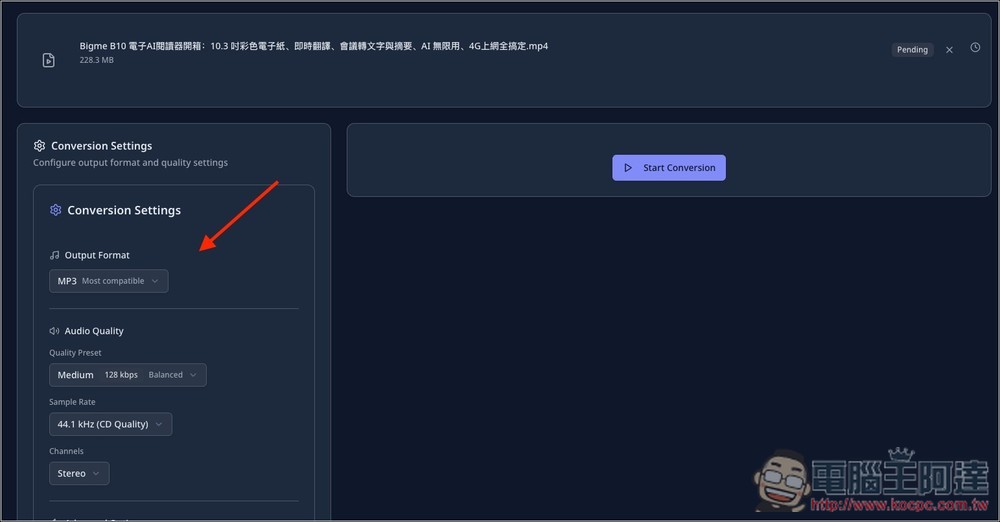
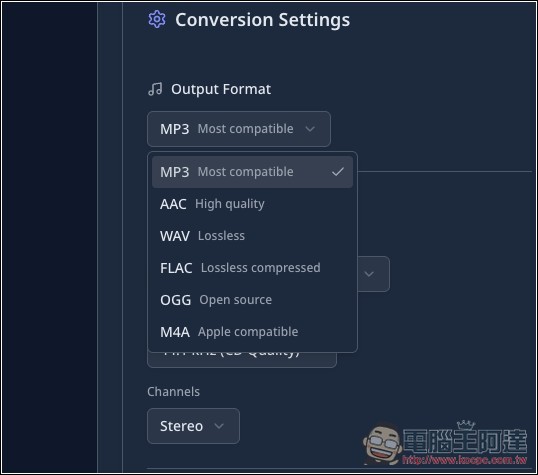
Conversion formats support MP3, AAC, WAV, FLAC, OGG and M4A:
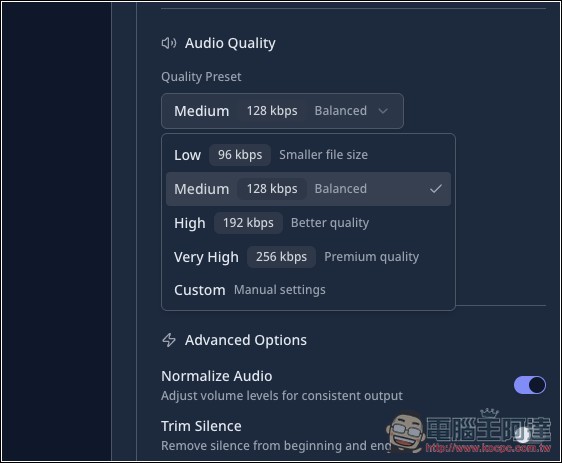
The sound quality part has 96kbps, 128kbps, 192kbps, 256kbps and custom:
There are also four options for sampling rate:
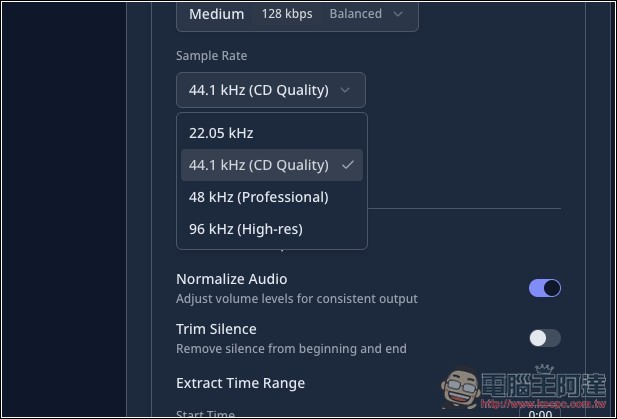
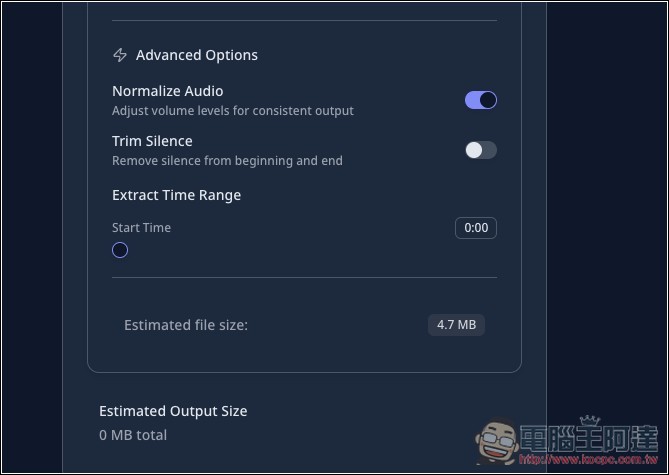
You can even specify a start time and edit directly while converting:
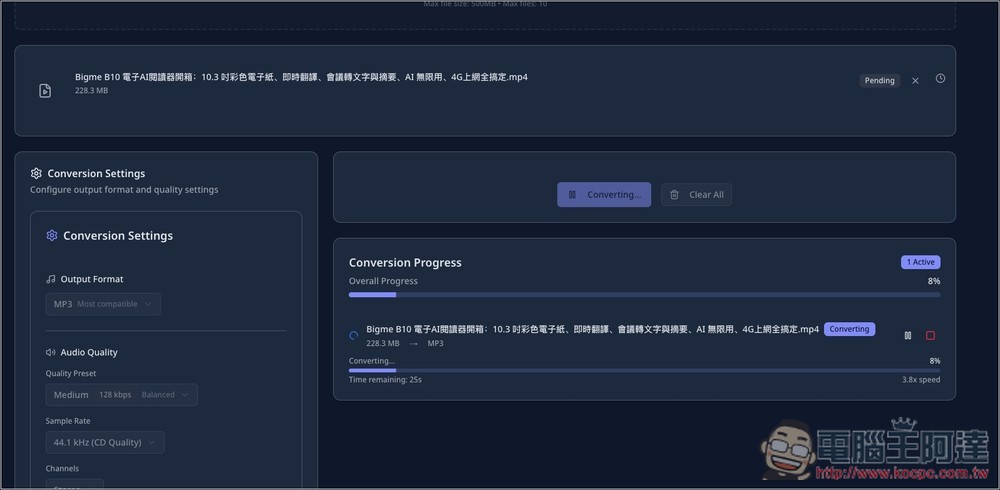
After setting up, click Start Conversion and the conversion will start. Since it is processed locally, even if my video file is 228.3MB, the conversion speed is very fast:
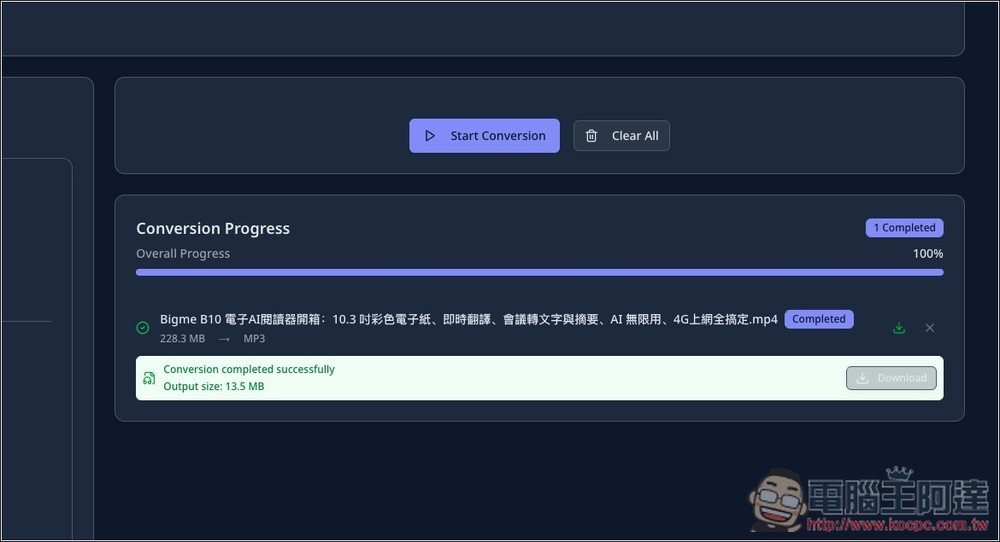
After reaching 100%, click Download to save the converted file:
Source: KOCPC Chinese