


In an era when artificial intelligence is rapidly penetrating daily life, the role of Google Photos is no longer as simple as a “cloud photo album”. It can not only back up photos and videos, but also integrates a series of powerful image processing tools such as AI retouching, object removal, and smart suggestions. However, not every user needs these features, and not everyone wants to be forced to face those sudden pop-up prompts or automatically launched AI tools when making simple edits. Google’s recent updates to Google Photos for Android are precisely in response to such pain points.
To reduce accidental touches, Google removes some editing shortcuts in the Photos app
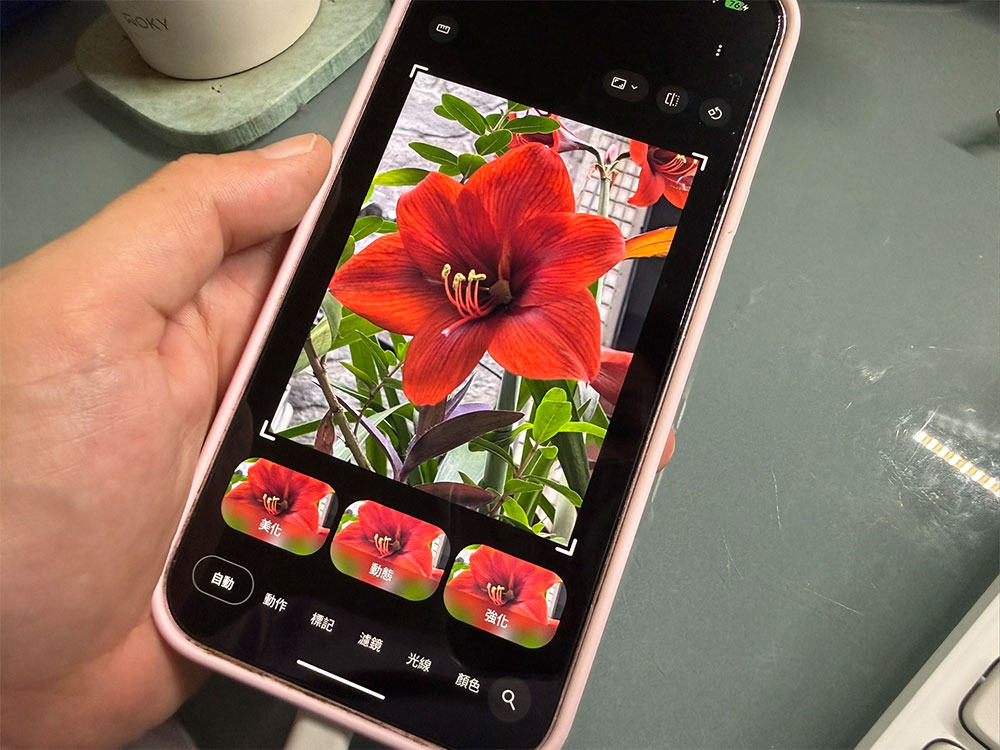
The core of this update is to remove some shortcut operations that are easy to be accidentally touched in the editing screen. In the past, AI tools such as “Move”, “Erase” or “Reconcept” could be accidentally launched by simply circling, clicking or smearing on a photo. For users who just want to quickly rotate the photo, adjust the brightness or crop the screen, these advanced functions that automatically pop up become a distraction. Google says these shortcuts, while convenient, can cause “accidental triggering” and have decided to remove them from the main editor interface.
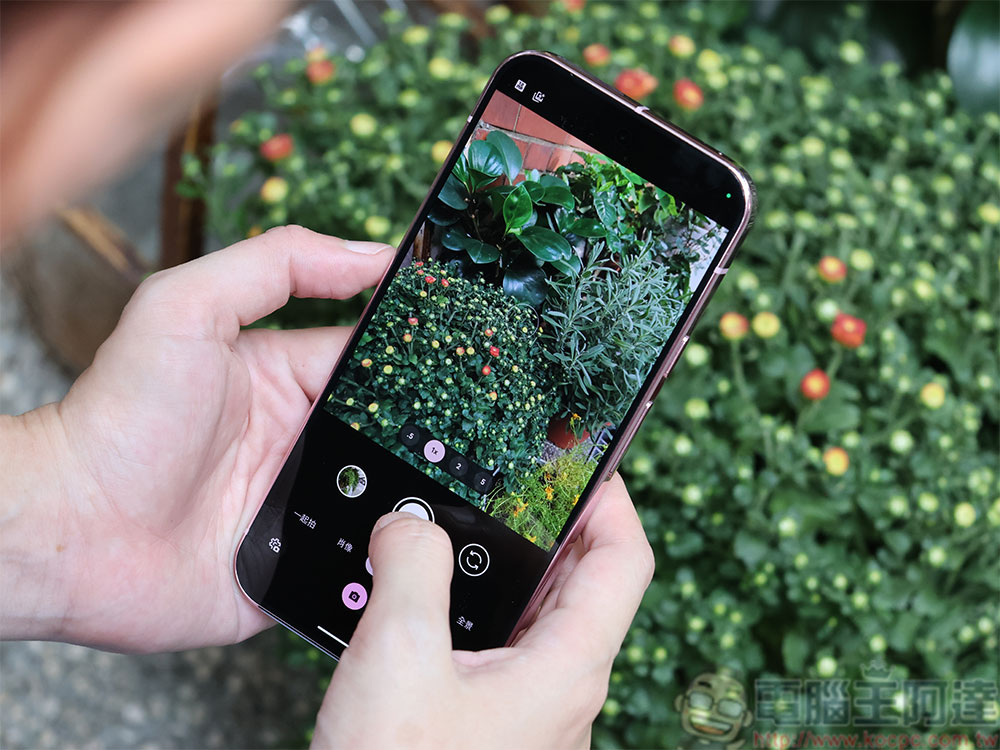
The new design logic is quite clear: make simple editing purer and make advanced tools easier to find by those who need them, rather than popping up when they shouldn’t. In the future, all advanced AI tools will be unified in the “Tools” menu, or can be called directly through the search function. This means that users must explicitly select “I want to use the magic eraser” or “I want to start reimagining” instead of suddenly entering AI mode just because their finger slides across the screen.
Google also mentioned that in addition to improving the user experience, this adjustment can also “optimize the memory performance of Android devices.” While it’s hard to imagine how much system resources these shortcuts take up, the ability to load fewer presets does help improve overall stability at a time when many Android devices are still facing memory constraints. For those users who just want to use Google Photos as a photo album rather than an AI photo editing software, this change is undoubtedly more in line with their needs.
Google also provided new operation methods in the announcement to allow users to find advanced tools more clearly:
- Open Google Photos on your Android device
- Select the photo you want to edit
- Click “Edit” to enter the editor
- Select the desired function from the tool menu, or directly enter the tool name (such as “Magic Eraser”) to search
Although this process is one more step than the past, it results in a cleaner interface, fewer accidental touches, and a more stable editing experience. For users who are accustomed to using advanced functions, the tools are still readily available; while for users who just want to quickly adjust their photos, the editor has become more intuitive and less intrusive.
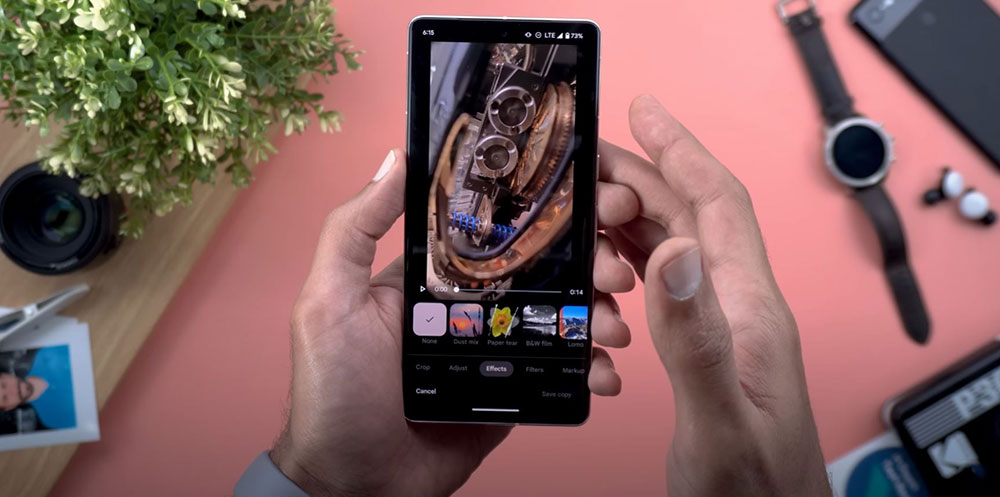
Overall, this update reflects Google’s rethinking of user behavior. Although AI tools are powerful, they should not be the default protagonist every time they edit. Let users decide when they need AI and when they only want to make basic adjustments. This is a design direction that is closer to real needs. If you want a smoother editing experience, Google recommends updating to the latest version of Google Photos. In the future, such interface adjustments may become a trend for more applications. As AI functions become more and more powerful, how to allow users to maintain a sense of control has become a more important design issue.
Source: KOCPC Chinese