


Although PlayStation 3 has long become a “retro console” in the minds of most players, Sony still released a new system update on March 18, 2026 for this old console that was launched in 2006 and discontinued in 2016. For a game console that is about to turn 20 years old, it is quite rare to maintain an update frequency of about once a year, and this version 4.93 system software update still continues Sony’s recent practice: the official only uses “improving system performance” as the update description, without revealing any specific details.

PS3 gets update 20 years after launch, improving system performance
Such a brief description is not surprising. Except for version 4.89, which has made adjustments to the account management function, almost all PS3 updates released by Sony in recent years use the same description. Officials emphasized that regular system updates can ensure that the host maintains security and availability, and supports new features when necessary. Although the PS3 is unlikely to receive major feature updates anymore, these routine updates still play an important role in maintaining the basic operation of the console.
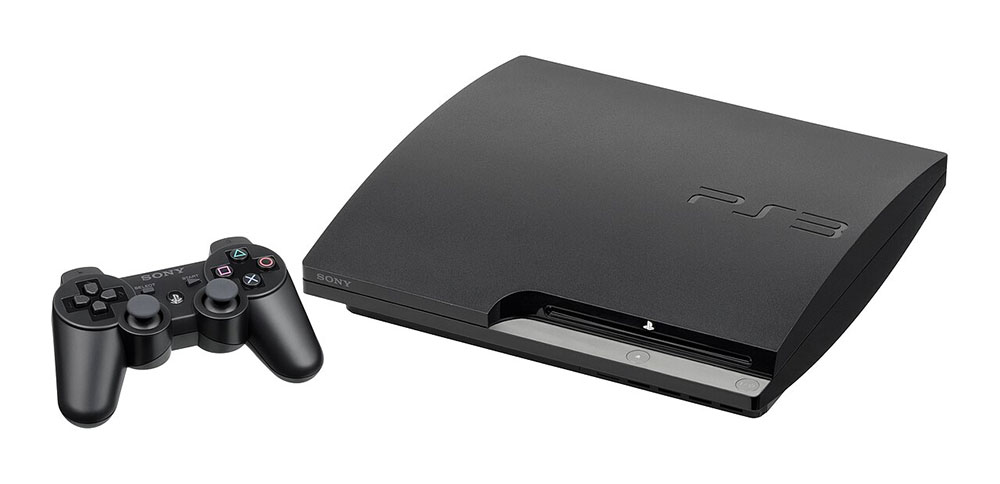
One of the most critical reasons is that the PS3 still has Blu-ray playback capabilities. The DRM encryption mechanism of Blu-ray discs requires the latest keys for normal decoding and playback, and these keys will be updated over time. Therefore, as long as Sony maintains compatibility with the Blu-ray standard, it will have to regularly roll out updates for the PS3. In other words, if players do not install the latest patches, the console may not be able to play the latest Blu-ray movies. Especially after Netflix officially stopped supporting PS3 in February 2026, the Blu-ray playback function has become one of the main reasons for many players to keep this console.

As for the installation method, the 4.93 update requires at least 200 MB of available space. Players can choose to download the update directly through the host, or download the update file on the computer first and then install it manually using a USB storage device. If your PS3 does not automatically pop up the update prompt, you can follow the steps below to force an update:
- Make sure the host is connected to the Internet
- Enter the “Settings” menu
- Find “System Update”
- Select “Update via network”
- Follow the on-screen instructions to complete the installation
If you encounter an error during the network update process, it may be that the connection is unstable or the server is temporarily unavailable. You can use the USB manual update method instead:
- Format the USB flash drive or external hard drive to FAT32.
- Create a folder named PS3 in the USB, and then create an UPDATE subfolder in it.
- Go to the official PlayStation update website to download the PS3 update file and put the file into the UPDATE folder.
- Name the file PS3UPDAT.PUP (uppercase and lowercase must match exactly).
- Remove the USB safely and insert it into the PS3.
- Turn on the host and go to “Settings” → “System Update” → “Update via Storage Media”.
- Follow the on-screen instructions to complete the installation.
If the host still cannot recognize the update file, it is recommended to recheck whether the folder name is correct, whether the USB is in FAT32 format, or try to restart the host. If you still cannot succeed after several attempts, you may need to contact Sony customer service or seek help from a professional repair shop.
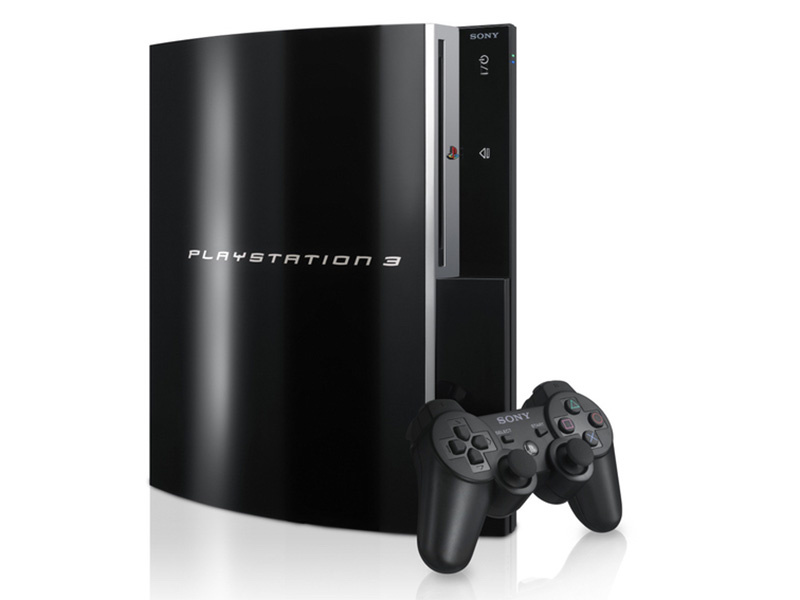
Although PS3 is no longer a mainstream platform, it still has a large number of collectors and nostalgic groups. Sony continues to provide updates for this old console, which to some extent symbolizes the continuation and maintenance of the past PlayStation ecosystem. For players who are still using PS3, these seemingly minor updates have become important pillars to ensure that the console can continue to operate, continue to play Blu-rays, and continue to carry memories.
Source: KOCPC Chinese