


Most of the time, your NAS just sits quietly on the shelf, silently storing the various files you transfer in. But in fact, the capabilities of most NAS go far beyond data backup, especially when it also has an unused USB port, it can be used for unexpected purposes. Here are some practical tips to get the most out of your NAS.
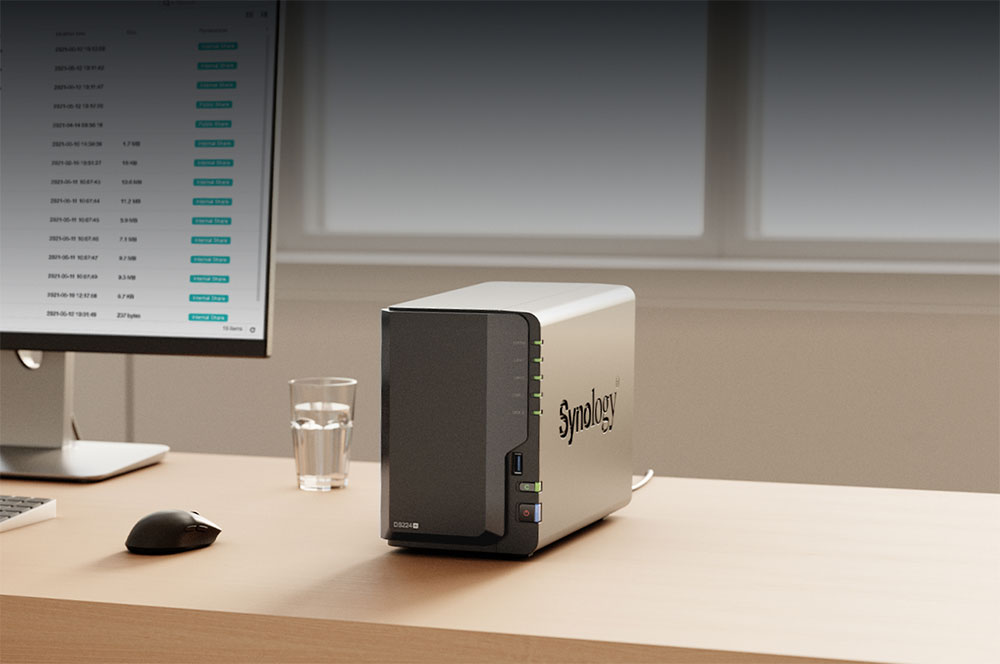
What can I do with the NAS’s USB port? 4 practical features that most people ignore
Use an external hard drive for a true backup
You might think that since you’ve invested in an expensive NAS, it should be all the backup solution you need, but unfortunately that’s not the case. Mirroring technologies such as RAID can indeed prevent a single hard drive failure, but it cannot prevent catastrophic events such as accidental deletion, ransomware, file corruption, or even the NAS body being dropped and damaged. When all backups rely on the same device and the same location, risks have already quietly accumulated.
At this time, the USB port on the NAS becomes your savior. By connecting an external hard drive to the NAS and creating another independent backup, you truly have a second line of defense. Most NAS systems can be easily scheduled to automatically copy important data as soon as the hard drive is plugged in. You can even take it a step further: have two or more hard drives used in rotation, with one responsible for daily or weekly backups and the other stored offline in a safe location. This method can effectively resist malware, power abnormalities and various emergencies. It’s not fancy or high-tech, but it’s one of the best features of a NAS to take advantage of.
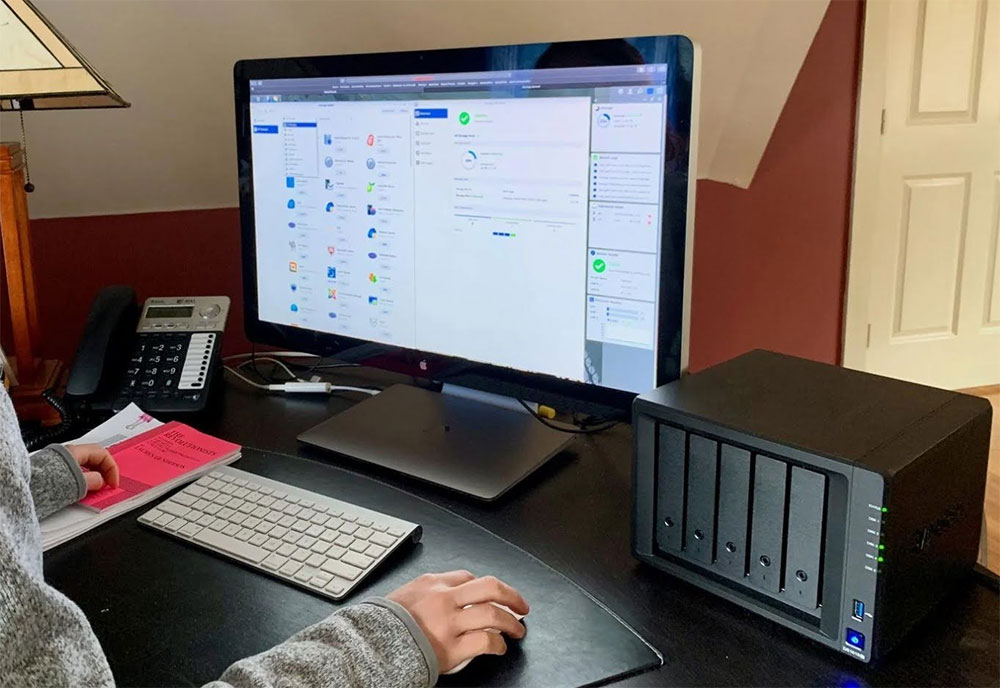
Connect the NAS to an Uninterruptible Power Supply System (UPS)
NAS is designed to operate 24 hours a day, so sooner or later, it will encounter power outages or voltage surges, and these conditions may pose a threat to your data. Once the NAS suddenly loses power during the writing process, you may face file system corruption, incomplete data writing, or even in the worst case scenario, the entire batch of data will be lost.
This is why uninterruptible power supplies (UPS) are so important. The UPS can provide short-term power during a power outage, and if connected to the NAS via USB, the two can even exchange information. The NAS can detect the power outage, monitor the remaining power, and shut down automatically and safely before the battery is exhausted. If there is no USB connection, the NAS will still be powered off directly after the UPS power is exhausted, and the risk is not reduced at all. If your NAS is one of the core of your backup strategy, then a small UPS that can be connected via USB is definitely worth considering. It will not only protect the device, but also your most important data.
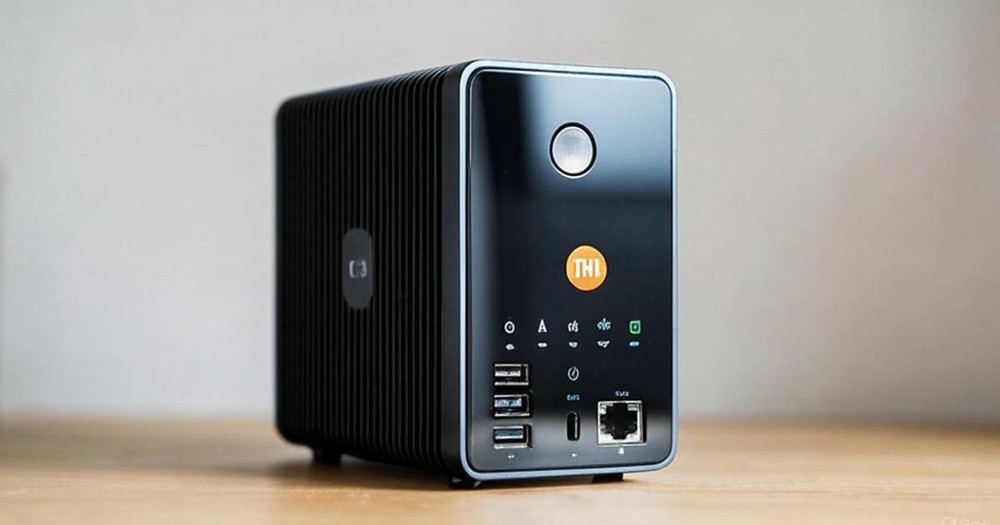
Replace with new network interface card
Many older or entry-level NAS only have Gigabit Ethernet ports, but your hard drive performance and network environment may have exceeded this speed limit. In this case, the USB port on the NAS may allow you to upgrade without replacing the entire device.
Many NAS support USB to 2.5GbE network adapter, which can directly replace the built-in network port. If you are using an SSD, the performance improvement after the upgrade will be quite obvious: the limit of 1GbE is about 125MB per second, while SATA SSD can usually run to about 500MB per second, and NVMe SSD can reach several GB per second, which can fully consume the bandwidth of 2.5GbE. If you are using a traditional mechanical hard drive, the performance improvement may not be that obvious. Whether it is worth upgrading depends on the speed of the hard drive itself and your RAID configuration.
There’s also a less niche but useful option: a USB Wi‑Fi card. It is not intended to replace the wired network in the long term, but it can provide a very convenient backup connection method during temporary deployment, network troubleshooting, or when the wired port is damaged. Before you start, you need to confirm whether your NAS supports USB network adapters. Most models are supported, but there are a few exceptions, so be sure to check compatibility first.
turn it into a print server
USB-only printers are quite rare these days because they can only be connected to a single computer; most modern printers can be used over Wi‑Fi and can be placed more freely. But if your old USB printer is still reliable and durable, you can put it back to use by letting your NAS act as a printer server.
The actual setup will vary depending on the NAS model, but it’s usually not complicated. Many NAS have built-in print sharing functions. As long as you connect a printer to the NAS and enable sharing, all devices at home or in the office can print over the network. Some NAS require the installation of specific applications to enable the print server function. This is especially useful if you have an old printer that works fine but doesn’t have network capabilities, and you don’t want to replace the hardware just for occasional printing. It may not be the flashiest use of a NAS USB port, but it’s definitely one of the most problem-solving.
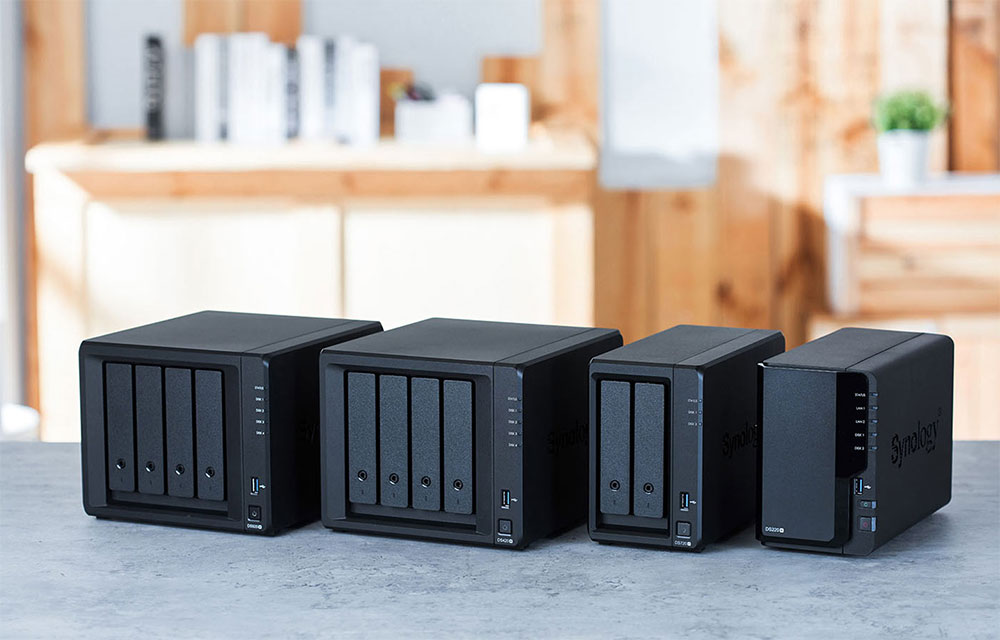
Depending on the model of NAS you have, you may be able to do more. Some NAS can run lightweight services on your home network, allowing you to create a small home experimental environment; some models even allow the installation of completely different operating systems. If your NAS supports these advanced features, its purpose is no longer just a storage device, but a multi-functional home server platform.
Source: KOCPC Chinese