


The update cycle of iOS 26 has come to an end, which means that most of this year’s most important and eye-catching iPhone system features have been launched. There are still a few months until Apple releases iOS 27 at WWDC, and the focus of the next update will be more focused on fixing bugs and optimizing the user experience. However, Apple has a habit of throwing in some little surprises at the end of a system’s lifecycle, so there’s still a chance we’ll see additional new features. The upcoming iOS 26.5 is one of the last major releases, and it contains some noteworthy updates.
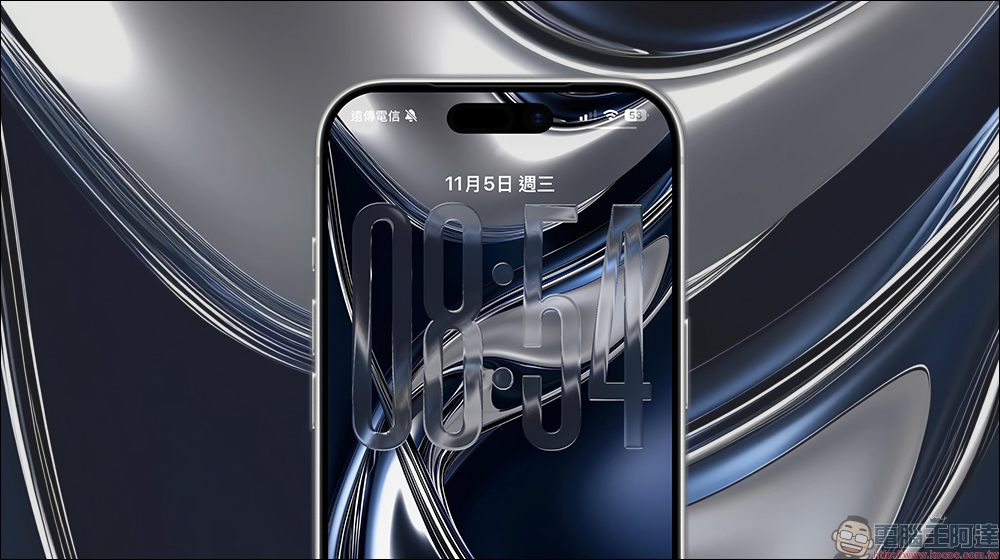
4 upcoming features of iOS 26.5 that are worth looking forward to
According to the past update rhythm, iOS 26.5 is likely to be officially launched in mid-May. Although we had a lot of expectations for this version, it now seems that Siri’s major update should not appear in the iOS 26 series, at least not in 26.5. Apple’s reinvented chatbot feature looks set to be a major feature of iOS 27 (barring another delay). If your iPhone supports iOS 26, you can join the beta version of iOS 26.5 to experience new features first. If you prefer to wait for the official version, here’s what your iPhone will be able to do after the May update.
RCS end-to-end encryption
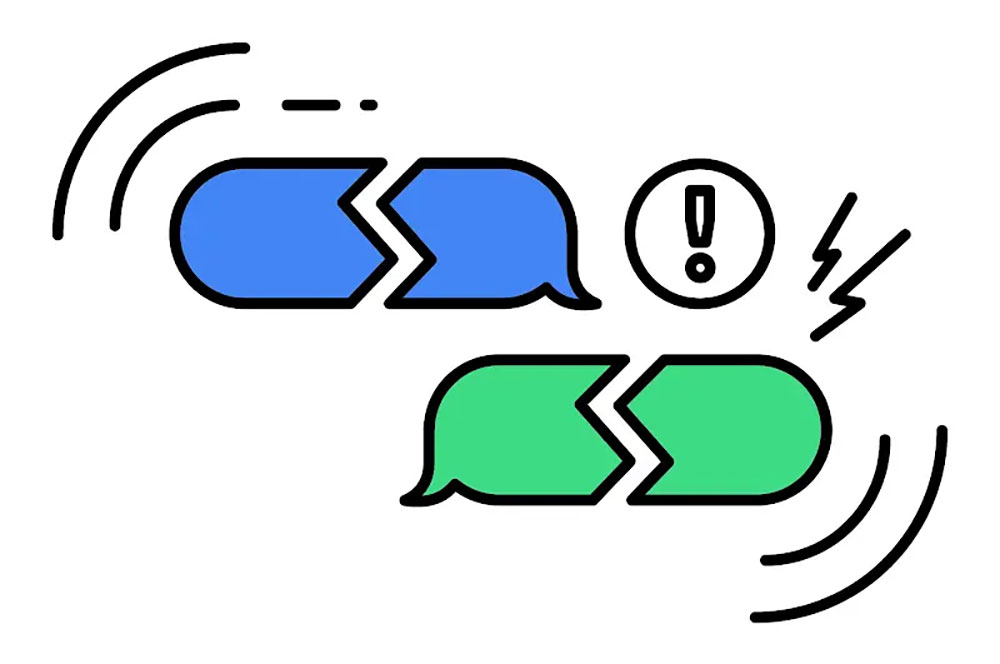
The dispute between blue and green bubbles was once heated, but the situation finally improved after the launch of iOS 18. Apple finally stopped delaying and officially introduced RCS, a more modern text messaging standard that brings convenient features such as read receipts, typing prompts, Tapback responses, and higher-quality media transmission. However, RCS has always lacked end-to-end encryption, and has even been warned by the FBI that it is not suitable for sensitive communications. This is no small matter, because end-to-end encryption ensures that no one other than you, neither hackers nor telecommunications servers, can read the content of your messages.
Now, RCS is finally moving towards true security, with end-to-end encryption support for message transmission between iPhone and Android. However, Apple seems to have encountered some technical obstacles during the import process. iOS 26.4 briefly enabled E2EE, but it was quickly removed and was not reopened until iOS 26.5.
It is important to note that this feature is not enabled by default. You must go to the settings page of the “Messages” App and confirm that the “End-to-End Encryption” switch is turned on. If you see the lock icon in conversations with Android users, it means E2EE is active. In addition, the RCS encryption function still depends on whether your telecom operator supports RCS Universal Profile 3.0; if it does not yet support it, you may have to wait for a while. We strongly recommend that you enable this feature. If your telecom provider already supports RCS E2EE when iOS 26.5 is launched, be sure to enable it as soon as possible to ensure that your cross-platform communications are truly secure.
Apple Maps suggested locations
Over the years, Google Maps has been the first choice for most people, after all, the early Apple Maps did not perform well. However, recent generations of iOS updates have allowed Apple Maps to gradually catch up. It is not only more stable and has more complete information, but also includes practical functions such as voice interaction, causing some users to consider switching to Apple Maps entirely. However, in many areas of detail and richness of information, Google Maps still has the upper hand. The “Suggested Locations” feature launched in iOS 26.5 may be able to further shorten the gap between the two.
“Suggested Places” is exactly what it sounds like: When you’re ready to search for a location, in addition to the search results, the system will also display some nearby recommended places. In theory, these recommendations are generated based on algorithms that determine your interests and usage habits. However, this update may cause dissatisfaction among some users because the “suggested locations” may include paid advertisements.
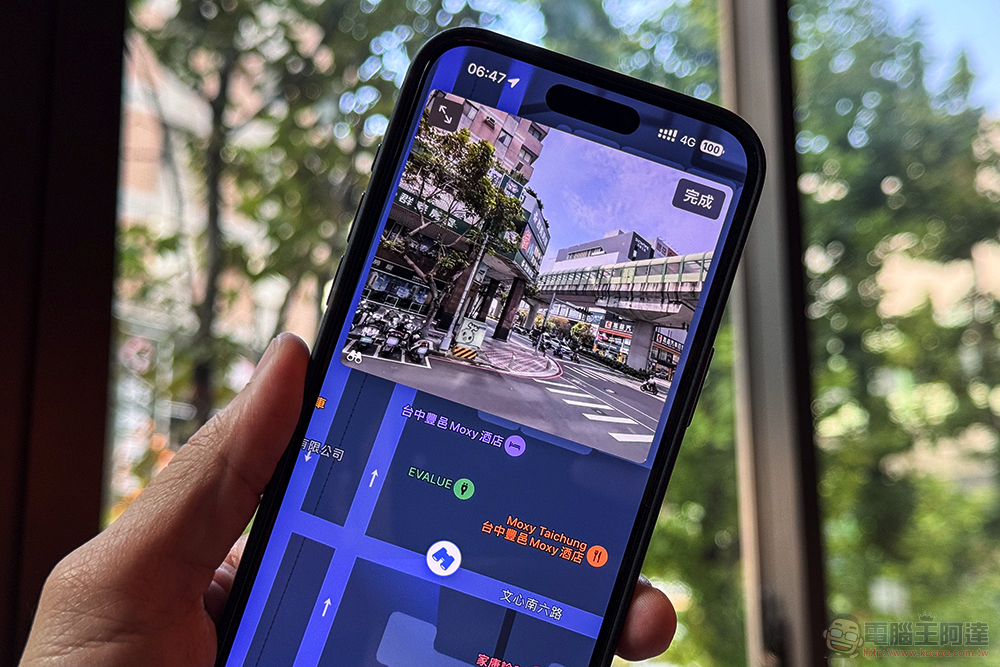
Apple has always used “no ads in the system” as one of its brand features, in sharp contrast to platforms such as Windows, but this principle seems to have begun to loosen in recent years. For example, you can already see promotions for the Creator Studio subscription service in apps like Pages. Now, Apple Maps appears to be incorporating a similar commercial element. Hopefully this doesn’t turn into a full-scale advertising expansion, as Apple is one of the few companies in the tech industry that still maintains a relatively clean experience.
Apple ecosystem features for third-party Bluetooth devices (EU only)
In recent years, iPhone users in the EU have enjoyed a lot of extra conveniences. Unlike US users, EU users are free to choose their default browser and even install apps from sources other than the App Store. iOS 26.5 for the European market further opens up some features that were originally limited to the Apple ecosystem, allowing third-party devices to be more closely integrated with the iPhone.
If you live in the EU, you’ll be able to connect third-party Bluetooth headphones with one click just like you pair AirPods. In the future, your high-end headphones such as Sony XM6 may no longer need to search repeatedly in Bluetooth settings and manually select them. There is even a chance that third-party headphones can support real-time device switching, making the experience closer to AirPods. In addition, iPhone users can finally use third-party smart watches (no longer limited to Apple Watch) to receive mobile notifications. Some reply functions, such as replying to messages directly on the watch and real-time activity display, are also expected to be supported. It’s worth mentioning that the message forwarding feature appears to have been rolled out globally, not just in the EU.

While most of these features are currently still limited to the EU, there have been examples in the past of features going from regional to global. NFC is a typical case: it was once the exclusive technology of Apple Pay, and it was not fully open to global use until 2024. However, at this stage, it is still difficult to enable these region-specific features if you are not in the EU. Some users have found ways to fake EU locations through technical means, but this usually requires additional hardware and considerable technical skills.
Automatic Magic accessory pairing
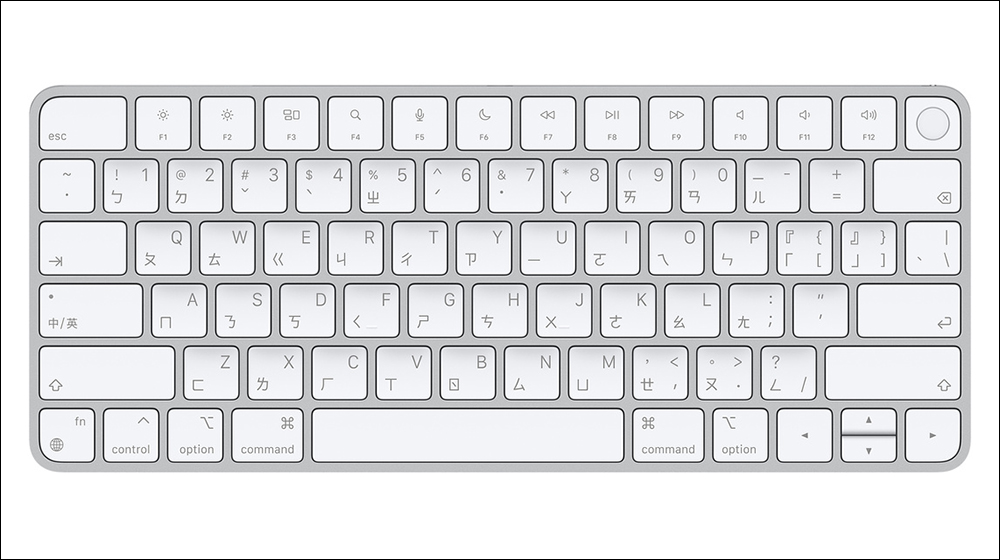
If you have ever used a Smart Keyboard or a Smart Mouse, you must know that they feel great and are of high quality but are expensive and lack some basic features, such as keyboard backlighting. In most cases, it’s often more practical to find a replacement keyboard for your iPhone or iPad. Another troubling limitation is that the Smart Keyboard does not automatically connect when plugged into your iPhone. You still need to manually pair it like a normal Bluetooth accessory. iOS 26.5 finally improves this, making the use of Smart Keyboard on iPhone closer to macOS.
In iOS 26.5, the connection method becomes very intuitive: just plug the keyboard into your iPhone, and the system will automatically complete the pairing and add it to the Bluetooth list, and then you can use it wirelessly. Don’t worry if you’re using an older Smart Keyboard with a Lightning cable, because the other end of the cable is still USB‑C and can be connected directly to your iPhone.
Of course, the iPhone’s small screen size means that for most people, the need for an external keyboard isn’t strong, but that may be changing. The Android camp has already launched a desktop mode, which allows the mobile phone to transform into a laptop-like working environment after being connected to a monitor. Although there are not many rumors about iOS 27 at present, the iPhone suddenly started to support Smart Keyboard, which really makes people think about whether Apple is paving the way for USB‑C desktop mode.
Source: KOCPC Chinese