


Windows 11 It seems that there will be quite a few changes this year. Recently, foreign media Windows Latest Just sort out 18MicrosoftNew features and improvements that have been confirmed to be brought to Windows 11 range from the taskbar, Start menu, File Explorer, Windows Update, system performance, to Bluetooth, etc. Some features have even begun testing in the Windows Insider preview version. However, it should be noted that these changes are not a one-time major update, but will be gradually rolled out through monthly updates in 2026. I will summarize them for you below.
1. The work column can be moved.
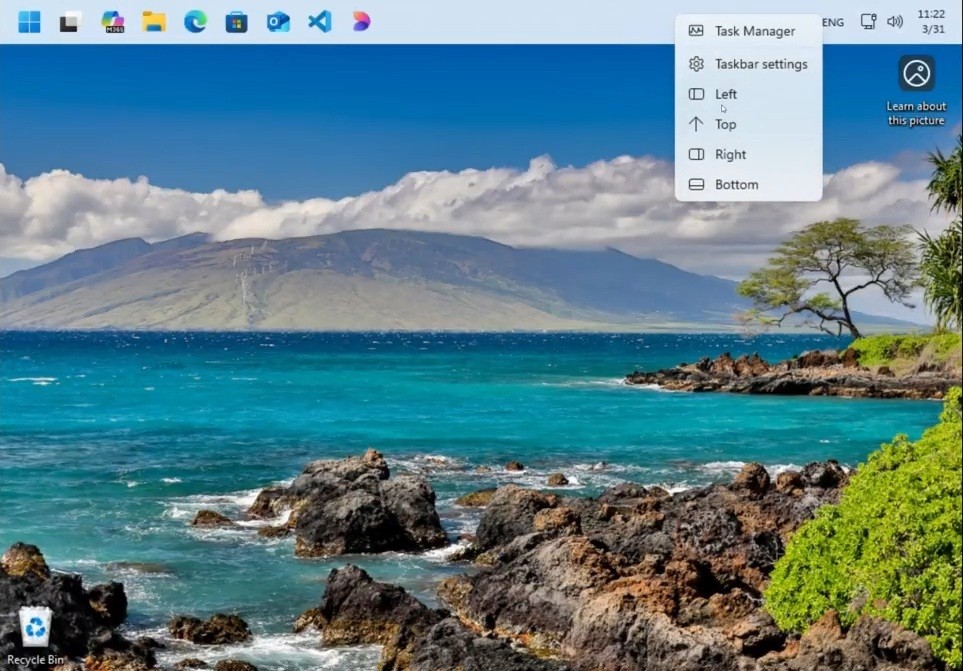
Image source:Windows Latest
This should be one of the most long-awaited features for many people.
The Windows 11 taskbar can only be fixed at the bottom of the screen, which many Windows 10 users are not used to. However, Microsoft has confirmed that it will restore the free movement function of the taskbar. You can place it at the top, left or right of the screen.
In addition, Microsoft will also add a “lite taskbar” mode, which is similar to the smaller taskbar in Windows 10, which will be very practical for people using small-screen laptops. This feature is currently being tested in Insider preview.
2. Improve the performance of the start menu
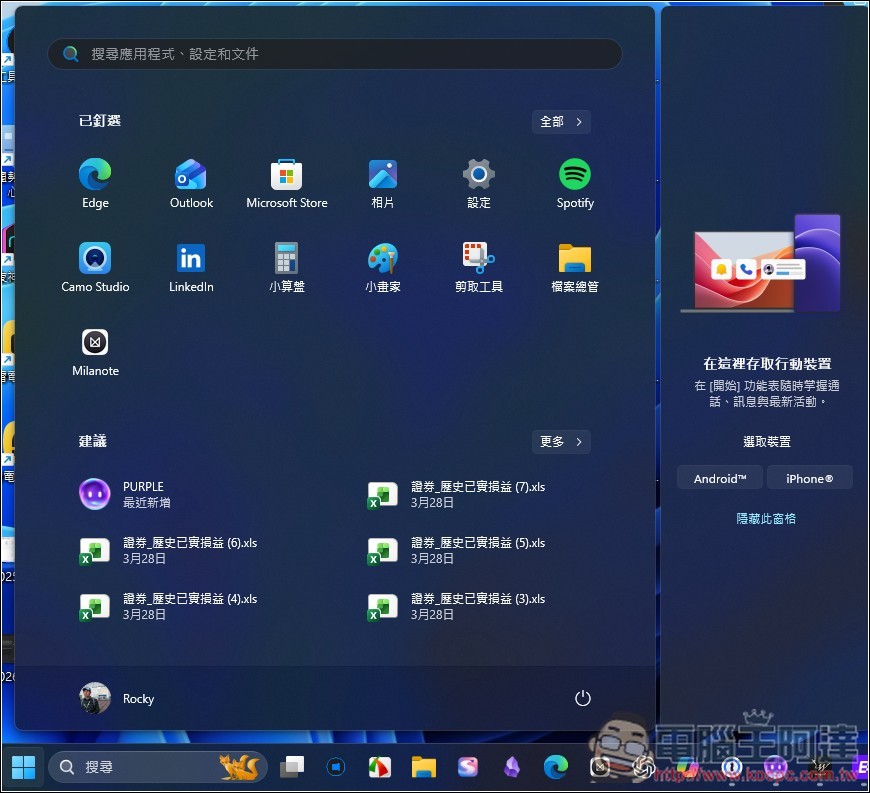
The Windows 11 Start Menu has been criticized by many users for being too slow. The reason is that it is built using React at the bottom. Compared with native applications, the response speed is naturally slower.
Microsoft now plans to migrate the core components of the start menu from React to the native WinUI 3 framework, which will not only open it faster, but also significantly reduce operating delays.
In addition, the search function will also be improved, and future search results will prioritize applications installed on your computer instead of the current Bing web search results. This improvement is currently rolling out to Insider builds.
3. Reduce Copilot AI functions
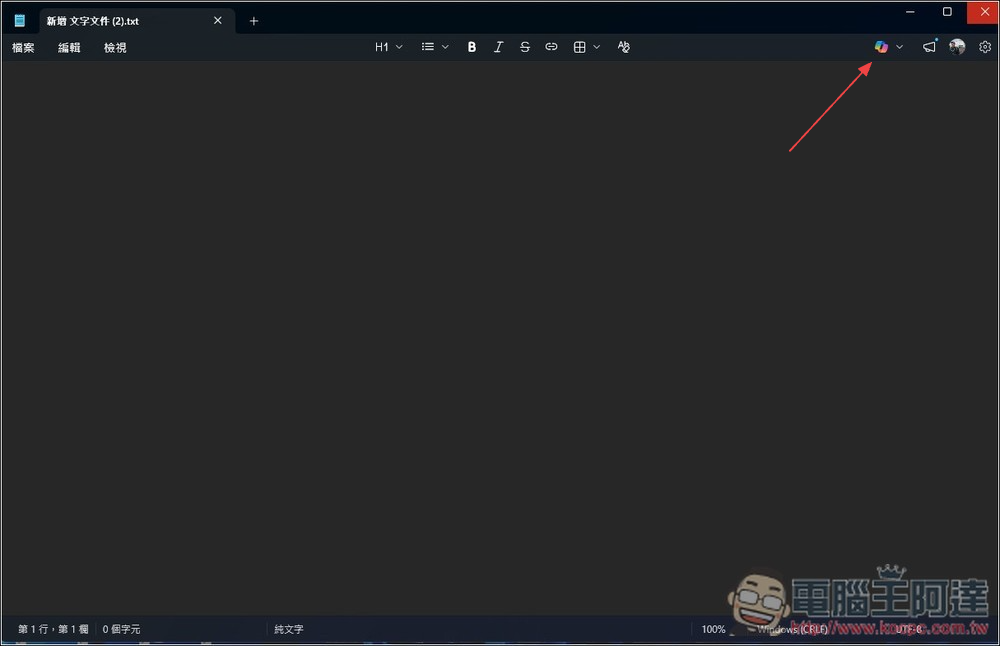
A few days ago we reported that Windows 11 has more than 80 Copilot functions, including notepad, photos, clipping tools, file manager, etc. Regarding this, Microsoft also admitted that it was a bit too much, so it decided to start reducing it in the future and only retain AI functions in truly meaningful places. For example, the AI picture description function in the reading program will continue to exist.
4. Windows Update no longer forces updates
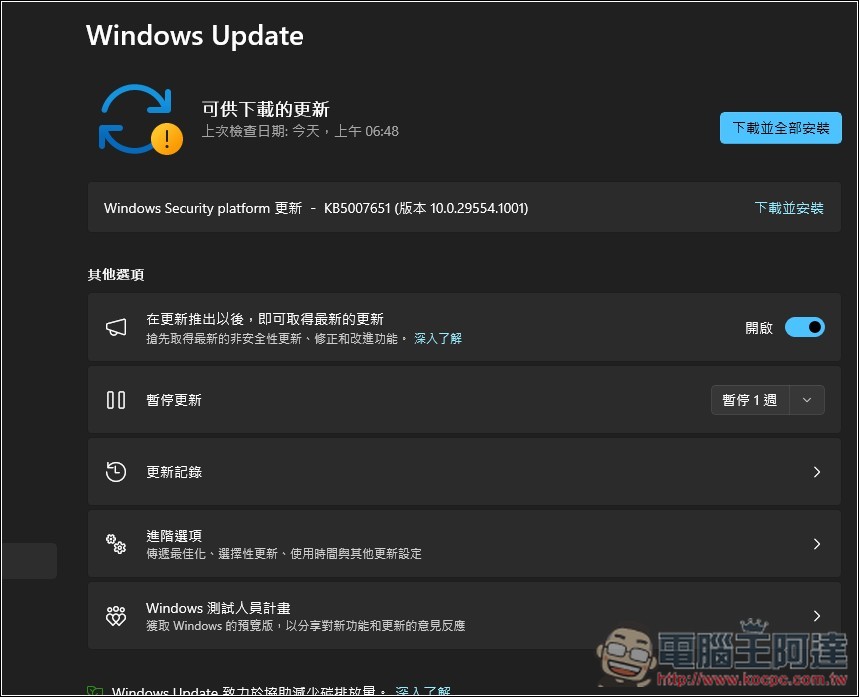
This is also one of the most welcome improvements.
We have also reported before that Microsoft confirmed that Windows Update will support indefinite suspension of updates. The system will no longer secretly download and install in the background, and will no longer be forced to restart. Instead, there is an update mode that only requires rebooting once a month, with Patch Tuesday.
5. Simplified initial setting process
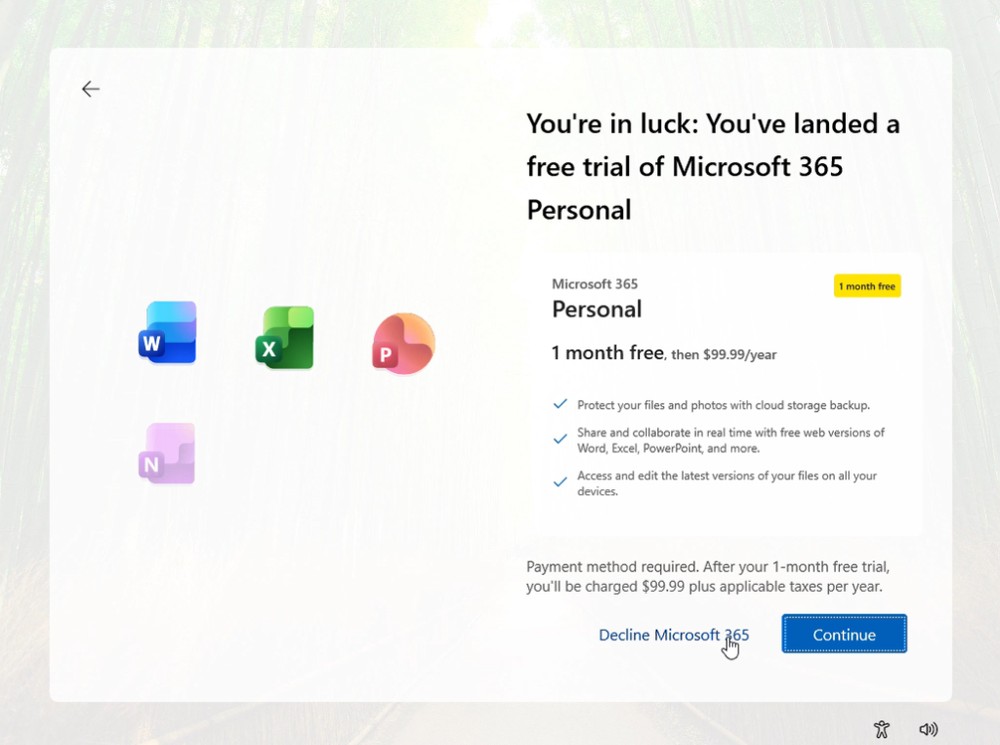
Image source:Windows Latest
The initial settings when installing Windows 11 have been criticized by many people as too many steps and too lengthy. In the middle, you have to restart the computer several times, and you will be promoted a bunch of Microsoft services.
Microsoft confirmed that it will greatly simplify this process, reduce unnecessary steps, remove redundant promotional content, and allow users to get to the desktop faster.
What’s more worth looking forward to is that Microsoft is also discussing within Microsoft not to force login to a Microsoft account. This part is expected to be launched in April.
6. Improve file management efficiency
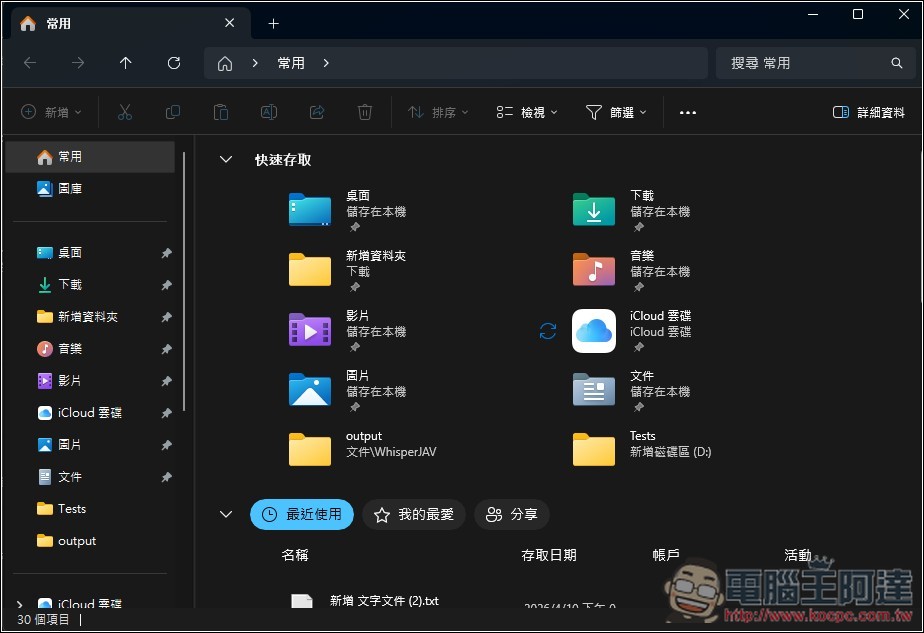
File Explorer is one of the most frequently used tools in Windows 11, but its startup speed and operation smoothness have always needed to be improved. According to Microsoft, this time it will use a background preload mechanism to speed up startup, improve the screen flickering problem when opening a folder, and optimize performance when transferring large files.
In addition, the search function will be more stable and faster. Many improvements will be rolled out in the near future.
7. Dark mode fully expanded
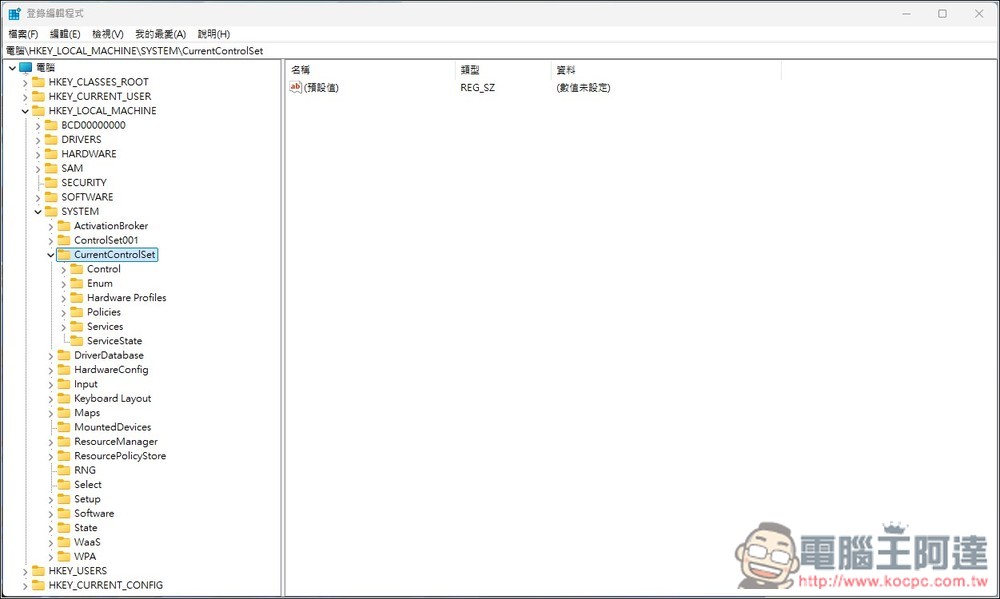
There are still many places in the Windows 11 system that do not support dark mode, such as the “Run” window, account dialog box, file properties window, login editor, etc. Microsoft confirmed that it will gradually expand dark mode to these old interfaces and will continue throughout 2026.
8. Settings App Redesign
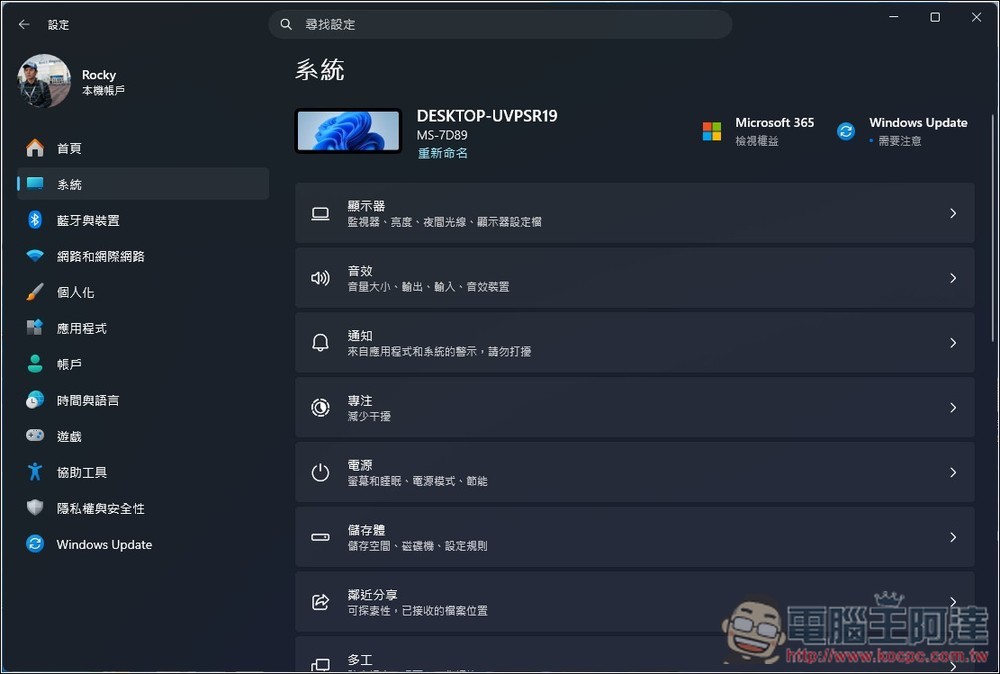
The “Settings” App is a modern management tool used by Windows 11 to replace the console. However, the layout of some pages is not intuitive enough and the option categories are not easy to find. Therefore, Microsoft plans to redesign the layout of the settings page to make the option groupings clearer and easier to operate.
In addition, network and printer settings that can only be changed in the console will gradually be moved to the Settings App. This change will be rolled out in phases in 2026.
9. System performance optimization
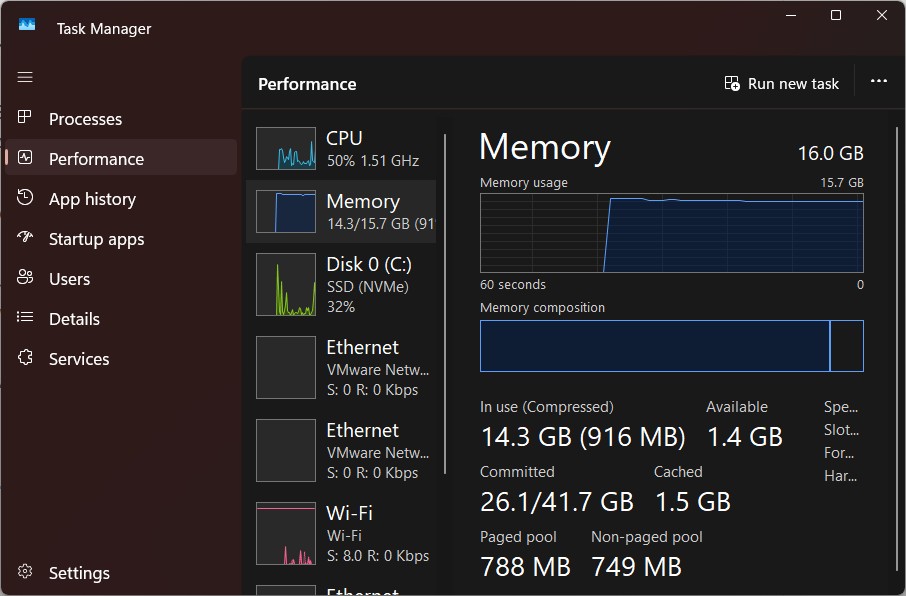
Image source:Windows Latest
Microsoft promises to reduce the memory usage of Windows 11 in standby, leaving more resources for the applications in use.
One of the methods is as mentioned earlier, replacing system components originally made with web technology with native WinUI 3. This will not only save memory, but also lower operating latency. This optimization will continue throughout 2026.
10. Improved hardware reliability
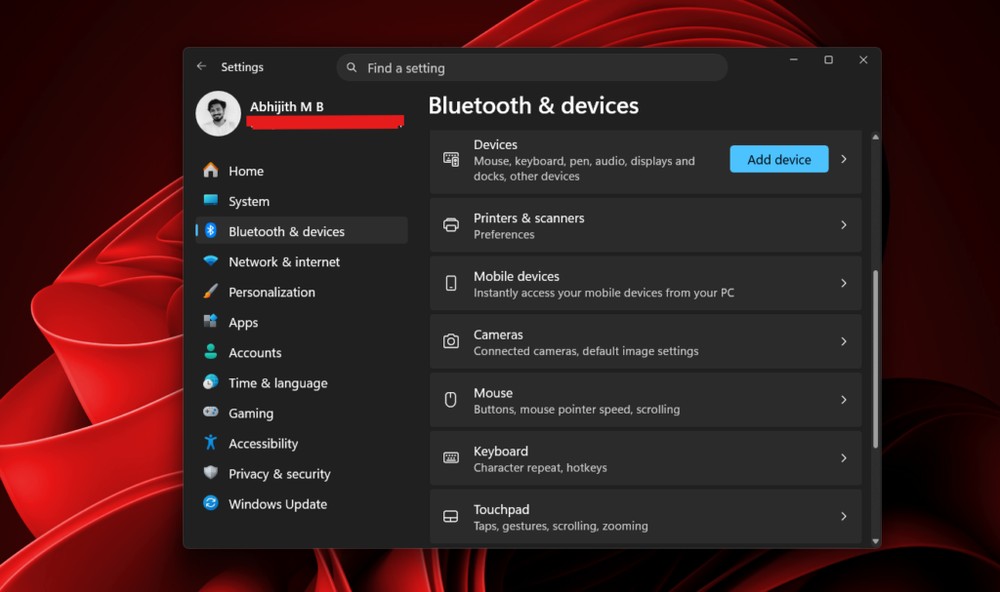
Image source:Windows Latest
This is a low-level improvement. Microsoft said that it will especially improve the “driver quality” and the stability of “external devices”, including fixing the problem of frequent disconnections of Bluetooth, improving the reliability of USB connections, and improving the abnormality of cameras and microphones in certain situations. These improvements will continue to be rolled out through daily updates.
11. Advanced Bluetooth function
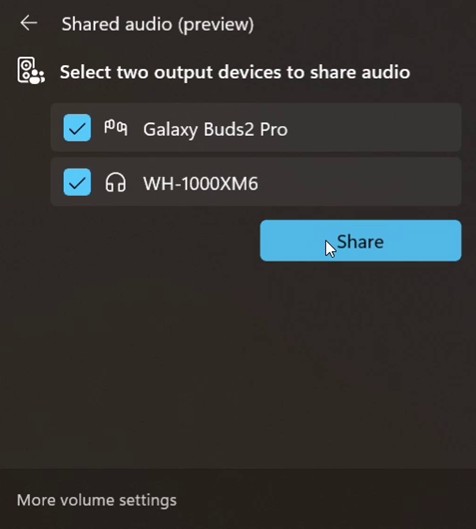
Image source:Windows Latest
There are two major improvements to Bluetooth. The first is the new “shared audio” function, which allows you to play sound through two Bluetooth devices at the same time. For example, if you and a friend each wear a pair of Bluetooth headphones, you can listen to the same song or watch the same video together. The second is to fix problems such as the Bluetooth icon in the quick settings panel disappearing inexplicably and pairing failing. Launch is expected within 2026.
12. Windows Hello enhancements
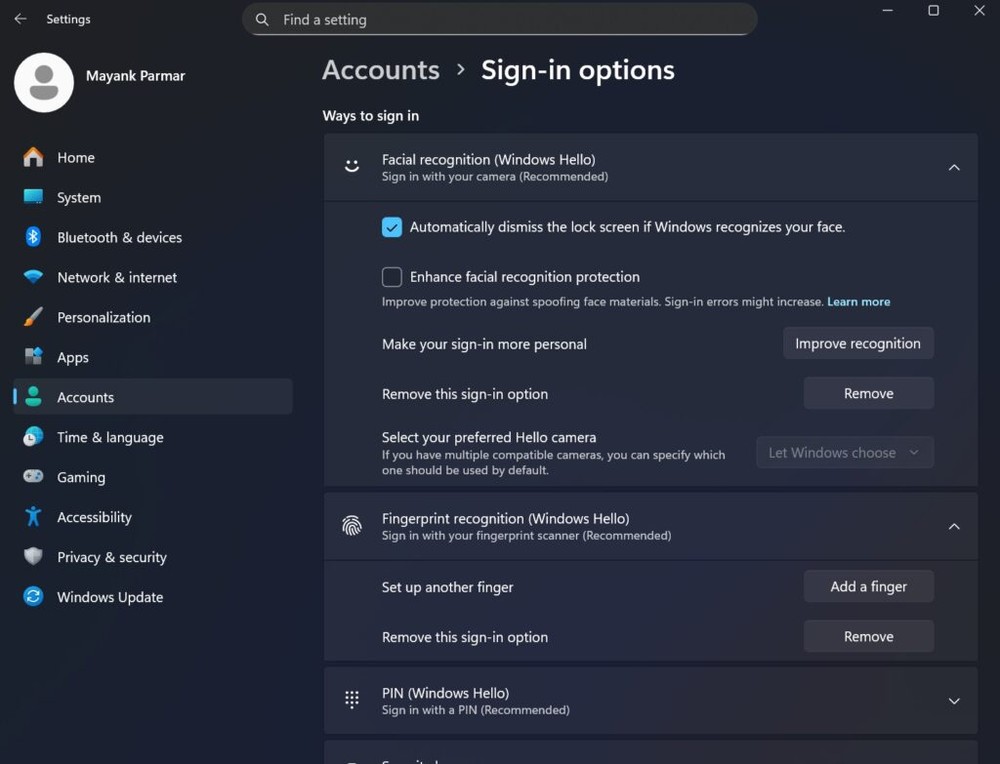
Image source:Windows Latest
Microsoft will improve the reliability of Windows Hello recognition, reduce the number of retries required, and make the login process smoother. Another special change is that on game handheld devices (such as Steam Deck), support for inputting PIN codes with the handle is added. Expected to launch in 2026.
13. Tactile feedback and touchpad control
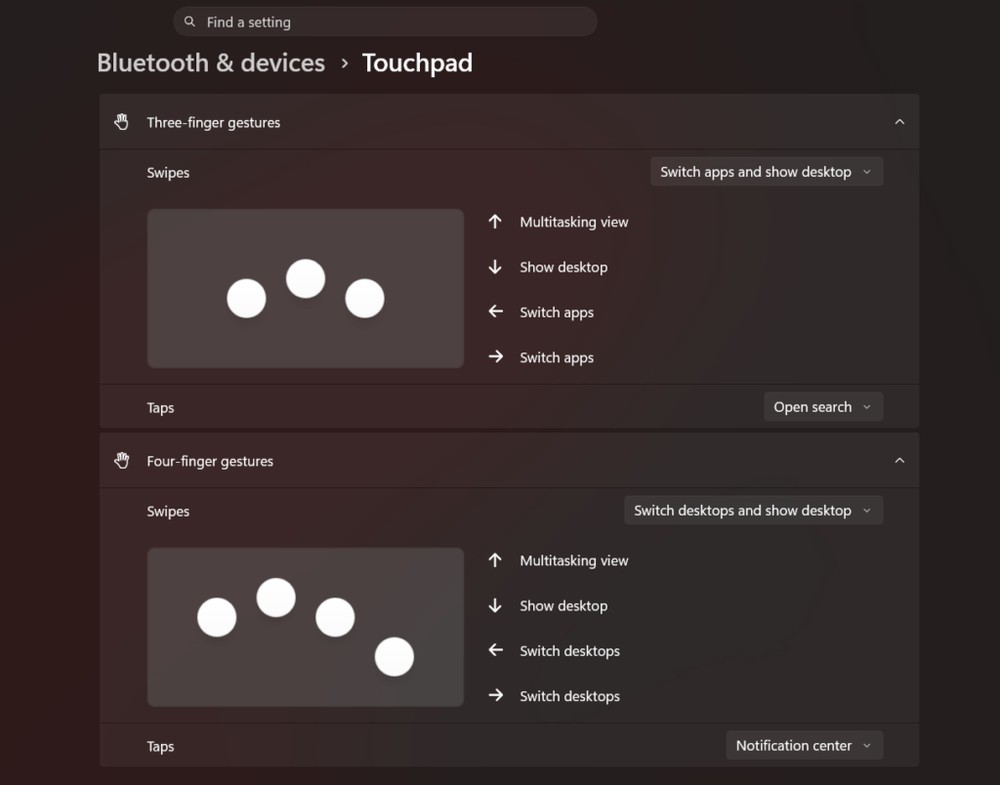
Image source:Windows Latest
As more and more Windows laptops begin to be equipped with haptic feedback trackpads (Haptic Touchpad), Microsoft has also begun to add corresponding system-level haptic feedback support to Windows 11.
In the future, when you perform operations such as snapping windows together, resizing them, closing windows, etc., the touchpad will give you corresponding tactile feedback. The size of the right-click area of the trackpad can also be customized, with four options: default, small, medium, and large. It’s currently being tested in Insider preview.
14. WSL developer experience improvement
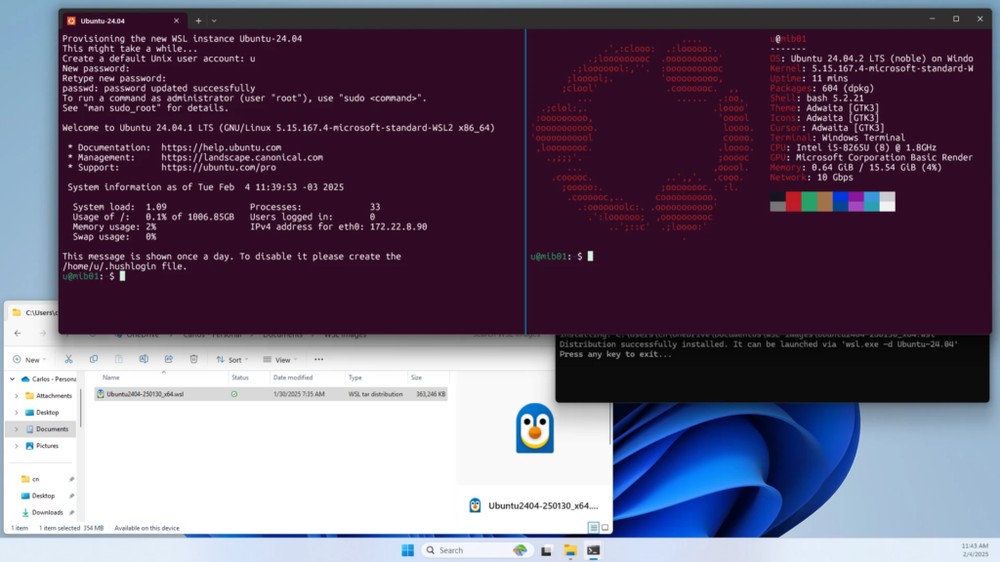
Image source:Windows Latest
This is mainly for developers.
Microsoft will optimize the file access speed between Linux and Windows this time (especially the read and write performance through the /mnt/c path), improve the performance of localhost network communication in WSL2, and simplify the installation process of Linux distributions. It is the largest upgrade in the history of the WSL.
15. Native first-party applications
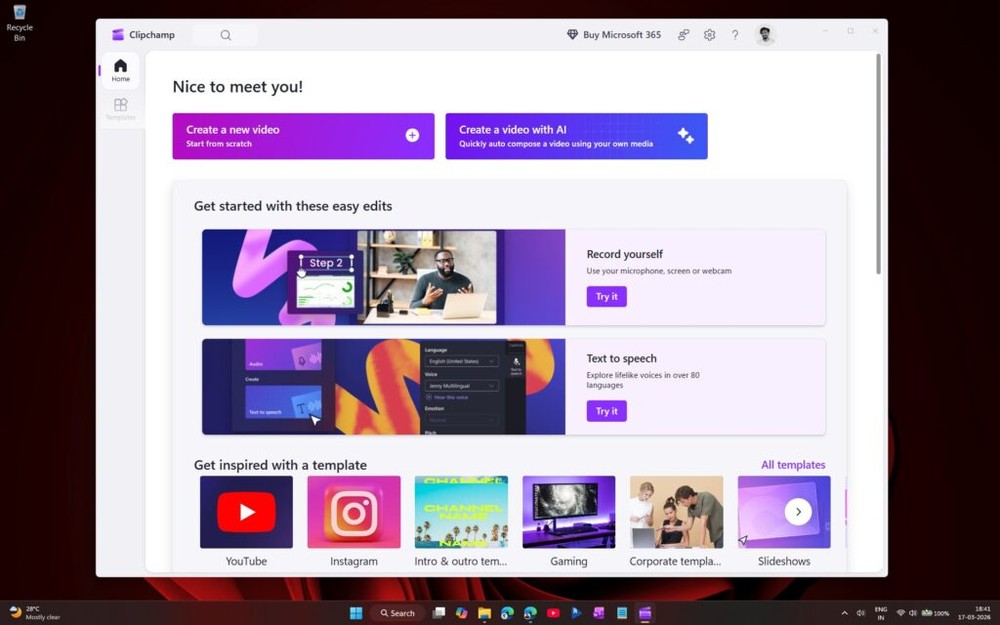
Image source:Windows Latest
Nowadays, the bottom layer of many Windows built-in apps is made of web technology, and a shell is placed on the outside. The performance and experience are not as good as true native applications.
Microsoft has set up a dedicated team to promote this, with the goal of reducing reliance on web components. This change will continue throughout 2026.
16. Function flag system
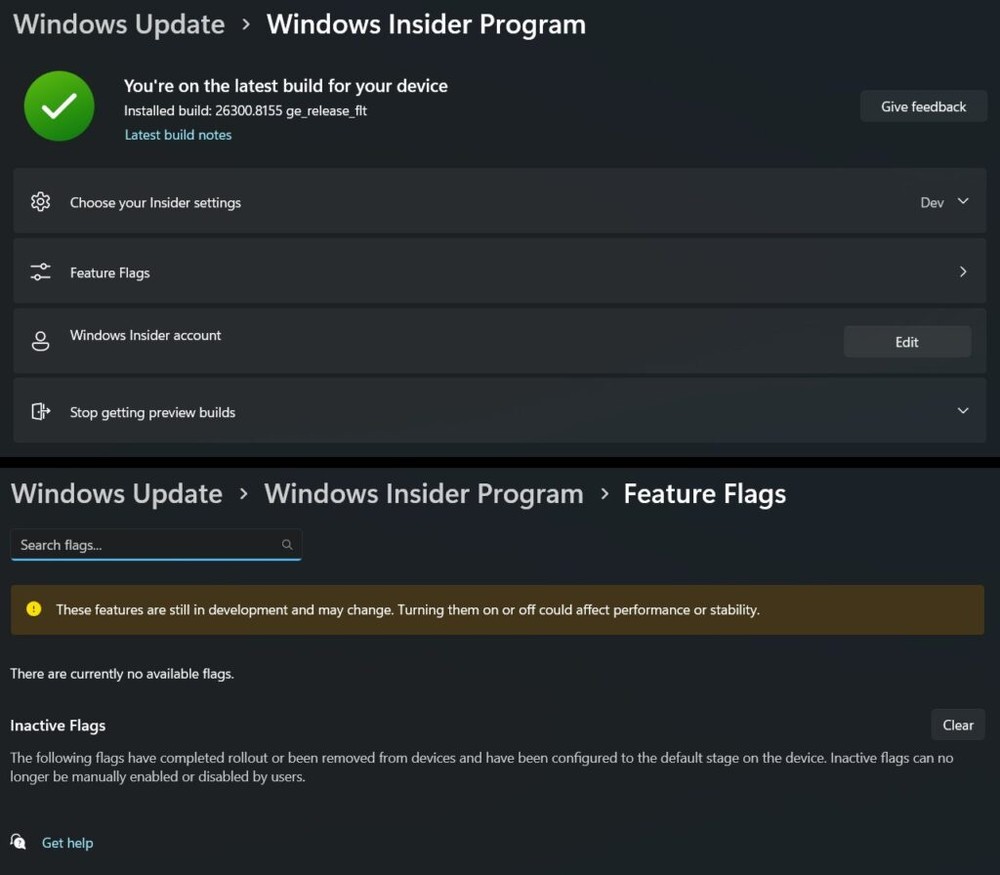
Image source:Windows Latest
This feature is very useful for users who like to try new things. Microsoft plans to add a feature flag page similar to the Chrome browser’s “chrome://flags” in settings, allowing Insider users to directly enable or disable experimental features without relying on third-party tools. This feature is currently available in Insider preview.
17. Redesign of the feedback center
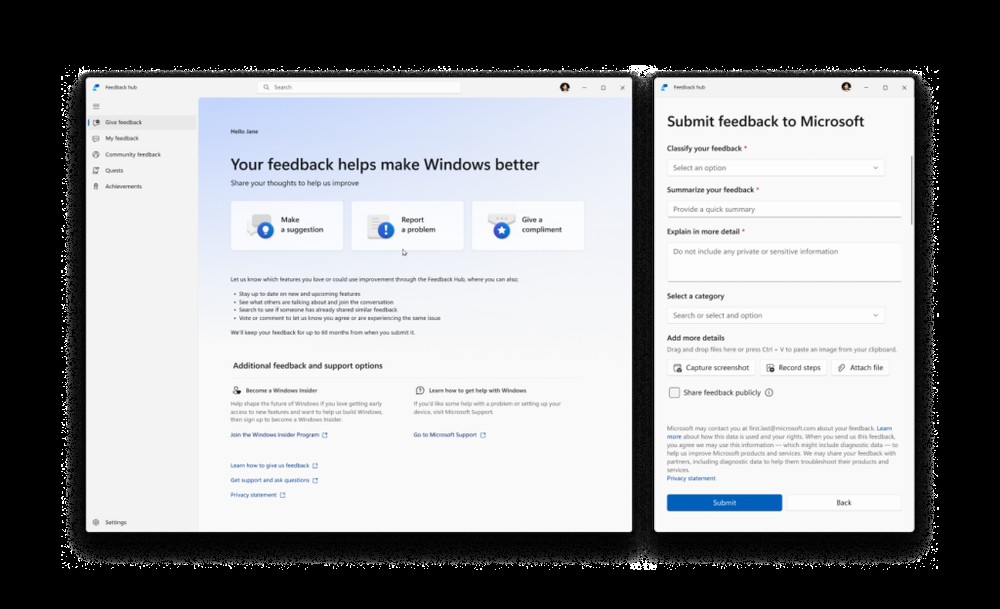
Image source:Windows Latest
The Feedback Hub is a channel for Windows users to report problems and suggest features, but its interface has never been easy to use. Microsoft will redesign its interface this time to speed up submission and make the layout cleaner. At the same time, the management interface of the Windows Insider Program will also be updated, and channel selection and instructions will be clearer and easier to understand.
18. Quieter system experience
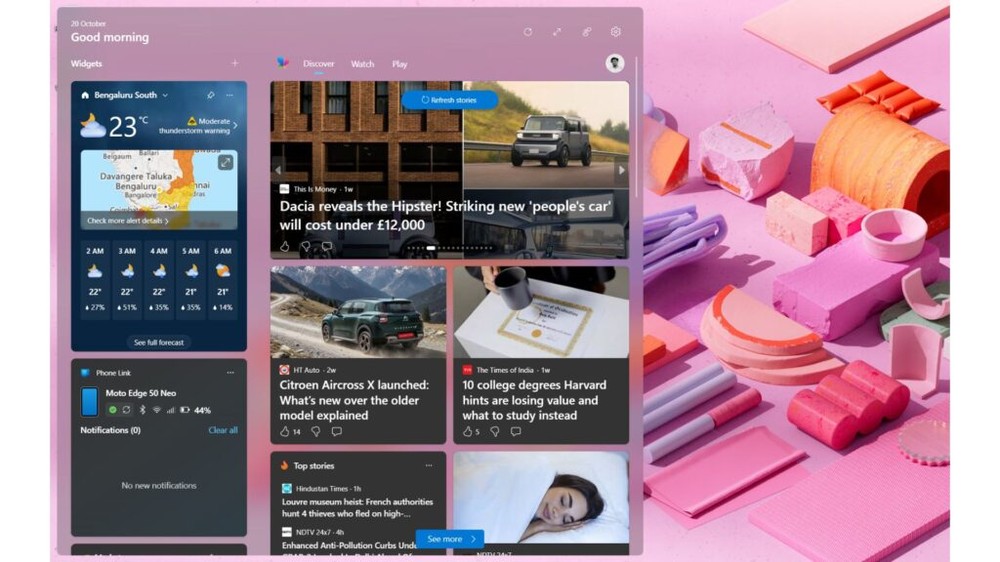
Image source:Windows Latest
Finally, Microsoft confirmed that it will reduce promotions and advertisements in the system, including Edge browser, Bing search and Microsoft 365, while allowing Widgets gadgets to display quieter default content and provide better content personalization control options. This change will be phased in through 2026.
Source: KOCPC Chinese