


If you have a little knowledge of home theater or wireless headphones, you should be familiar with the term “surround sound”. It is often used as a marketing term for speaker and headphone products, and refers to an audio experience that is more advanced than traditional stereo sound. Stereo sound only has two left and right channels, while the goal of surround sound is to create a 3D sound field that surrounds you, which usually requires a multi-channel speaker configuration, front, center, rear, plus a subwoofer. Although modern Bluetooth headsets do not have physical multi-channel sound, they can simulate similar effects through the software algorithm of “virtual surround sound”.
On top of this, there is further Dolby Atmos. This is a set of proprietary audio technology that adds “height channels” to the original surround sound, so that sounds not only come from all directions, but also fall from overhead. In professional theaters or high-end home theaters, Atmos is implemented through multiple sets of sound channels, including ceiling-mounted or upward-firing speakers. It can simultaneously control up to 118 independent audio objects in a 3D space, making the sound of music, movies, and even games more directional and immersive.
How to use Dolby Atmos with your Bluetooth speakers and headphones?
Of course, the best way to experience Atmos is still a complete multi-speaker system, but that requires space, budget and installation costs. The good news is that with binaural surround sound technology, you can enjoy Atmos content on almost any headset; using speakers will also work, but the immersion will be slightly compromised. The real difficulty is often not the hardware, but ensuring that your devices, players, and content sources all have the correct settings enabled so that the entire system works as expected.
Some tips for playing Dolby Atmos content
Dolby said that you do not need special headphones to experience Dolby Atmos. As long as your headphones or speakers can be connected to your mobile phone or computer, you already have the basic conditions. However, you still need a device that can perform Atmos decoding. Most mid-range and flagship phones already have relevant licenses built-in; if you are using a Windows computer, you will need to install the Dolby Access app additionally.
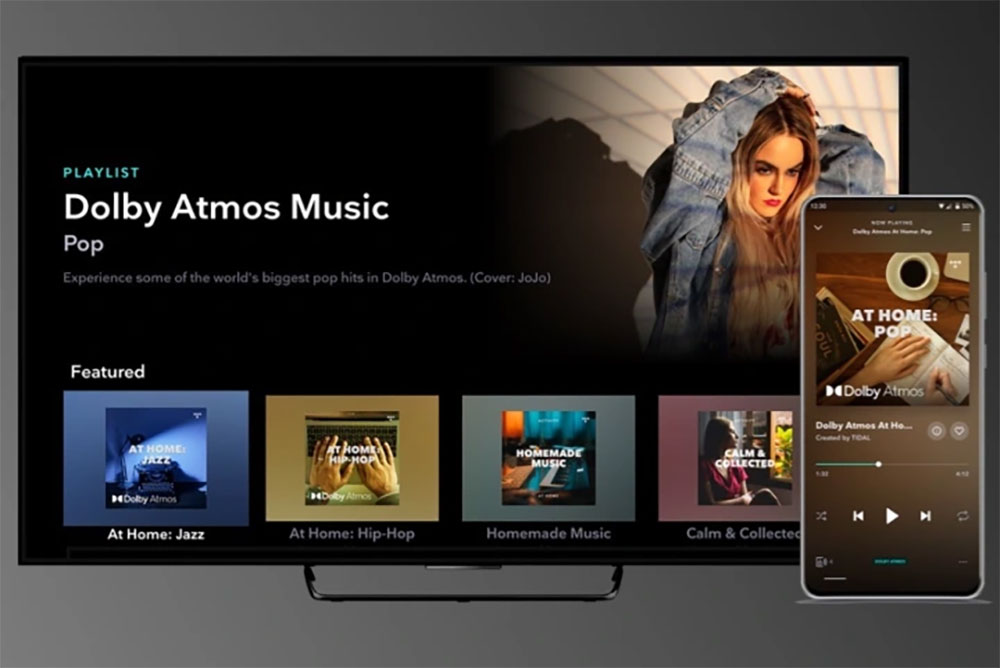
Streaming platforms that support Dolby Atmos music include Apple Music, Tidal, and Amazon Music Unlimited. After actual testing, we found that Apple Music has the most complete experience in searching and playing Atmos tracks; Tidal’s Atmos music library is equally rich and will clearly distinguish Atmos tracks from regular versions. No matter which platform you’re using, if you see the Dolby Atmos logo next to an album or song title, you’re playing Atmos music. Film and television platforms such as Netflix and Apple TV+ also provide a large amount of Atmos content.
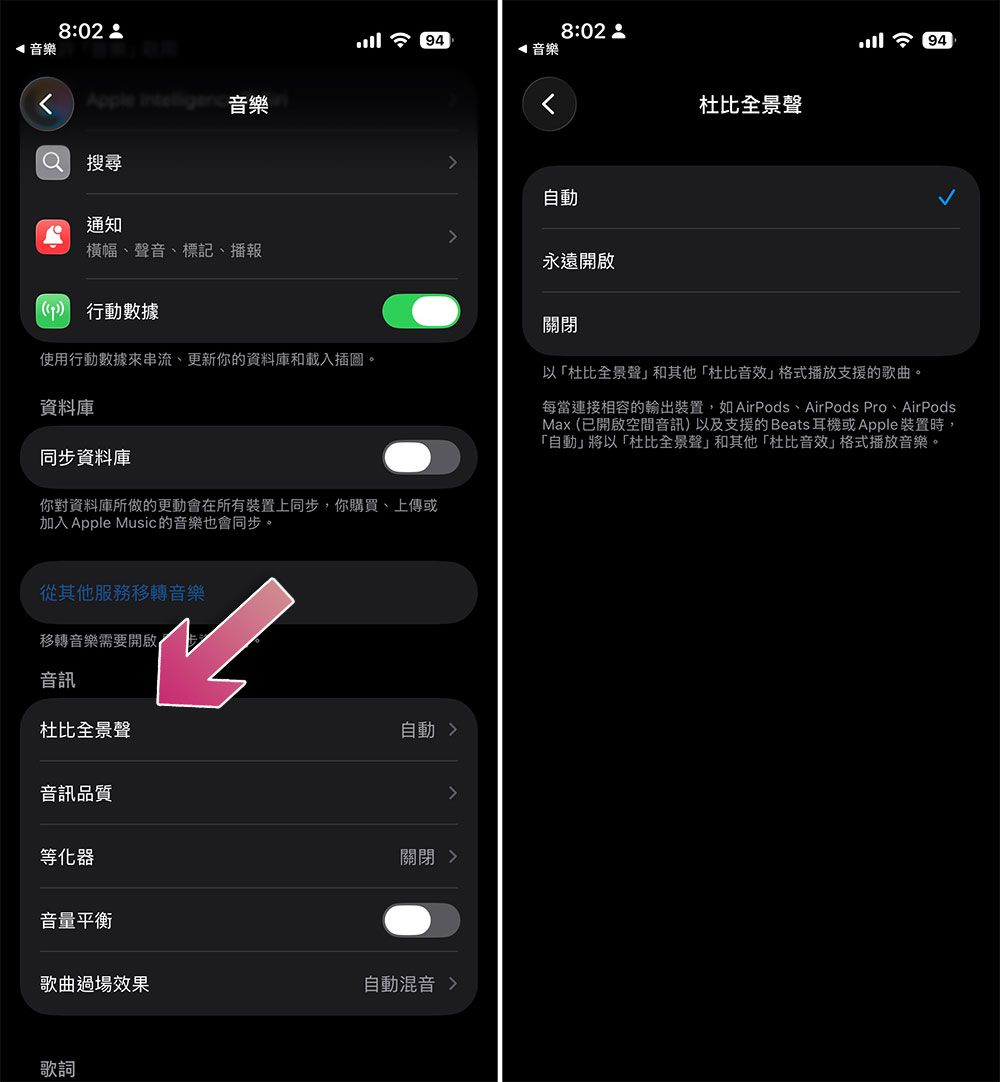
Even if your phone or computer supports Atmos, it usually still needs to be enabled manually. This option is most likely found in the sound settings. For example, when using Apple Music on iPhone, you can go to “Settings” > “Music” > “Dolby Atmos” and select “Auto” or “Always On”. After completing the settings, you can start enjoying the immersive sound experience brought by Dolby Atmos.
Do you need Dolby Atmos-enabled headphones?
If you have been choosing headphones or Bluetooth speakers recently, you may have noticed that some products specifically support Dolby Atmos. Dolby even lists recommended headphones on its official website. However, as mentioned before, you don’t actually need “dedicated headphones” to listen to Atmos, and this still holds true today. Because Atmos decoding is primarily handled by your phone or computer, most Bluetooth headphones can play Atmos mixes.
The situation with Bluetooth speakers is slightly different. When the earphones are close to the ears, they can naturally form better channel separation; however, most Bluetooth speakers cannot achieve the same level of positioning effect. Even if the Atmos audio itself is output normally, it is difficult for ordinary speakers to reproduce the immersive and enveloping feeling of headphones. However, Dolby still officially supports a variety of Soundbars, because they usually have multi-channel configurations and even include upward-firing monomers, which can more fully present the height effect of Atmos.
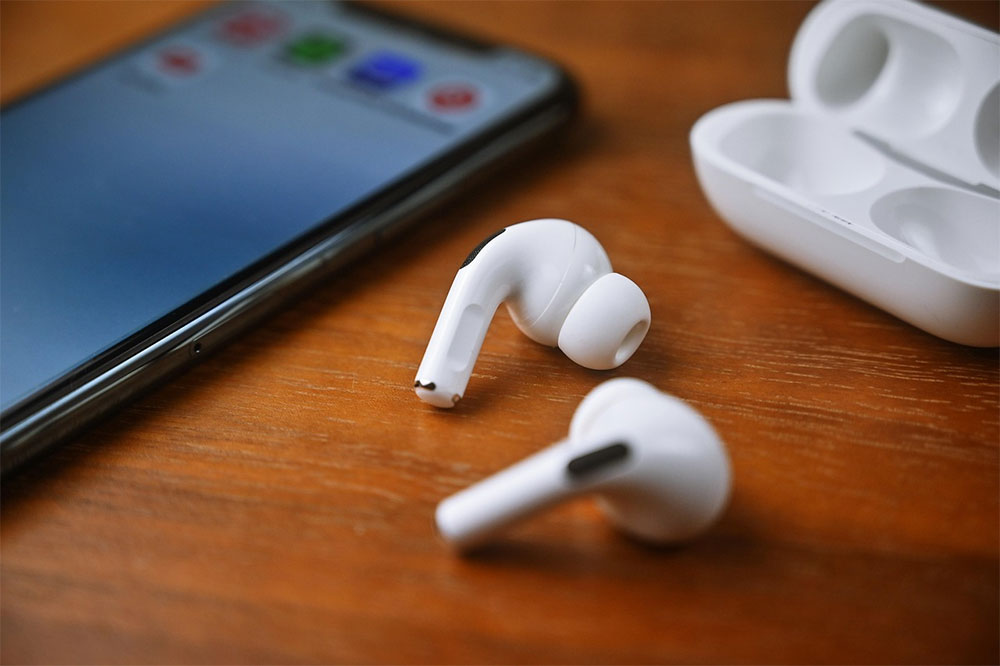
High-end headphones such as AirPods 4 or Sonos Ace have also added head tracking functions, which can change the direction of the sound according to your movements, further enhancing the sense of immersion. Headphones that support Dolby Atmos are usually equipped with higher-end drive units, active noise reduction and other functions. The overall sound quality and experience are naturally better than entry-level Bluetooth headphones.
Source: KOCPC Chinese