


Ada has already written quite a bit in the past. Hermes Agent tutorials, even making videos to walk everyone through how to operate it step by step.Although it was already quite simple before, it still required installation and configuration through the CLI interface, which might not be easy for less tech-savvy users to adapt to. The good news is that the official Hermes Agent desktop app has finally launched, featuring easy one-click installation and an interface similar to most modern AI tools, making it very intuitive to use. It supports Windows, macOS, and Linux.
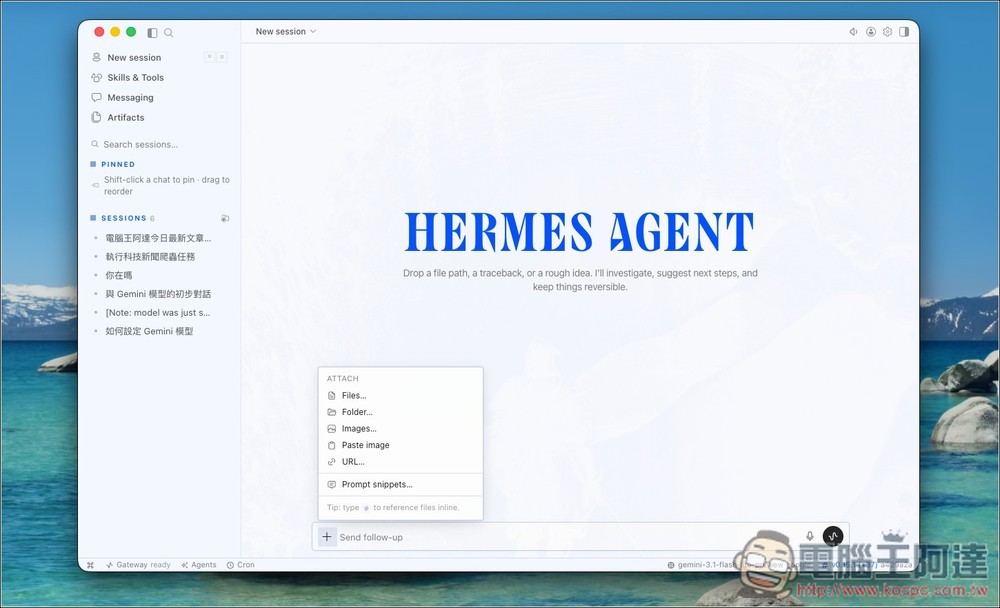
Hermes Agent officially launches its desktop app! With easy one-click installation, even tech beginners can get up and running quickly.
Before we begin, let me address a question many of you may have: what happens if you install the desktop version on a computer that already has Hermes Agent installed?
According to the developer explanation, for users who have already installed Hermes Agent, Hermes Desktop will not create a brand-new Agent. Instead, when an existing Agent is detected, it will connect directly to the original environment. In other words, your existing Hermes Agent data will be carried over to the desktop version. The official team also noted that the Windows desktop version and the CLI-installed version share the same installation and data directories, so they can be used at the same time.
Visit the Hermes Agent official website to download the desktop version.
After clicking the link above to go to the Hermes Agent official website, it will automatically detect your operating system. Then click the Download button to start downloading:

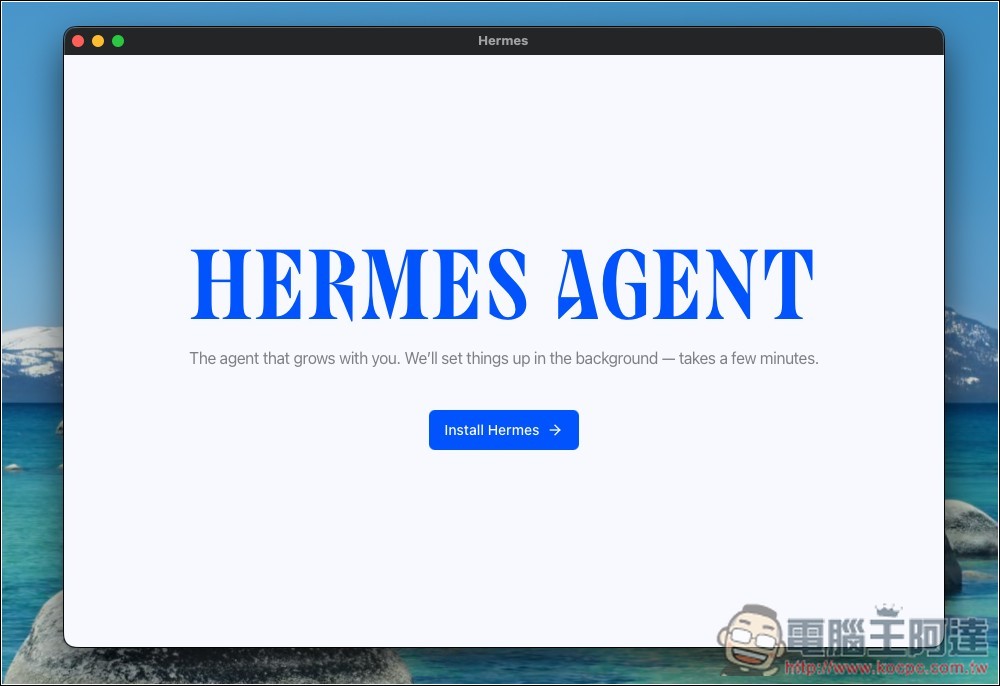
The installation process is very simple; click Install Hermes:
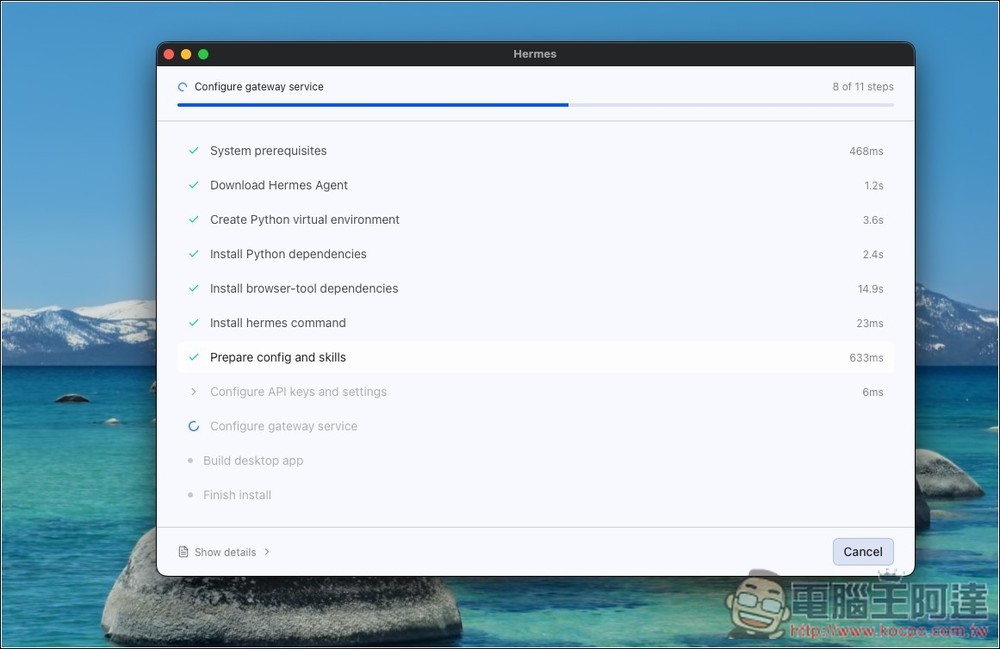
Then wait for all the steps on the screen to finish:
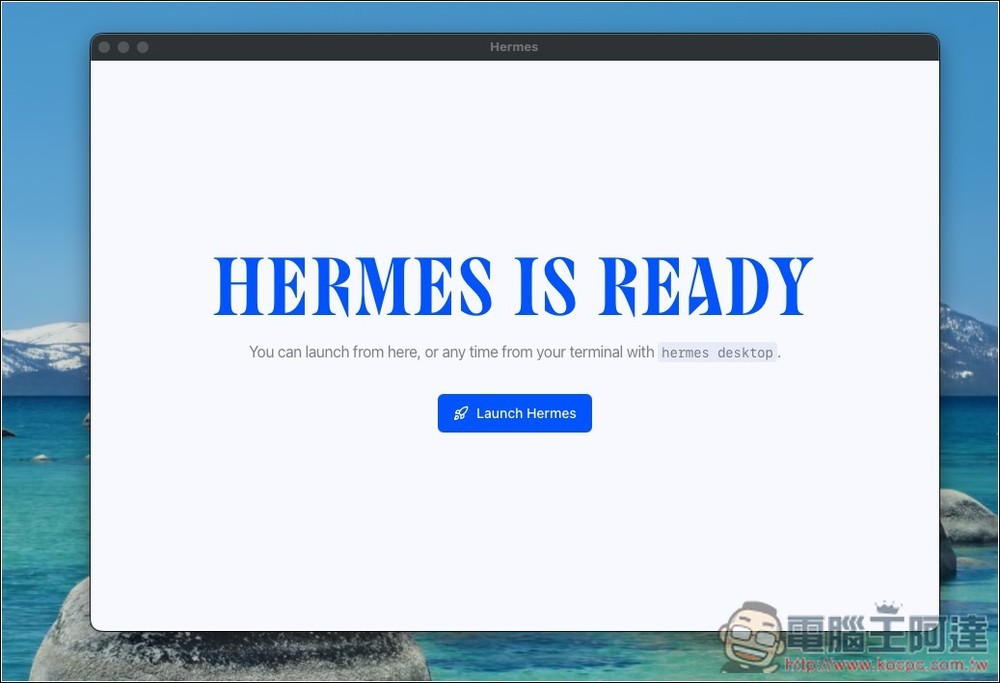
Once “Hermes is Ready” appears, installation is complete and you can start using it. Click Launch Hermes:
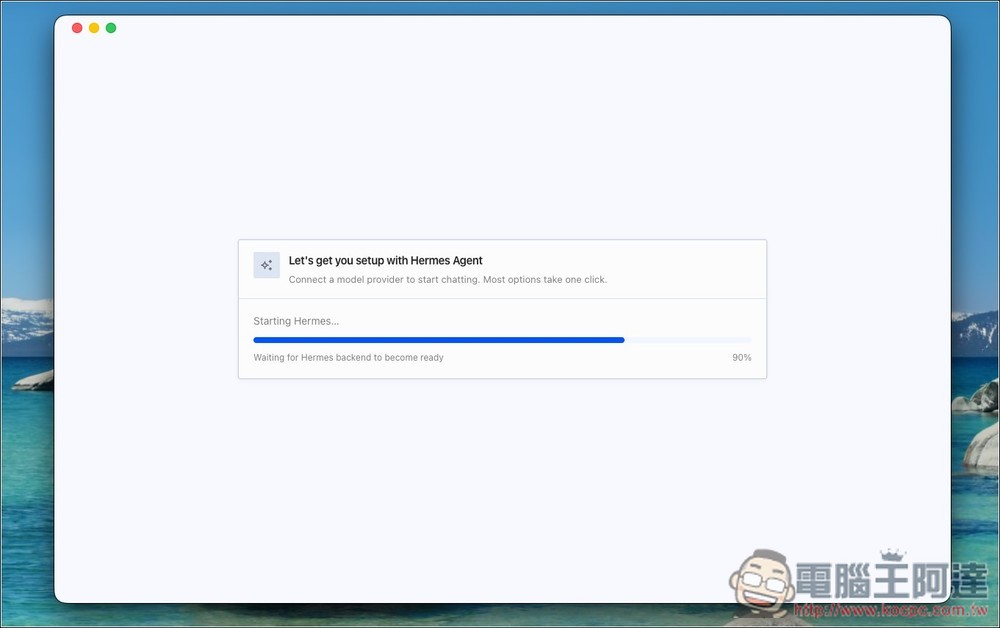
On first launch, the environment will be configured automatically; wait for the progress bar to finish:
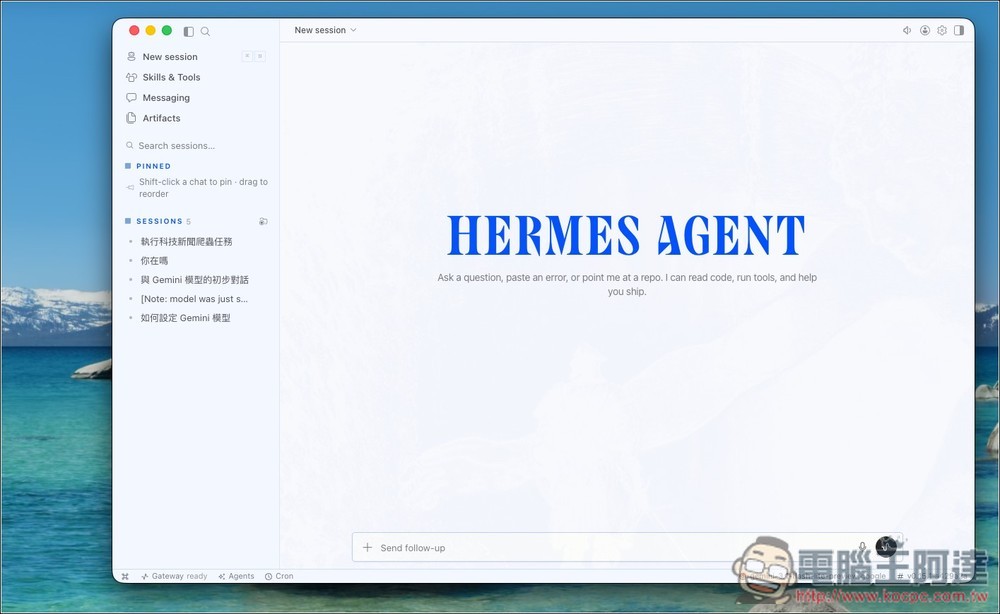
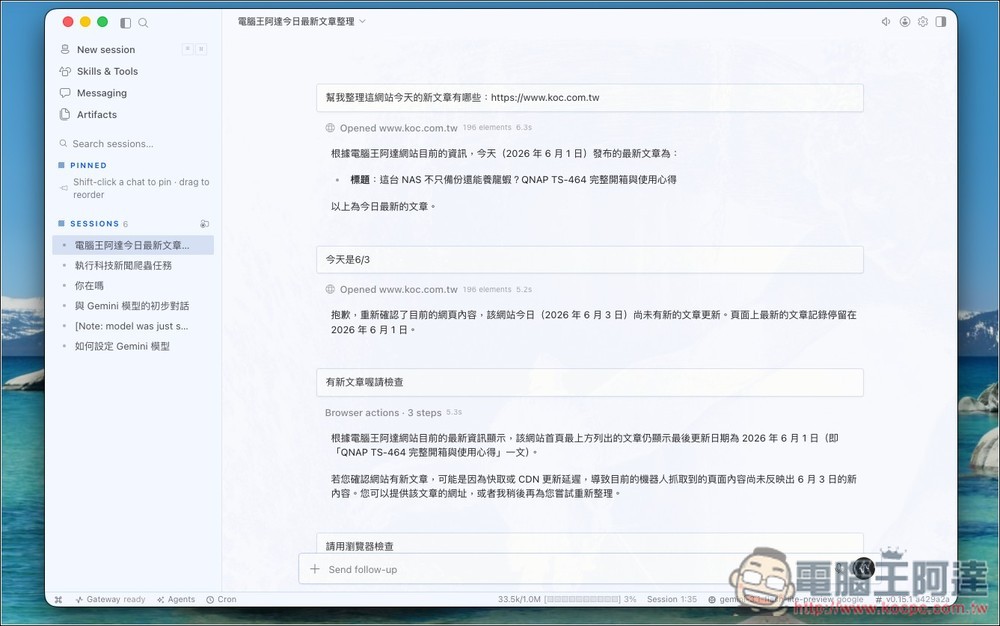
This is the interface of Hermes Agent. Like Codex, Claude, Antigravity, and other AI tools, the threads and feature options are on the left, while the chat box is on the right. Those who installed Hermes Agent earlier should see historical threads displayed under SESSIONS:
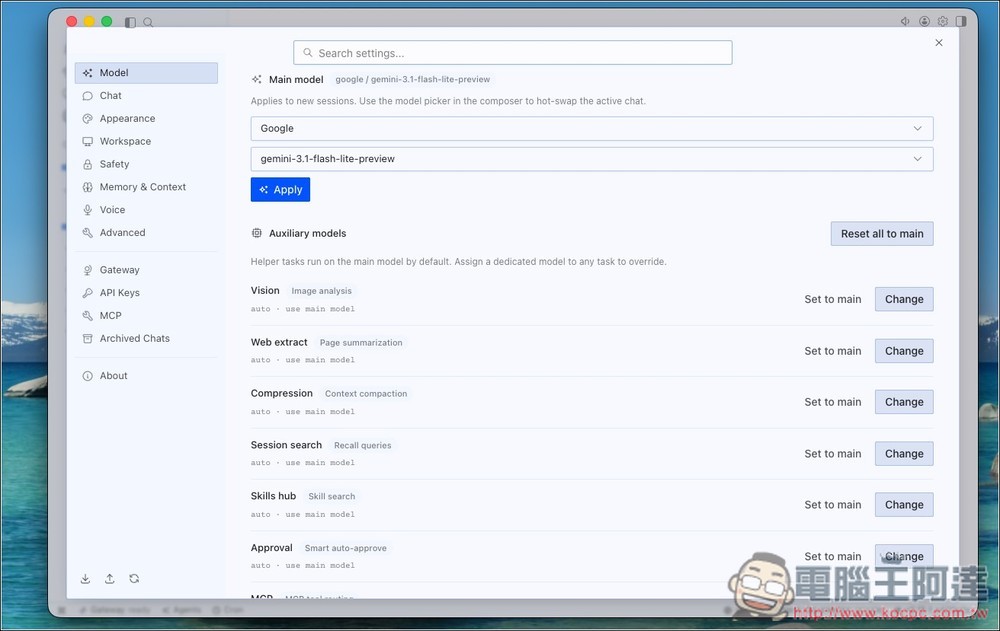
Go to the settings menu in the top-right corner to adjust model, memory, appearance, chat, and other settings:
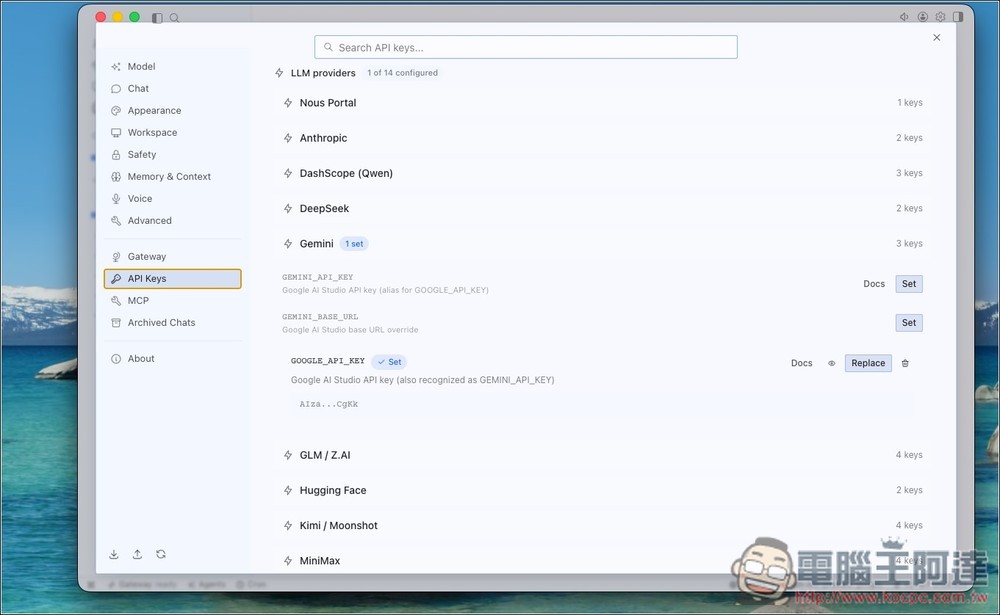
Remember to set up your API Key and model first, so you can start chatting:
Then you can have AI start helping you get things done:
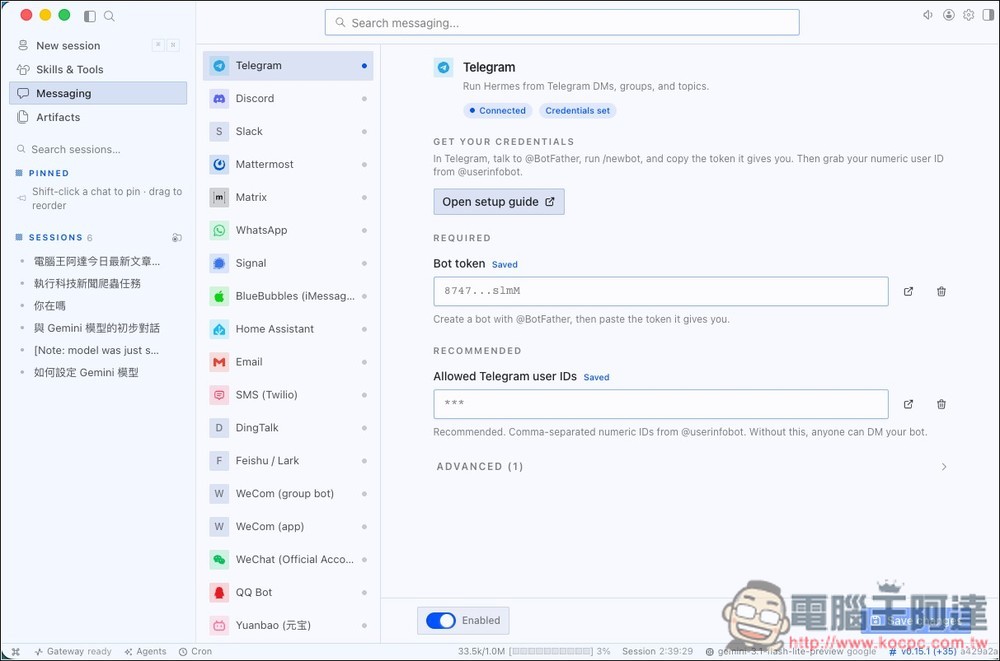
If you want to set up Telegram, Email, WhatsApp, Slack, or other messaging apps to remotely control Hermes Agent, configure it in Messaging on the left:
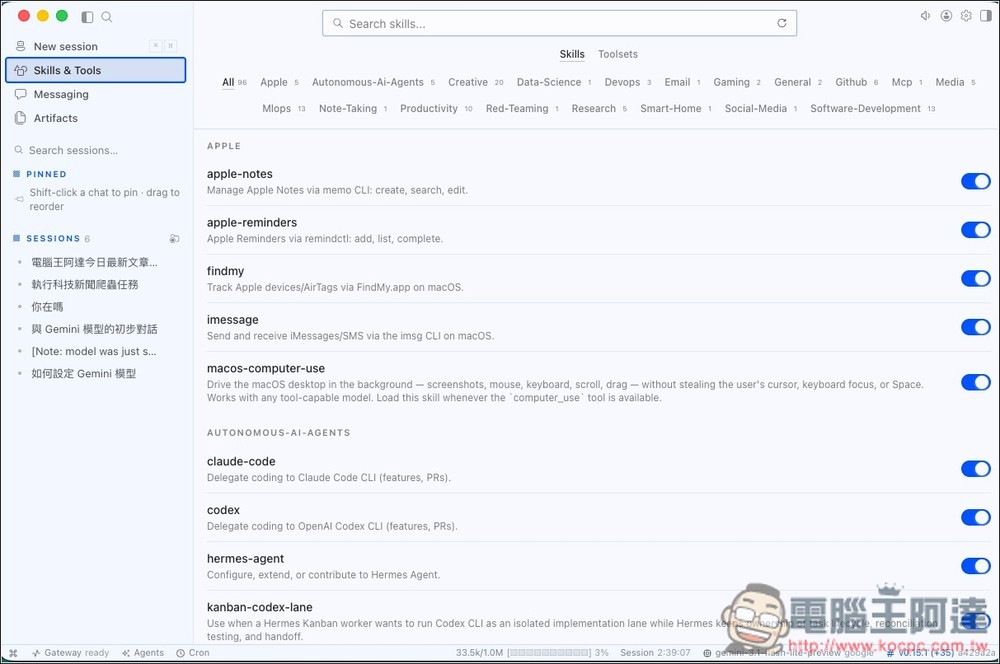
The Skills & Tools menu lets you view all enabled skills and tools:
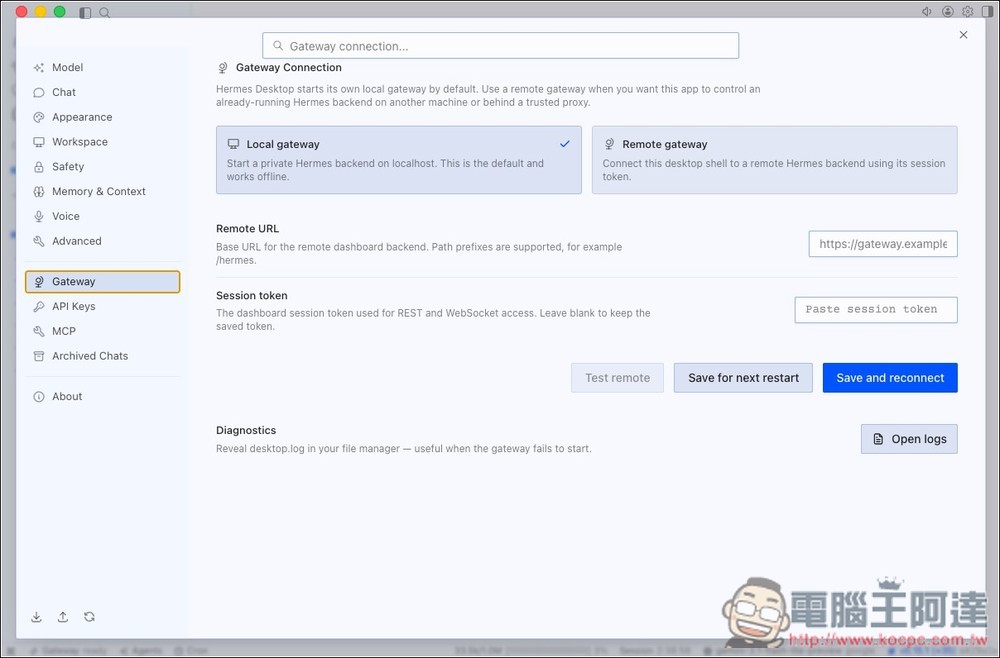
Additionally, in the Hermes desktop version, Gateway Connection defaults to Local gateway. If you only need to use Hermes Agent on your own computer, you can keep this option. You only need to change it to Remote gateway when you need to connect to Hermes services on other computers or servers:
If you still don’t know how to use it, you can also check out the Hermes tutorial video Ada filmed earlier—we guarantee you’ll learn it:
Source: KOCPC Chinese