


For many Linux players, “easy to use” has never been a simple word. Valve launched Proton in 2018, allowing Windows games on the Steam platform to run in a Linux environment, which was seen as a milestone. However, even so, in real gaming experience, the gap between Linux and Windows has never been completely resolved: for example, the frame rate numbers may be similar, but the seemingly non-existent stuttering, subtle screen tearing, and unstable frame pacing have become a lingering shadow in the minds of experienced players. Valve and CodeWeavers recently quietly released Proton 11.0 Beta 1: a major update that rewrites the underlying architecture of Linux games. The core of this upgrade is to re-build the entire Proton stack on the basis of Wine 11, and bring in the NTSync technology that the community has been waiting for for many years, making the Linux gaming experience truly approach the level of Windows for the first time.

What is Proton? Why is this upgrade so important?
Proton is a Windows game compatibility layer created by Valve for Steam Deck and Linux platforms. The core is built on the open source Wine project. Wine (Wine Is Not an Emulator) is not an emulator, but a translation layer that converts Windows API calls into a language that Linux can understand, allowing native Windows games to be executed in the Linux environment without modification.
Based on Wine, Proton further adds components such as DXVK (translation layer for DirectX to Vulkan), VKD3D-Proton (DirectX 12 to Vulkan), and makes a large number of customized optimizations for game compatibility. The progress of each generation of Wine will directly benefit almost all users of Proton and SteamOS. Wine 11 is the most significant upgrade in recent years.
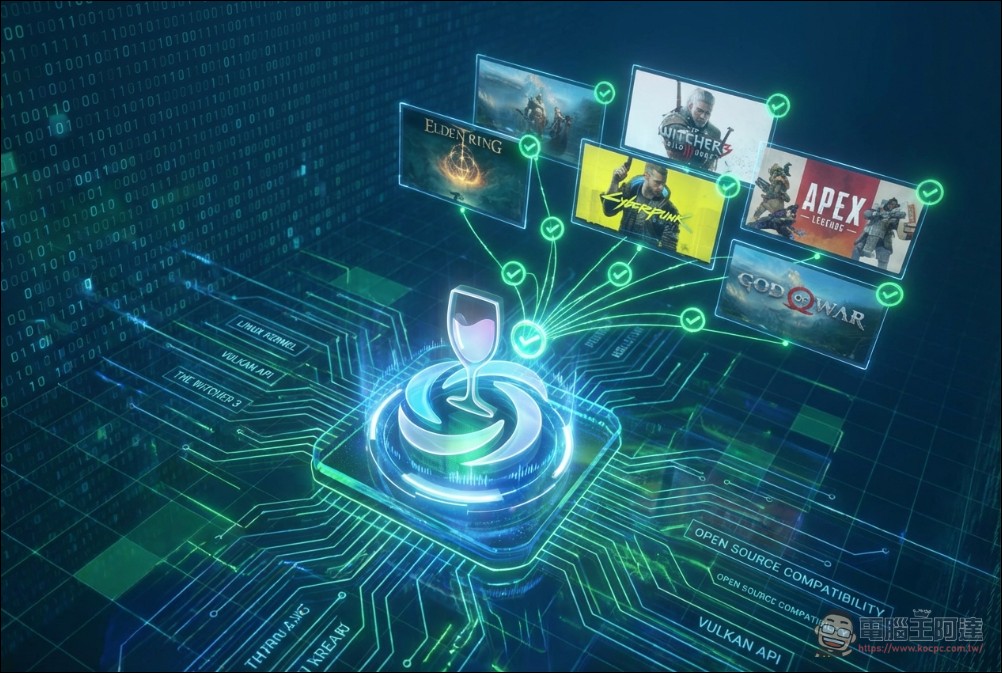
NTSync: Solving the fundamental problem of multi-thread lagging
To understand the significance of this upgrade, you must first understand a problem that has plagued Linux games for many years: Windows NT synchronization primitives.
Modern games almost entirely rely on multi-thread architecture – rendering, physics operations, sound effects processing, and AI logic run on different CPU execution threads. Frequent synchronization and coordination between these execution threads is required, such as waiting for texture loading to complete before rendering the next frame. Windows handles these coordination tasks through the NT synchronization mechanisms built into the core (mutex, semaphore, event, etc.).
Wine has historically been able to handle these mechanisms on Linux only through “emulation”: every time synchronization is required, an RPC call is sent to a dedicated process called wineserver and then waits for a response. In a modern game where these calls may be made thousands of times per second, this overhead is considerable, directly causing unstable frame timing, minor stuttering, and the problem that even if the FPS number looks good, the actual physical experience is always “just a little bit off”.
Previously, the community has developed workarounds such as esync and fsync, which use Linux’s eventfd and futex mechanisms to reduce the frequency of wineserver calls and improve some situations. However, these solutions are all patching in user space, which is essentially a detour, not a cure.
NTSync (NT Synchronization) is the real solution. It is a Linux core module that directly simulates the synchronization behavior of Windows NT at the core level, completely bypassing the round-trip delay of wineserver. Wine 11 officially adds support for NTSync, which requires Linux 6.14 or newer kernel, and users need to manually load the ntsync module (execute sudo modprobe ntsync)。
Other big improvements in Wine 11
In addition to NTSync, Wine 11 brings architectural upgrades in multiple aspects:
The WoW64 model is fully mature:Wine 11’s WoW64 mode (which allows 32-bit Windows applications to run on 64-bit systems without installing additional 32-bit libraries) is fully functional and can even support 16-bit applications. Interestingly, this means that Wine’s support for 16-bit applications is as difficult as Windows itself, because modern Windows cannot natively execute 16-bit programs. This is a great boon for preserving old games.
Wayland driver has been greatly improved:Wine 11’s Wayland driver adds bidirectional clipboard support, the ability to drag and drop from Wayland applications to Wine applications, and simulated screen resolution switching (via compositor scaling), allowing many older games to work correctly when trying to switch to a lower resolution.
GPU rendering improvements:The EGL backend becomes the default OpenGL rendering method on X11, replacing the old GLX backend; Vulkan 1.4 API support is added; the function of H.264 hardware decoding through Vulkan Video is also online, allowing game cutscenes and streaming applications to use GPU decoding instead of consuming the CPU.
Thread priority adjustment:Wine 11 has made adjustments to the thread priority mechanism on Linux and macOS to help make multi-threaded games run more smoothly (this is a separate improvement from NTSync, but they complement each other).
Proton 11.0 Beta 1: Comprehensive component upgrade
Based on Wine 11, Proton 11.0 Beta 1 further integrates the latest versions of multiple core components. According to Phoronix, this update includes:
- DXVK 2.7.1-git (DirectX 9/10/11 → Vulkan translation layer)
- VKD3D-Proton latest version (DirectX 12 → Vulkan translation layer)
- VKD3D 1.19-git
- DXVK-NVAPI 0.9.1
- Wine Mono 11.0
- FEX 2604 (for ARM64EC architecture, indicating the technical preparation of Steam Frame handheld console)
What is worth noting is the release of the ARM64 version of Proton, coupled with the FEX translation layer, which means that Valve is actively laying the groundwork for its rumored ARM-based Steam Frame handheld console.
Compatibility leap forward: more games are directly playable
Proton 11.0 Beta 1 brings a long list of game compatibility improvements. According to the official GitHub release notes, the following games have been upgraded from “can only run on Proton Experimental” to “mainline support”:
Universe Generator: The Golden Sword、DCS World Steam Edition、Resident Evil(1996)、Resident Evil 2(1998)、Dino Crisis、Dino Crisis 2、From Dust、METAL GEAR SURVIVE、Warhammer: Vermintide 2、SHOGUN: Total War(and several others)
Additionally, the following games are now playable in the Proton / Steam Play environment for the first time:Unknown Faces、Gothic 1 Classic、X-Plane 12、Breath of Fire IV、Deadly Premonition。
In terms of launcher compatibility, multiple known issues with EA Desktop, Rockstar Launcher and REDLauncher (used in Cybertron 2077, The Witcher 3, etc.) have been fixed. Among them, the problem of many EA games being unplayable due to recent EA Desktop updates has also been solved in this version.
VR support has also been enhanced: Microsoft Flight Simulator’s VR controller tracking issues have been fixed, and No Man’s Sky’s VR mode works properly again.
The release of Proton 11.0 Beta occurs at a critical juncture in the rapid development of the Linux gaming ecosystem. The improvements in Wine 11 will benefit both Proton and SteamOS, benefiting Valve’s Steam Deck and all devices running SteamOS. Statistics on the Steam platform also reflect this trend: Linux game usage continues to grow, and Proton continues to lower the threshold for porting Windows games to Linux, making more than tens of thousands of Steam games playable on Linux.
How to use Proton 11.0 Beta?
Users who want to experience Proton 11.0 Beta 1 can manually select the beta version in Steam’s “Steam Play” settings to activate it. To take advantage of the full benefits of NTSync, you need to confirm that the system core version is Linux 6.14 or above and manually load the ntsync module. Some Linux distributions (such as CachyOS) have related optimizations enabled by default, but most mainstream distributions still require manual settings.
Valve has not yet announced the expected release time of the official version of Proton 11.0.