


In 2025, Apple unveiled its most groundbreaking iOS update in nearly a decade at WWDC: Liquid Glass. This is a new design language that has been applied to all major Apple operating systems, but the experience on iPhone is particularly good. The interface elements present a delicate transparent texture, the response speed of buttons and menus is significantly improved, and the overall visual effect is gorgeous and smooth.
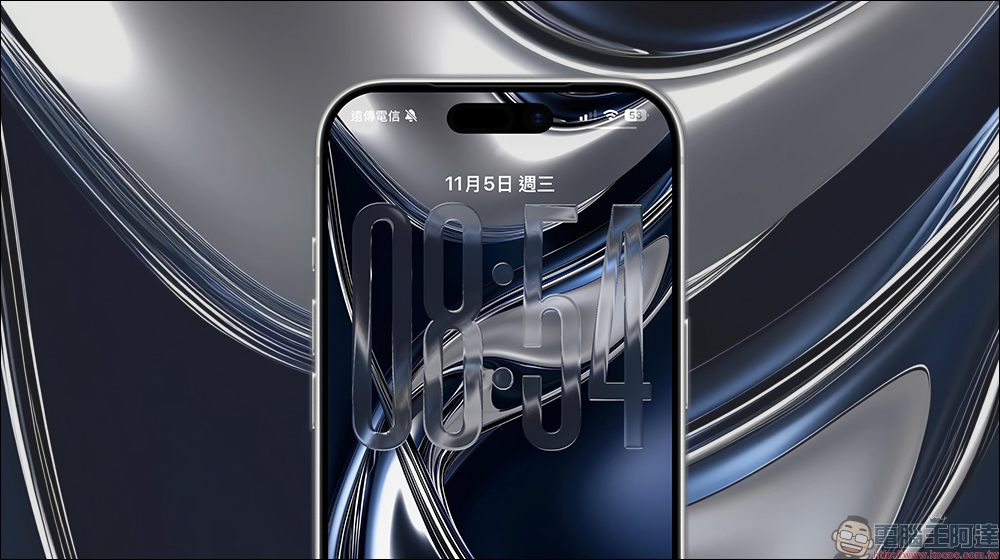
4 iOS 26.4 features you may not have noticed
However, user feedback is divided. Some people appreciated the novel visual style, but others criticized it for its accessibility shortcomings. Apple subsequently tried to strike a balance between transparency and usability through multiple beta and stable versions. At the same time, the new version also fixed common problems with iOS 26, including rapid battery consumption, performance degradation, and unstable connections.
Apple has always been accustomed to adding new features in minor version updates. Some updates become the focus of the media, but many are quietly launched. As of now, compatible iPhones can be upgraded to the new stable version, iOS 26.4. This update brings an app redesign, new features, bug fixes, and a host of minor improvements that improve the overall user experience.
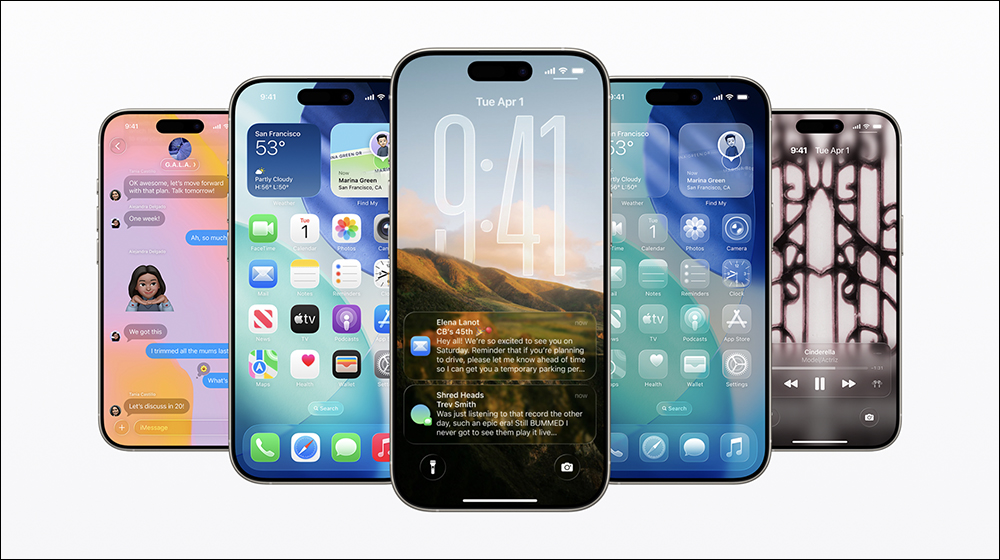
Apple Music
Apple Music has been an integral part of the iPhone experience since its launch in 2015, competing head-on with streaming services like Spotify and YouTube Music as a pre-installed app on all Apple devices. However, compared to other iPhone apps that are updated through the App Store, Apple Music’s feature updates are always bundled with the iOS system version, which still confuses many users.
In the latest version, Apple Music has redesigned the album and playlist pages. The system will automatically capture the main color of the album cover and extend it to the entire interface, including the background color of the track list, giving each album and playlist a more distinctive personality and visual style. However, if you are used to using dark mode, you may be “brightened” by some album covers with strong colors.
This update also adds a new smart feature, “Playlist Playground,” which uses Apple Intelligence to automatically generate playlists based on your needs. For example, you can ask it to create a playlist suitable for a weekend family outing. To use this feature, just go to the “Library” tab, click the “New Playlist” icon, and then select “Create New Playlist.” This feature is currently only available in the United States.
Another practical improvement is that users can now add the same song to multiple playlists at once, eliminating the trouble of repeated operations. In addition, Apple Music has also begun to display concert information in the app, making it easier for you to keep up with the latest updates from your favorite artists.
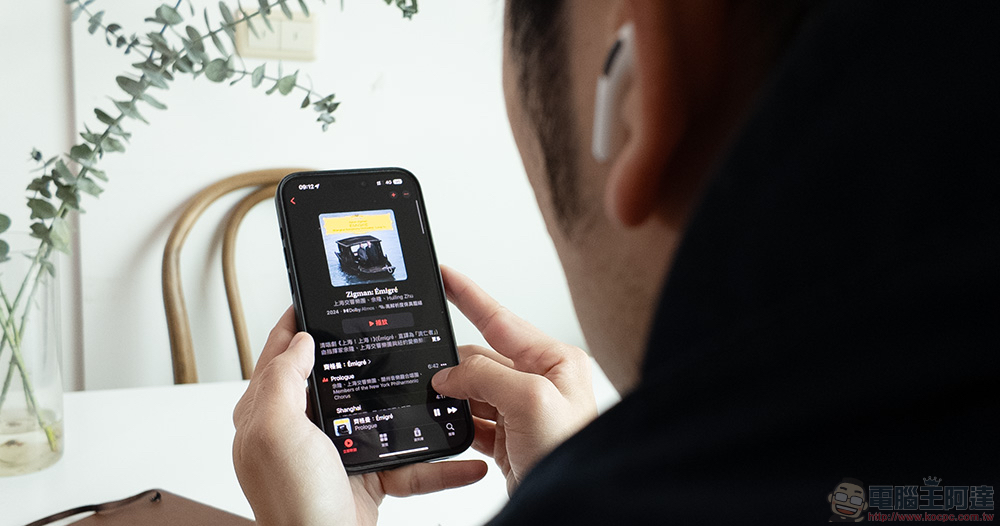
A more convenient way to play ambient music
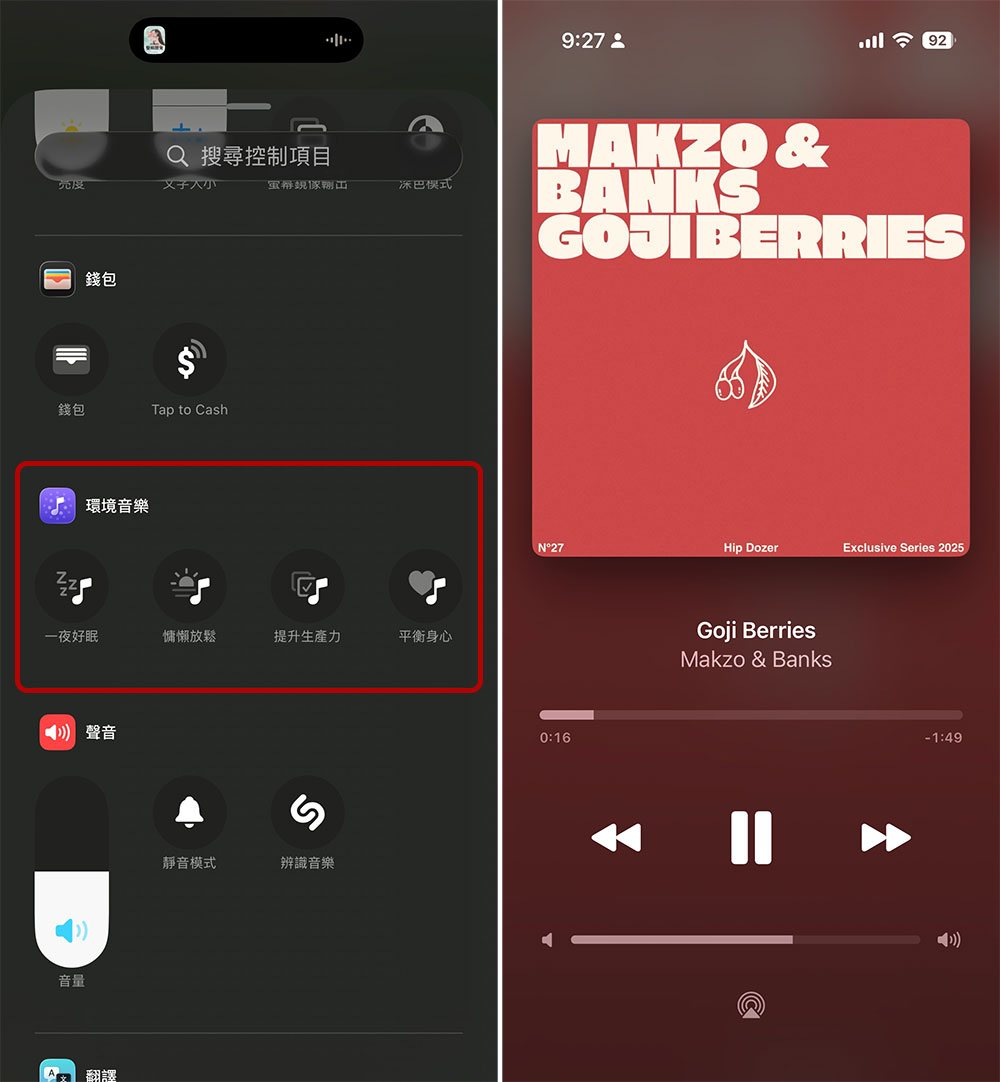
There are many tools on the market to improve focus and efficiency, but if you are the kind of person who can’t get into work mode without background music, the new features of iOS 26 may just come in handy. Apple has added “ambient music” in this update, providing four types of background music for sleep, relaxation, efficiency and health. The function itself is quite practical, but the initial operation process is not intuitive. You must first add a switch in the control center to enable it quickly.
However, starting from iOS 26.4, Apple provides a more convenient way, you can put the “Ambient Music” widget directly on the home screen. As long as you press and hold a blank space on the home screen, click “Edit” and select “Add Widget”, you can add two different forms of widgets: one is a small version that can quickly switch music types; the other is a medium version that can launch all four music types with one click. When editing the gadget, you can also specify which playlists to draw tracks from for each music type. In addition to Apple’s preset situational playlists, you can also choose any of your own playlists in Apple Music.
When ambient music is playing, you can enter the “Ambient Music” app through the playback notification on the dynamic island or lock screen. The interface design is very close to Apple Music, but the functions are more streamlined, providing only basic controls such as play, pause, and skip.
Better typing accuracy
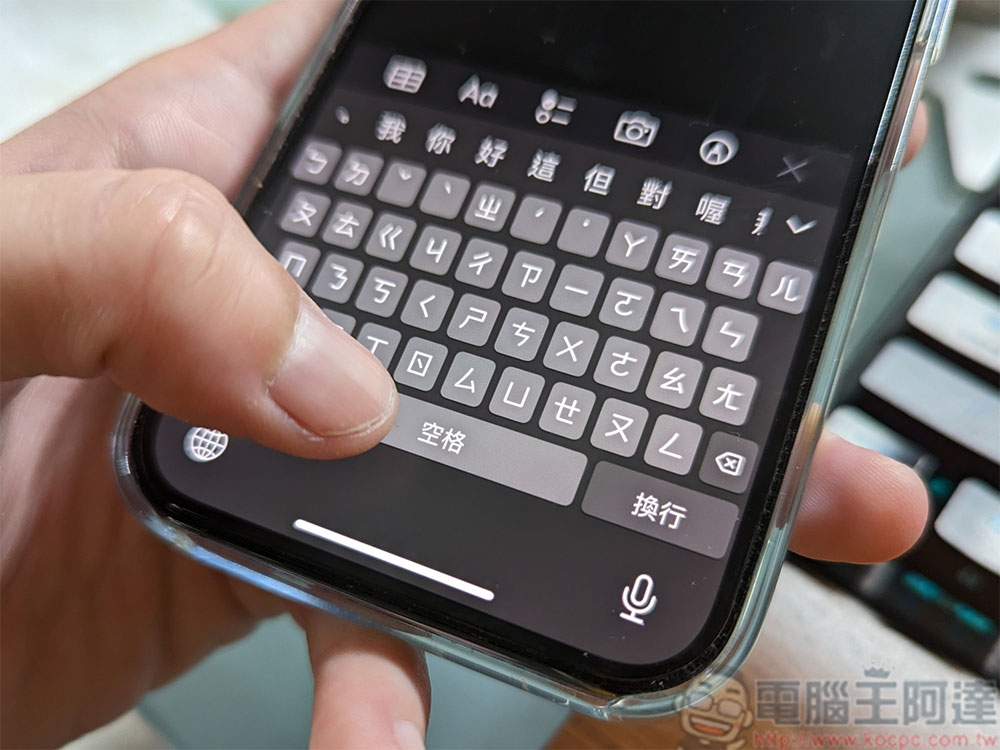
The change log does not always revolve around new features. Many times, what really affects the user experience is actually bug fixes, because they can directly improve the stability of the system. iOS is certainly not perfect, and one of the most common complaints in recent years has been the disappointing keyboard experience on the iPhone. It’s a shame that it lacks a dedicated number bar or built-in translation (competing products like Gboard already offer it), but the problem goes far beyond just a lack of features.
Many users have reported that the built-in iOS keyboard suffers from delays and freezes when typing, and the accuracy of automatic correction has also been poor for a long time. What’s more serious is that many people have recently pointed out that the keyboard even misjudges input characters, resulting in a significant increase in the frequency of typing errors. Although it took Apple a long time to solve these problems, in iOS 26.4, the accuracy of the keyboard has finally been improved.
This improvement may not be noticeable at first, but if you type fast, the difference will be quite noticeable. In our experience, typos have indeed been reduced in the latest version. However, occasional lags still exist, especially in applications that have not adopted the Liquid Glass design language and still use the old keyboard interface, and the input experience is still slightly laggy. Hopefully, the next iOS update will further drastically improve keyboard performance.
There are some other features
iOS 26 brings many large-scale features that are worthy of in-depth experience, but small version updates like 26.4 actually quietly add some practical but easily overlooked improvements. This update also continues this pattern, adding several new features that, although not eye-catching, can really improve the daily use experience.
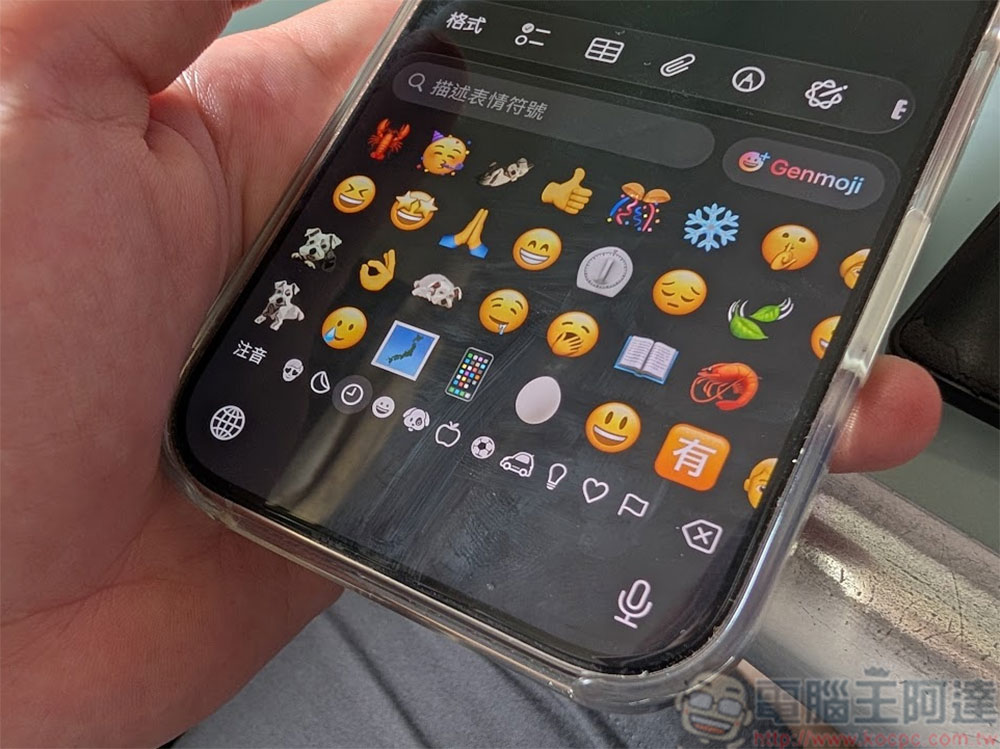
One of the most interesting updates is the addition of eight new emojis, including treasure chests, landslides, killer whales, ballet dancers, furry monsters, battle clouds, and the most anticipated “distorted shy face.” Since emoticons are developed and pushed uniformly by the Unicode Consortium, these new patterns can be displayed normally as long as the Android device is updated to a supported version.
Another noteworthy change is the “Stolen Device Protection” feature. This feature isn’t new, but starting with iOS 26.4, it’s enabled by default. When your iPhone leaves a familiar location, the system will increase the security level and add additional verification for certain operations that require biometrics to prevent the device from being easily operated if it is stolen. If you don’t need this protection, you can go to “Settings” > “Face ID & Passcode” > “Stolen Device Protection” to turn it off manually.
In addition, a new option of “Reduce Brightness Effect” has been added in “Accessibility” > “Display and Text Size”. If you don’t like the highlight and glow visual effects brought by the Liquid Glass interface, this switch can effectively reduce the brightness and halo. Still, we’re hoping for a system-wide Liquid Glass intensity adjustment slider in the future, perhaps with iOS 27.
Source: KOCPC Chinese