


a lot of Mac Users must have heard of Mole, a free open source tool that has become very popular recently. It can clear cache, logs, browser residues, development project products and other space-consuming content. It even supports analyzing disks, removing installation residues, viewing system status, etc. It is very powerful. However, Mole is a terminal CLI. For some people, it may be uncomfortable to operate. If you feel this way, or are looking for a tool that can deeply clean your Mac, then MoreDo is a very good option.
However, I would like to remind you that MoreDo is not an official tool produced by Mole, but a GUI application packaged by the third-party developer “Yasha Series Gravity”. The current version also lacks Apple Developer ID signature and notarization, so when you use macOS for the first time, you will be prompted with “Unable to verify developer” and you need to manually allow it to be executed. If you are worried about security, it is recommended to use the original brew install mole directly.
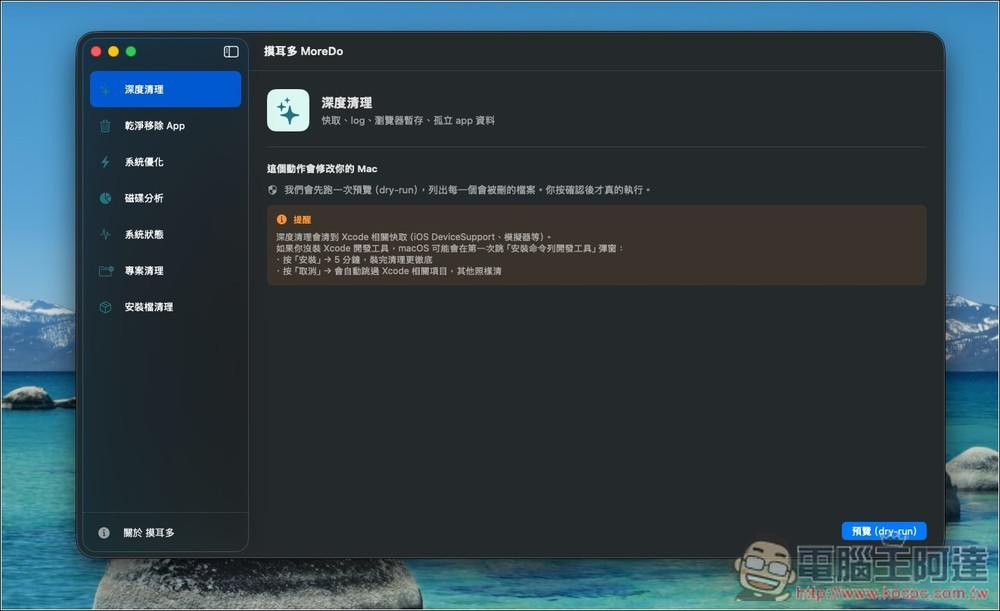
MoreDo Free Mac Deep Cleaning Tool Introduction and Operation Tutorial
MoreDo is a free deep cleaning tool for macOS. It is based on the well-known open source project Mole, which allows users to easily free up computer space without having to understand terminal commands.
For those who have used Mac for a long time, there must be a lot of cache files, temporary data, application residues and installation files in the system, which take up a lot of space but are difficult to notice. MoreDo can easily and comprehensively scan and organize them.
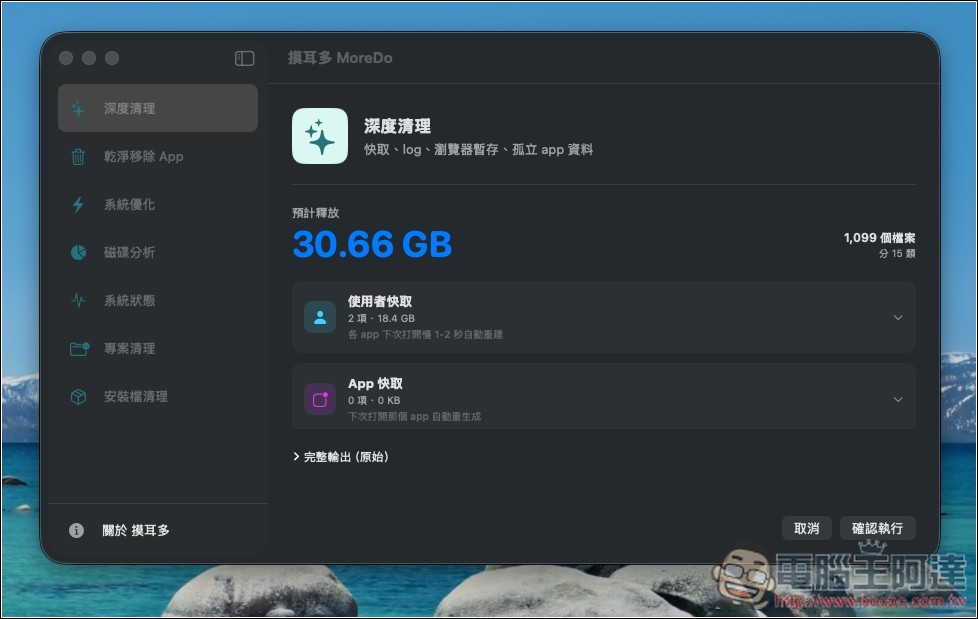
MoreDo has all the functions that Mole has. Including functions such as deep cleaning, complete app removal, disk analysis and system optimization, it can effectively find out the source of space occupied and deal with it. In particular, the “Deep Clean” function can usually free up 10GB to 30GB of space at a time, which is very practical for MacBook users with limited hard drive capacity. In addition, its operation is also quite transparent. All files to be deleted will be listed first, allowing users to confirm before moving to the trash can, thus avoiding the risk of accidentally deleting important data.
In terms of privacy and security, MoreDo emphasizes that all operations are completed locally, no data will be uploaded, and there is no account or tracking mechanism.
Featured highlights
- Deeply clean system junk: including browser cache, app residue, and system temporary cache, freeing up a lot of space with one click
- Complete removal of the app: clear all configuration files and residual data, no more useless files will remain
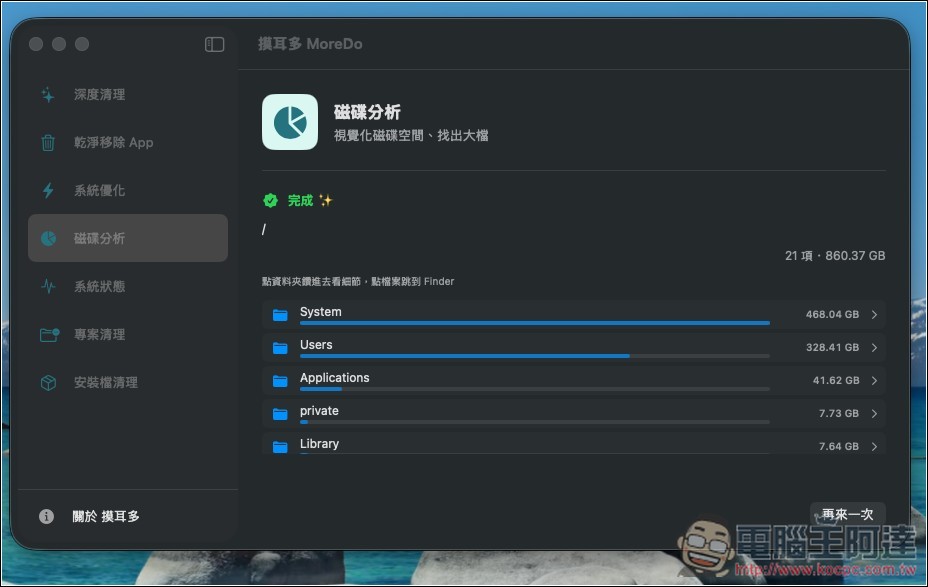
- Disk space analysis: quickly find the folders taking up space and jump directly to the Finder
- System optimization function: clean DNS, fonts and Dock cache to improve system abnormality
- Installation file organization: automatically scan .dmg, .pkg, .zip and other installation files and clean them centrally
- The machine is executed without a network connection: all operations are completed locally, and no data is collected or uploaded.
- Complete security mechanism: you can preview the list before deleting it, and move it to the trash can to avoid accidental deletion.
- Free usage model: Adopt a free donation system, you can download and use it with a minimum of $0
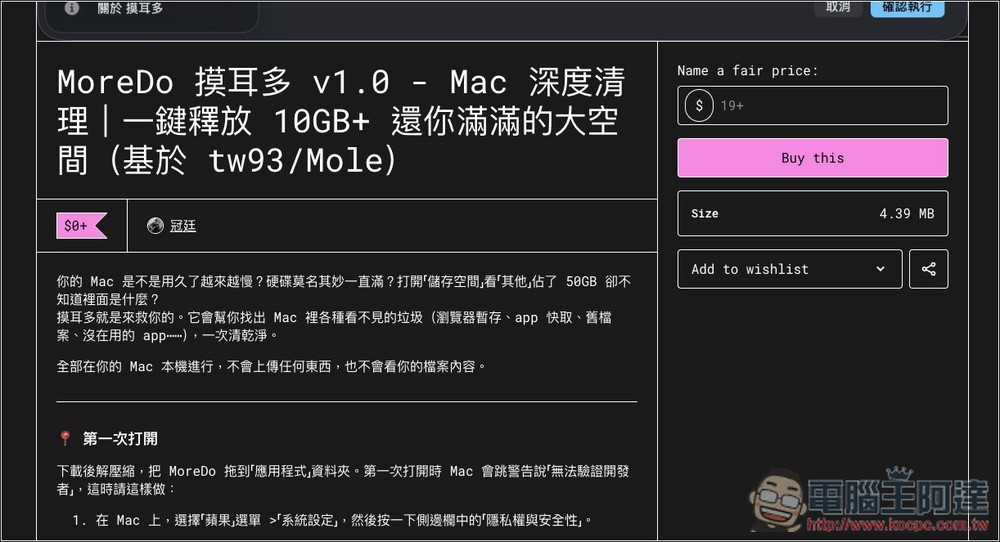
After clicking the link above to enter the MoreDo product page, fill in the amount you want to sponsor in Name a fair price on the right, 0 yuan is also acceptable, and then click Buy this. You can also browse the product introduction page, which includes operating precautions:
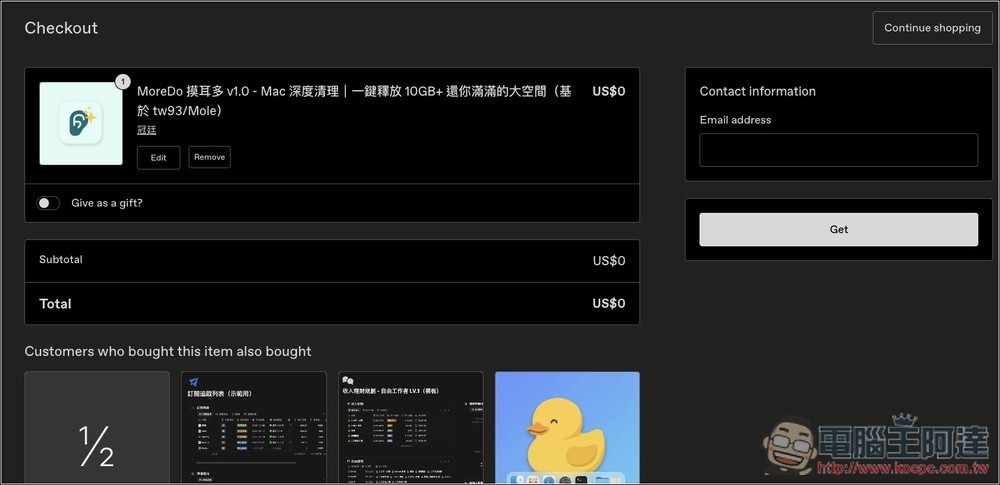
Fill in your Email and press Get:
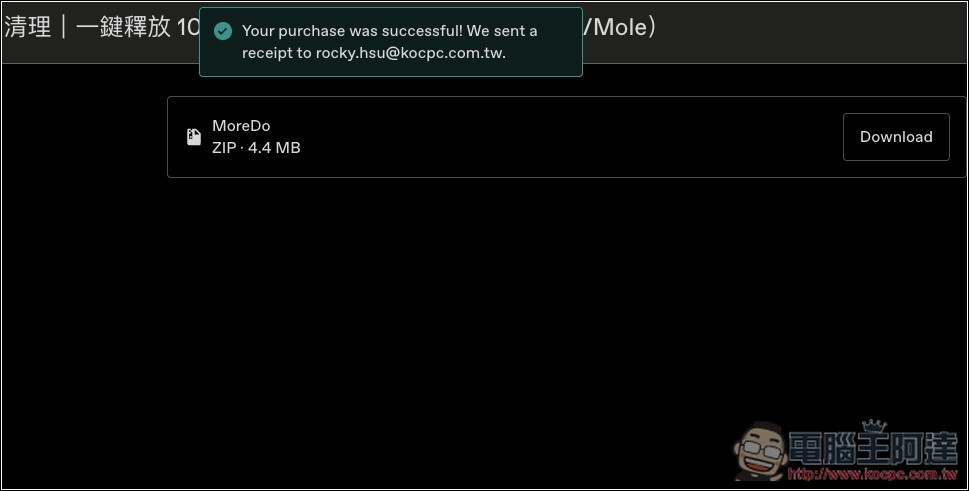
You will get loading points:
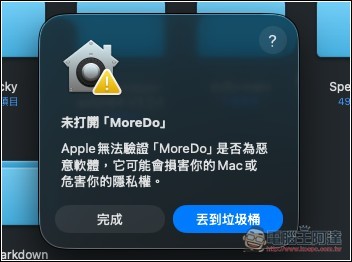
This prompt will pop up when you open it for the first time, press Finish first:
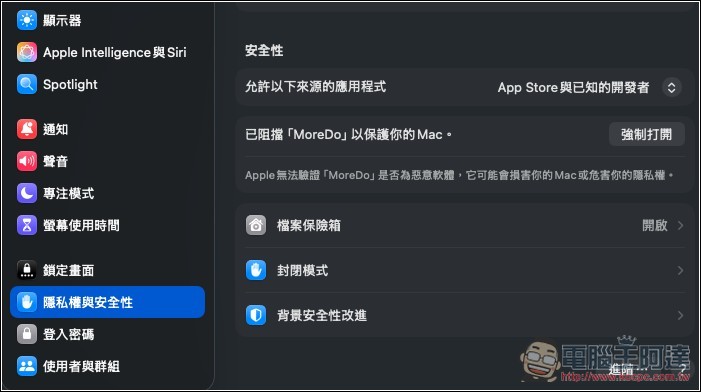
Open Mac settings, go to the “Privacy & Security” page, scroll down in the security section, you will see “MoreDo has been blocked to protect your Mac”, press the right button to force it to open:
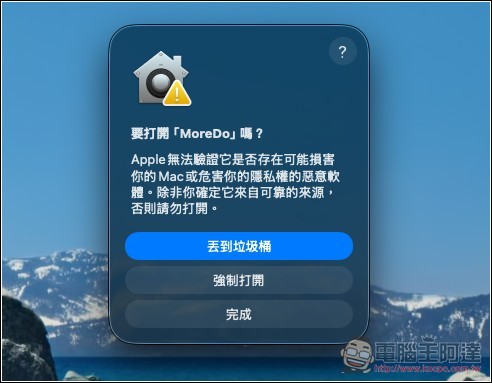
You will see the “Force Open” button. After pressing it, you will be asked to enter your login password:
Then you can start using it. To ensure that MoreDo can fully scan your Mac, remember to grant “full disk access”:
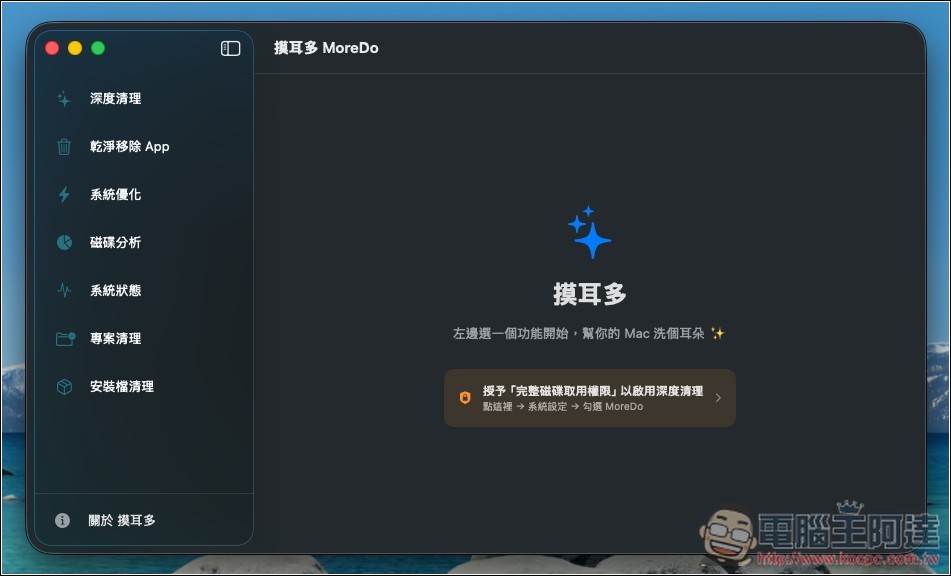
The method of use is very simple. It just depends on which function you want to use. Each function will have an explanation, such as what it is used for, what actions it will perform, etc. It is recommended to read it before using it:
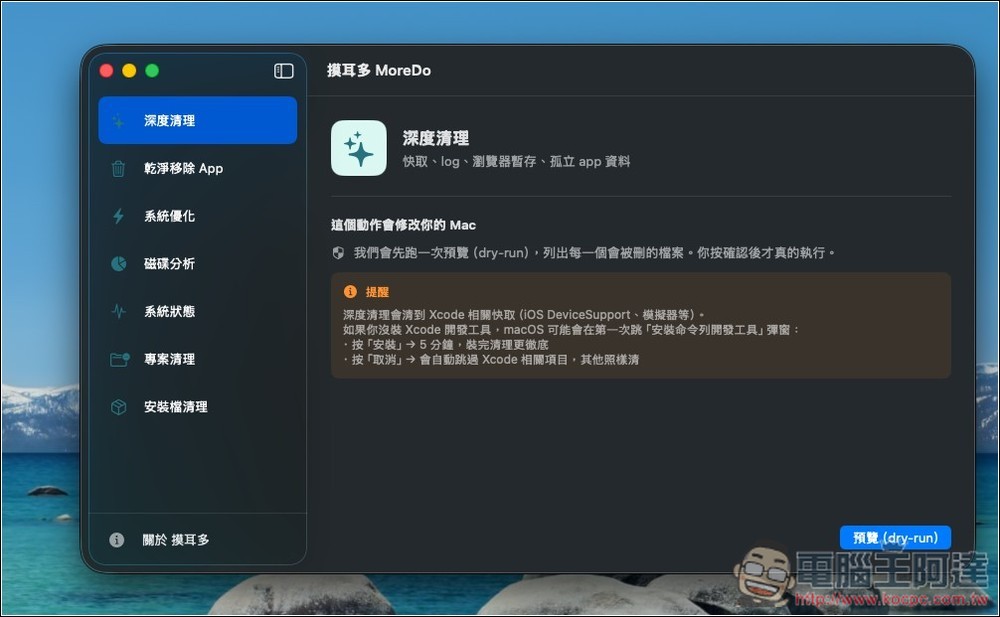
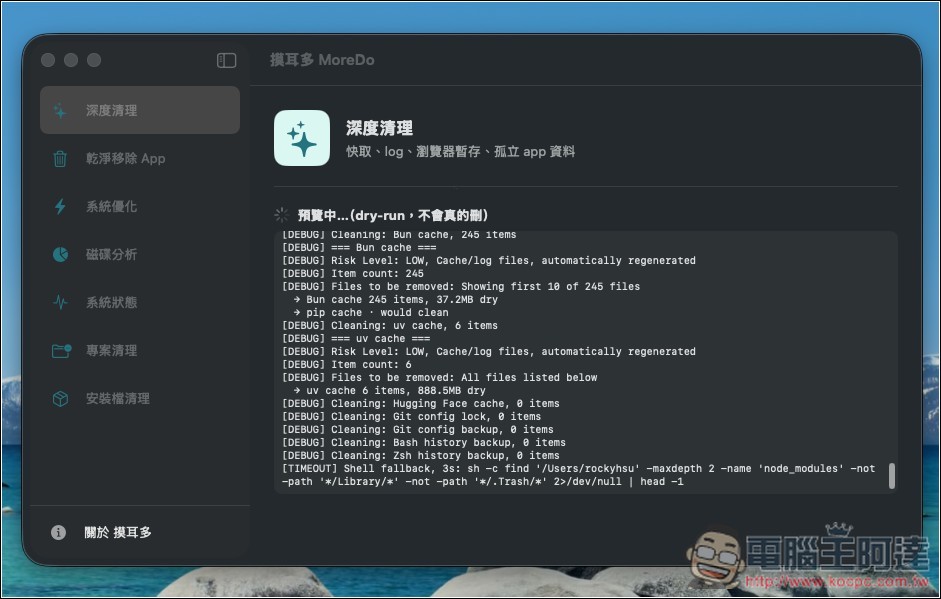
Each cleanup will provide a preview report first, allowing you to confirm before deletion starts:
I did a random scan during deep cleaning, but I didn’t expect that there was more than 30GB of space to free up. Each item can be expanded and browsed to see what it is:
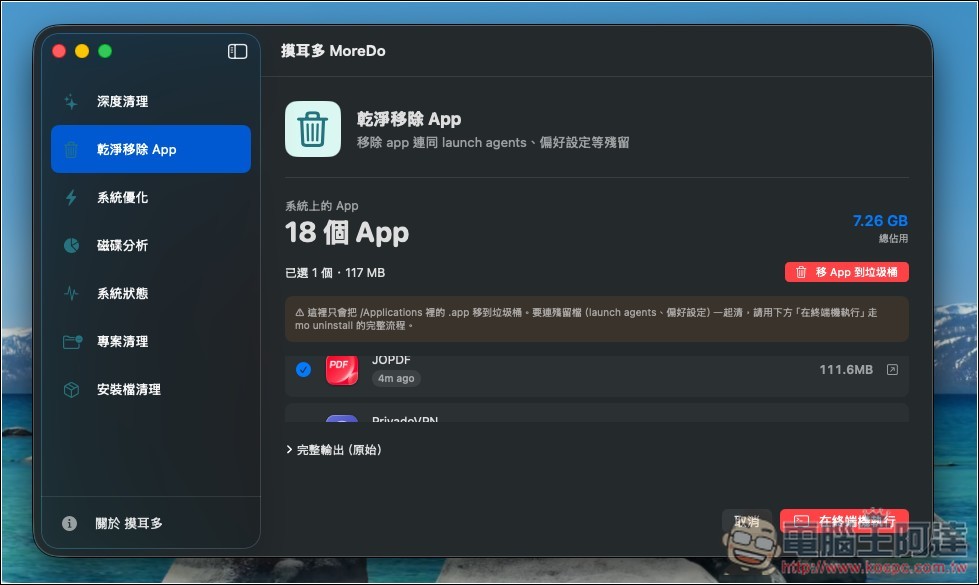
It also supports the function of removing apps. After selecting, click “Move App to Trash” in the upper right corner to remove:
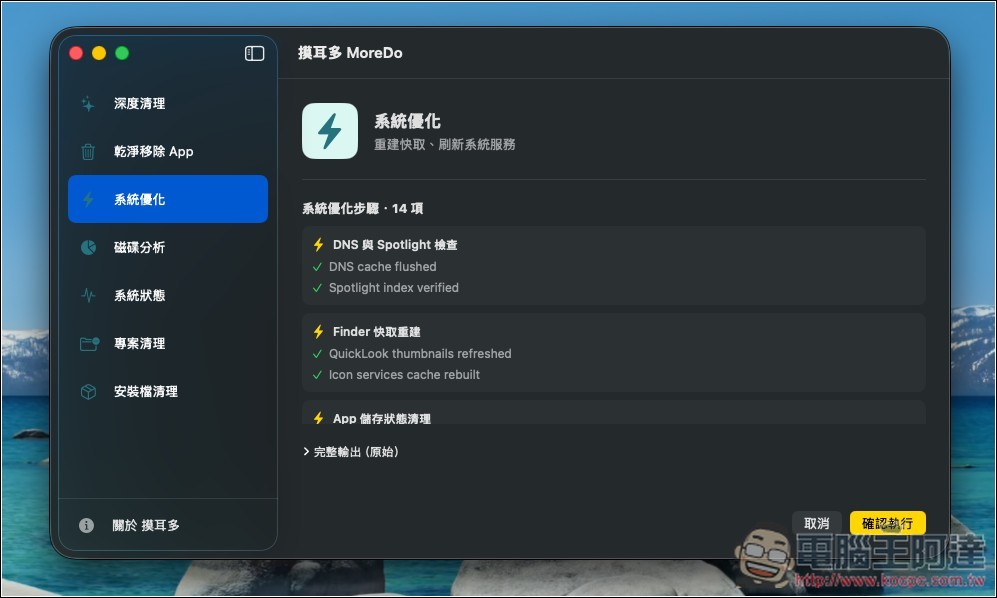
System optimization function will rebuild cache and refresh system services:
You can also analyze disk status:
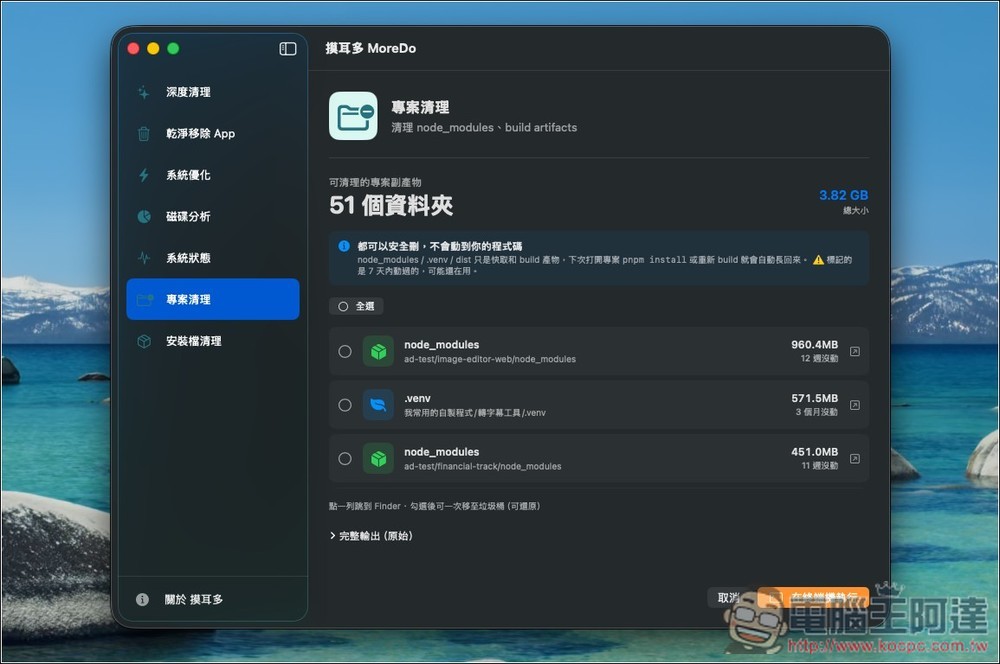
In addition, this project cleanup is very useful in the AI era. You can find unused projects on your Mac with just one click:
Source: KOCPC Chinese