


After years of complaints from users, Microsoft has finally officially opened an option called “Update Later” to all users in the recent Windows 11 new installation experience (OOBE). This feature allows users to enter the desktop directly after completing the boot process, without having to wait for a long system update process when booting for the first time. This is undoubtedly an improvement that “finally listened to the advice” for users who have to wait a long time every time they install Windows.

Windows 11 installation process finally adds “Update later” option
For a long time, when users newly install or reinstall Windows 11, or purchase a new device with Windows 11 pre-installed, they have to go through a long OOBE process. During this process, the system will not only repeatedly prompt users to log in or create a Microsoft account, but also promote services such as Microsoft 365 subscriptions and Xbox Game Pass.
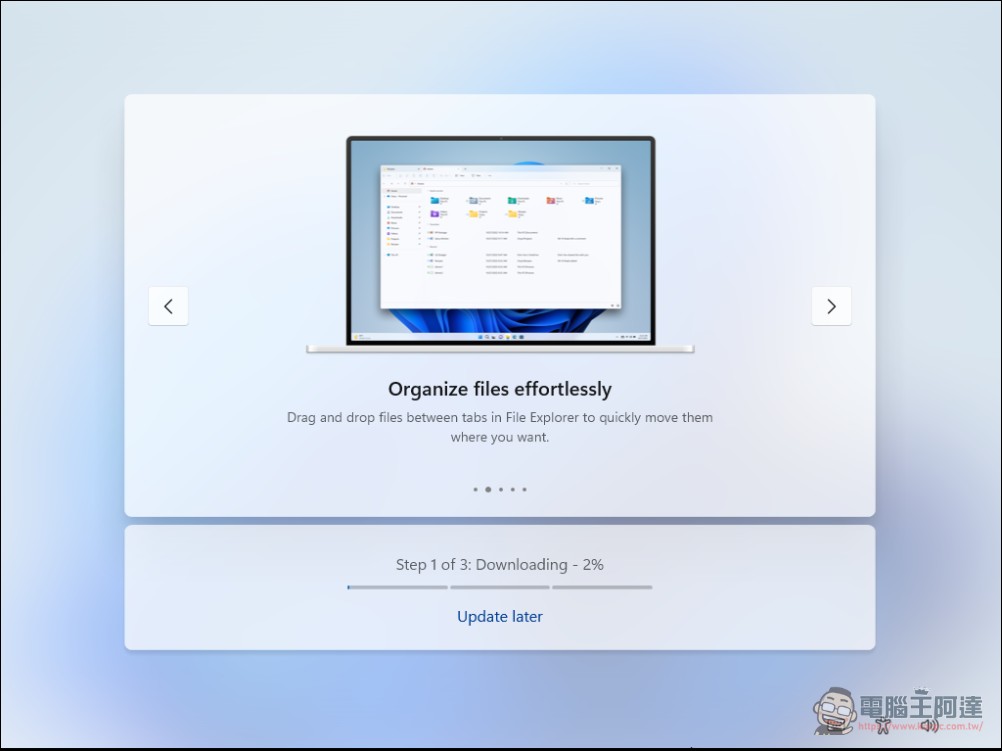
What makes users even more dissatisfied is that OOBE also forces the system to search for and install the latest updates before the user actually enters the desktop. According to user reports, this process can take 20 minutes or even more than an hour, depending on network speed and the number of updates to be installed. For users who have just bought a new device and can’t wait to try it out, their enthusiasm for using it is greatly consumed.
This problem is causing problems for corporate IT departments, computer repair personnel, general consumers, and users with slow Internet connections. When enterprises deploy multiple devices, update delays significantly increase the overall deployment time; computer repair personnel and retail consumers often face long waits when setting up new computers.
How “Update Later” works
This new feature appears on the “Let’s prepare your PC” screen during the Windows 11 installation process. When the system checks for updates, users will now see two options: “Update now” and “Update later.” After selecting “Update Later”, Windows will complete the basic OOBE process and take the user directly to the desktop. The system will automatically check for and install updates in the background, or users can manually check for updates at any time through Windows Update settings.
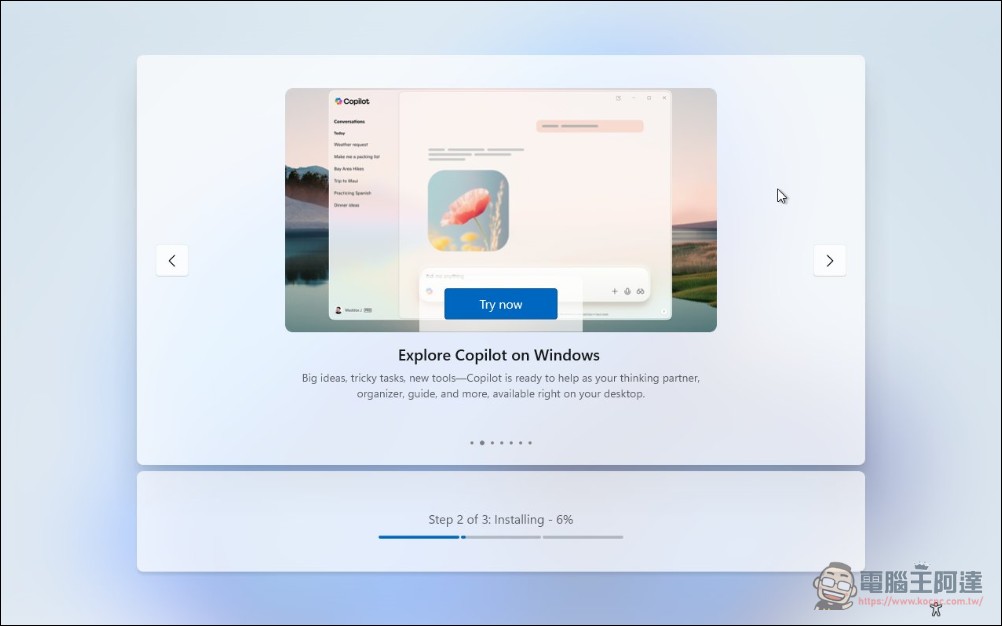
According to testing reports, this feature will begin rolling out to all users around April 13, 2026, for Windows 11 23H2 and newer. Microsoft appears to be enabling this feature through the server rather than tying it to a specific version of Windows 11, which means users may see this option appear without even realizing it.
Major improvements to user experience
This change is not only a technical adjustment, but also represents a major change in Microsoft’s operating philosophy. Previously, Microsoft prioritized ensuring that all newly installed systems could boot based on the latest updates. Although the intention was good, it created a poor user experience and sometimes even prevented users from completing settings normally.
For the average consumer, this means getting started with their new computer faster. They can complete basic settings, install necessary applications, and begin personalizing their systems without having to wait for updates to download and install. Updates happen in the background, creating a smoother overall experience.
For enterprise users or maintenance personnel, the time for system reinstallation and deployment will also be greatly shortened. IT staff can install images on multiple machines more quickly, and subsequent updates will be automatically installed after users log in. This can be significantly helpful for large-scale deployments in large enterprise environments.
Source: KOCPC Chinese