


Google AI Edge Gallery has been around for a while. It was originally developed mainly to let mobile users quickly try out the Gemma family of models. Now it seems to be expanding to computers as well: recently, both Google AI Edge Gallery and Google AI Edge Eloquent have officially arrived on macOS. Once installed, you can quickly use the Gemma models right inside the app, including the Gemma 4 12B that was just launched yesterday. Give it a try.
However, during my testing, Google AI Edge Gallery would sometimes suddenly become unresponsive—possibly because Chinese input still isn’t fully optimized—so I had to force-close and reopen it.
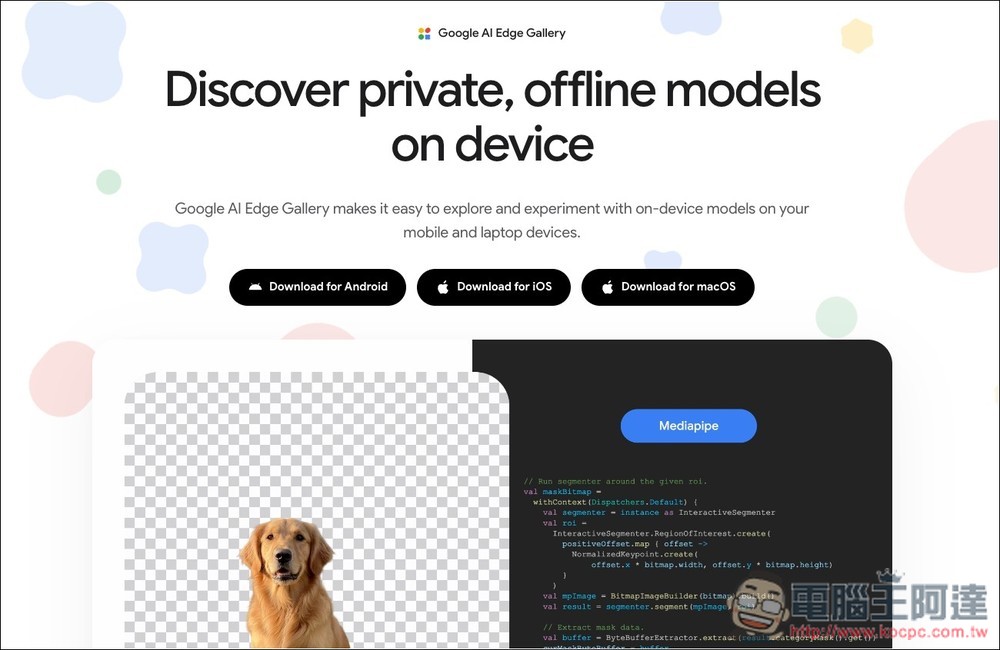
Google AI Edge Gallery Officially Lands on Mac: One-Click Access to the Gemma Model Family
Google AI Edge Gallery is an on-device AI model exploration tool launched by Google, designed to let users directly experience AI models that can run offline on phones, laptops, or Macs. Google AI Edge Gallery emphasizes an “on-device” experience, meaning models run directly on the device, allowing users to test AI capabilities in a more private, lower-latency environment.
Built in are four core modes: AI Chat, Ask Image, Audio Scribe, and Agent Skills. AI Chat handles everyday conversations, writing, and Q&A; Ask Image analyzes image content and answers related questions; Audio Scribe transcribes speech into text and supports translation and other functions; Agent Skills provides more advanced AI agent capabilities to assist with multi-step tasks. The model is primarily Gemma 4.
Key Features
- Four Modes: AI Chat, Ask Image, Audio Scribe, Agent Skills
- Supports running local AI models offline
- Supports text, image, and audio processing.
- Experience the latest Gemma 4 series models.
- Emphasizing privacy and low-latency experience.
- Support AI agent workflows
- Available on Android, iPhone, and macOS.
Go to the Google AI Edge Gallery official website
The macOS version of Google AI Edge Gallery is not available on the App Store, so you’ll need to download the installer from the official website. Once installed, open it and you’ll see the interface shown below: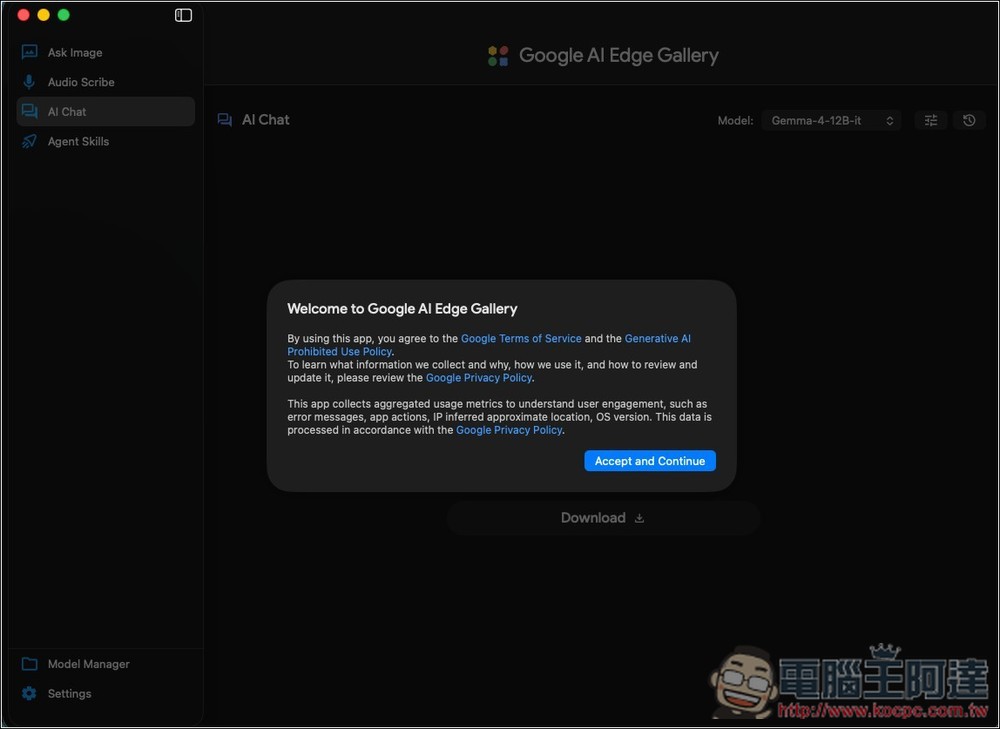
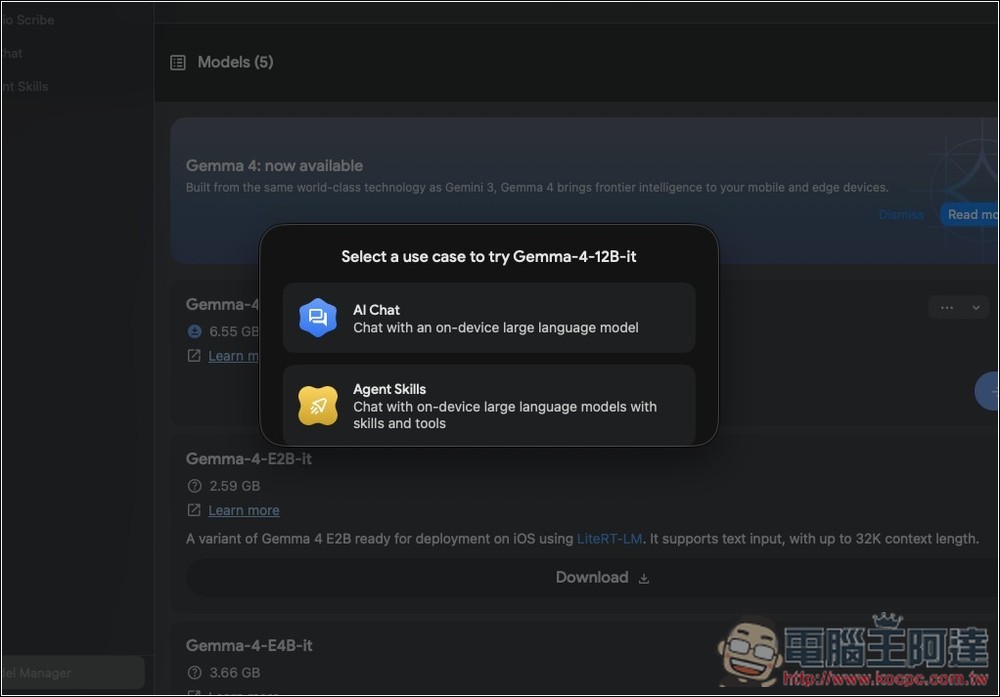
On the left are four main modes: Ask Image, Audio Scribe, AI Chat, and Agent Skills. One thing to note is that each mode supports slightly different models—for example, Gemma-4-12B-it is only available in AI Chat and Agent Skills:
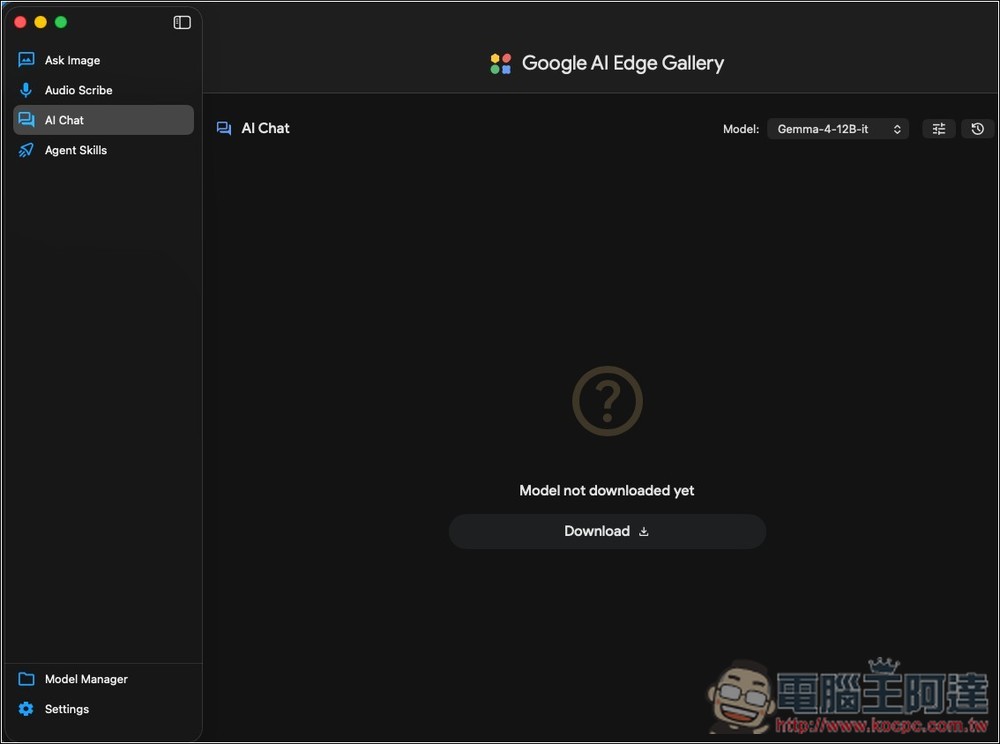
You can open the top-right menu to select the model you want to download:
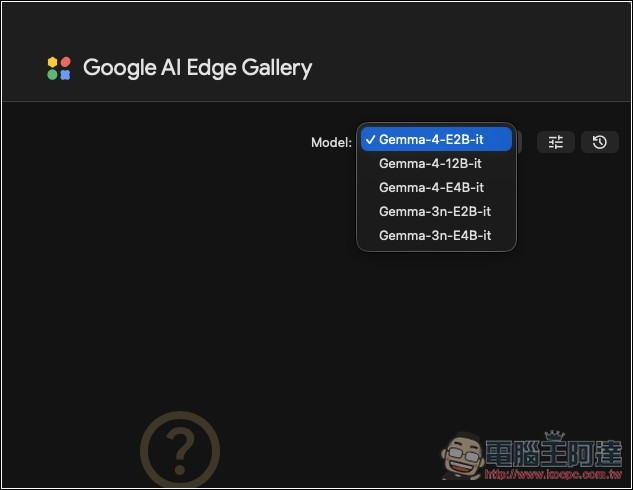
You can also access the model management menu to download it. This displays more information, including the file size and a brief description:
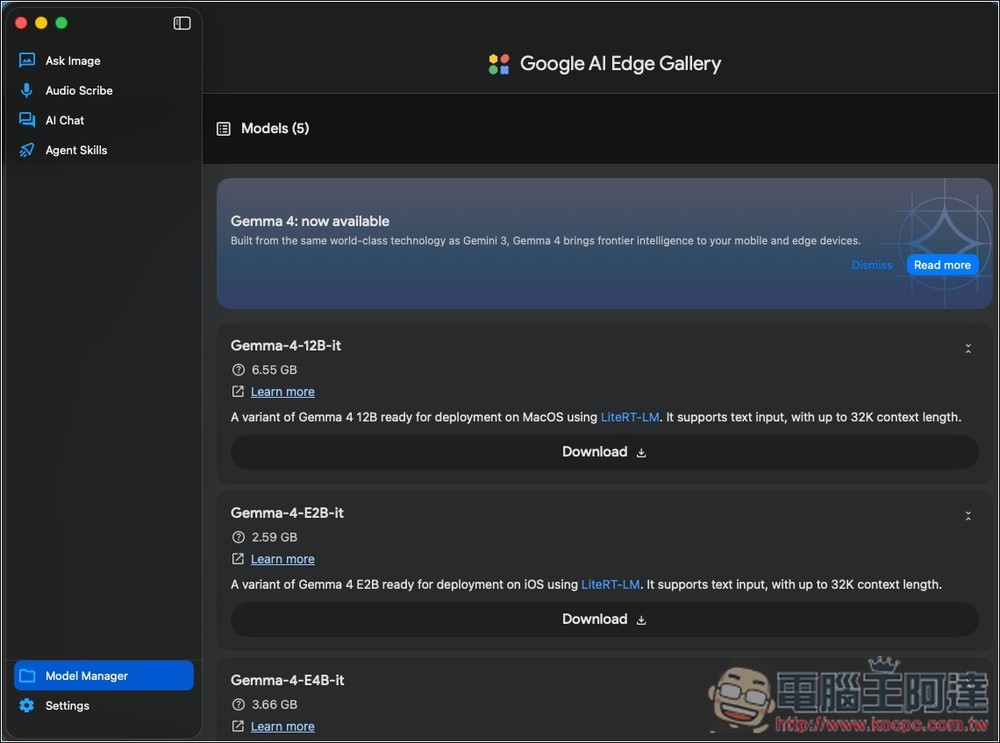
After downloading the model, click on it, and the available modes will pop up:
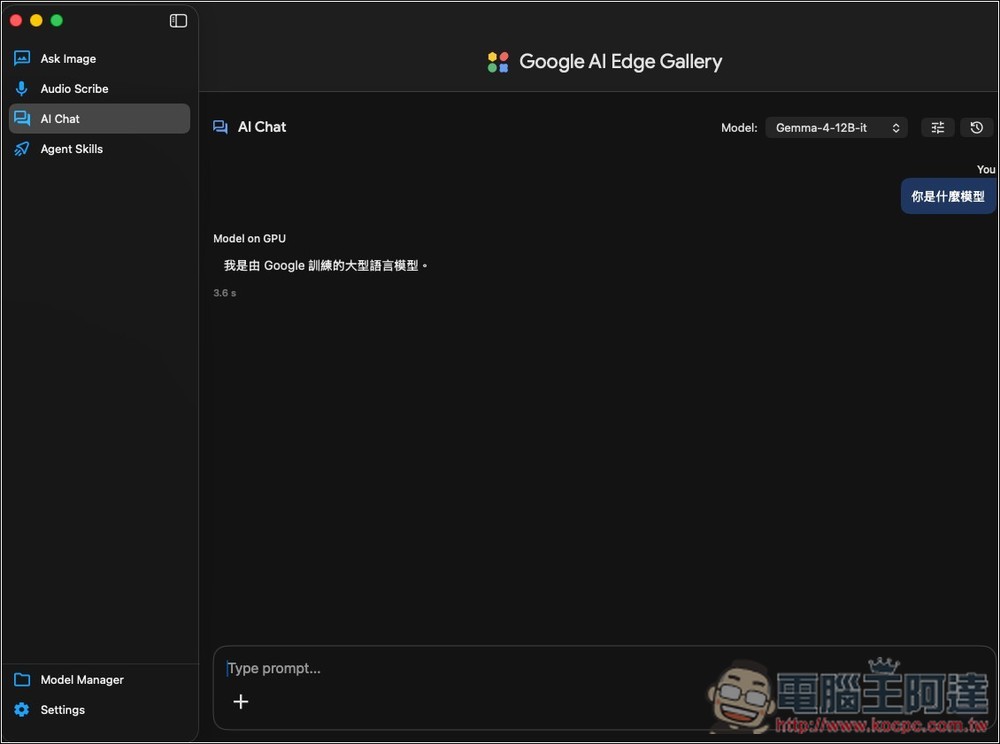
Then you can start using it:
The image below shows the Agent Skills interface, with several skills already installed by default:
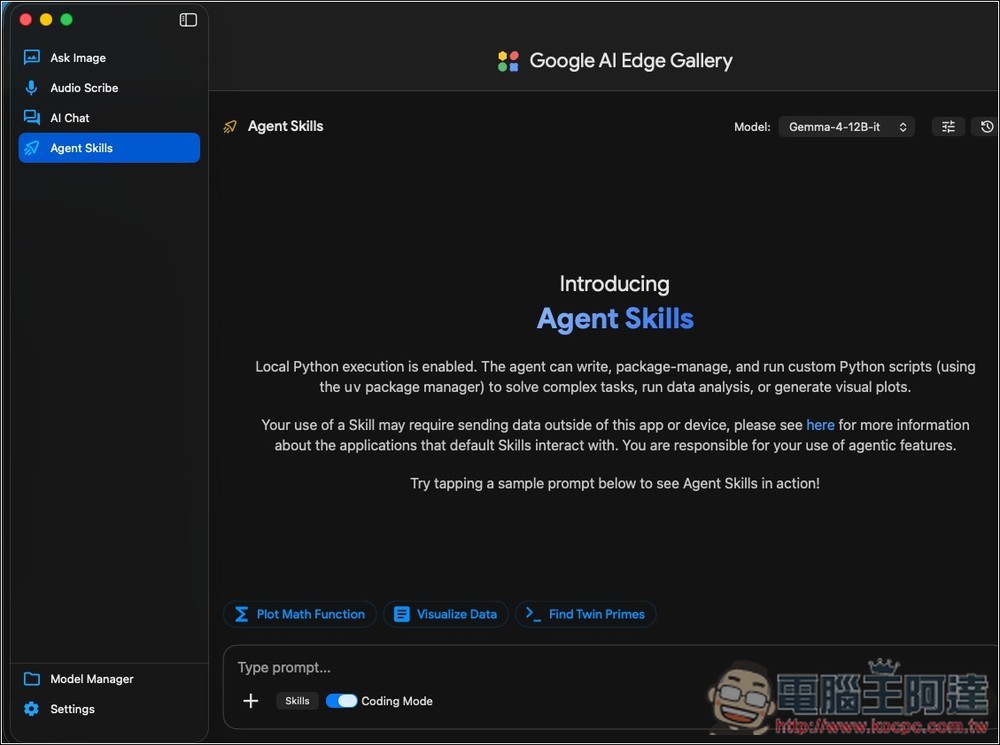
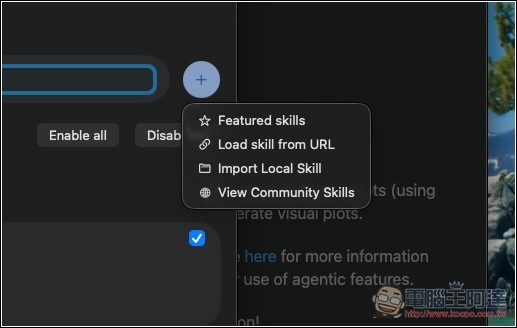
Of course, you can also install other skills or create your own:
Source: KOCPC Chinese