


As the price of SSD continues to rise, it must be very troublesome for players whose hard disk capacity is no longer sufficient. Not only can they not buy it, but they often have to spend time deleting things there. What is even more unbearable is that the capacity required by AAA games is becoming more and more exaggerated. 100GB is almost basic. With several games plus updates, DLC and modules, even a 1TB SSD will soon be filled up.
Earlier I saw a tool recommended by foreign media that looks quite good, called “Game Compressor”, which uses the system’s built-in LZX compression technology to reduce the actual disk space occupied by game files. Moreover, it does not package the game into ZIP or RAR. There is no need to decompress the game after compression, and it can still be launched directly from Steam or the original shortcut. It is also introduced to you below.
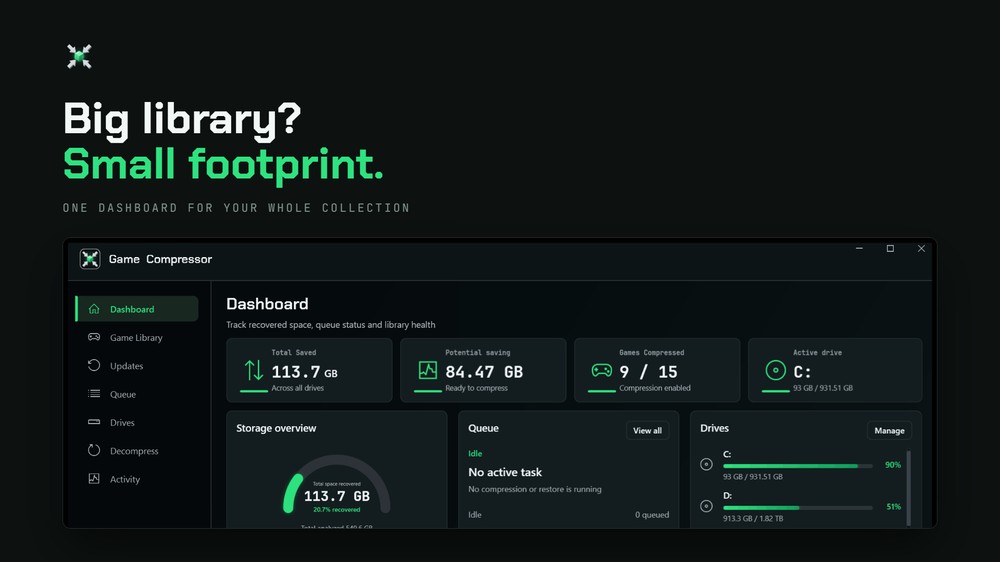
SSD prices remain high, Game Compressor helps game libraries easily save hundreds of GB of space
According to Tom’s Hardware, using the Game Compressor tool to compress “Ark: Survival Evolved”, it originally occupied 169GB, and after processing it was directly reduced to 91GB, which is equivalent to saving about 78GB at once, and only 54% of the original capacity remains after compression. Another Red Desert game also frees up about 32GB of space.
78GB can already accommodate one more medium-sized game, and 32GB can also accommodate many independent games.
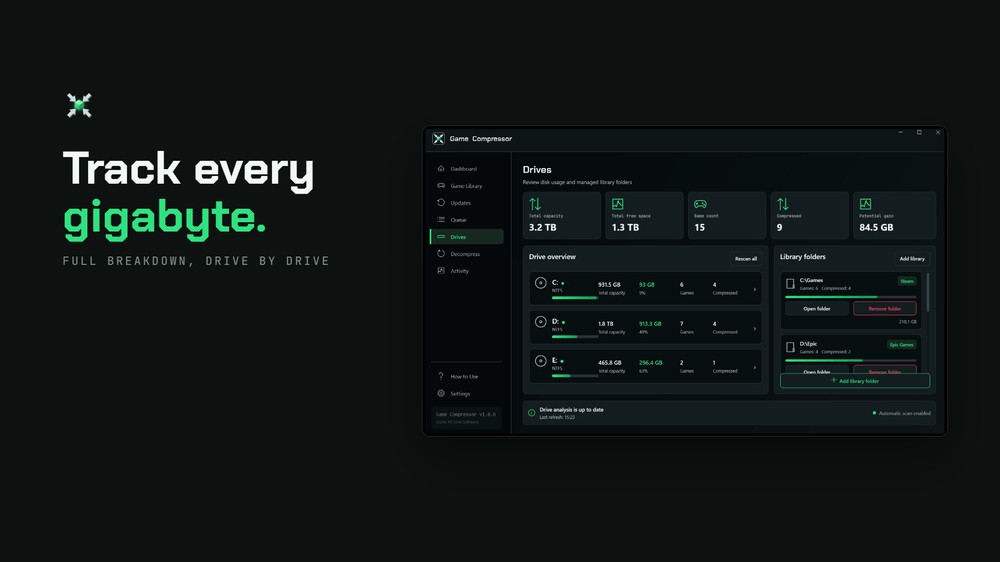
It should be noted that the amount of capacity Game Compressor can save will vary depending on the original file structure of each game. If you happen to have several games in your game library that are suitable for compression, it is not impossible to save hundreds of GB cumulatively. And there is no need to sacrifice image quality, delete DLC, or decompress before each play, the originally installed game remains in the same location.
This feature is particularly useful for Windows handheld consoles such as ROG Ally and Lenovo Legion Go. The typical capacity of these devices is 512GB or 1TB. After deducting Windows, system updates and other applications, there is less space left for games. Although it is possible to replace the SSD or use a memory card with the handheld console, it will cost extra.
Looking at it, some players may have guessed that Game Compressor did not invent a new compression format, but instead uses the LZX compression already built into Windows 10 and Windows 11.
LZX operates at the Windows file system level. The game engine and Steam still see the original files and paths, but the data actually written to the SSD will be saved in compressed form. When a game needs to read a certain piece of content, Windows will only decompress the required blocks in real time. There is no need to restore the entire game. You can play it directly after the compression is completed.
There are foreign YouTubers testing the latest version:
Game Compressor is not a free tool. It sells for NT$122 on Steam. Some players may ask, since the bottom layer is free, why should they spend money on another set of tools?
The advantage of Game Compressor is not LZX, but the convenience brought by estimation, scheduling and subsequent maintenance. You don’t need to know any commands, just use the mouse.
A few nice features are that when the scan is completed, Game Compressor will list the game’s current capacity, estimated space savings, and compression status on the same screen. Players can find the most promising works first, without having to let the computer run for dozens of minutes, only to find out that they only saved a few hundred MB. There is also an Auto Compress function, which when turned on will queue newly installed games in the background.
However, Game Compressor is not suitable for all games, especially those that support DirectStorage.
This technology was originally designed to allow games to take full advantage of high-speed NVMe SSDs and read large amounts of small data with lower CPU burden. After additionally applying LZX, the file must be decompressed by the CPU first, which may offset the advantages of DirectStorage and even cause increased reading time or screen freezes.
Source: KOCPC Chinese