


Google added a quite eye-catching update to “Google Wallet” this week: Taiwanese passport has officially been included in the digital identity certificate types it supports. As long as they use Android 9 or above and have NFC-enabled mobile phones, users can convert their physical passports into digital identity documents that can be used in specific situations. The launch of this feature symbolizes that Google is gradually expanding the application scope of digital identity recognition, and also makes it possible for mobile phones to replace physical documents in more scenarios.
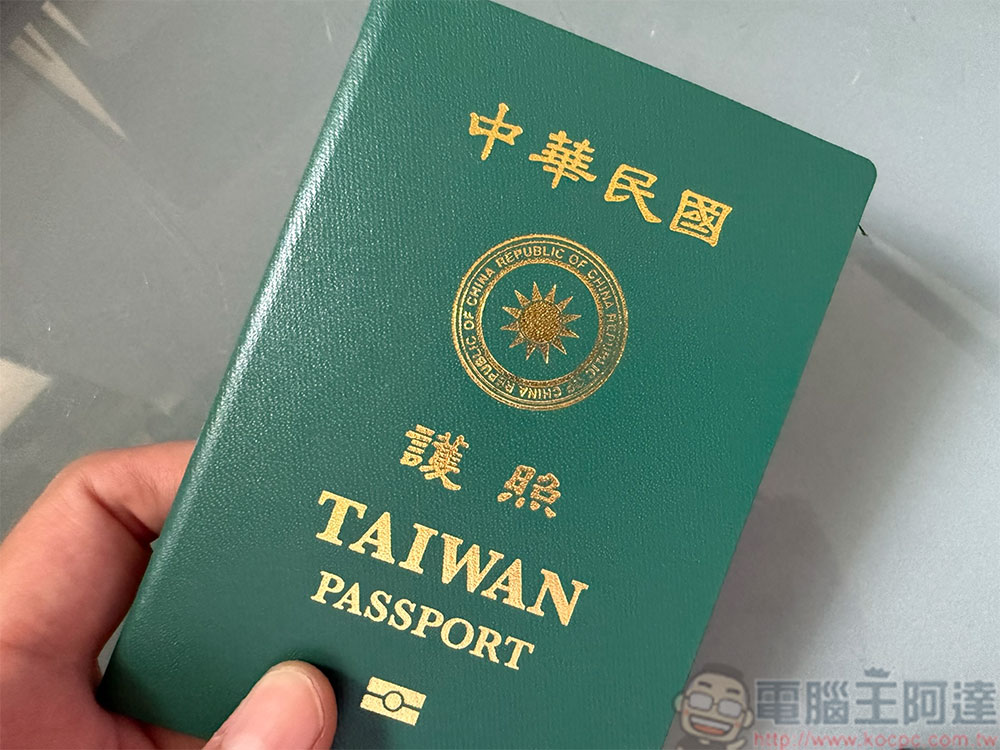
Google Wallet now also supports Taiwanese passports, and the setup is completed in three steps!
Since the entire setup process involves chip reading and biometric identification, Google has set the minimum system requirements to an operating system of Android 9 or above, and the phone must have NFC functionality. This means that most Android devices launched in recent years can use this feature, but some entry-level models or older devices may not support it. Currently, Google Wallet only supports US, UK, Taiwan, Brazil, and Singapore passports.
Three steps to complete the setup: scanning, sensing, and facial recognition
According to Google’s official instructions, the process of adding your passport to Google Wallet is relatively intuitive and is mainly divided into the following three steps:
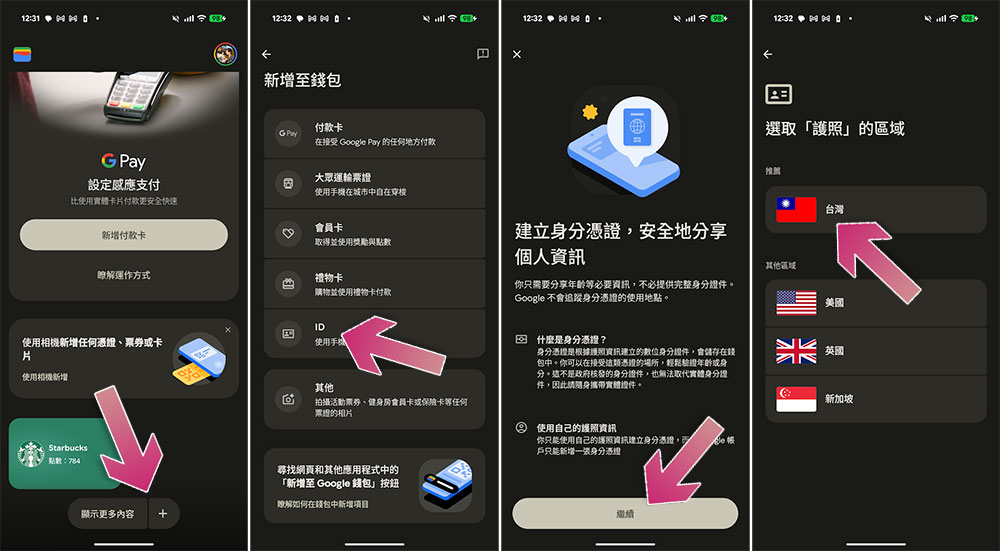
- Open the Google Wallet App, click the “+” button in the lower right corner, and select “ID (Identity Document)” to add. Taiwanese users will see the Taiwanese flag in the recommended list and can start setting it after clicking it.
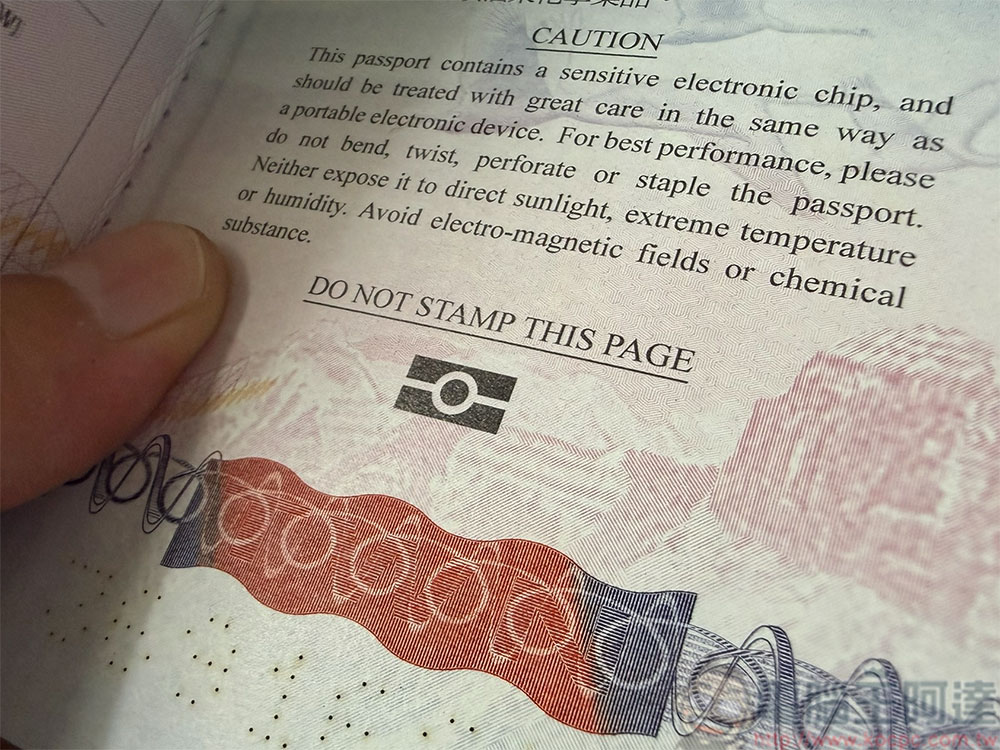
- Users need to scan the personal information page of the passport, which is the page that contains the photo, name, passport number and machine-readable barcode. If the camera does not recognize it smoothly, they can also manually enter the information to complete the information. After completion, the system will ask the user to place the NFC area of the mobile phone close to the cover or back cover of the passport to read the information of the chip built into the passport. This step is the same as the chip reading principle of the airport automatic gate.
- In order to ensure that the document belongs to the person, Google Wallet will require facial recognition. The user needs to complete the facial scan according to the instructions. After the verification is completed, the passport will be successfully added to the wallet and become a digital identity certificate that can be used in supported scenarios.
Practical applications are still limited: currently only used in some channels in the United States
In the past, Google Wallet was mainly used for payments, membership cards, transportation tickets and boarding passes. Now it has begun to touch the field of higher-sensitivity identity credentials, showing that it hopes to play a more important role in the future digital identity ecosystem.
While being able to add your passport to Google Wallet sounds pretty convenient, its practical use is currently quite limited. Google stated that currently only some channels and merchants in the United States accept “digital ID” as an identity verification method, such as age confirmation when purchasing specific products, identity verification when entering some places, etc. In other words, this function is currently more like a “technology demonstration” and “paving the way for the future”, and it is still some way away from being fully popularized.
In addition, digital passports are not equivalent to electronic passports that can be used for international travel, nor can they replace physical documents for entry and exit. Border controls in various countries have extremely strict identity verification requirements, and currently no country allows travelers to use digital passports in Google Wallet to pass through customs. Therefore, even if you have successfully added your passport to your mobile phone, you must still carry your physical passport when going abroad to avoid being unable to complete the necessary identity verification due to device failure, insufficient battery, or unsupported scenarios.
Source: KOCPC Chinese