


USB-C was originally seen as the ultimate interface that could unify all connection standards, but the current situation is far more complex than expected. Since USB-A has been around for nearly 30 years, completely phasing it out and making USB-C the sole standard is actually harder than imagined. However, I believe we’ve now reached a stage where a true, full transition to USB-C is genuinely possible. Apple’s decision to remove USB-A from MacBooks early on may have been somewhat aggressive, but these days, seeing USB-A on newly released mobile devices actually strikes me as somewhat unnecessary.

Why is it worth going all-in on USB-C?
A single cable can replace almost all other cables.
Speaking of USB-C, the “U” theoretically does stand for “universal,” but that claim still needs to be taken with a grain of salt, because the actual capabilities of USB-C depend on the protocols supported by each port. After all, USB-C can also just be USB 2.0, as is the case with the MacBook Neo. It may support DisplayPort over USB-C, or it may not support it at all; it may support USB4 or Thunderbolt, but it also might not. When you first encounter a new USB-C port, you’d assume it can do anything, but reality often falls short of expectations.
But once you have a fully functional USB‑C port, using it is a whole different world. One cable connects to any interface you need. Want USB‑A? You can get more ports than you’ll ever actually need. HDMI, SD card reader, external SSD? There’s plenty of bandwidth to spare. I love sitting down at my desk and just plugging in a single USB‑C dock, and all my devices are instantly back up and running. It makes switching between working on the go and working at my desk incredibly smooth.
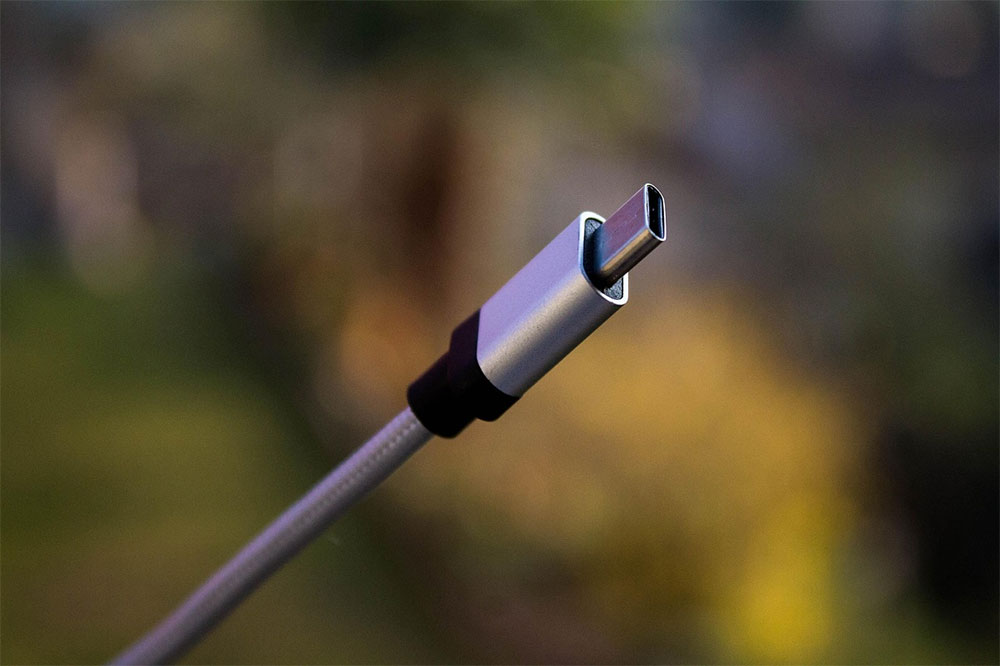
Standardization can greatly simplify daily life.
USB‑C cables do bring convenience, but they also carry some easily overlooked risks. Just like the USB‑C connector itself, two cables that look completely identical can differ enormously in performance, features, and power delivery capability. While I do support keeping some older cables around for emergencies, I’ve been gradually phasing out the ones that aren’t well managed—especially cables rated below 65W or those that don’t reach USB 3.2 transfer speeds. The benefit of doing this is that every time I pick up a cable, I can be sure it supports fast charging and provides adequate data transfer speeds.
The excellent USB-C ecosystem is more capable than you think.
The USB-C peripheral market has now fully exploded. The adapters and docking stations mentioned earlier are just the tip of the iceberg; the actual range of products and features is surprisingly rich. If you only need an Ethernet interface, a single USB-C adapter will do the job; if you want to expand every port at once, you can also opt for a powerful docking station, and some even come with built-in SSDs. Through USB4 or Thunderbolt, you can also connect an external GPU, and some GPU enclosures even double as a docking station with laptop charging.
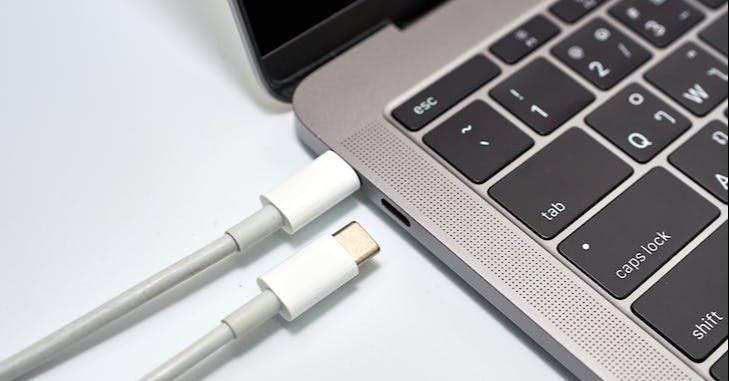
USB‑C still has some issues, but in the premium market, it is mature enough to support a “single‑cable” workflow. As long as you choose your gear carefully, you can drive all the equipment you need with one, or at most two, USB‑C ports.
Source: KOCPC Chinese