


When I was choosing a computer screen a while ago, I really did a lot of homework. Just looking for a 27-inch screen with 2K, 144Hz, and IPS panel made the web page break out, not to mention having to go through the specifications page by page. It was quite troublesome! Fortunately, I just happened to see thisScreen Buyer’s GuideThe page really saves me a lot of trouble. Just enter the screen model, or directly search for the specifications you need, and the page will automatically help you list the computer screens that meet the specifications, and it can also list three screen specifications at the same time. What’s even better is that as long as the three platforms of PTT, Mobile01, and Bahamut have articles about villagers unboxing, they will sort them out for you, saving you a lot of trouble in finding information:
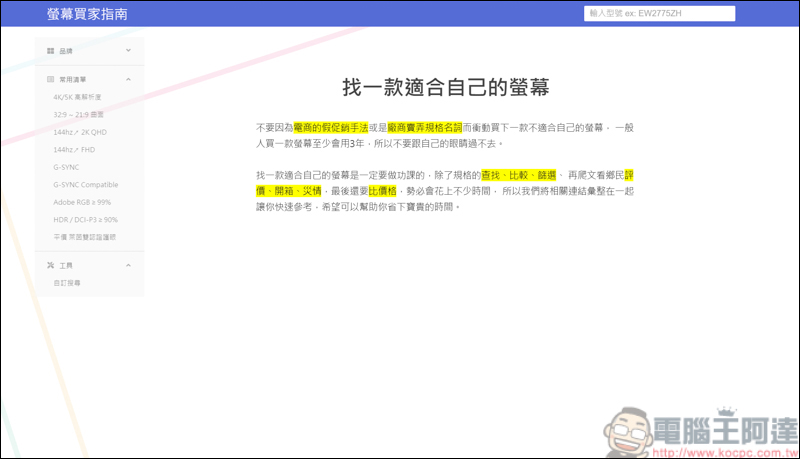
How to use the On-Screen Buyer’s Guide
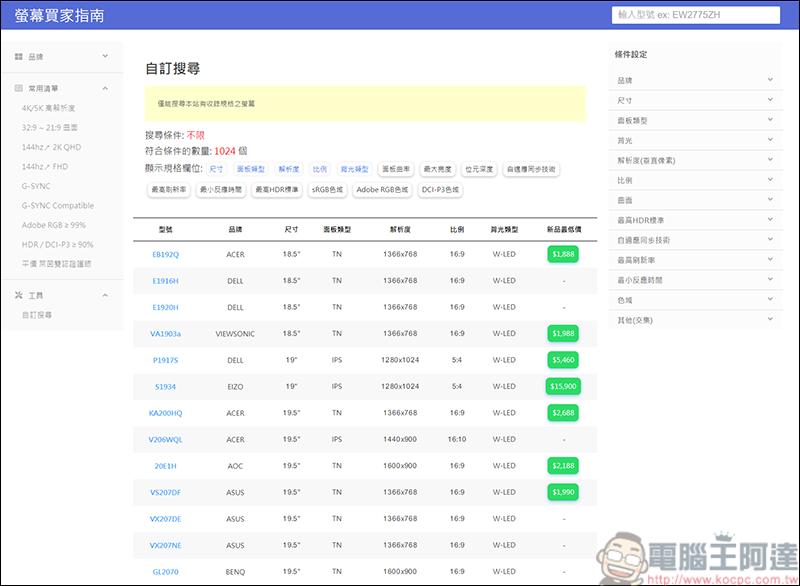
The list on the left side of the website includes brands, frequently used lists, custom searches, etc. If you need any specifications, you can find them through custom searches, such as brand, size, face type, etc.:
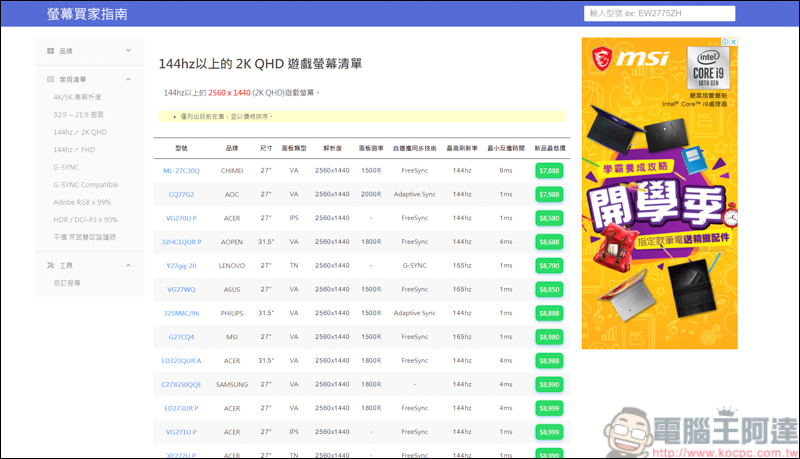
Or you can quickly search from the frequently used list. As long as the screen matches the conditions, it will be listed:
Take the G27Q in the list as an example. After you click it, you will be introduced to the specifications first, and the advantages and disadvantages of the screen will also be roughly explained:
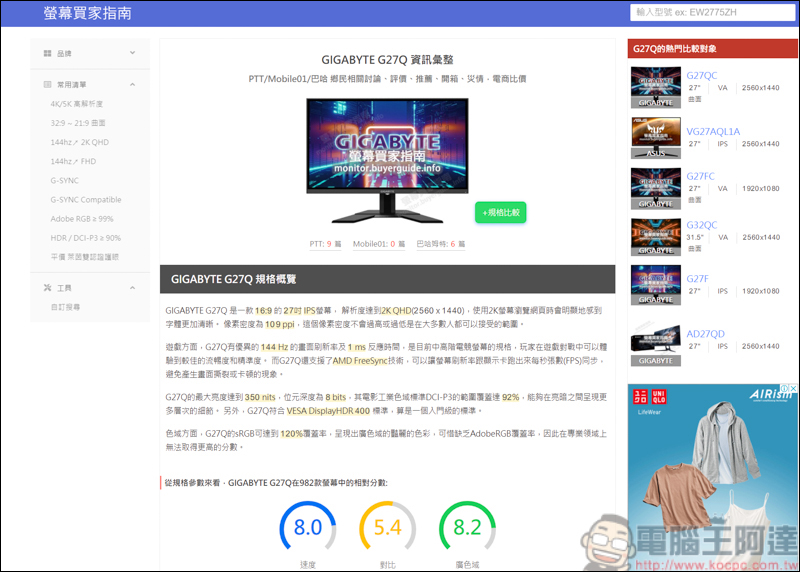
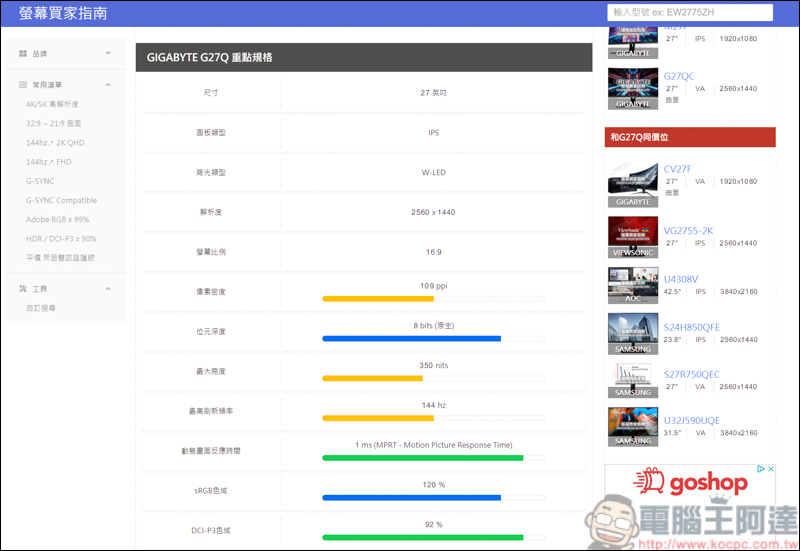
Scroll down to see the key specifications of this screen:
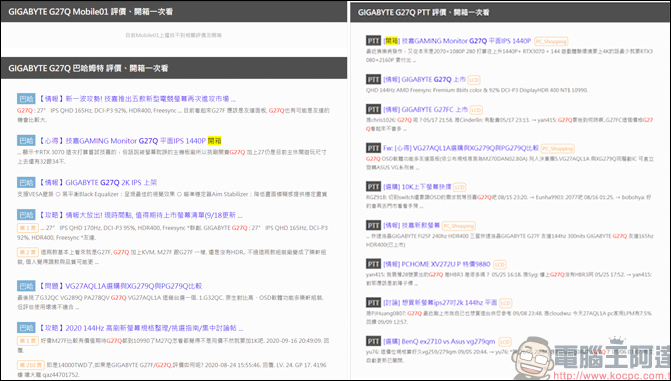
If you scroll down further, you can see the unboxing articles of villagers on PTT, Mobile01, and Bahamut. You can add your own opinions by reading other people’s shared experiences:
How to compare?
The monitor buyer’s guide also provides specification comparison. You can compare up to three units at a time. Just click Spec Compare next to the screen:
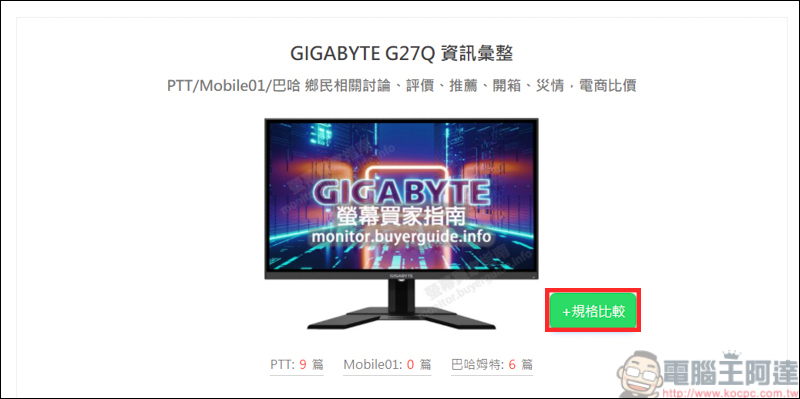
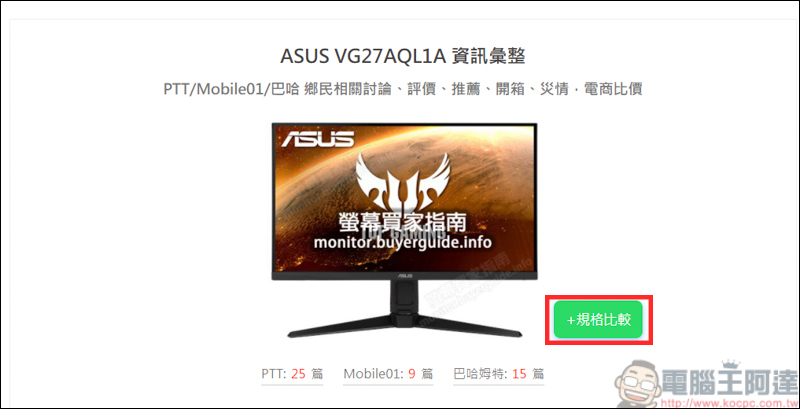
After selecting the screen, you can see a small screen icon in the lower left corner that says 2:
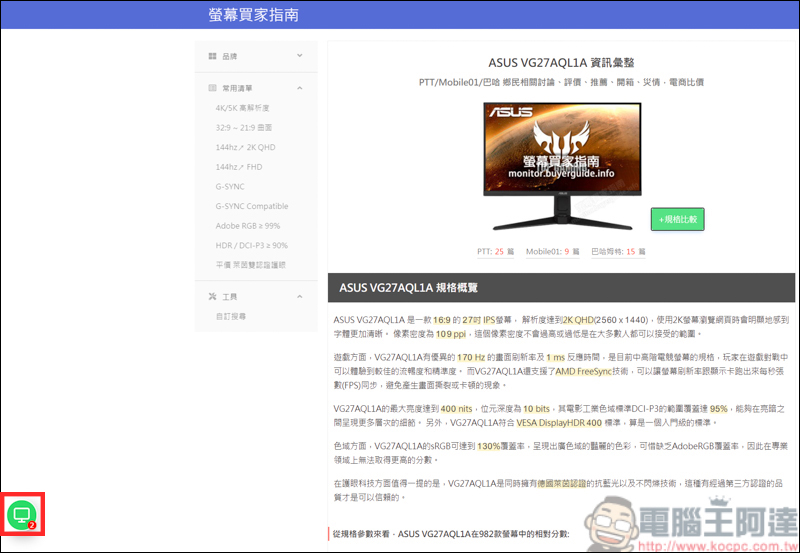
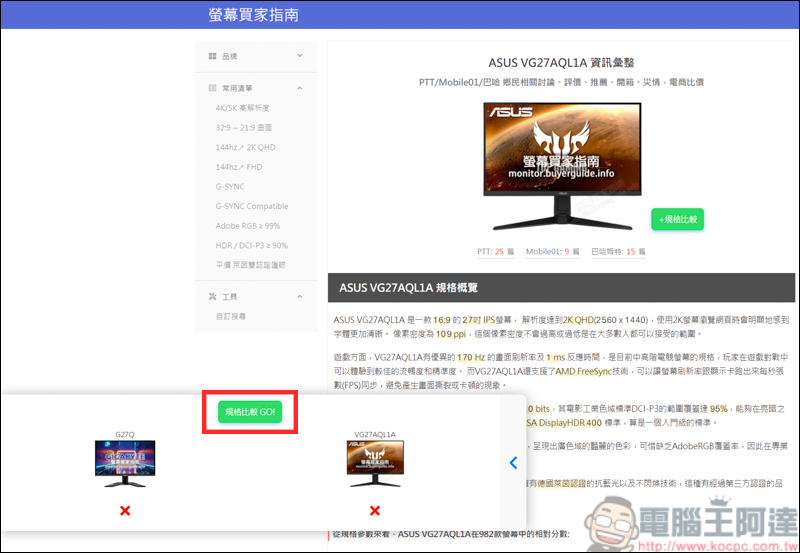
After clicking on the small icon, you can see the screen where you just compared specifications, and then press Compare Specifications:
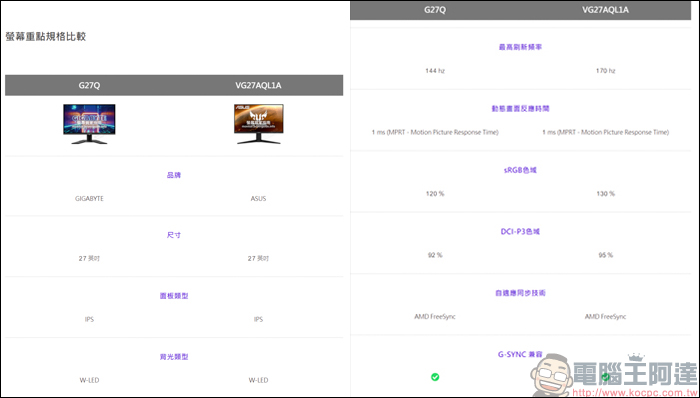
You can compare two screens through the list, but the comparison section only compares key specifications. It is recommended to compare the screen you want first, and then take a closer look at the specifications of the screen. After all, the screen functions of each manufacturer are different:
Source: KOCPC Chinese