


Do you often feel troubled when you see pictures you like on the Internet but cannot download them successfully due to website restrictions or special image formats? Don’t worry, this article is going to introduce a super practical Chrome plug-in – “Image Downloader”, which can not only grab all the images on the entire web page at once, but also filter the desired image files according to format or size. It can also chain right-click websites! The following will take you step by step to understand how to download, install, and actually operate this image download tool, allowing you to easily collect good images on the website (please respect copyright when downloading):

Chrome plug-in “Image Downloader” download
First go to the Chrome Online App Store to download the plug-in:
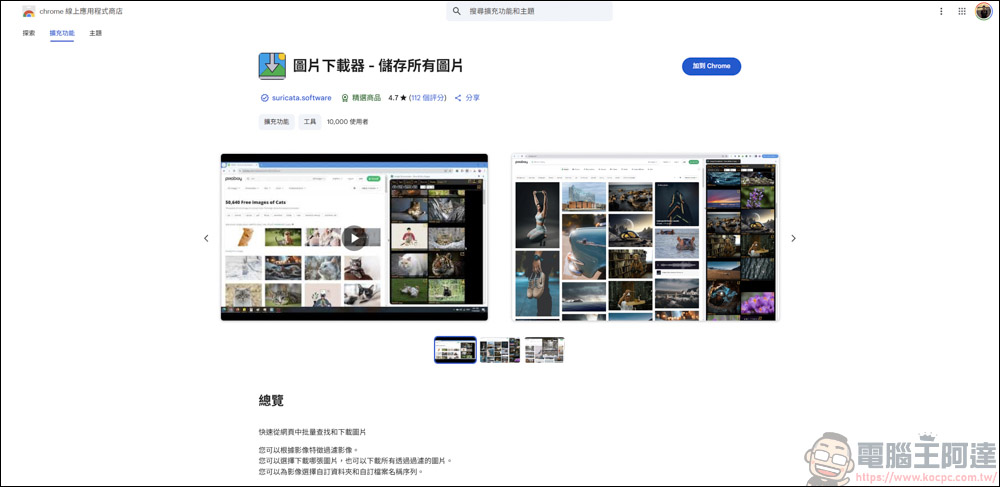
After downloading, a tutorial page will pop up. You can first have a general understanding of how to use it:
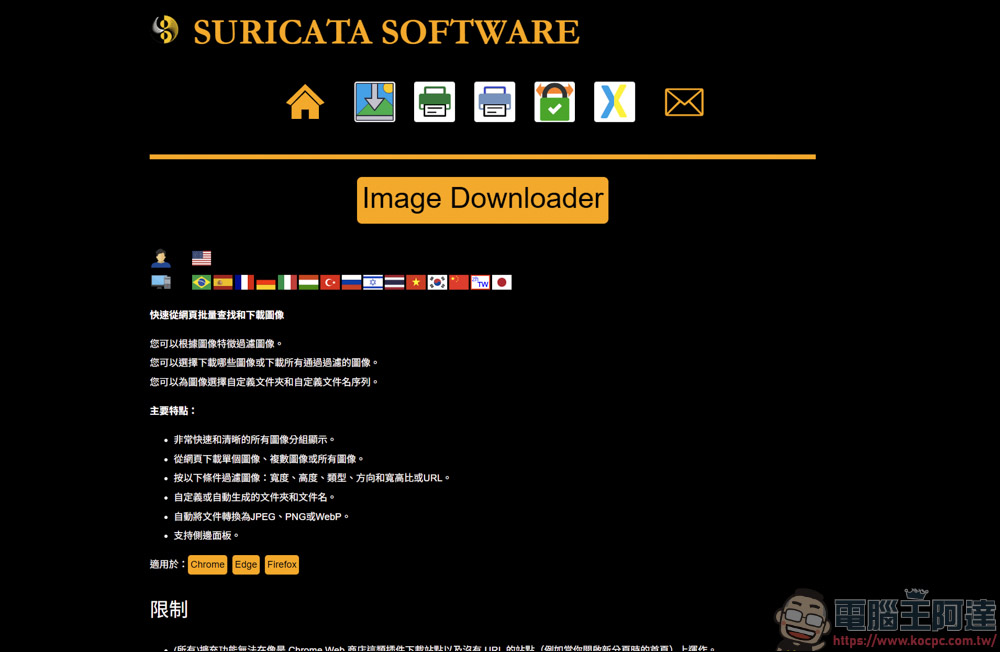
Tutorial on how to use the Chrome plug-in “Image Downloader”
Let’s test it next, using our computer king Ada’s website as an example:

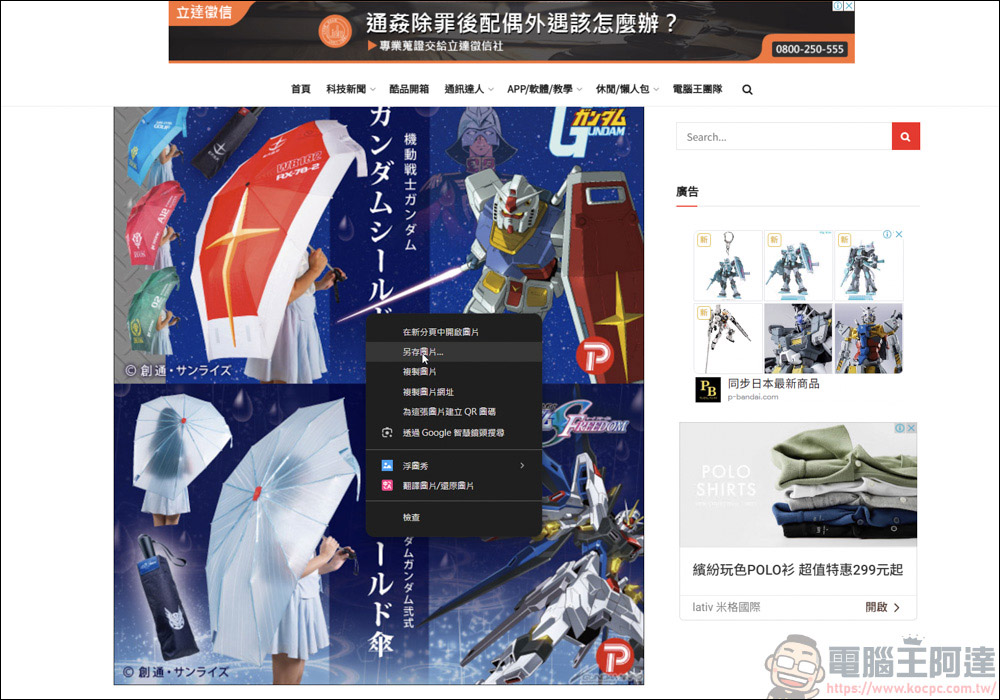
Computer King Ada’s website does not have a right-click function, so you can download pictures by right-clicking the mouse. However, this also leads to many people coming to Computer King Ada’s website to steal pictures (Chinese:
Then open the Chrome plug-in list and find Image Downloader:

After execution, the image downloader plug-in will immediately list the image files on the website one by one:
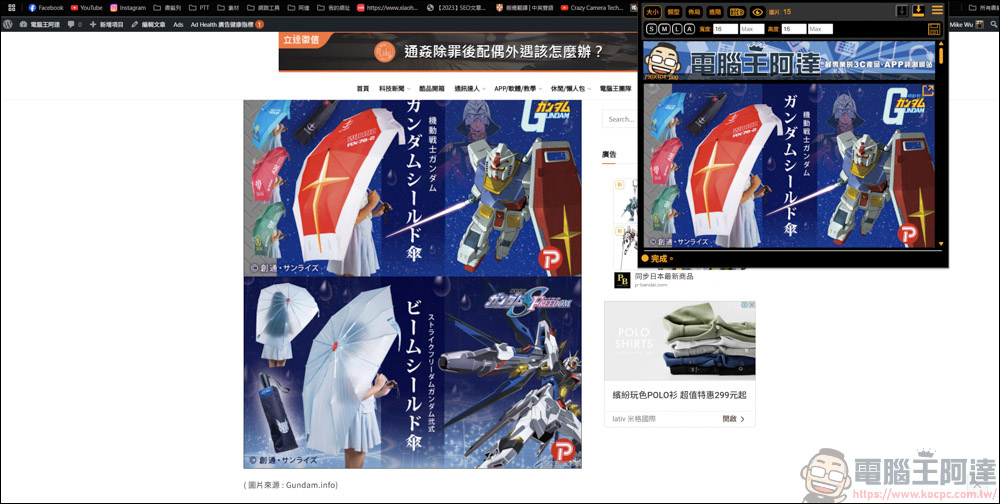
Almost all the image files that can be read on this page can be captured:

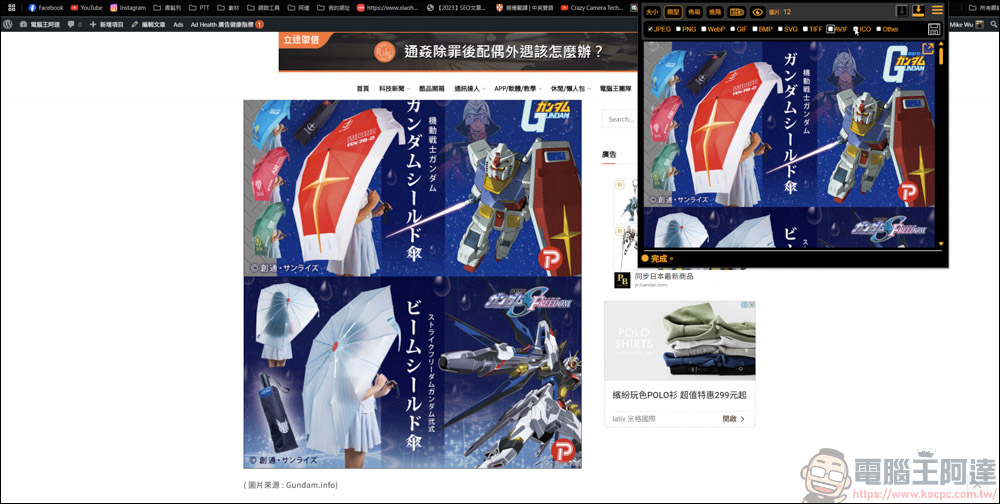
Because the images on the website are divided into jpg, png, gif, etc., if you want to simply display a specific type of image, just check the type you want to download:
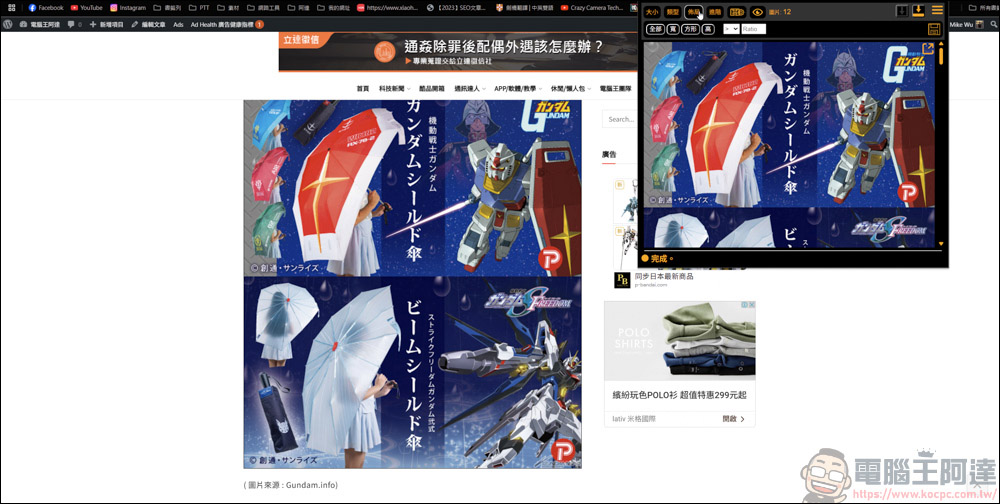
You can also set custom sizes to filter square/width/height images:
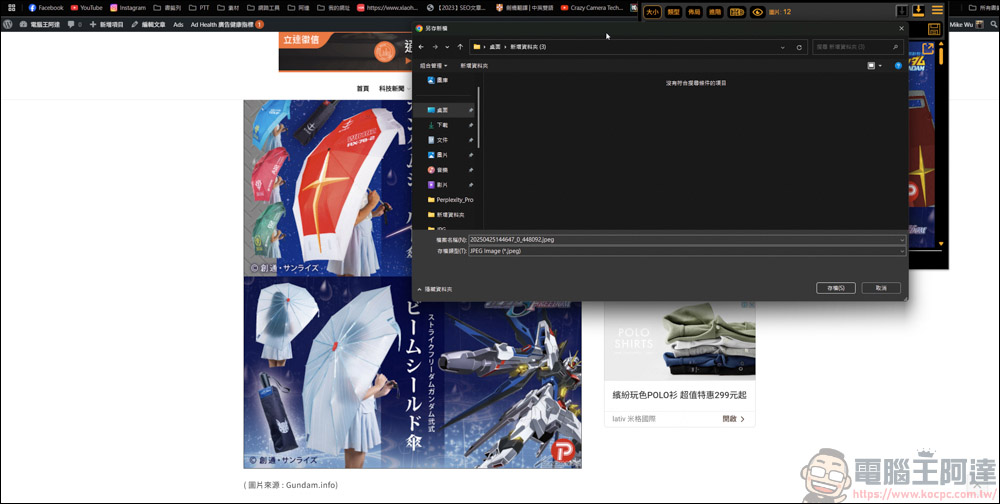
Downloading is also very simple. If you want to download them all at once, click the download arrows on the upper right and lower right and the image files will be downloaded immediately:

This is because my Chrome has settingsAsk for storage location before downloading each filerelationship, so it will ask me when downloading each picture. As long as I turn off the download query function in the settings, it will automatically download it all at once:
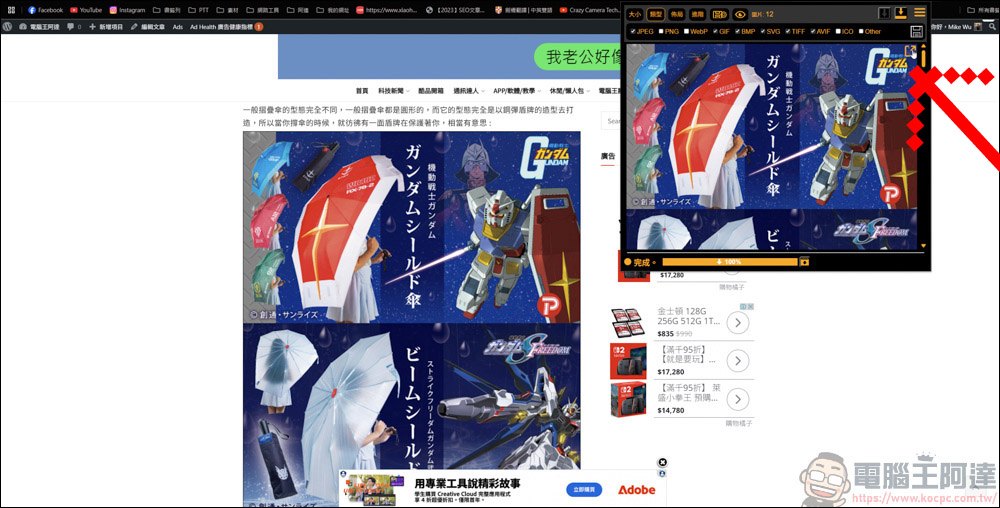
If you want to capture a single or specified multiple image files, it is also very simple. Click on the image to download the specified image. In addition, the red arrow in the picture will open the paging of the picture. It depends on whether you have this need:
The downloaded image files are indeed viewable and usable, but since I have no filtering capabilities, I also captured some small images from the website:
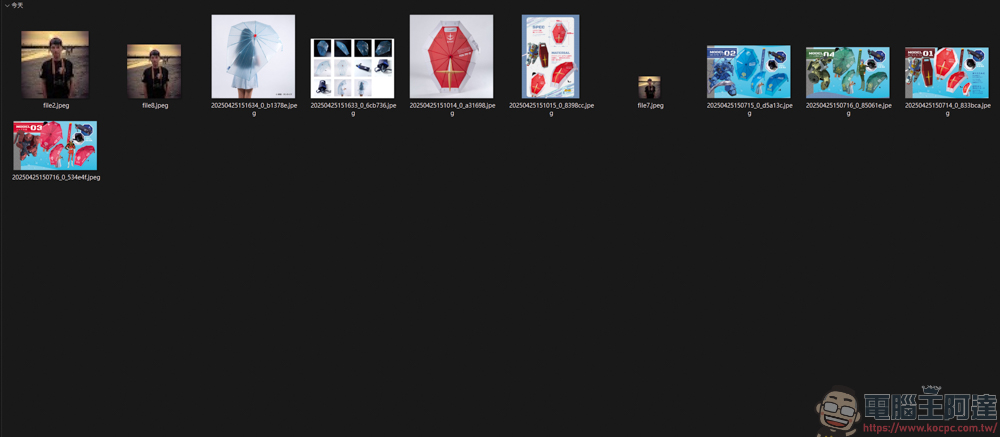
The function of downloading a single image file is also normal:
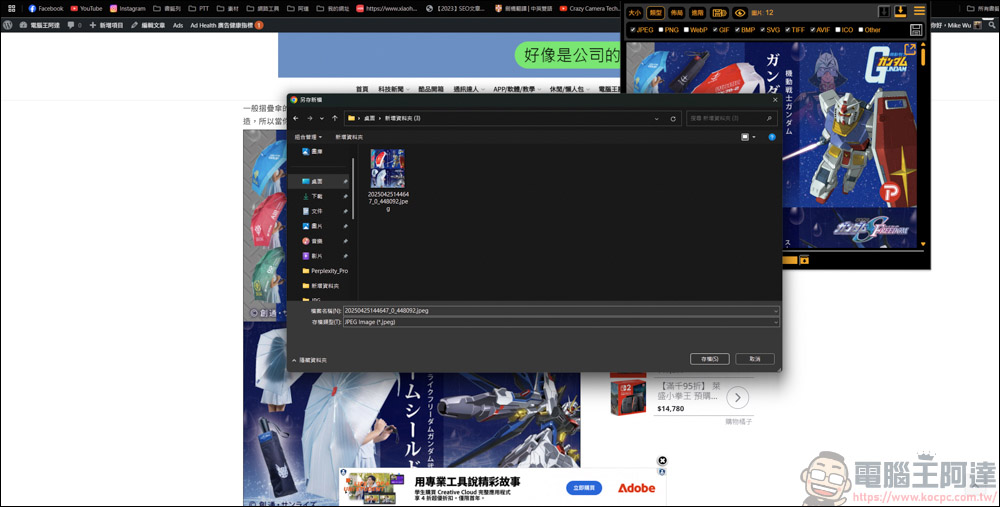
In addition, if you encounter some websites that do not support right-click downloading of images, or the image files are presented in another form, you can also download them through the image downloader:
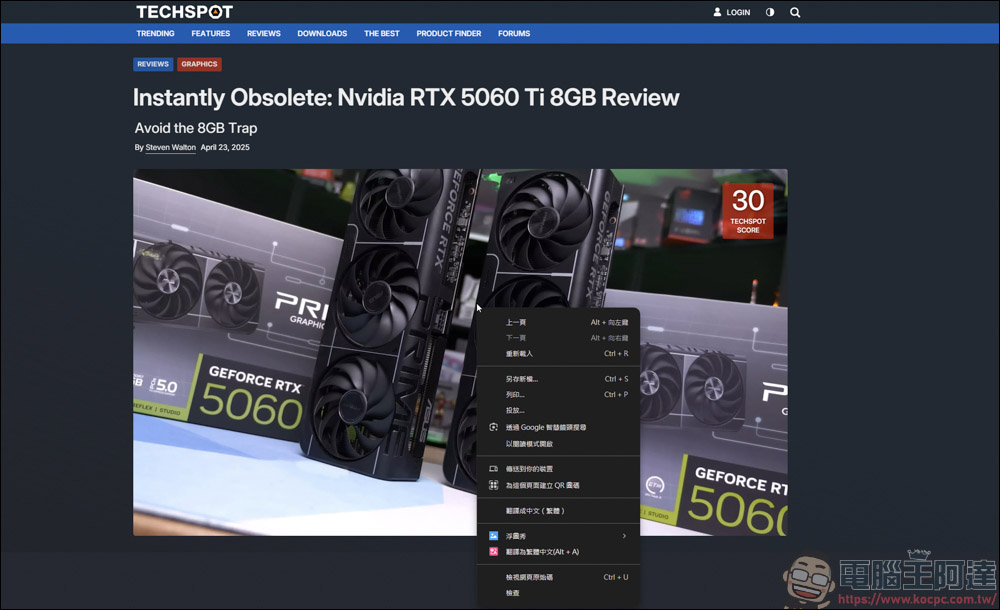
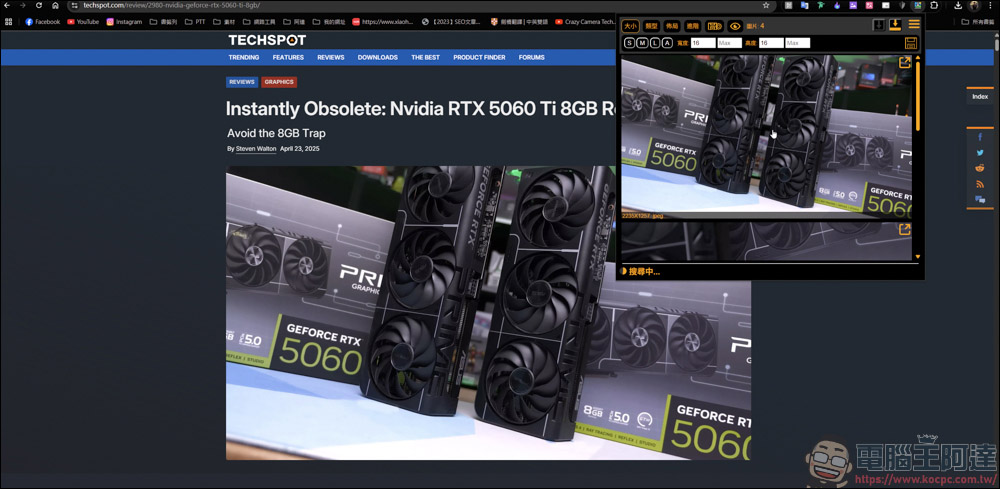
As you can see from the picture above, a menu pops up after right-clicking with the mouse, but there is no save image function. At this time, open the plug-in of the picture downloader, and the pictures that were originally unable to be downloaded can now be downloaded. Using this plug-in, you can quickly package the picture materials on the website, and you can also download pictures that cannot be downloaded from the website.
Finally, I have to remind everyone that when you download pictures from the website, please abide by the copyright of the other party. If you want to use it for other purposes, please ask questions first or attach the source, so as not to be hit by copyright later, which will not be fun:
Source: KOCPC Chinese