


When chatting with friends or posting on social platforms, sometimes you want to add emoticons (Emoji) to express your current emotions. However, it is not always possible to find a suitable one. This article will recommend a very interesting free online tool “Emoji Spark”. Through the power of AI, you can find suitable emoticons using natural language. It goes without saying that you must enter keywords.
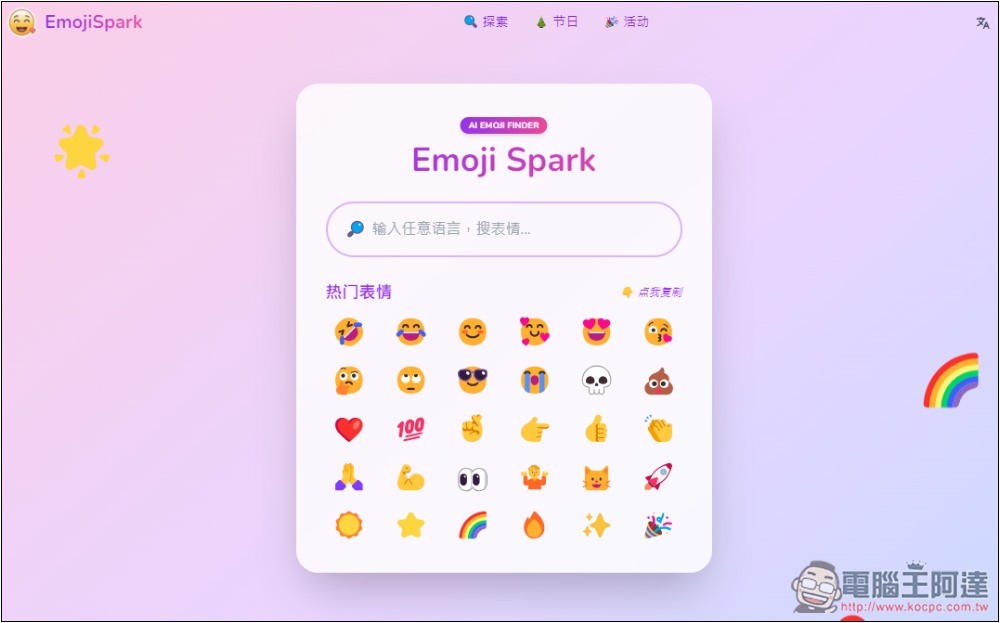
Emoji Spark lets you find suitable emojis using natural language
Emoji Spark is a free online tool, so there are some ads on the web page, but they will not affect the user experience too much. It supports Chinese, so you don’t have to worry about not being able to understand it, and you can also enter Chinese to search for emoticons.
There is also a classification function. If you don’t want to search, you can also browse to find the emoticons you want to use.
Emoji Spark is very simple to use. After clicking the link above to enter the webpage, you will see the search box and popular emojis. Click on the emoji to copy it to the clipboard. In the search box, enter the emoticon you are looking for, like I typed “I am not in a good mood recently”:
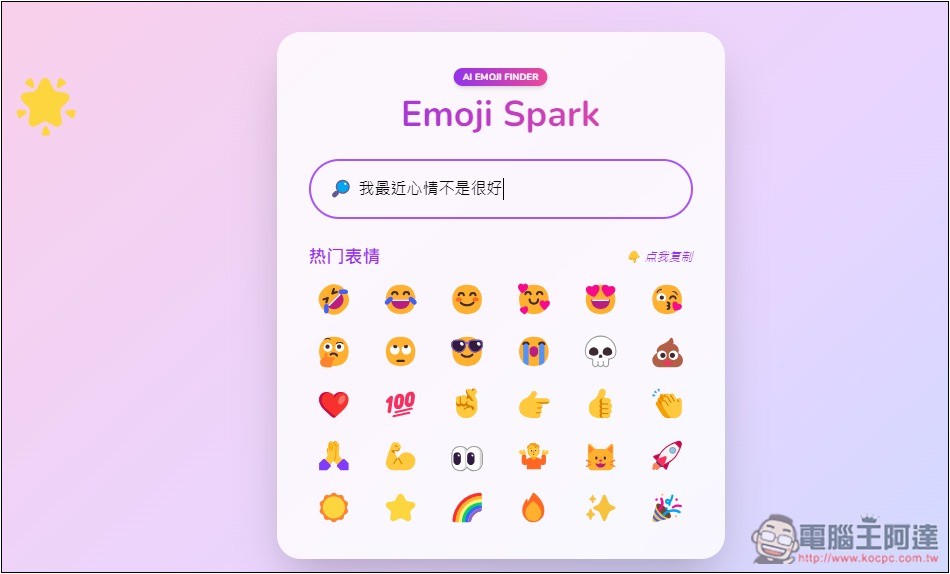
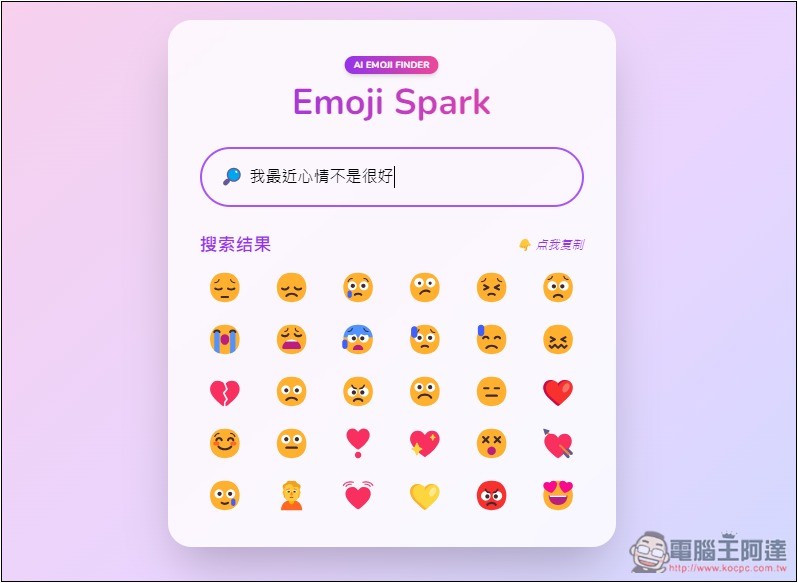
The search results will then be displayed, almost all of which are emojis suitable for bad moods. Find one you like and click on the emoji:
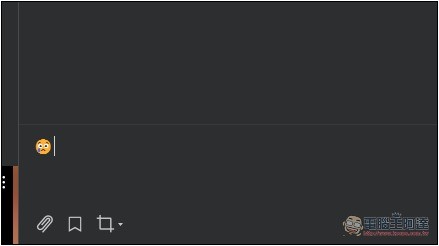
Go to the communication software or social platform you use and press Paste, and the emoticon you just selected will appear:
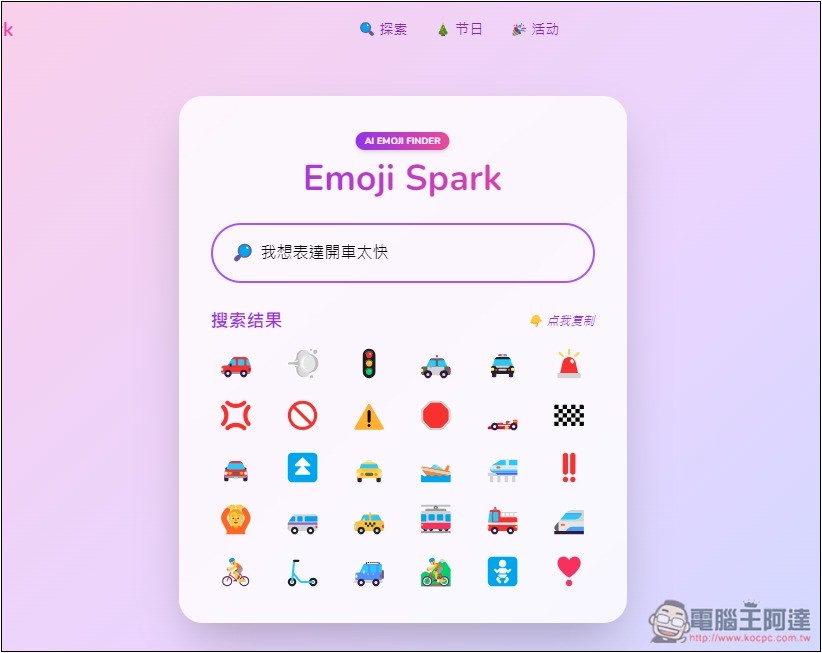
I tested typing “I want to express driving too fast”, and I can still find suitable symbols, many of which are cars:
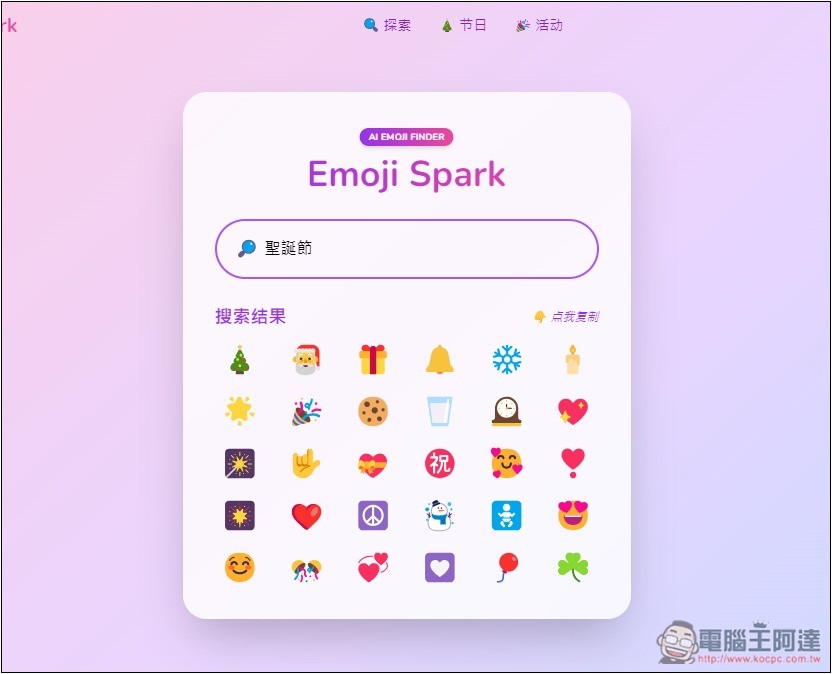
Of course, you can also enter a key to search, such as “Christmas”:
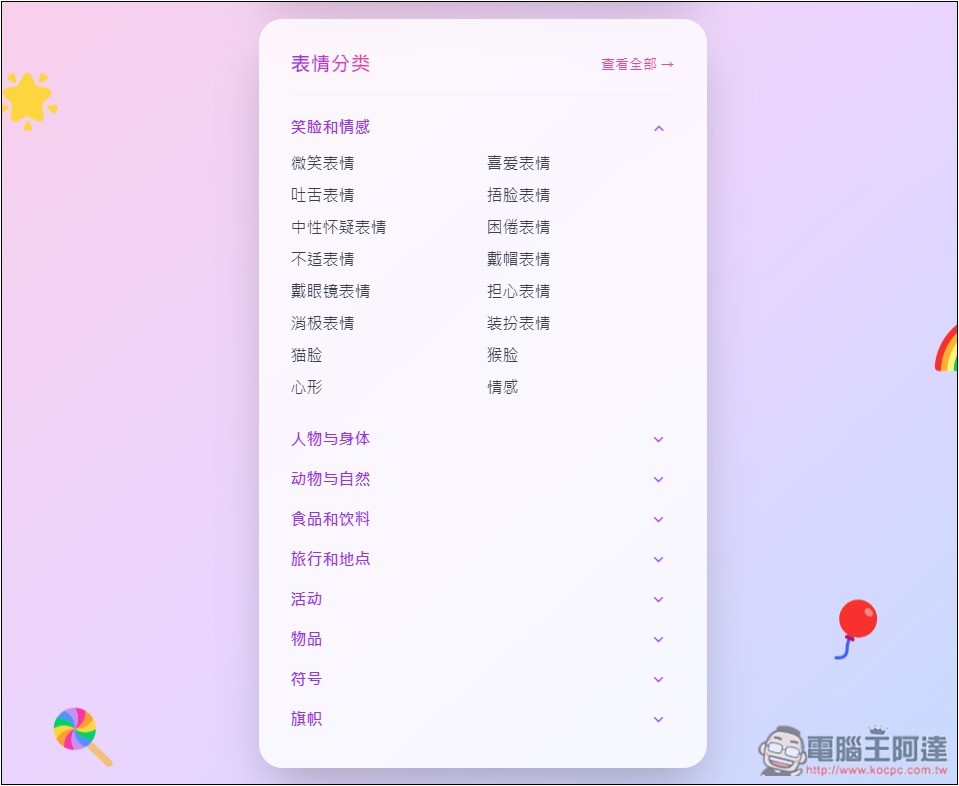
There is also an expression classification function. You can find it by scrolling down the homepage. There are 9 categories in total, including smiles and emotions, people and bodies, animals and nature, food and drinks, travel and places, activities, items, symbols, and flags. If there is a category you want, you can also search it by browsing:
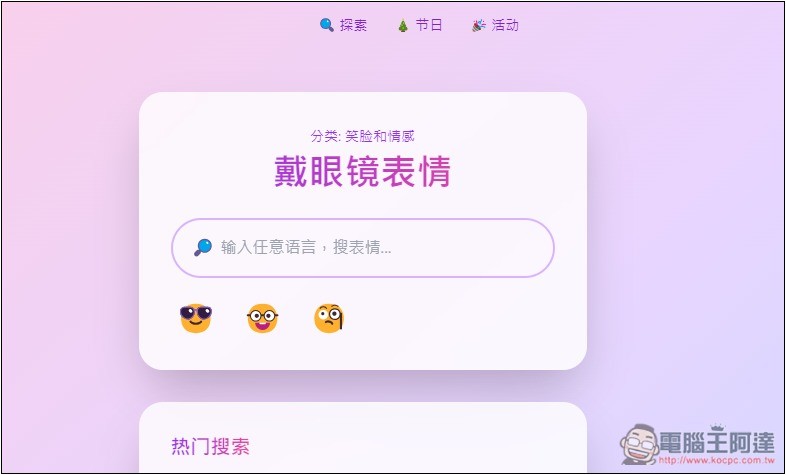
For example, if I click on the glasses emoji, only the emoji with glasses will be displayed:
There are many holiday-related emoticons in the explore menu, such as: Christmas Eve, Christmas Day, New Year’s Day, Spring Festival, Epiphany, Winter Solstice, New Year’s Eve, and even the day after New Year’s Day. I really didn’t expect that there would be suitable emoticons for this. In addition, there are more holiday menus. If you are looking for holiday-related emoticons, go to this menu to find them:
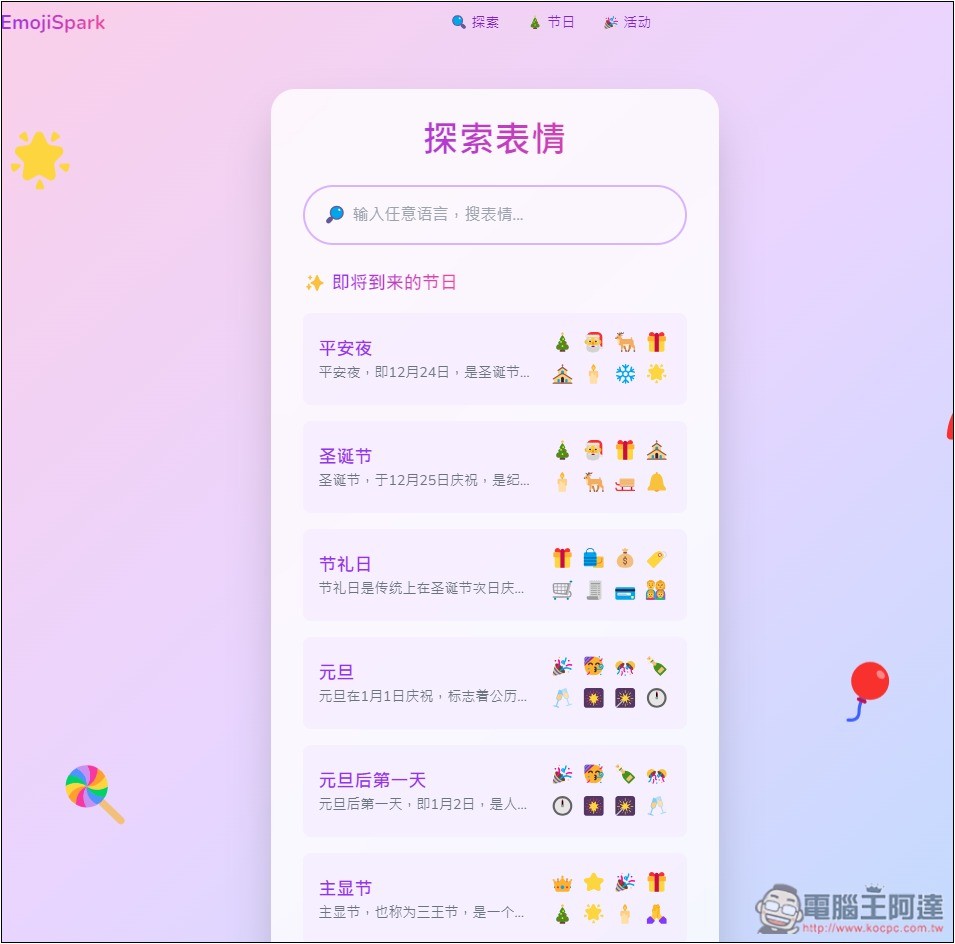
There are also many categories of event emoticons, including: MLB World Series, NBA, World Cup, Winter, Winter Olympics, Anniversary, Summer, Olympic Games, Wedding/Wedding, Home Office, Graduation Ceremony, etc.:
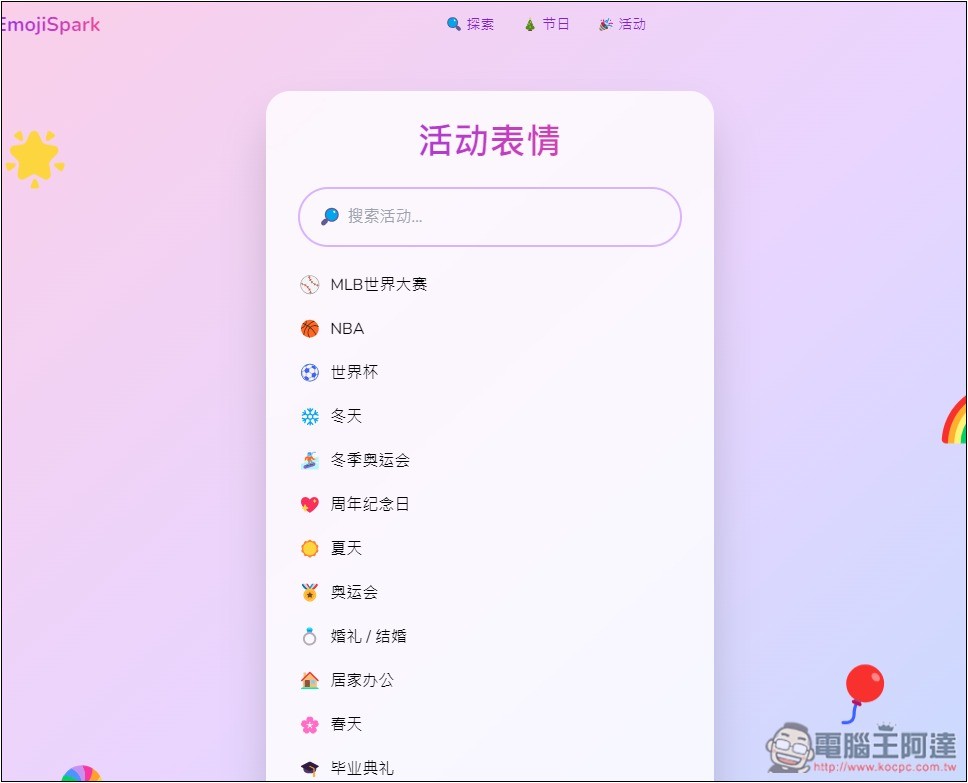
As for what kind of AI technology Emoji Spark uses, the developer did not specify it, only mentioned:
Emoji Spark 作為你的智慧表情搜尋助手,運用自然語言處理和機器學習演算法分析你的輸入並理解上下文。然後,它會根據含義、情感、語氣和流行用法等因素,將你的查詢與最相關的表情配對起來。
The Q&A also has instructions, and these emoticons can be used anywhere:
從我們的表情搜尋工具複製後,你可以在任何支援表情符號的應用程式中貼上使用。
However, the following are not allowed:
- Emoji Spark may not be used in any way that causes, or may cause, damage to the service or impairs its availability or accessibility.
- You may not use the Service in any unlawful, illegal, fraudulent or harmful manner.
- You may not use the Service to copy, store, host, transmit, transmit, use, publish or distribute any material that contains malicious computer software.
Source: KOCPC Chinese