


The half-press lock function that simulates traditional cameras has been introduced into the iPhone 16 series in the recent iOS 18.2 Beta version. Continue reading The iOS 18.2 beta version adds a half-press shutter lock function to the iPhone 16 series. This article teaches you how to enable it.
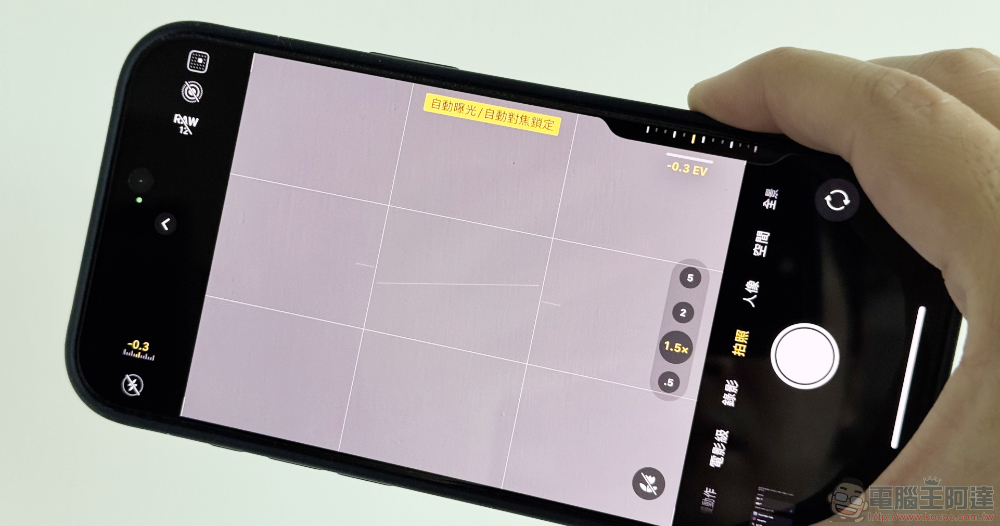
The iOS 18.2 beta version adds a half-press shutter lock function to the iPhone 16 series. This article teaches you how to enable it.
Although I don’t know how many times it has happened, Apple has chosen to slow down the new features on the iPhone a little bit, adding features through subsequent updates at a pace similar to One More Thing. But this year, when Apple Intelligence officially landed in the Apple ecosystem, the iPhone 16 series seems to have more new features “back-up” through system updates than before.
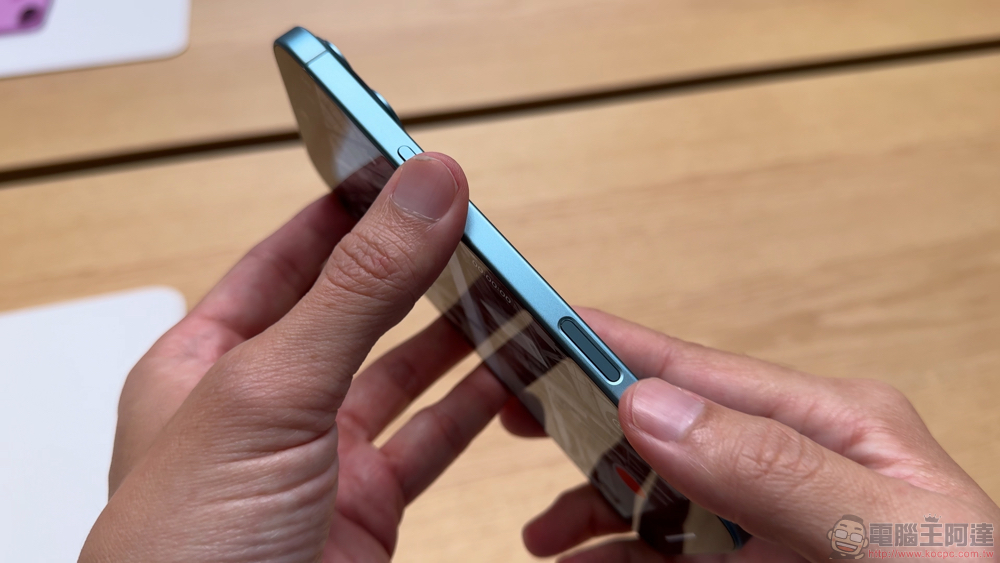
Not only Apple Intelligence related functions need to be imported step by step in various “0.1” versions. Even the additional function of the “Camera Control” button newly added to the iPhone – simulating the half-press lock function of a traditional camera, has not been introduced to the iPhone 16 series until the recent iOS 18.2 Beta version.
The Computer King Ada team also took the opportunity to test the version and actually experienced what the iPhone’s half-press lock is like – of course, this article will also teach you how to turn on this feature.
⚠️ Notes ⚠️: The test version has a considerable risk of unexpected system errors. Please pay attention to possible crash issues during the installation experience. It is recommended to install it with a spare mobile phone to ensure that it does not affect daily use!
How to Enable iPhone 16 Series AE/AF Lock Half-press Shutter Support
This feature, which has been available in the beta version of iOS 18.2, is currently officially called the “AE/AF Lock” feature. You will be able to find “AE/AF Lock” in the setting options of “Settings > Camera > Camera Control” and turn it on.
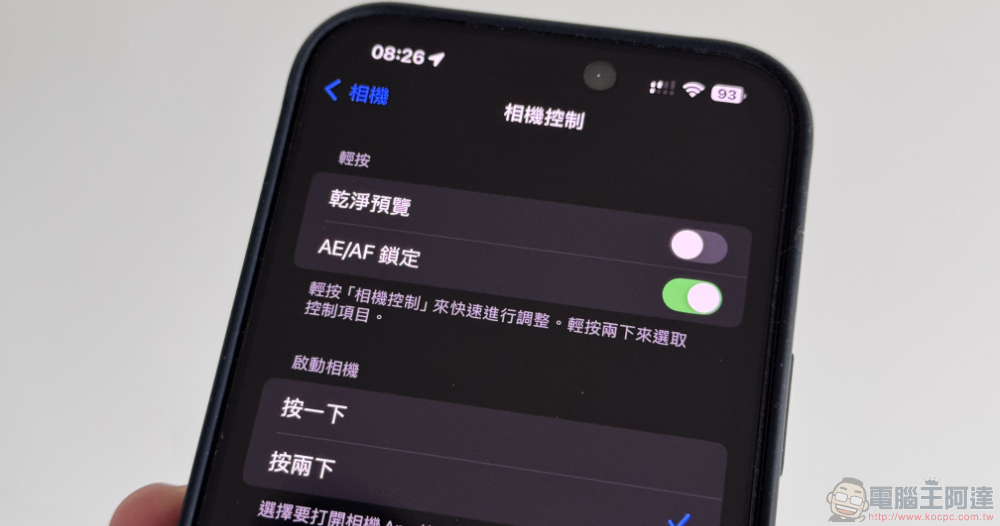
That is to say, I originally thought that the Camera Control experience would also include a stroke feel corresponding to “half-pressing the shutter” or a special operation method.
However, based on the current usage experience, you will find that after enabling the AE/AF lock function, basically when you bring up the adjustment interface or menu of Camera Control, if you continue to press and hold with the same force, the system will display a yellow “Auto exposure/Auto focus lock” prompt.
This function is basically the same as the focus exposure lock function where you press and hold the screen to specify the focus point. But when locked through Camera Control, there is no need to specify the focus point to lock it like the previous touch method; the operation time is also shorter.
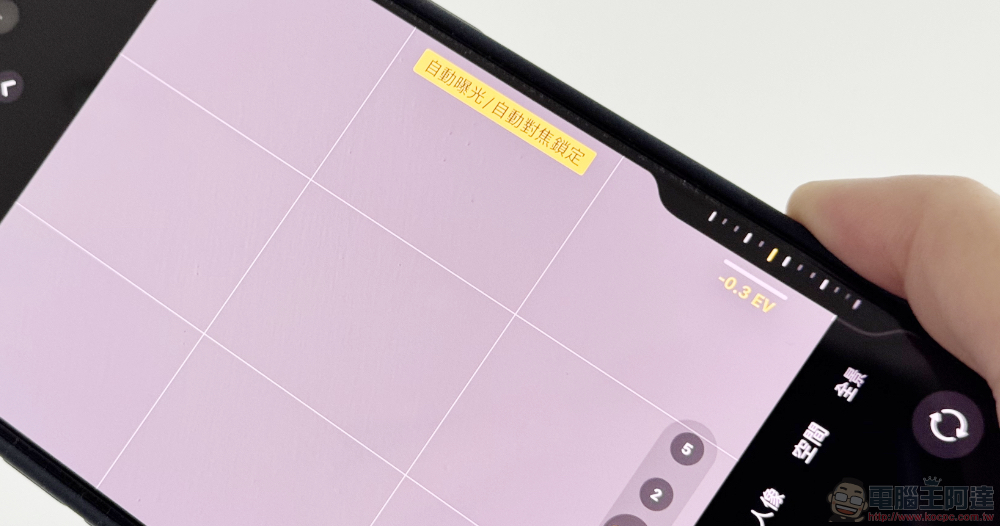
Basically, I think Camera Control’s focus exposure lock is very intuitive and fast to operate – although the prerequisite is that you must be able to grasp the force of half-pressing (I know many people seem to have trouble with it, but in fact, you just gradually increase the pressure until there is a tactile vibration. I think it is not difficult with practice…).
Coupled with this AE/AF lock function, it is now possible to easily switch the time point at which the autofocus transition starts using the central focus point – I also found that when recording, the focus transition is deliberately slowed down and not as fast as in photo mode, which is a good improvement.
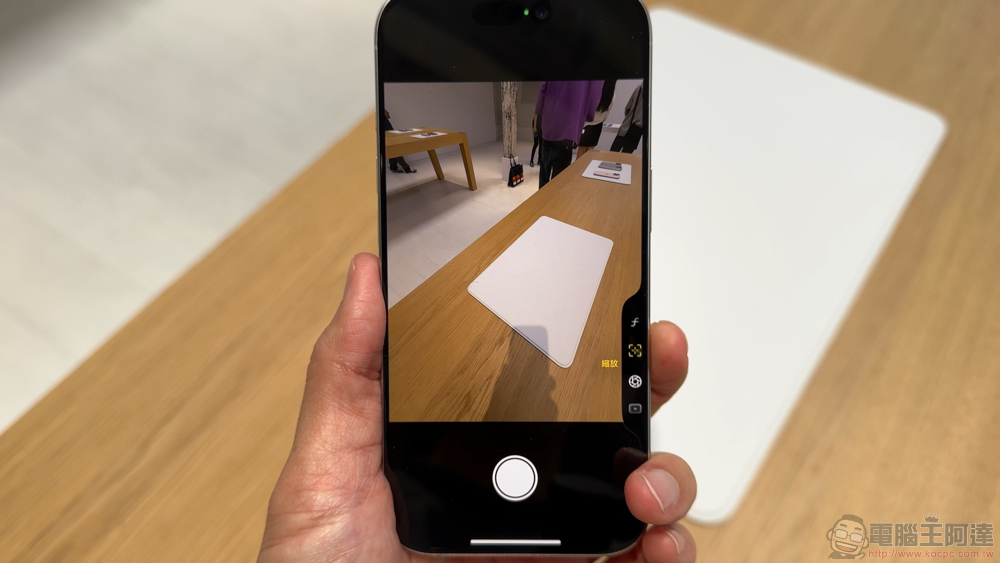
That is, if you want to ask me if there is anything that can be improved on this experience. I would like Apple to consider making this function more like a camera. If “AF Lock” and “AE Lock” can be set separately, it should also make the shooting experience more like a professional camera. I also hope to be able to set the long press lock so that the adjustment value of Camera Control will not be affected by the slight movement of the finger.
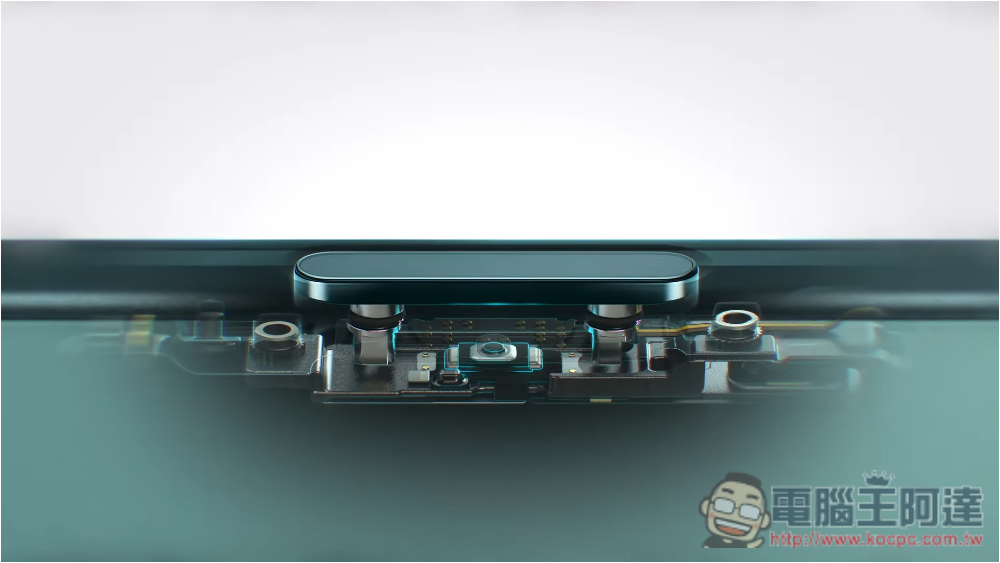
Oh, by the way, under half-press lock, you can still adjust the exposure or other functions through the screen or even press the screen shutter (but you can’t focus~this should be considered nonsense XD). And third-party applications such as Blackmagic Camera are not able to support this feature at this stage, which is also a detail we have tested so far (we thought it would be opened simultaneously so that all applications can support it immediately – it seems that we have to wait for an update).
I wonder if anyone has activated this function? Have you discovered any interesting new tricks? Can you share it with us?
Further reading:

Source: KOCPC Chinese