


Foreign media who had a great time shared some secrets. This allows even models that are not supported by Apple Intelligence to send Genmoji emoticons that can be generated using keyboard text. So if you don’t want to install the latest beta version, or simply because your device is too old to support Apple Intelligence features. But if you really want to enjoy the convenience of directly using the generated AI images in Genmoji, then read our article. Continue reading Someone discovered how to send Genmoji to devices other than iPhone 15 Pro and iPhone 16. Learn it quickly and report the content.
▲Image source: Apple
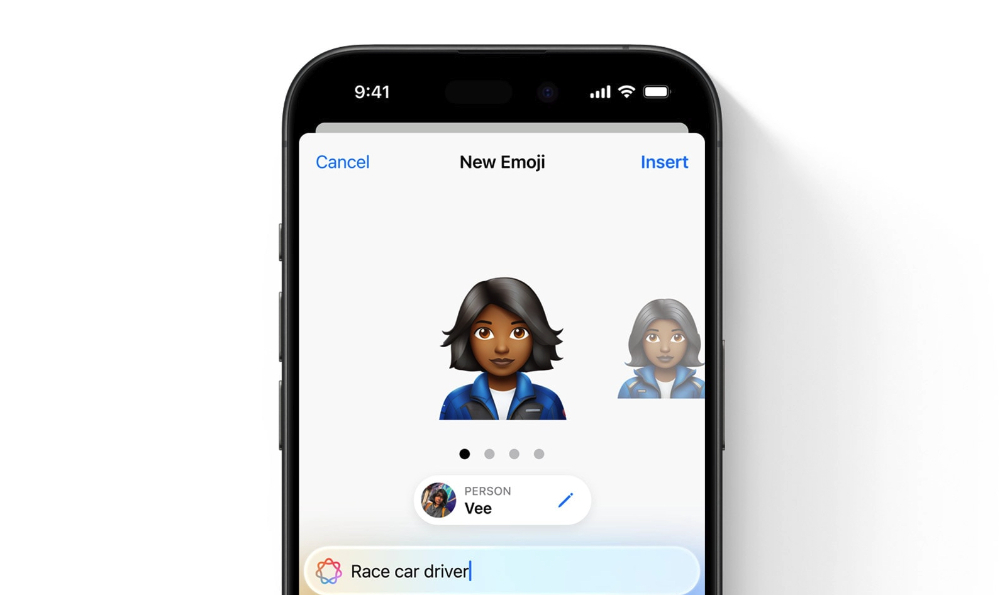
Someone discovered how to send Genmoji to devices other than iPhone 15 Pro and iPhone 16. Learn it quickly.
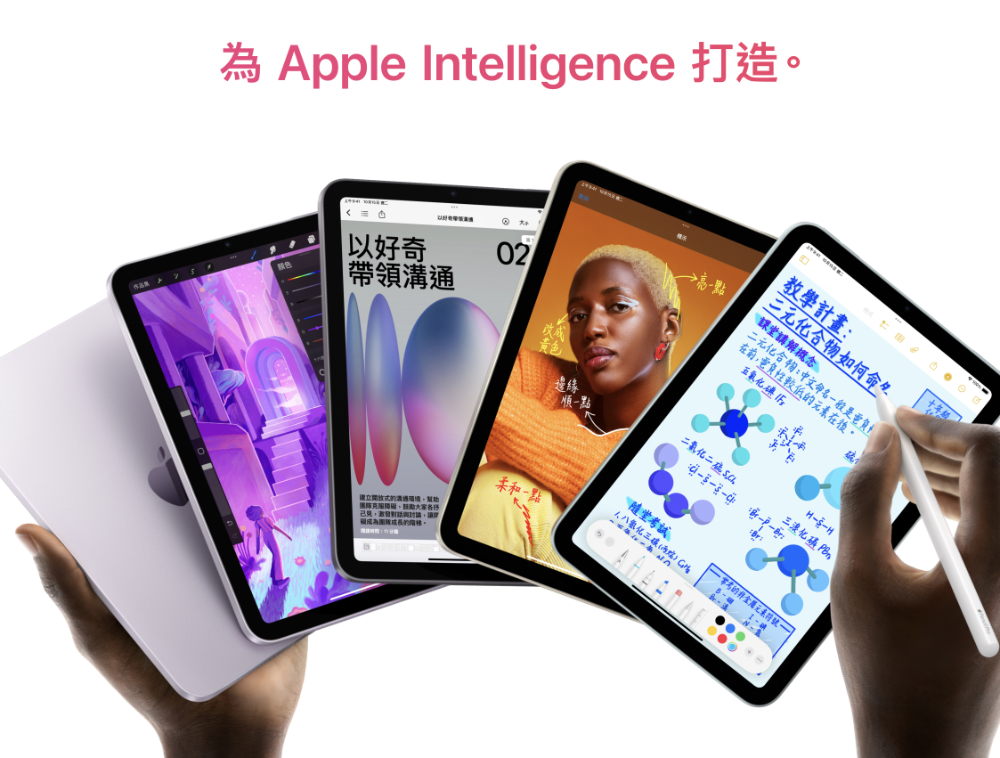
The image generation function Image Playground and the emoji generation Genmoji have been opened for registration in the iOS 18.2 beta version along with the latest Apple Intelligence experience that can work well with third-party services such as ChatGPT. (See more:How to enable Apple Intelligence integration with ChatGPT? How does it work? This article tells you)
▲Image source: Apple
Although I can currently use ChatGPT to integrate Apple Intelligence experience on iPhone, I am still patiently waiting for the trial license of Image Playground and Genmoji (I heard that a VPN is required to use it?).
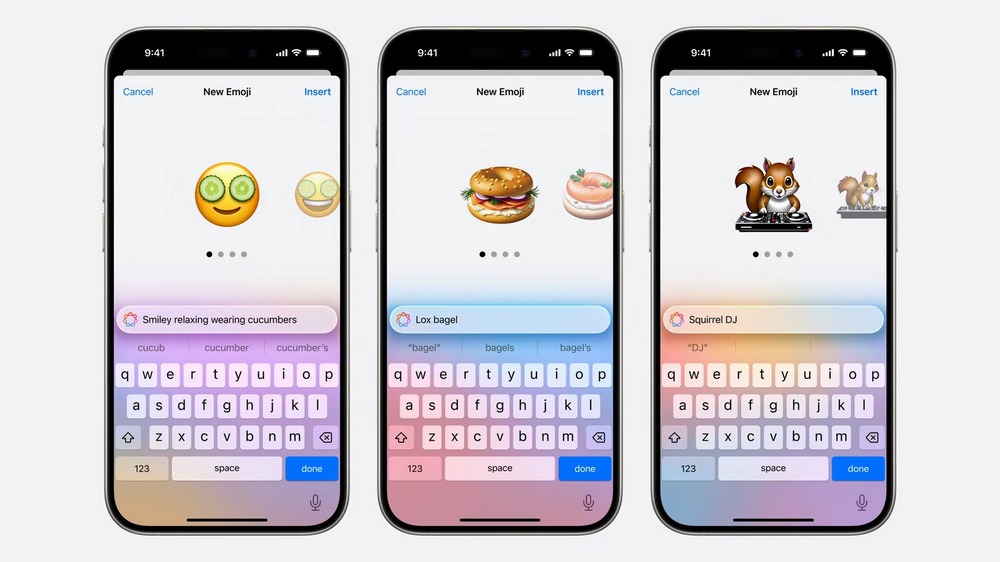
However, many media in the United States have already had fun with it, and even shared some secrets – for example, even models that are not supported by Apple Intelligence can send Genmoji emoticons that can be generated with keyboard text.
If someone sends you a Genmoji in a text message, you can long-press and save it to use yourself. pic.twitter.com/vBli3KYWuj
— Benjamin Mayo (@bzamayo) October 23, 2024
According to a report by foreign media 9to5Mac. If you don’t want to install the latest beta test version (it may be unstable after all), or simply because the device is too old to support the Apple Intelligence feature. But I really want to enjoy the convenience of directly using the generated AI images in Genmoji. They found that whenever you receive Genmoji emojis in iMessages. You can save this emoticon for future use by long pressing (as shown above).
This means that even if you don’t have iPhone 16, iPhone 16 Plus, iPhone 16 Pro, iPhone 16 Pro Max, and iPhones before iPhone 15 Pro and iPhone 15 Pro Max, even other iPads and Macs will technically be able to play Genmoji.
▲Image source: Apple
It’s unclear whether this is Apple’s deliberate freedom, or whether it is just that the restrictions have not been locked during the testing period – after all, if it is to sell a new phone, it is possible that it will not be used for other models?
But at least for now, if you have long felt that the current emoticons cannot satisfy your wild ideas, and you really want to generate some innovative emoticons of your own. Then you can ask your friends who have new devices that support Apple Intelligence to help “generate it”.
Of course, the premise here is that you must have friends (maybe in the United States?).
Quote sources:X (formerly Twitter)|Via:9to5Mac|
Further reading:
How to enable Apple Intelligence integration with ChatGPT? How does it work? This article tells you
Source: KOCPC Chinese