


It can take into account the choice of (manual) photography. Recently, there is a “free” option that is quite recommended. It is “Jiying Camera (Jiying Camera)”. Continue reading the free but super professional “Jiying Camera” adds iPhone 16 series 4K 120fps support (hands-on play) report.
Free but super professional “Jiying Camera” adds support for iPhone 16 series 4K 120fps (hands-on play)
With more focus on the camera experience, the iPhone 16 series has launched a special control interface called “Camera Control” that specifically corresponds to recording usage scenarios. There may also be many people who will start to treat the iPhone as a more professional photography equipment. I would also like to find film filters that can support more manual shooting functions, have a full sense of youthfulness, and even professional applications that can handle post-production.
Although previously Blackmagic and Apple’s original Final Cut Cameras could be used. But when it comes to options that can take into account (manual) photography, there is a “free” option that is worth recommending recently. It is “Jiying Camera (Jiying Camera)”.
Let me talk about it first, although there is a Traditional Chinese option in the “Jiying Camera” application. But after all, it is an application made by developers in mainland China, so if you find it unacceptable to see simplified characters in the official description, I suggest you skip it.
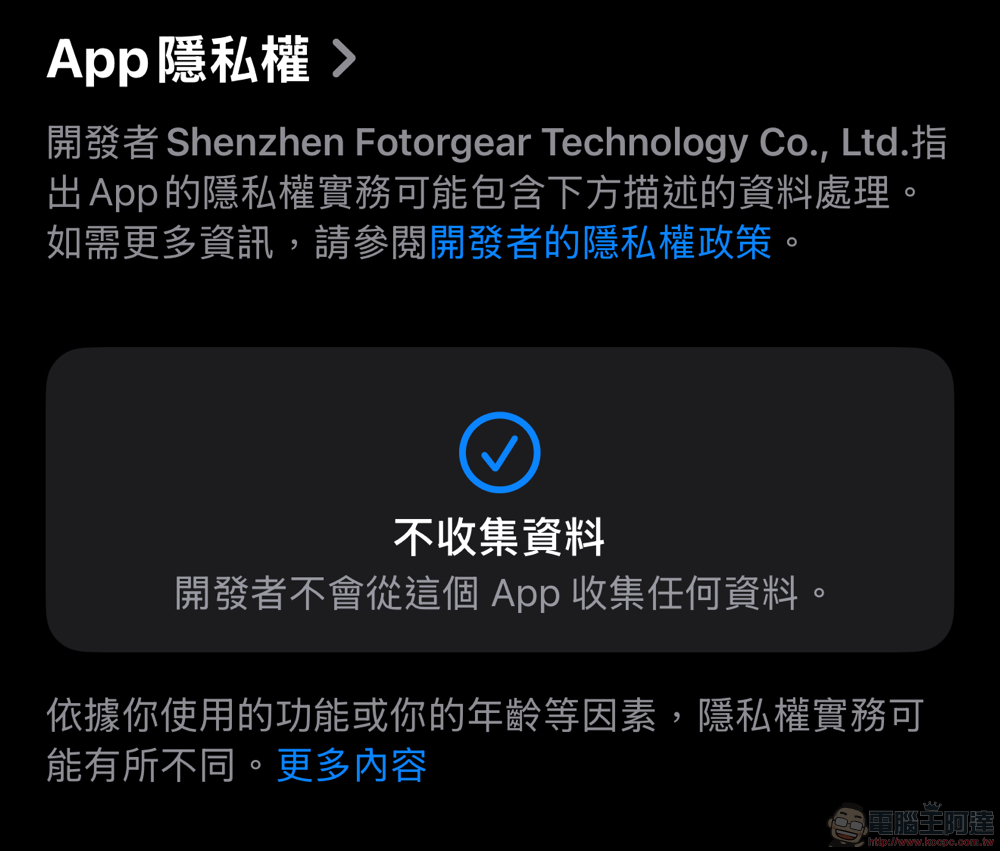
For those who have concerns about privacy, at least in our experience of using this free app so far, as well as the App Store’s “App Privacy” prompts, we have not seen any suspicious issues. Of course, if you have any doubts, we won’t force it (or don’t force it XD).
Let’s get into a simple hands-on introduction!
The time when we started playing was just after the 4.0 major version update of “Jiying Camera” was launched with many new features. After the launch of iPhone 16, they quickly kept up with the new 4K 120fps recording capabilities of the Pro series (but after checking the Menu, they did not yet provide FHD 120/240fps support).
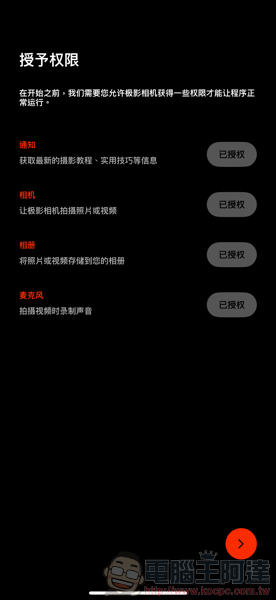
And although it does not support quick launch settings, at least you can trigger the shutter through the camera button – it will not “bounce” to other designated camera applications after pressing the shutter, like apps that are not yet supported. Then after opening the app for the first time, it will ask for authorization including camera, notification and other permissions.
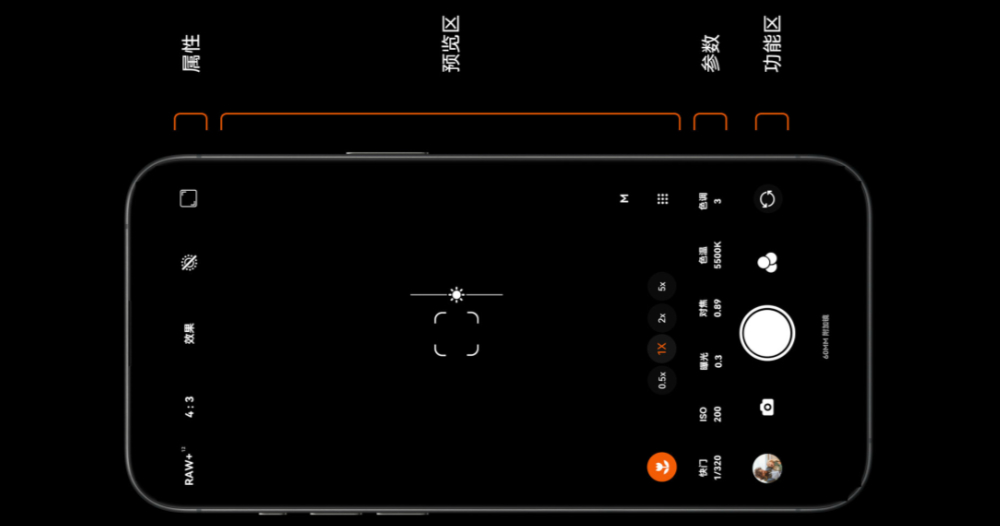
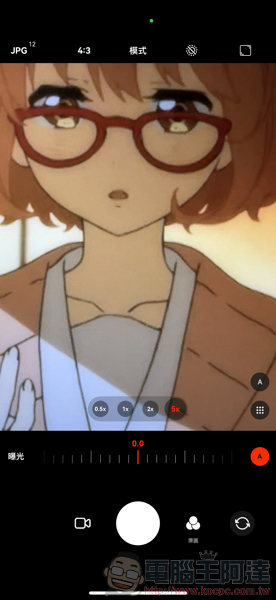
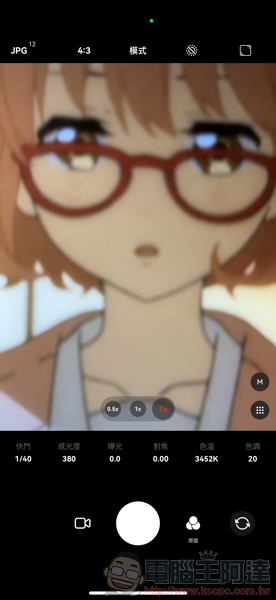
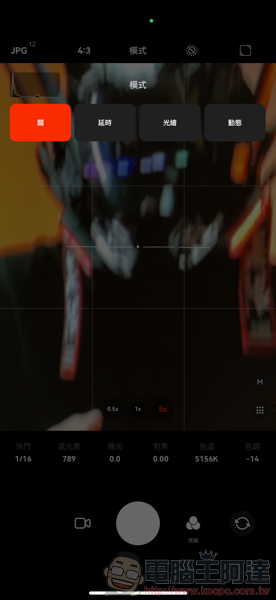
The interface is quite simple. The top area is a quick setting area for video, photo and other related parameters; the center and bottom part is for adjusting parameters. A and M on the screen can switch between automatic and manual interfaces – you can see that the automatic mode is really stupid and very similar to the native iPhone interface. When switching to the 5x lens, it will switch to the 1x lens digital zoom method according to the conditions; the M mode seems to switch to the 5x lens honestly (so the close-up screen will be out of focus).
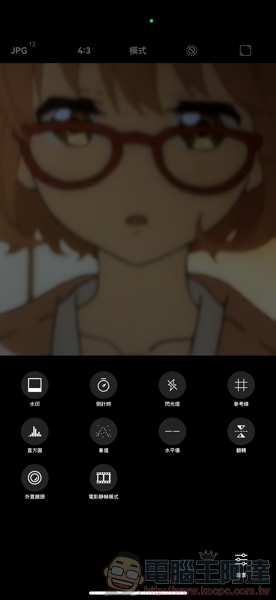
The settings can be set by yourself according to your needs. However, it is recommended to turn on the Jiugong grid and “lock white balance during recording”.
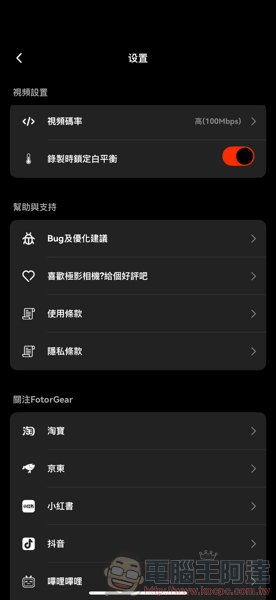
In terms of video format, you can see that it already supports 4K 120fps, and supports manual options including color temperature and exposure value in M mode.
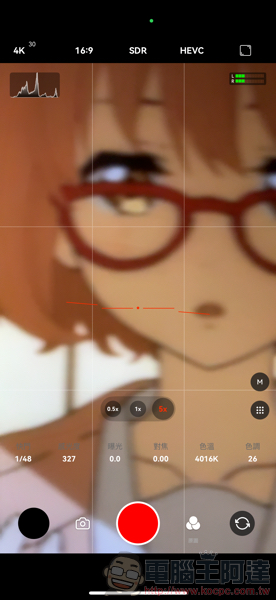
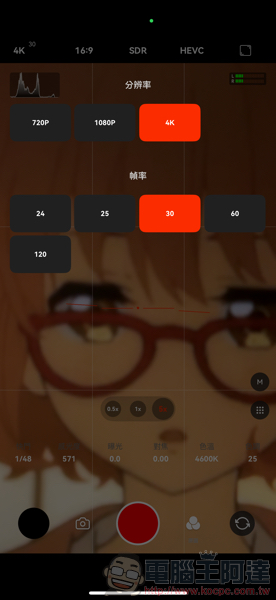
In terms of other functions, it also supports creative uses such as time-lapse photography and light painting. This version 4.0 also provides the OpenGate mode that disappeared in the iPhone 16 fast recording interface (it also supports 4K), and can support the interesting Apple Log still shooting mode. There are also film simulation filters and very literary watermarks that can be applied. I recommend everyone to play more.
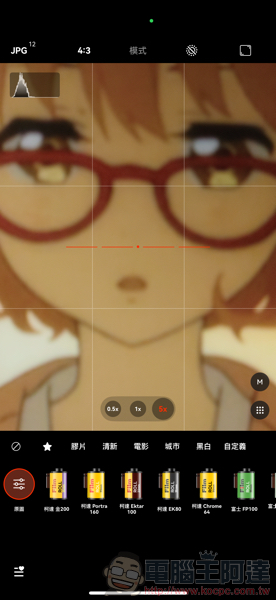
Download “Jiying Camera”:Apple App Store
Finally, we have also included the developer’s complete video introduction to this camera application, which you can refer to!
Further reading:
Source: KOCPC Chinese