


As the testing of the public beta version of iOS 18 comes to an end (the official version will be launched next week). Someone discovered that the slow-motion editing interface was mentioned when the latest 4K 120fps shooting specifications were introduced at the iPhone 16 Pro series launch event. It turns out that it has been quietly pushed to users in the recent iOS 18 public beta version. Continue reading is not exclusive to iPhone 16 Pro! New iOS 18 feature that allows you to more freely adjust video slow motion is now available! (Hands-on play) Report content.
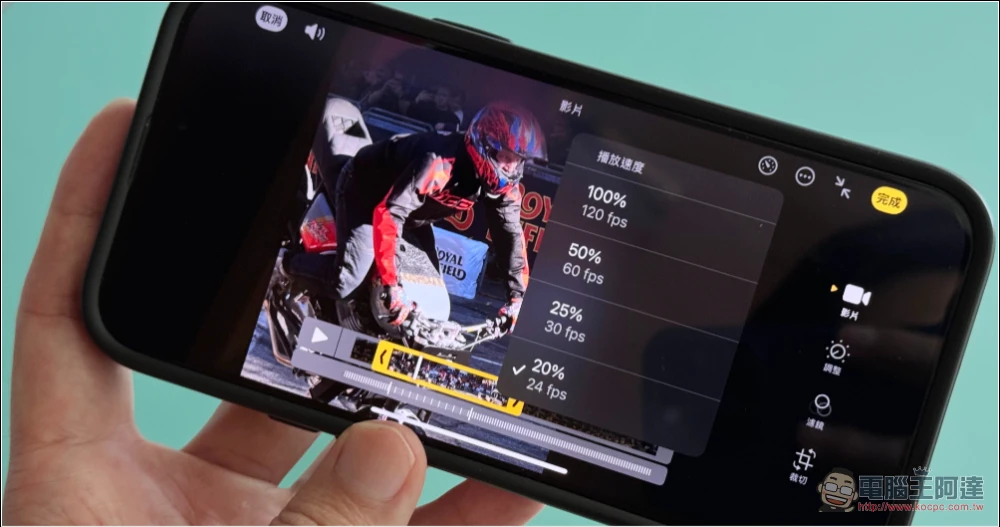
Not exclusive to iPhone 16 Pro! New iOS 18 feature that allows you to more freely adjust video slow motion is now available! (hands-on play)
As the testing of the public beta version of iOS 18 comes to an end (the official version will be launched next week). Someone discovered that the slow-motion editing interface was mentioned when the latest 4K 120fps shooting specifications were introduced at the iPhone 16 Pro series launch event. It turns out that it has been quietly pushed to users in the recent iOS 18 public beta version.
注意 ⚠️:測試版本有相當程度的系統無預期的錯誤風險。安裝體驗請留意可能的當機問題。建議以備用手機安裝,以確保不影響日常使用。
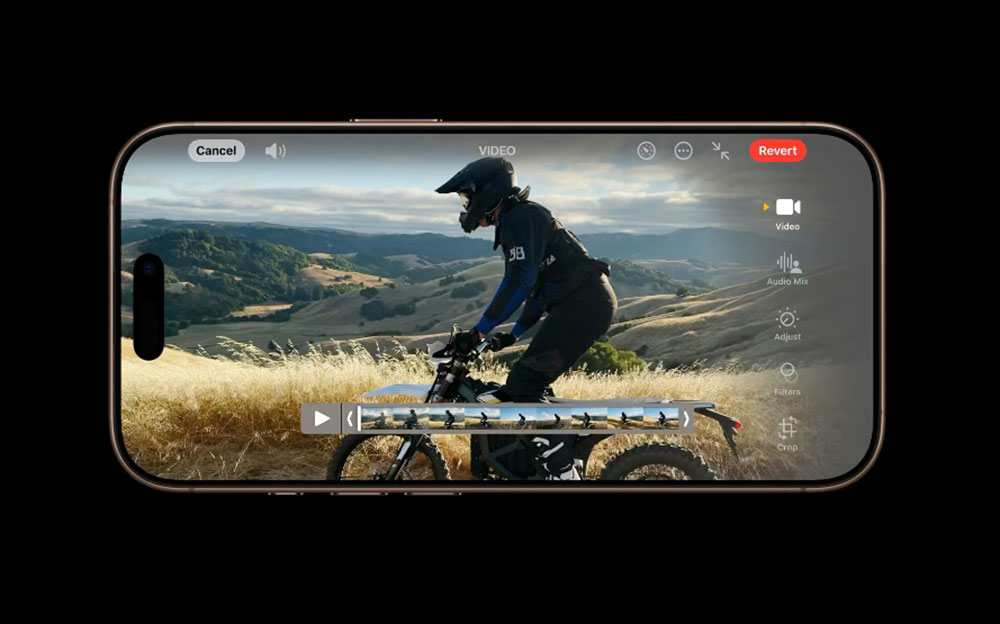
▲Image source: Apple
To put it simply, this latest feature that allows you to more clearly set the viewing FPS frame rate is not limited to the latest Pro series iPhone and later models. Basically, as long as you are shooting at a slightly higher frame rate such as 60fps or above, you can use the editing interface of the new photo app to adjust the video output effect that is more suitable for viewing needs.
So even if the iPhone in your hand may not be able to shoot 4K 120fps, the current models can still shoot 240fps in Full HD, so you can enjoy more fun brought by the new interface!
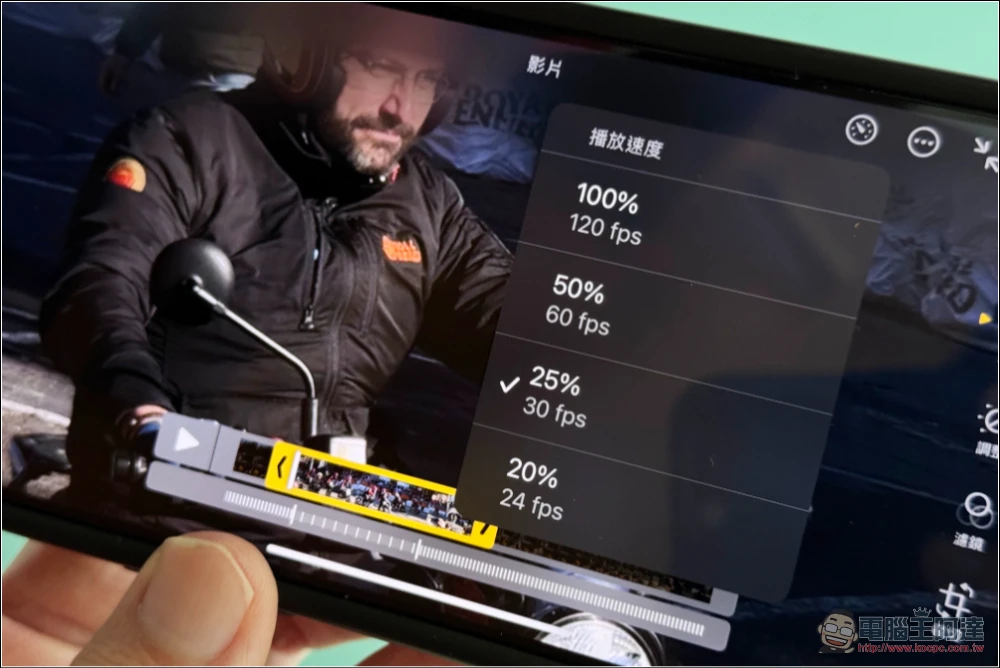
The Computer King Ada team also tested this function for the first time. This slow-motion editing mode only requires a recording frame rate of 60fps or above. Basically, after clicking the control editing button on the rightmost side of the three buttons at the bottom of the photo app, you will see a new button in the upper right corner that looks like an adjustment knob.
After clicking, you will see the button that appeared at the press conference, which can be set according to the “percentage (%)” – taking 1080p 120fps as an example, there are “100% 120fps”, “50% 60fps”, “25% 30fps” and “20% 24fps” to choose from.
At the bottom, the interface maintains the previous Speed Ramping effect, and the video range can be reduced through the yellow frame.
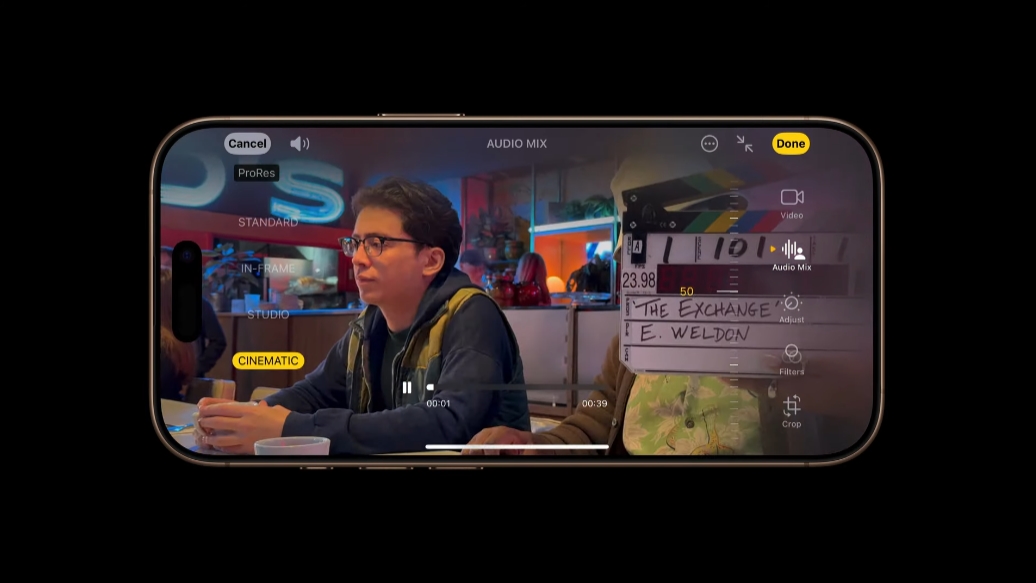
▲Image source: Apple
That is to say, the “Audio Mix” function of the iPhone 16 series currently seems to be only available for the iPhone 16 series (I just discovered that the standard model is also available!).
I checked the specification sheet and found that the previous iPhone models that supported audio zoom and video recording did not have specifications for “mixing function”. It seems that it is a pity that you cannot enjoy the new function of changing the sound mixing effect in post-editing. But it is estimated that like portrait mode and movie-level mode, the iOS 18 system should have built-in support for editing iPhone 16 recording files across devices.
via:MacRumors|
Further reading:
Source: KOCPC Chinese