


Leica cameras have always been a classic and special existence for people who love taking pictures. In the field of smartphones, if people want their phones to be able to take photos in the style of Leica, Leitz Phone 3 Only available in Japan, Xiaomi 14 Many Xiaomi mobile phones such as the series have shooting functions, image styles and filters that are adjusted in cooperation with Leica. Now iPhone users can also use the original Leica product for free Leica LUX App Take a photo and provide 5 free Leica filter options. Next, I will quickly share with you the actual hands-on play.
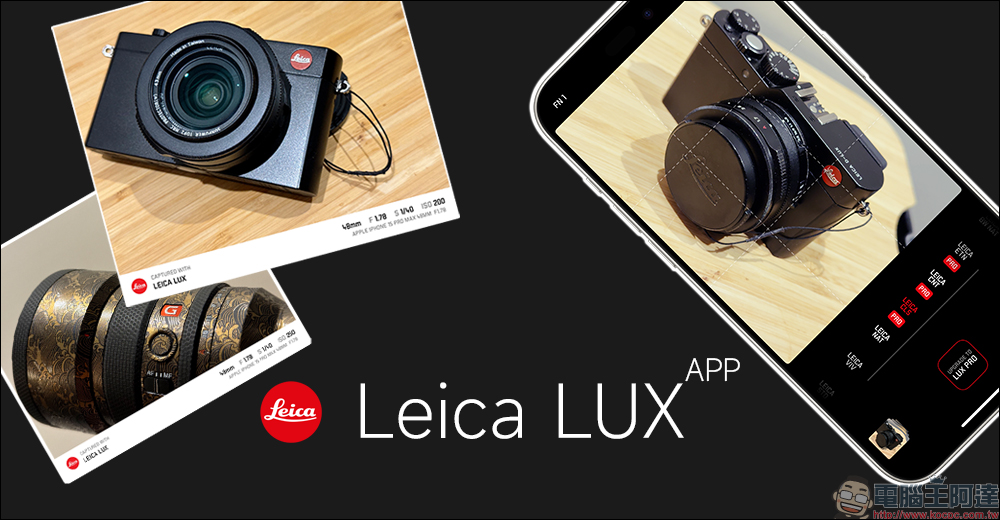
Leica LUX App hands-on play|iPhone can also use Leica camera to take photos and simulate the original Leica taste
Those who like to take pictures with their mobile phones and want to pursue the classic and unique Leica tones use iPhones. Recently, Leica has launched a new Leica LUX iOS App, which not only allows Leica camera users to import the photos they take into the app to add watermarks, but also allows users to use iPhones with the Leica LUX App to take photos, apply Leica filters, and use iPhones to simulate the shooting effects of actual Leica cameras.
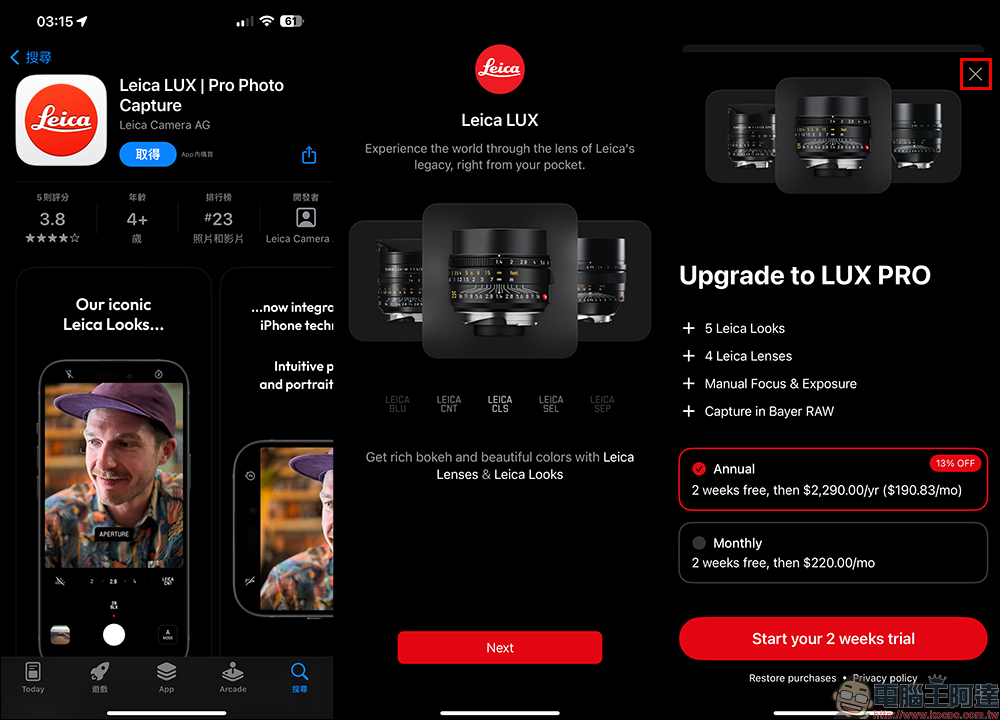
After downloading this app from the App Store, you need to allow various privacy settings when opening it for the first time. Then the screen will display “Upgdrade to LUX PRO”, recommending that you purchase an in-app subscription to enjoy the full functionality of the app. If you want to keep waiting and don’t want to spend money to subscribe to the full version of the App just yet, just click the “X” button in the upper right corner. Don’t click Start your 2 weeks trail directly, otherwise it will become a two-week trial of this App, and you will still have to pay for a subscription later.
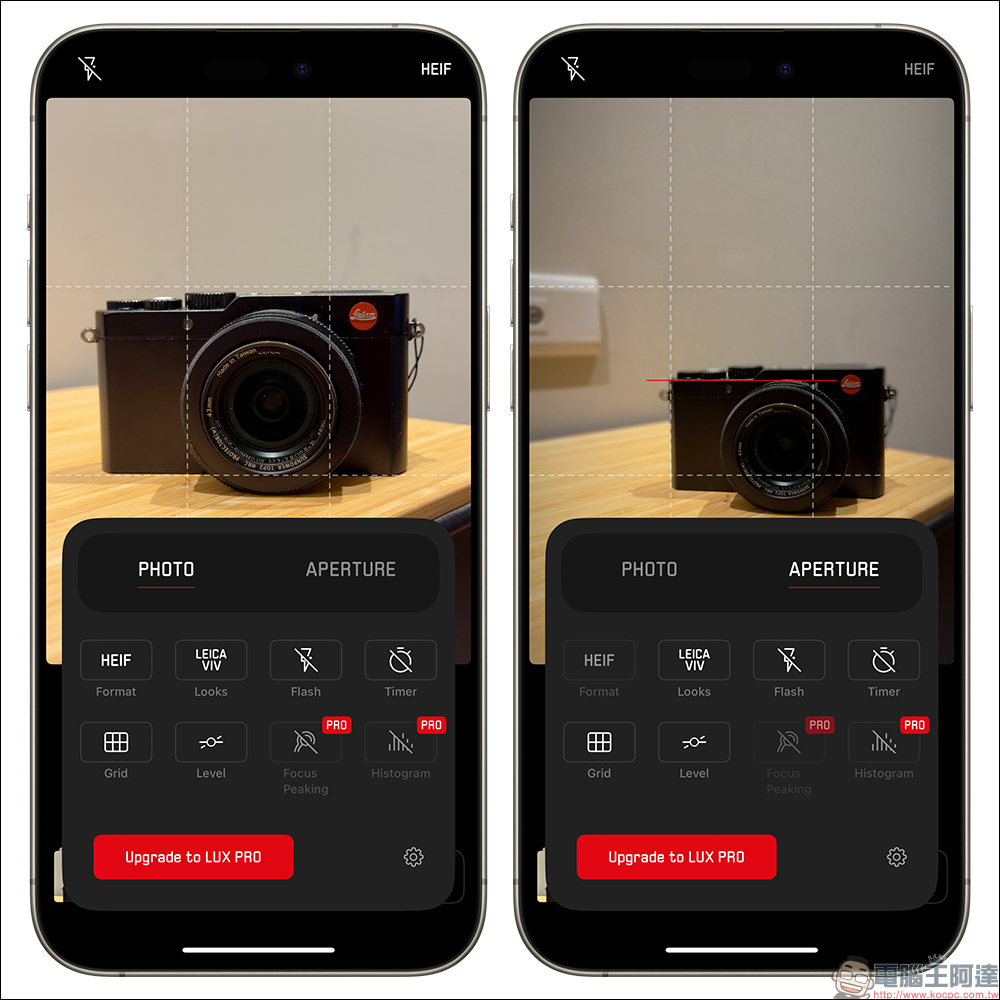
Even if it is “free” to use, the Leica LUX App can already meet the basic shooting needs of most iPhone users, but some advanced features require a subscription to use. In terms of modes, it basically provides automatic mode and aperture mode. You can also set shooting file format, filter, flash, timing, line separation and other settings respectively. If you need to subscribe to the functions that can be used, a “Pro” reminder will be displayed. For example, manual control mode that can adjust shutter, ISO, and white balance requires a paid subscription to use.
Exposure compensation can be adjusted at any time in the shooting interface. To facilitate shooting composition, it is recommended that you turn on the grid.
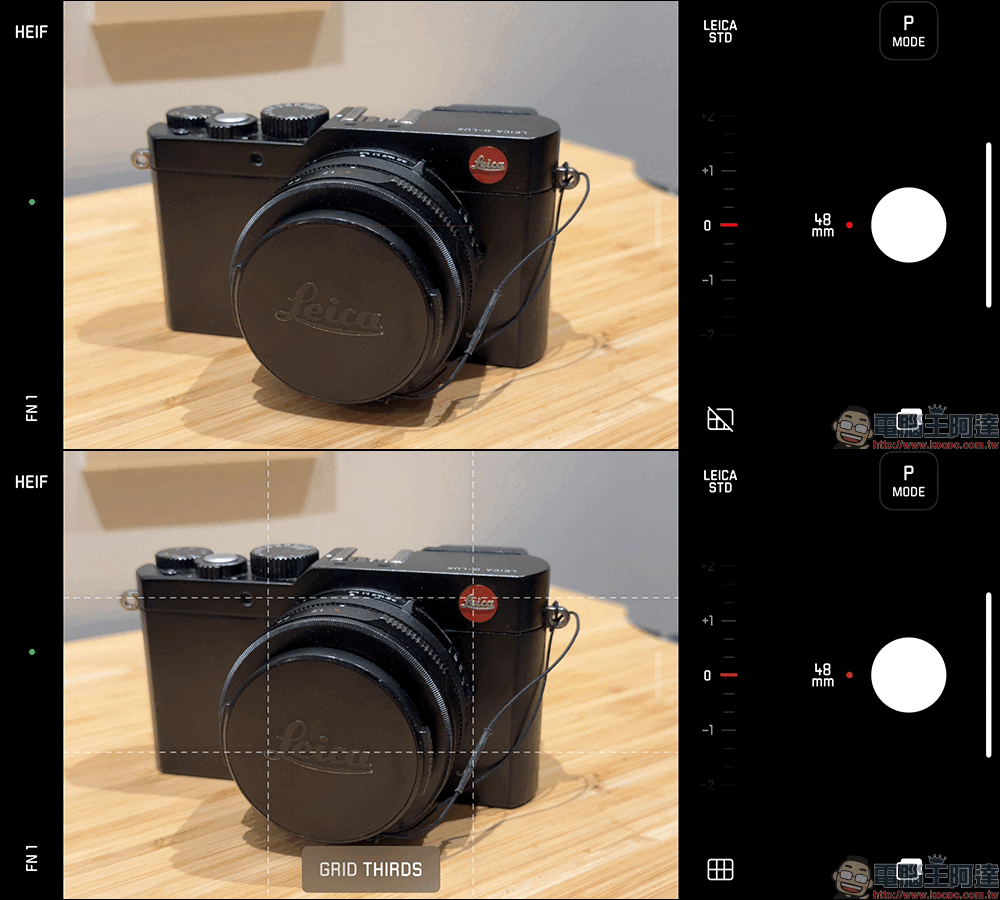
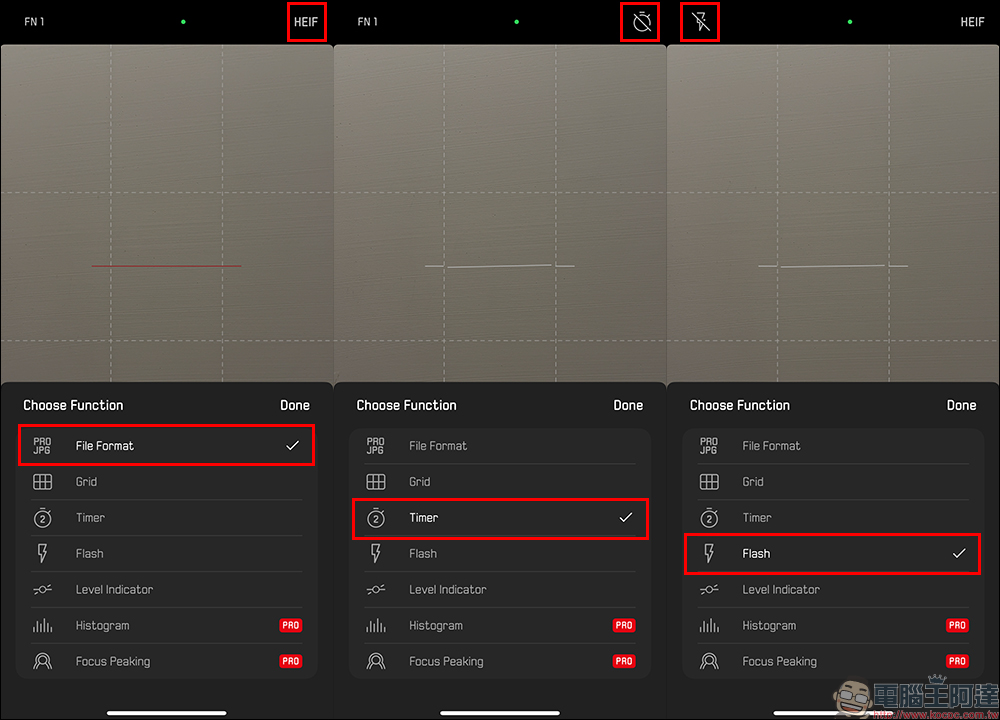
There are two FN custom function options in the corner of the main screen, which can set file format, grid, timing, flash and other quick settings.
Aperture mode can simulate the background blur effect of f/1.4, f/2, f/2.8, f/5.6 and f/8 aperture sizes. The Leica LUX App also simulates a variety of Leica classic lenses, such as Noctilux-M 50mm f/1.2, Summilux-M 28mm f/1.4 and Summilux-M 35mm f/1.4, providing users with a wealth of choices. In the future, Leica will continue to launch new lens simulations to meet the shooting needs of iPhone users.
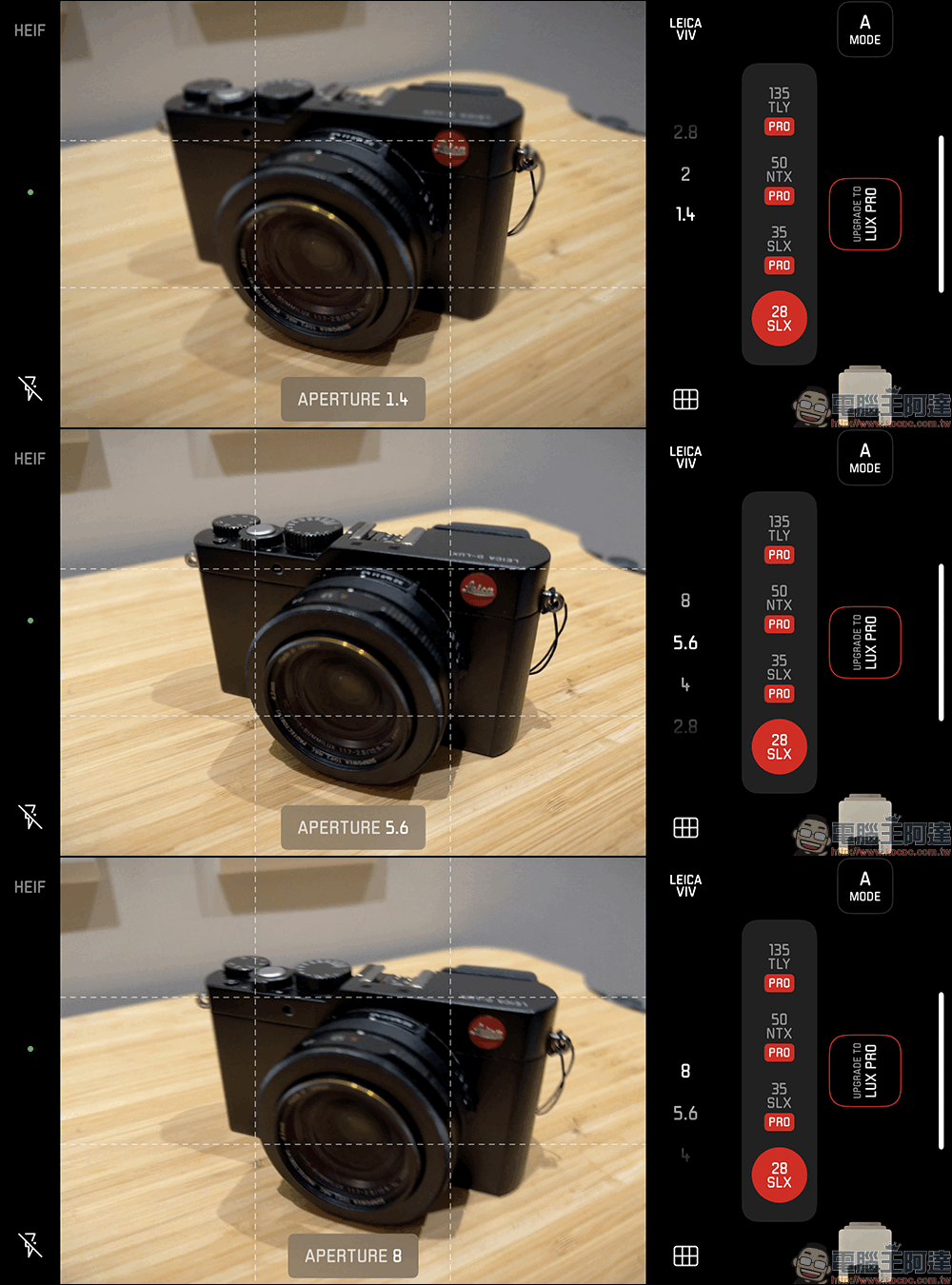
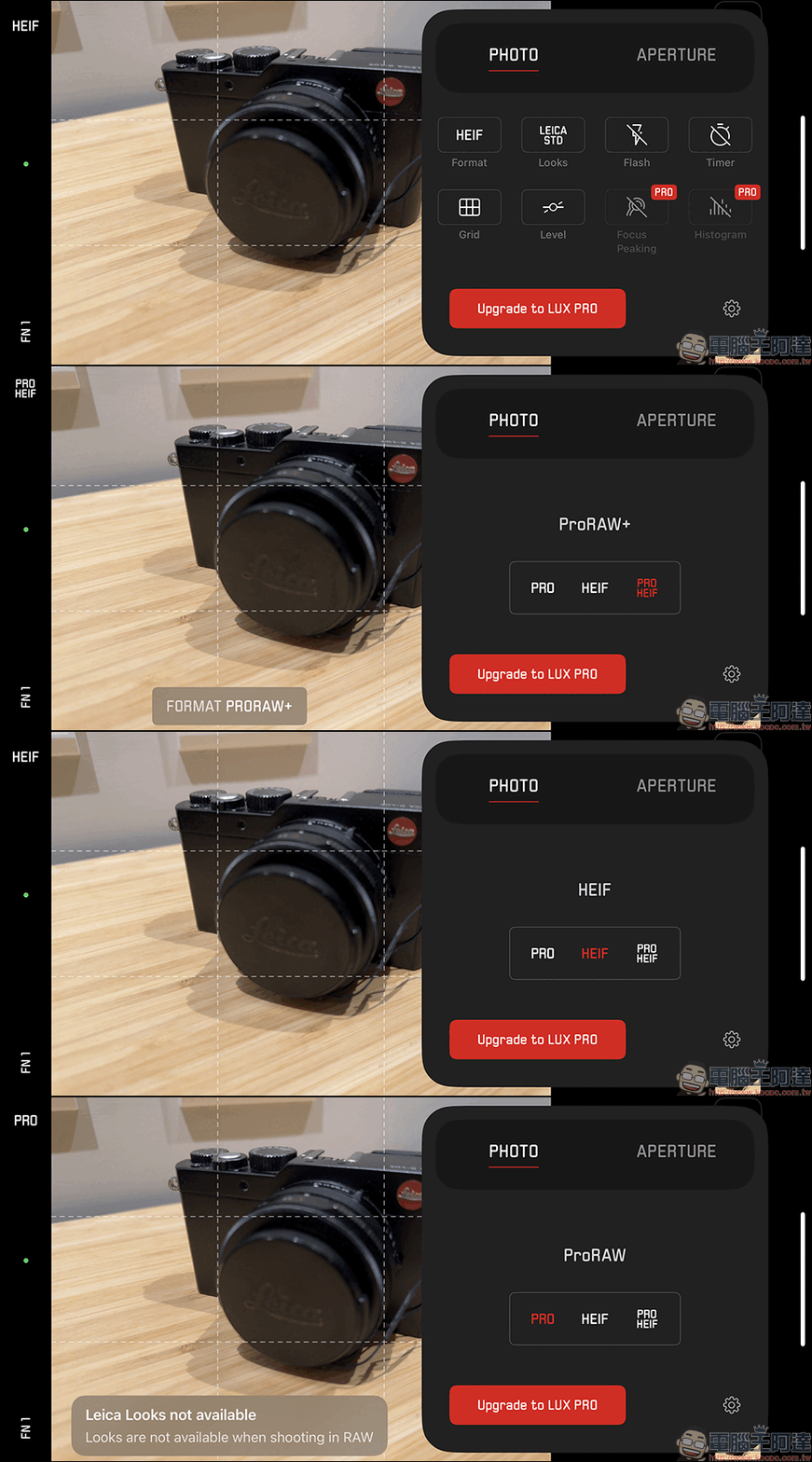
Photo storage formats are divided into HEIF, PRO HEIF and PRO. PRO is stored in RAW format, and you must pay a subscription to use this specification for storage.
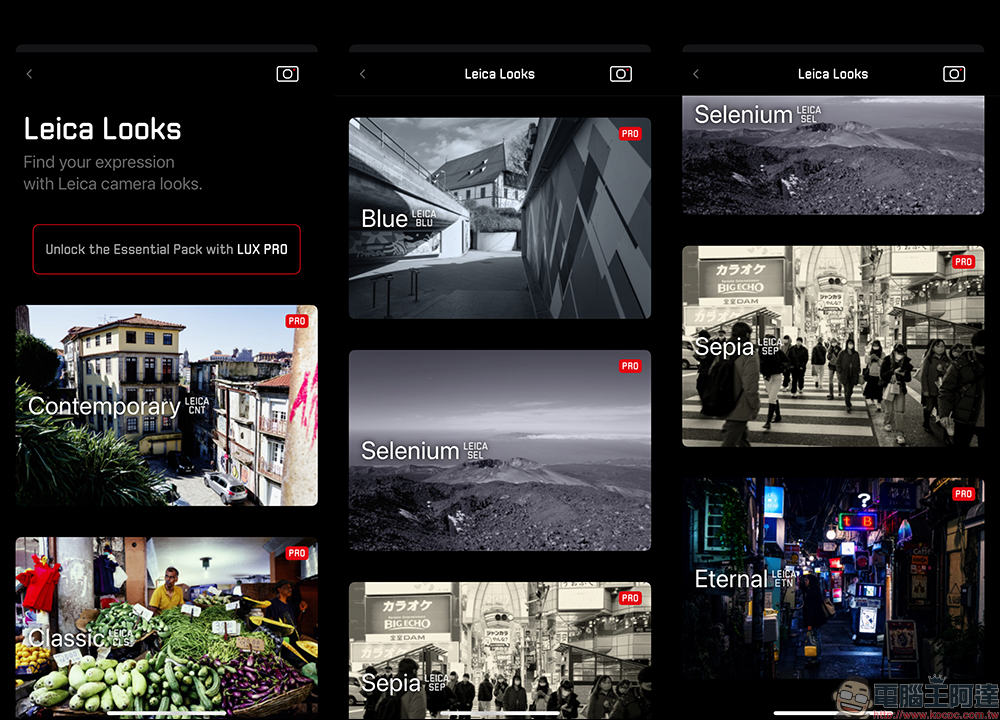
The Leica LUX App has up to 11 built-in color tone adjustments, such as classic, modern, black and white, and vivid. Some of them have “PRO” written on them, which are features that can only be unlocked by subscribing.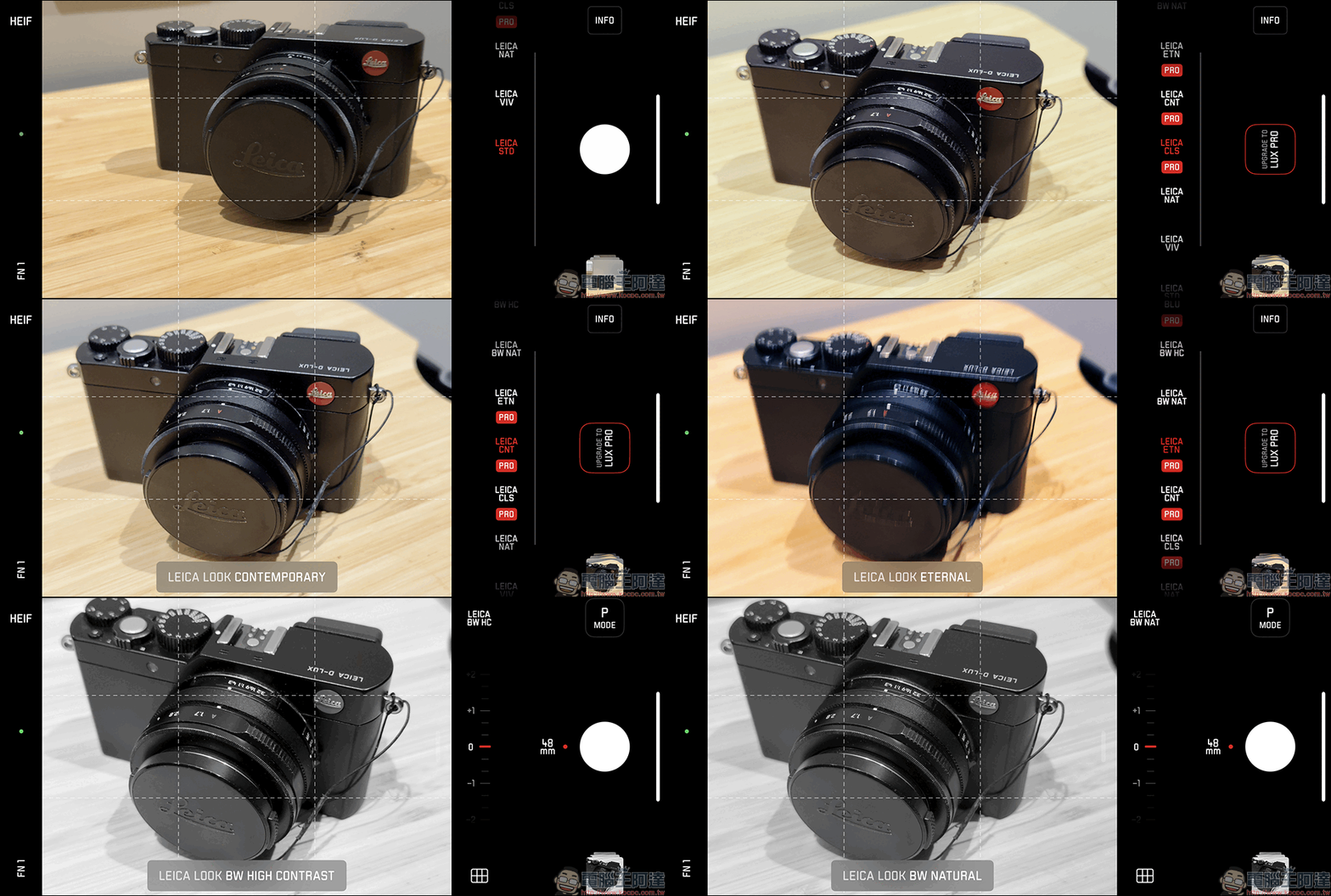
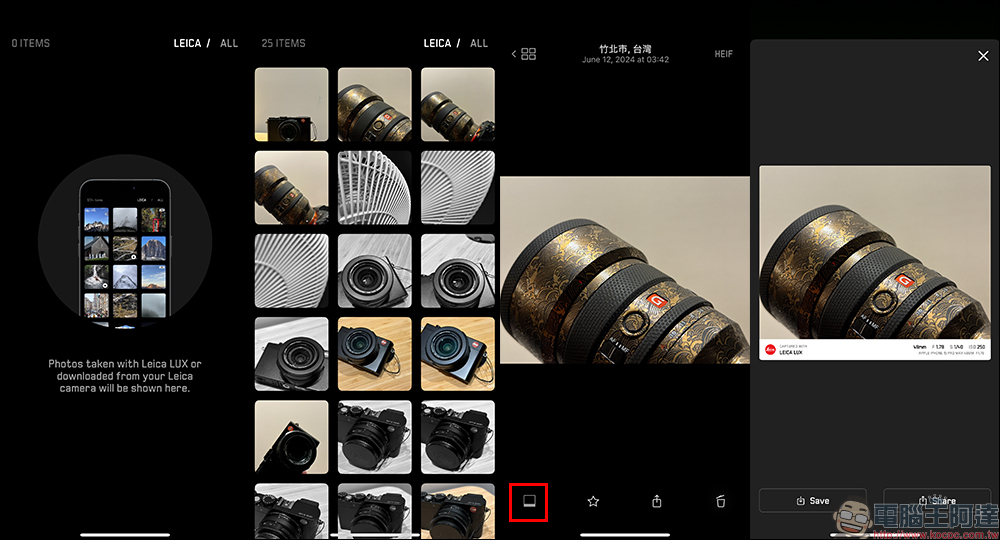
If you want to add a Leica watermark to photos taken with a Leica camera or photos taken with an iPhone, they must be taken from a Leica camera and transferred to the iPhone, or the photos taken from the camera function of the Leica LUX App. If the photos are taken with the iPhone’s native camera or other camera apps, you cannot use the Leica LUX App to add the Leica watermark! When viewing the photo album, click on the photo, and the photo frame function in the lower left corner can turn on the Leica watermark.
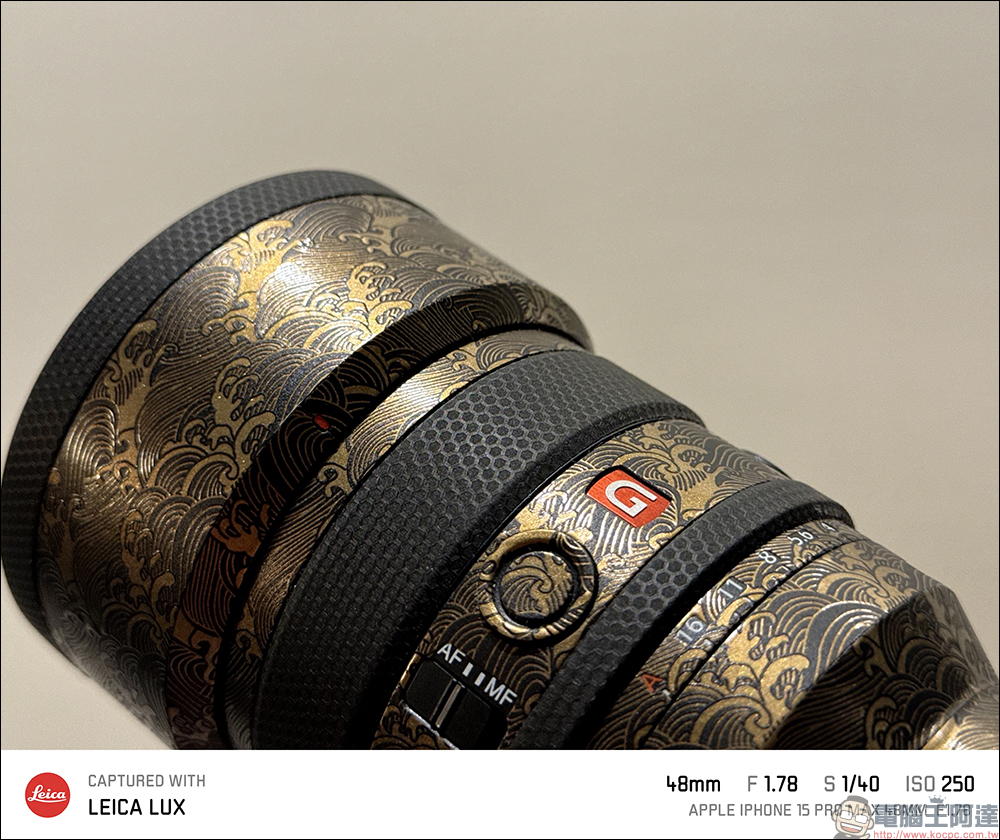
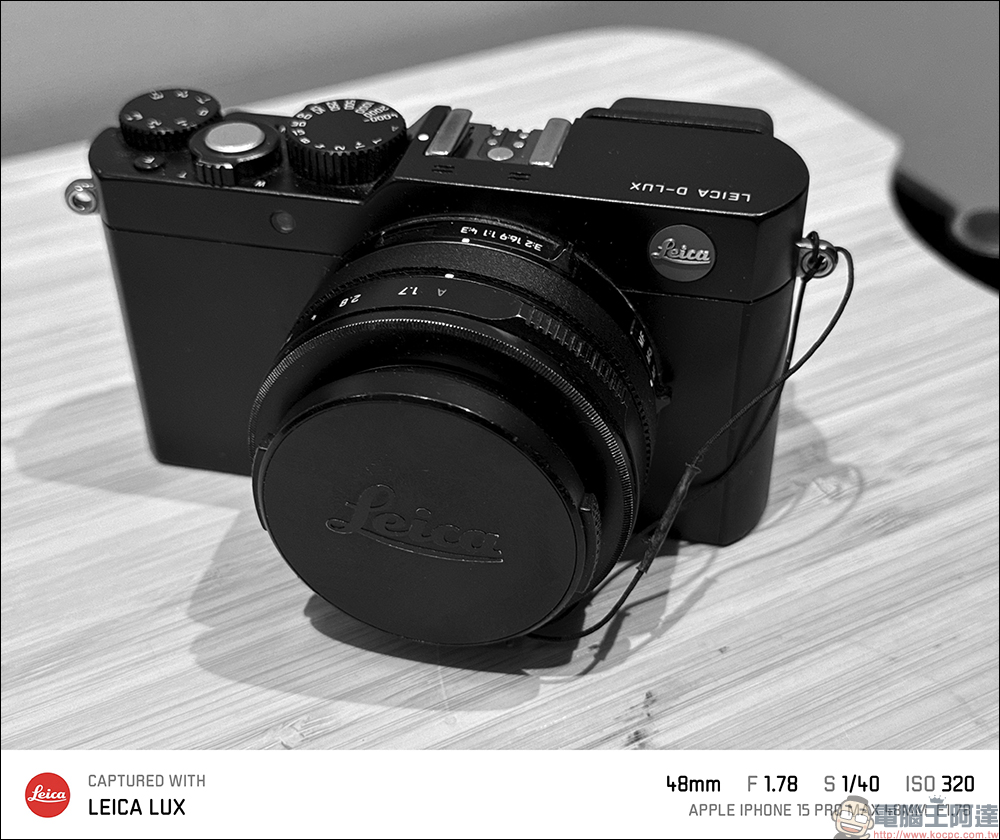
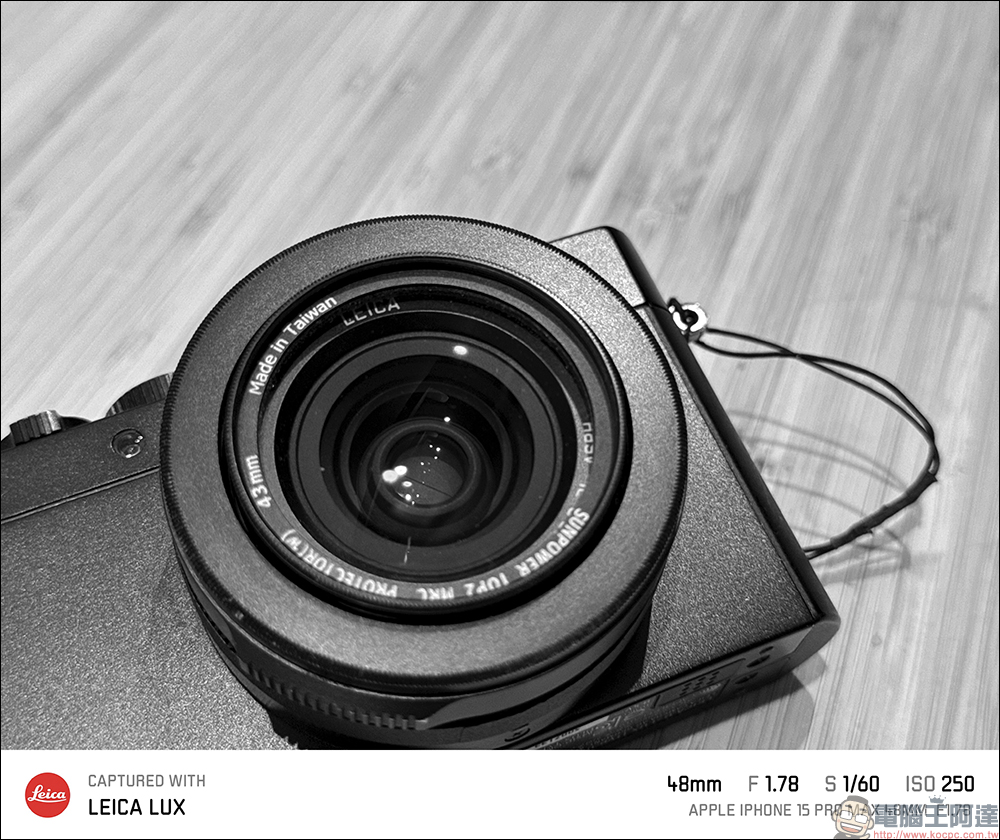
Here are a few photos taken using the Leica LUX App:

Leica LUX App Download(App Store)
In addition to free use of basic shooting functions and effects, if you want to purchase a subscription in-app, Leica LUX PRO offers the following two plans if you want to subscribe:
- Annual subscription: Free trial for first 2 weeks, then NT$2,290 per year (average NT$190.83 per month)
- Monthly Subscription: Free trial for first 2 weeks, then NT$220 per month
Source: KOCPC Chinese