


Although there are many AI drawing tools on the Internet, most of them do not support Chinese very well. Therefore, they need to be translated into English through ChatGPT and the like, which is not so easy. If you have an iPhone, there is such a free app “PicCraft – AI Drawing Machine” in the App Store. Not only does it have excellent Chinese support, it also has multiple style options and extremely fast generation speed, which is very easy to use.
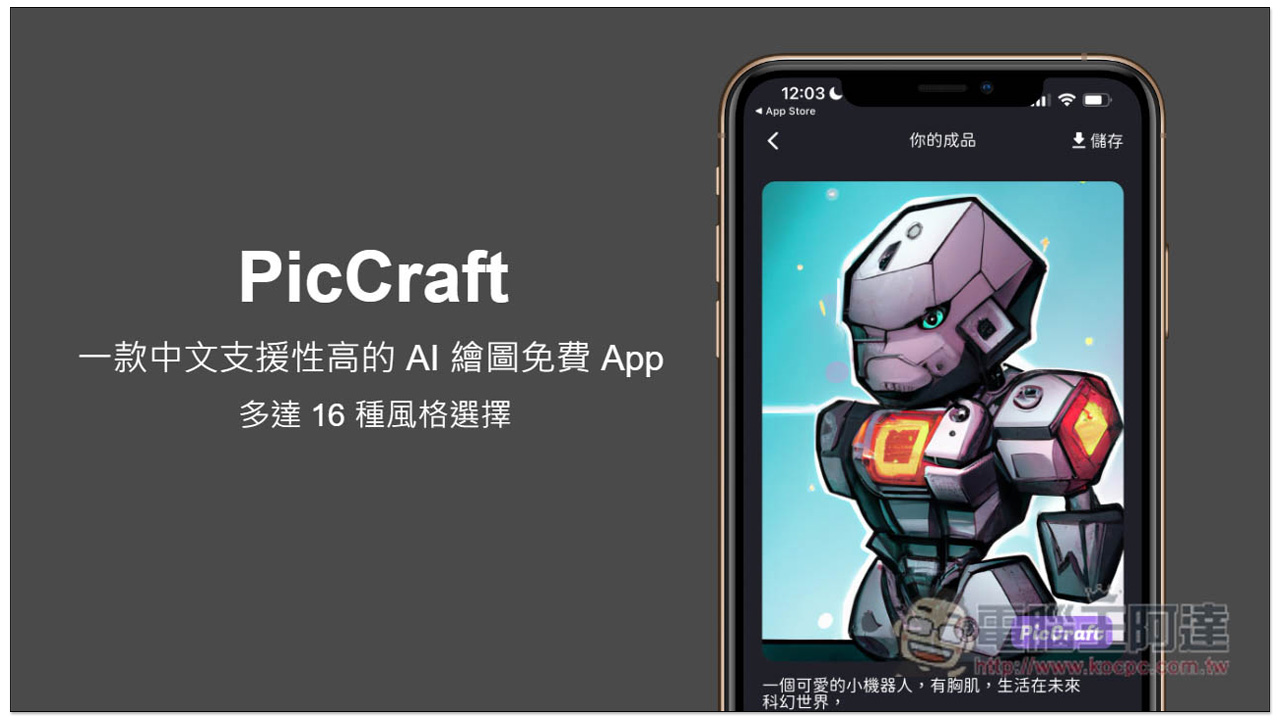
PicCraft is a free AI drawing app with high Chinese support, with up to 16 styles to choose from.
When you open it for the first time, there will be a simple operation tutorial, giving you some text examples, and then asking you to choose:
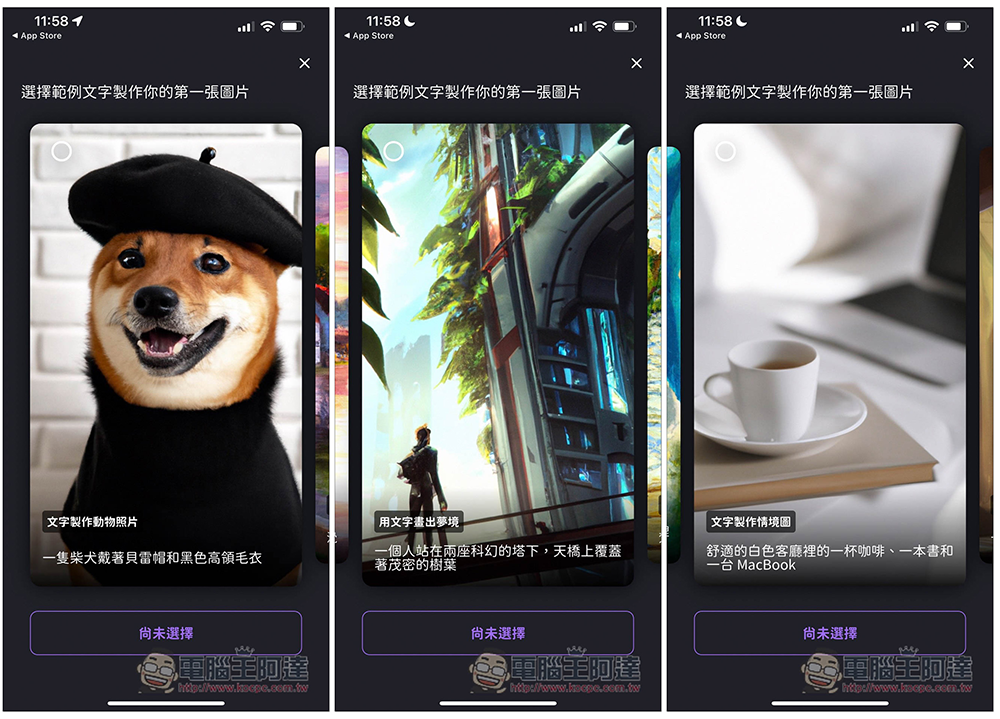
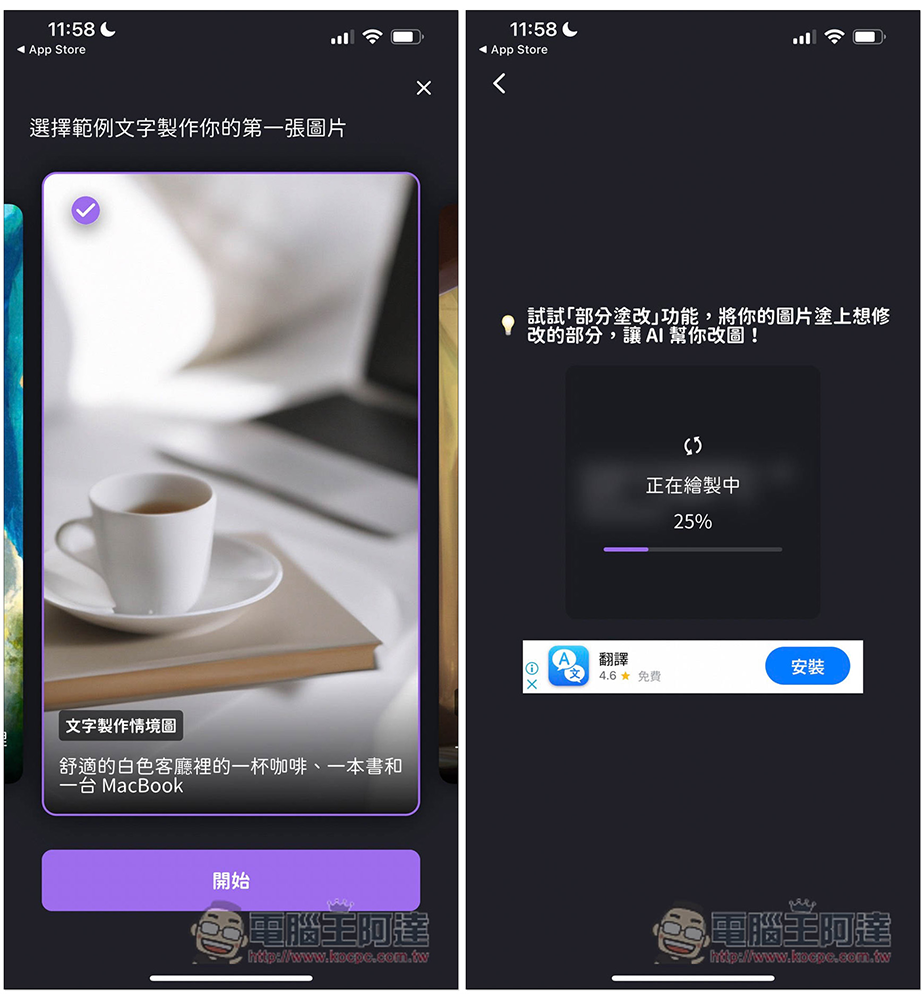
Like if I choose the one “A cup of coffee, a book and a MacBook in a cozy white living room” and press start, it will start generating AI diagrams:
Results appear in about a few seconds and are generated quickly. There will be a watermark in the lower right corner of the free version of the picture. To remove it, you need to upgrade to the paid version. The two functions of “image transformation” and “partial modification” are also available in the paid version. If you are not satisfied with this picture, click “Try Again” in the lower left corner to generate it again:
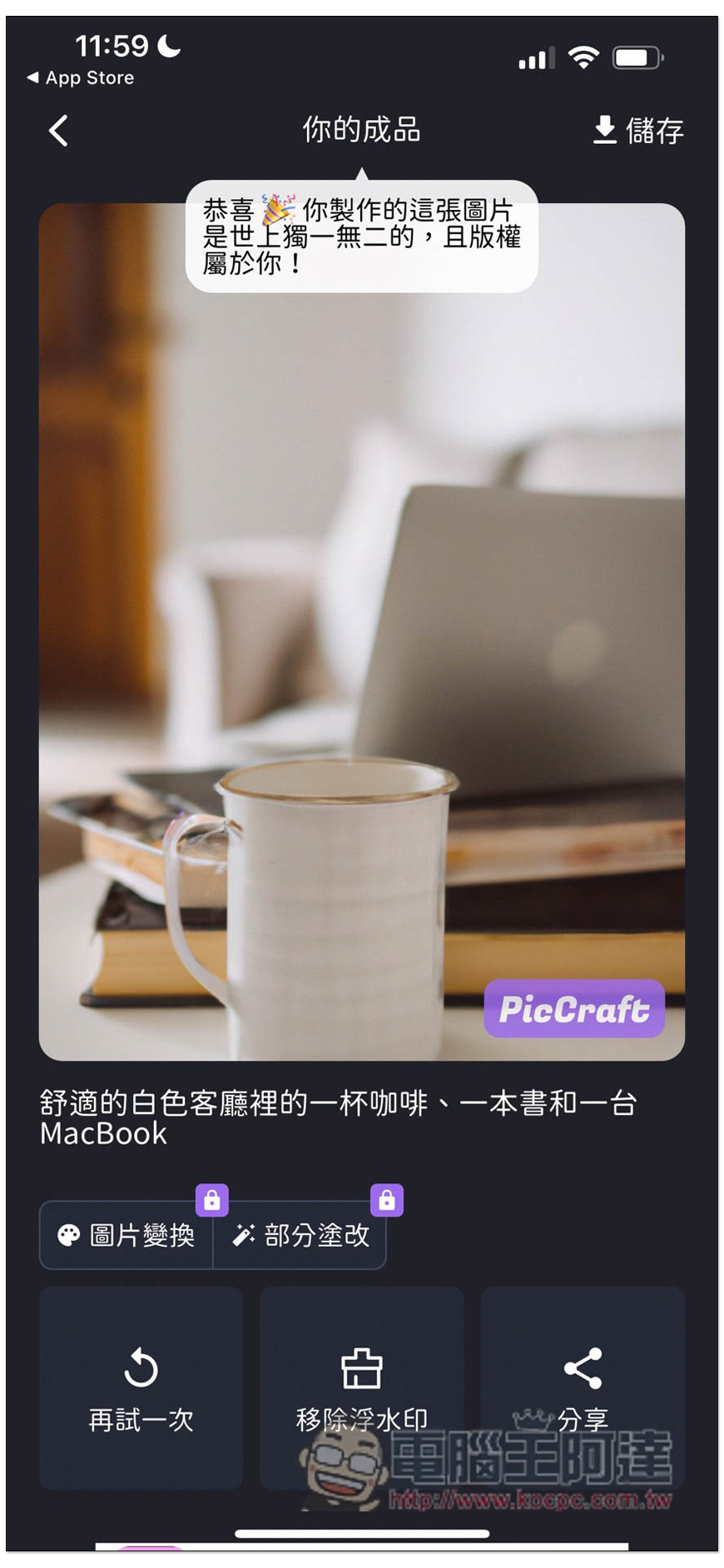
If you are satisfied, click Save in the upper right corner to save it to the photo:
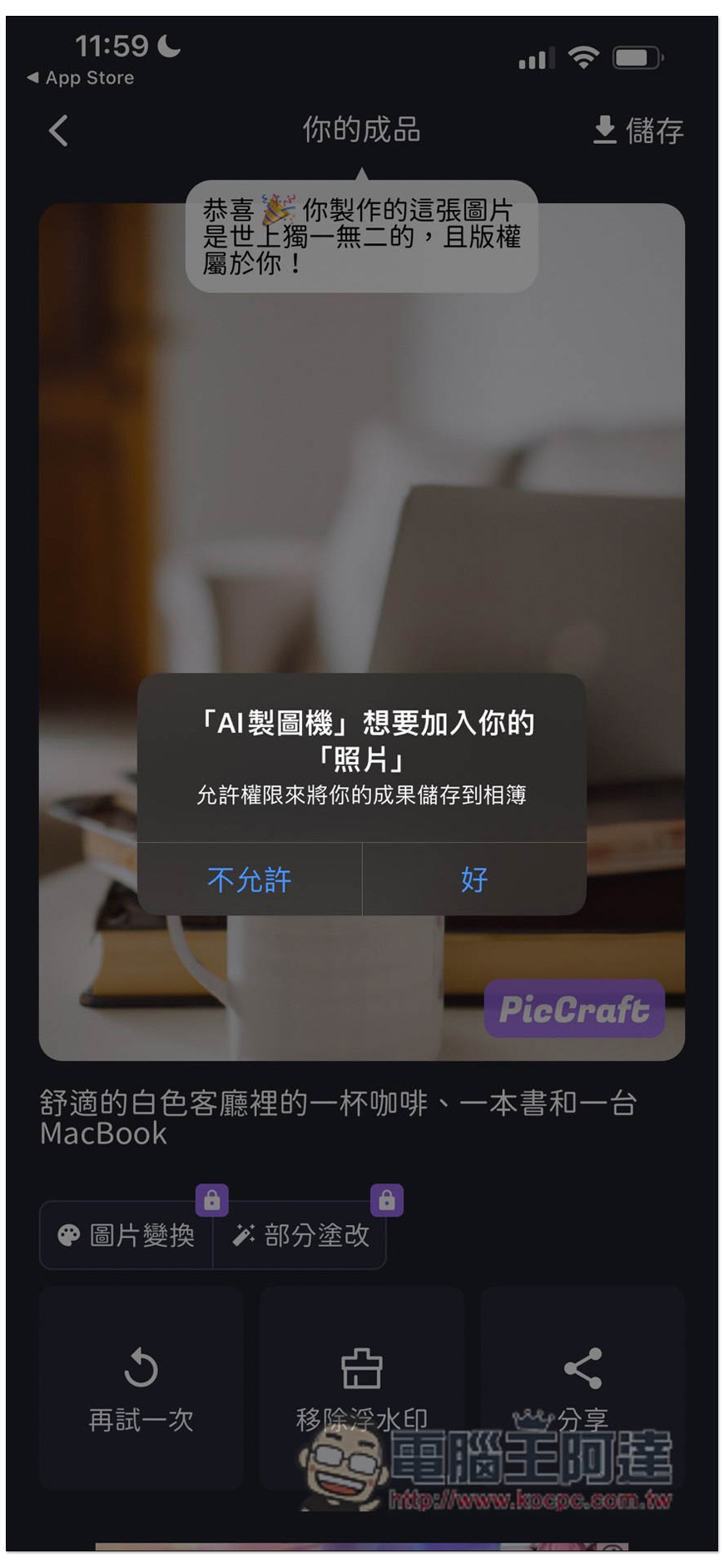
The saved pictures are all of high quality:

Go back to the homepage and enter the AI picture description you want to generate. There are currently 16 styles, including: Ghibli style, immersive, pixel style, Van Gogh style, Ukiyo-e, retro portrait, oil painting, first person, comic style, etc. Here are the AI picture descriptions generated by other netizens for reference:
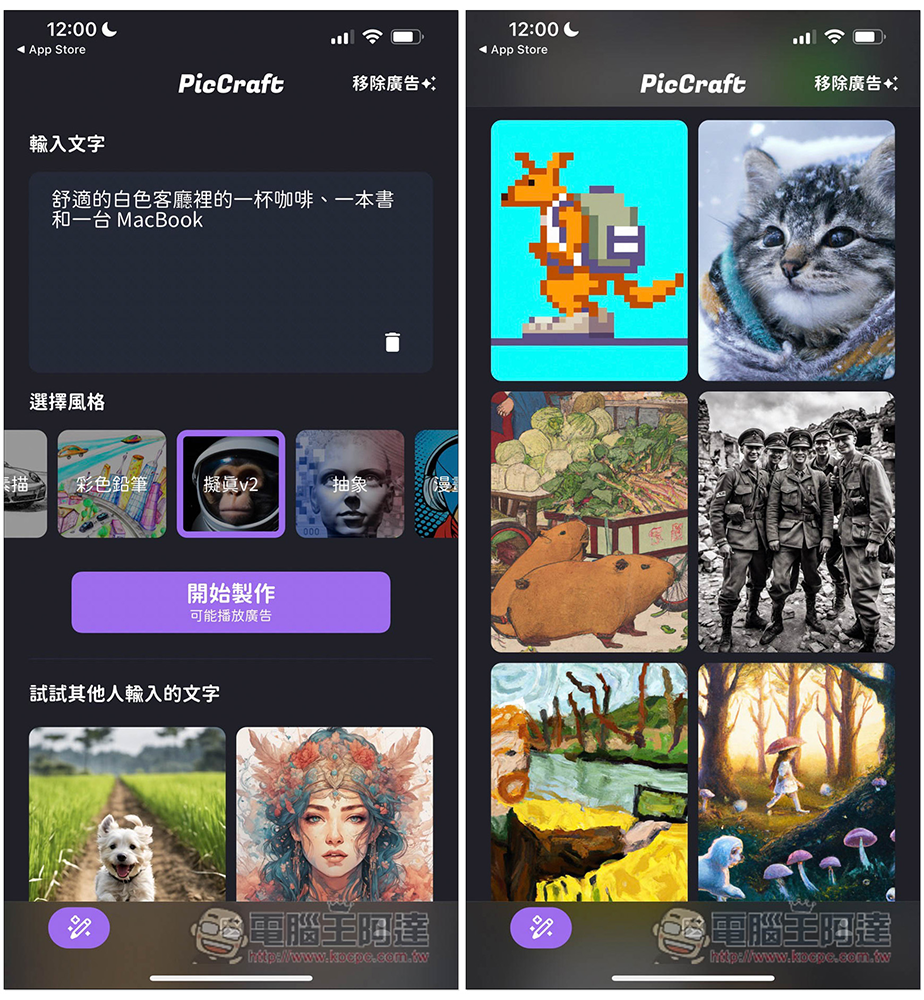
Just like this one, it only uses a short sentence “A group of World War II soldiers took a selfie in the ruins, with clear faces, black and white photos” to generate a very good AI picture. Of course, there are still many flaws when zooming in, but if you zoom out, it really looks like a real photo:
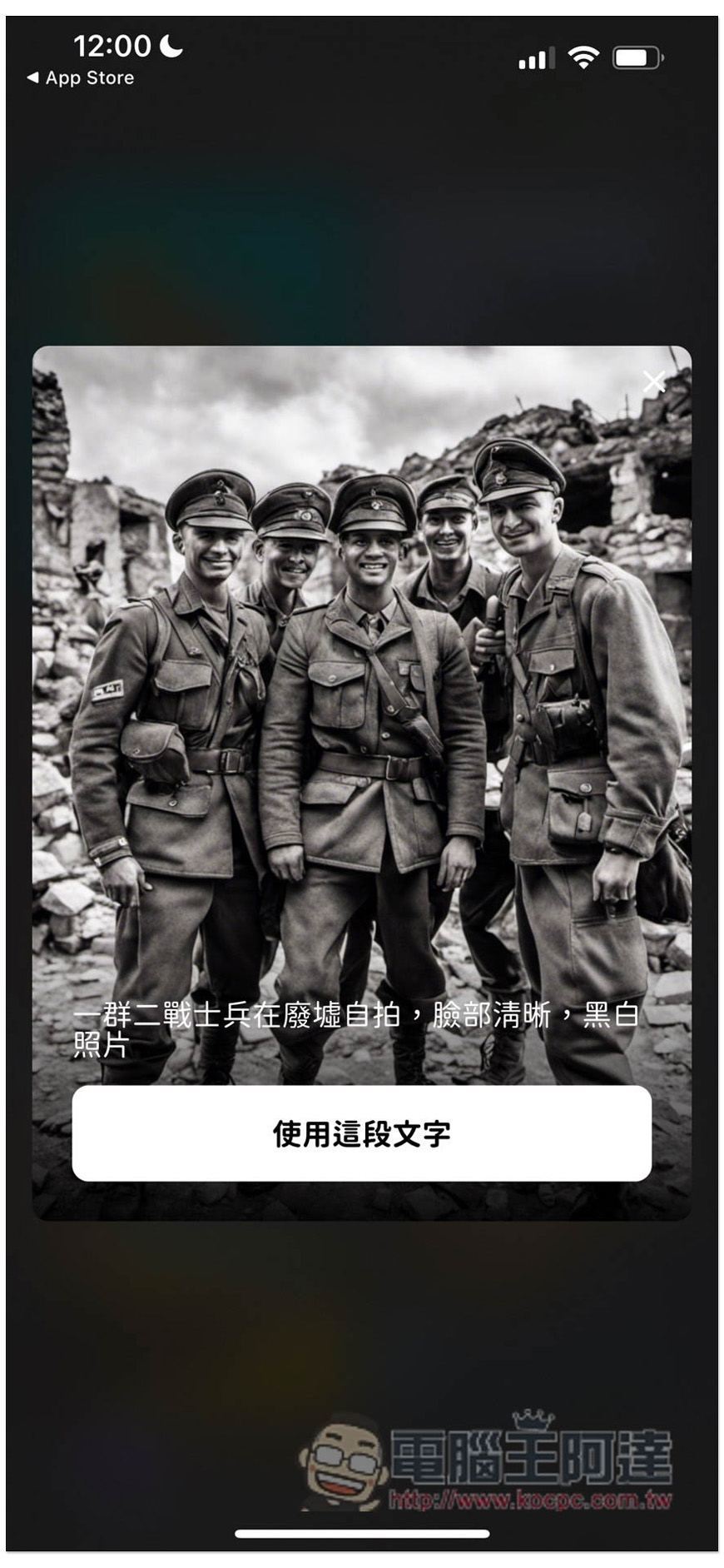
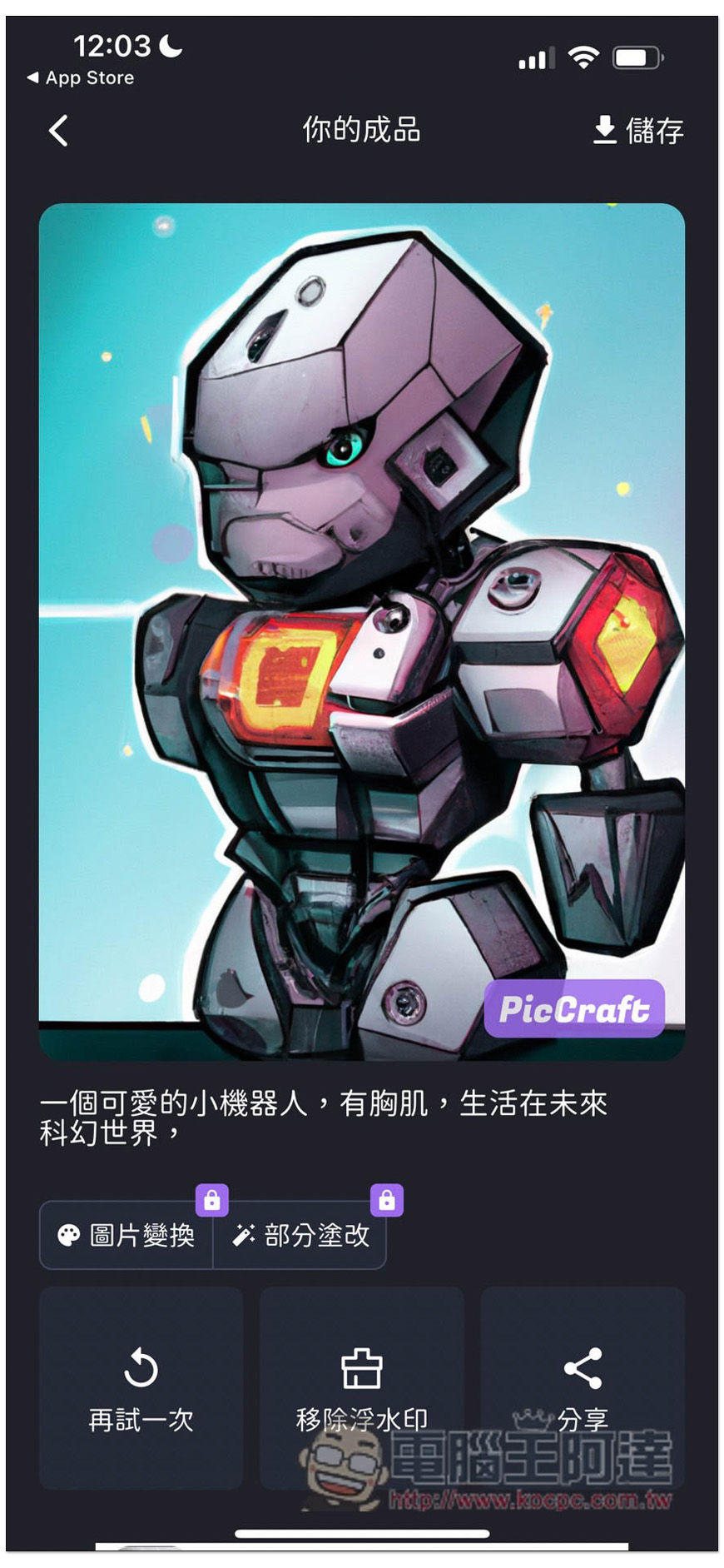
Then I tried “a cute little robot with chest muscles, living in a future science fiction world”, using the comic cover:
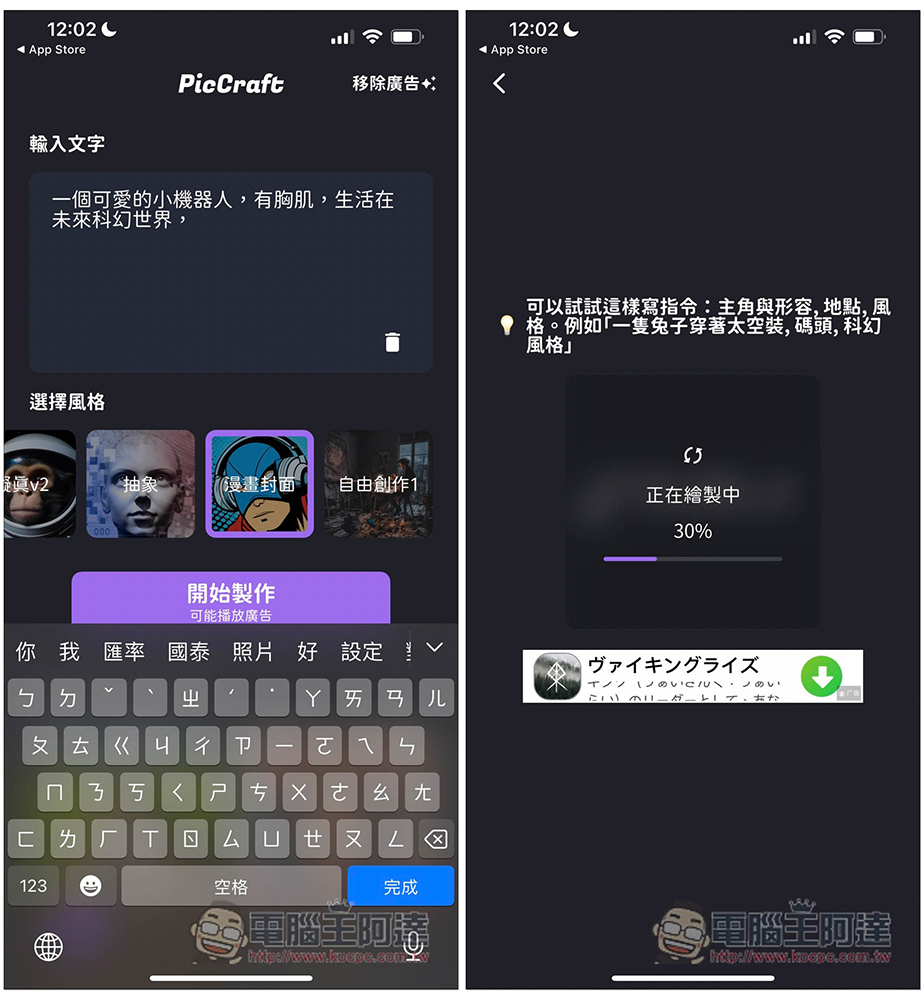
It takes less than a few seconds to get the result, and I have to say, the finished product is really satisfying. In the past, it was completely impossible for people who couldn’t draw to draw this kind of picture, but now it can be easily achieved through AI:
It is a pity that this app does not provide the function of unlocking ads. For example, to remove the watermark, you can only upgrade to the paid version or pay once. The price is not cheap. A single removal costs NT$60, and the paid version costs NT$320.
In addition, the free version also has a daily drawing limit, so before generating a picture, remember to confirm whether your description and style are complete. The more carefully you enter the description, the more accurate the results will be.
In addition to this one, we have previously introduced other AI drawing apps that are also useful, such as:Mechanic painter、Aidesu, you can also download it and play it, there is also a Playground AI It can generate up to 1,000 AI pictures every day, and it is advertised as commercially available, which is also very good, but the Chinese support is relatively poor.
This type of AI drawing tool currently has many flaws in generating portraits, so for those who want to generate portraits, you canRefer to this tutorial, generated directly on the web page using the Stable Diffusion model, and can also be played on mobile phones.
Source: KOCPC Chinese