


As countries open their doors, many people are now planning to travel abroad, especially Japan. At this time, it is very important to have a translation app on your phone. We have previously introduced a very useful “GPT Travel Translator” that is connected to ChatGPT, but it must be connected to the Internet at all times, which may not be suitable for some friends. This article will recommend another free translation tool “Naver Papago”, which not only supports voice, conversation, pictures, text 4 There is a translation mode, and offline language packs are also provided, allowing you to use the text translation function even when there is no Internet, and the translation quality is also very good.
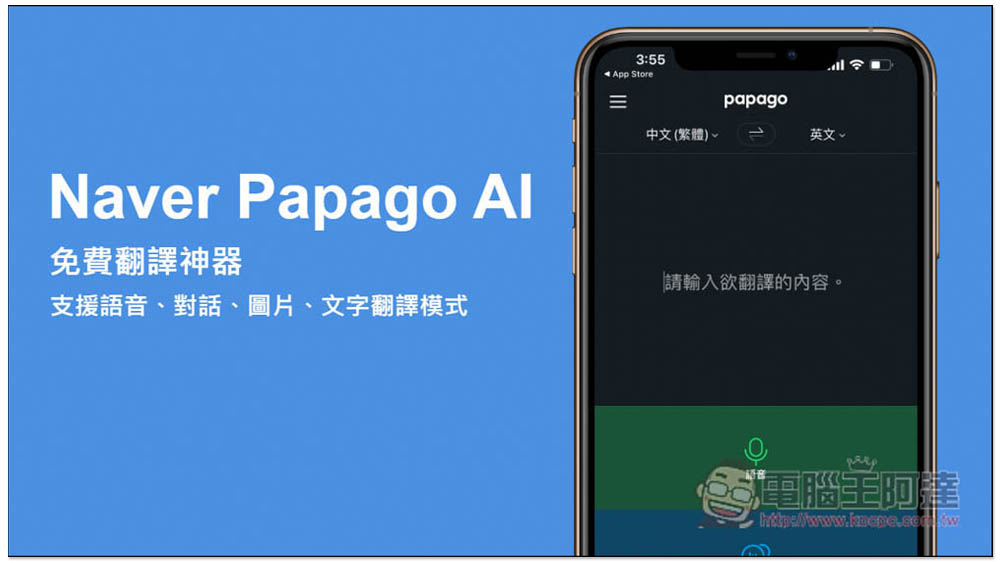
Naver Papago AI free translation tool app supports 4 translation modes: voice, conversation, picture, text, and also has an offline package
Naver Papago is a free translation app launched by the well-known Korean company Naver, so the Korean translation quality should be the best. However, I tested English and Japanese and it is also pretty good, and it is very fast and does not have any ads.
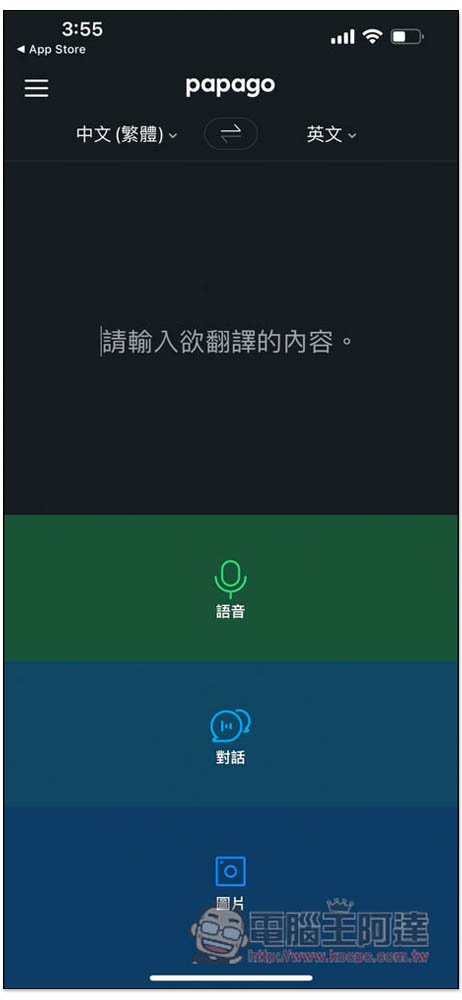
The interface design is very simple. After entering the homepage of the app, you will see four translation modes. You can directly enter the text content you want to translate. There are also voice, dialogue and pictures. When there is an Internet connection, I highly recommend using voice or dialogue. The accuracy of voice recognition is quite high. At the top, you can set the language you want to be translated and translated:
The voice recognition speed is also very fast. The voice will be played directly after the translation. The Japanese part also has an honorific function. However, I don’t know if there is a problem now or for other reasons. When I tested it, the results were the same with and without translation:
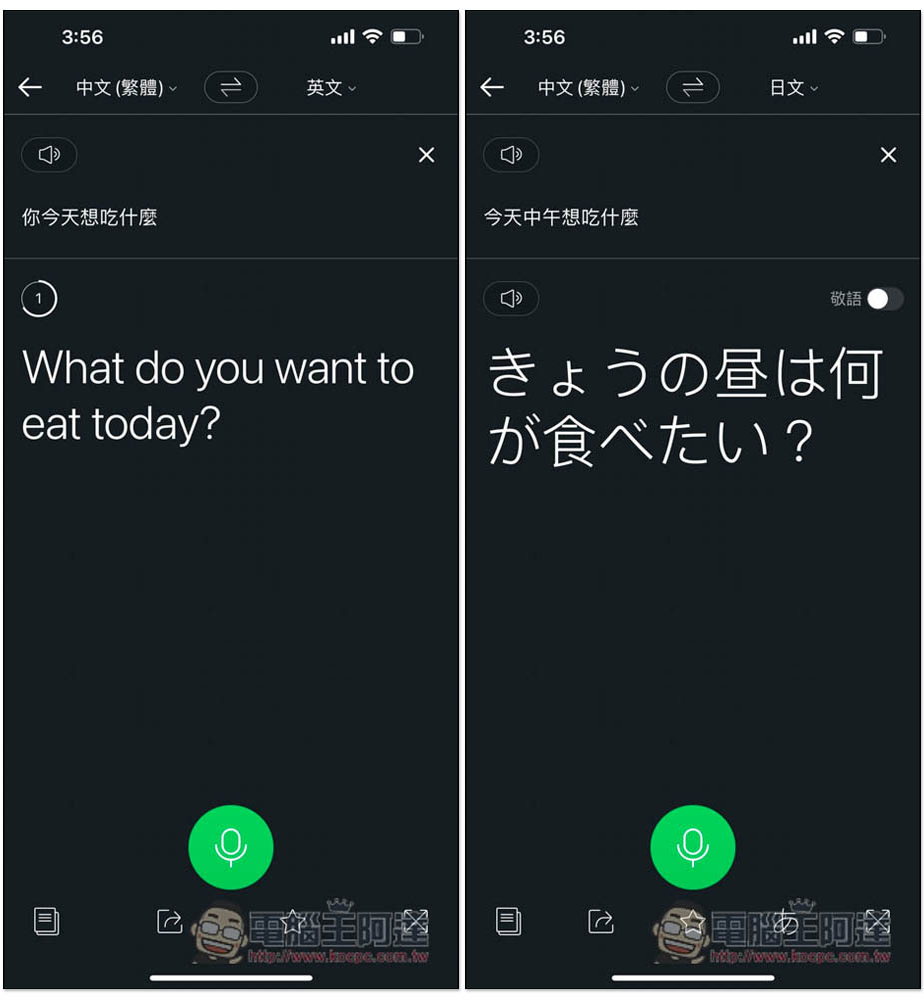
The translated results also provide this full-screen display, allowing you to show them to the other party, which is quite practical:

In voice conversation mode, both parties have recording function keys, and the translation results will be displayed immediately after speaking. However, it is a pity that the other end does not provide the function of reverse display, so two people must stand side by side to understand it. If they are standing opposite, they must turn their mobile phones to the other party to see:
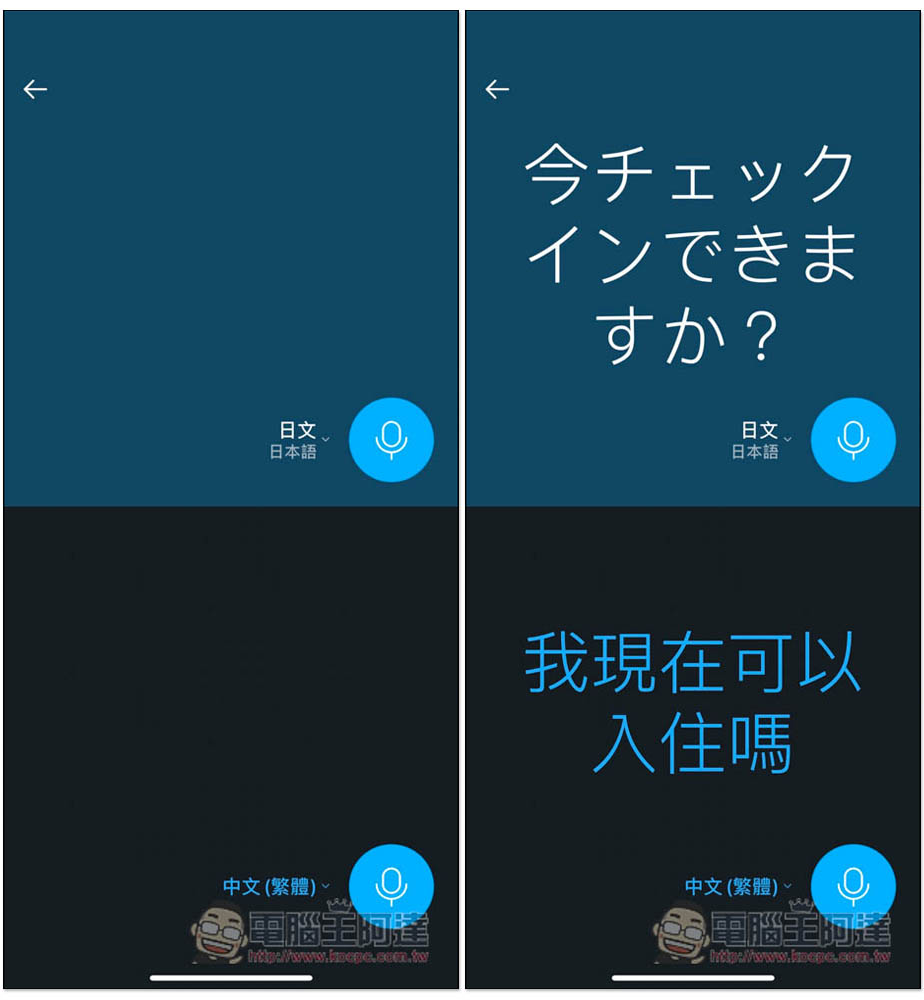
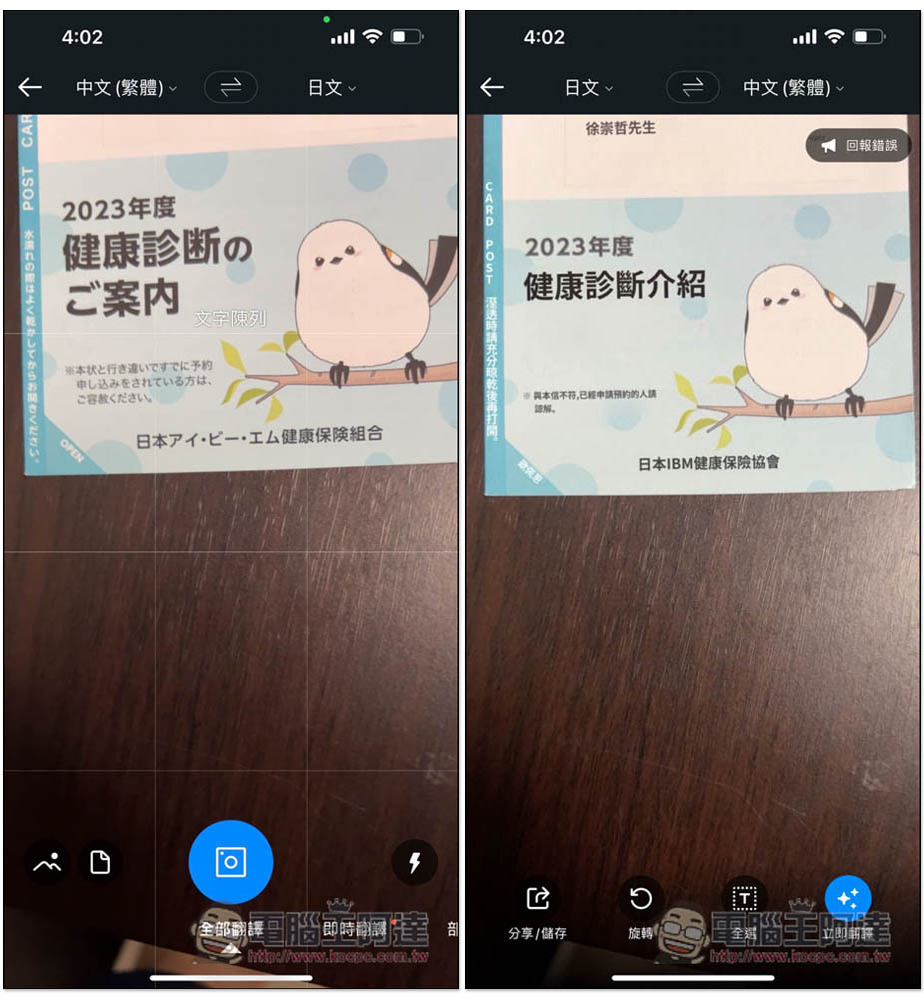
Image translation, after taking a photo of the physical photos, flyers and other content you want to translate, it will help you translate the text inside into the language you want. Like the picture below, which was originally in Japanese, after translation, the text in the photo has become Chinese:
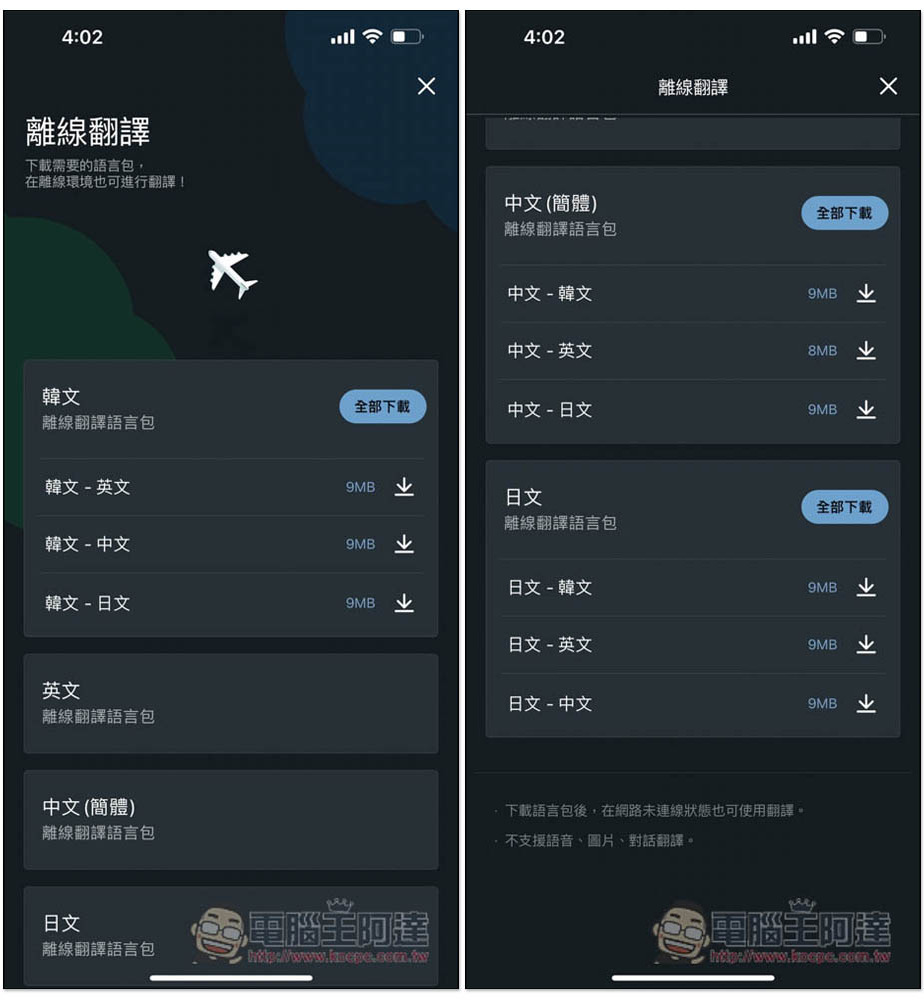
The offline translation package currently only provides Korean, English, Chinese (simplified) and Japanese. Traditional Chinese is not available yet, so you can only use Simplified Chinese first. Chinese-Korean, Chinese-English, Chinese-Japanese are all commonly used by Chinese people, and all offline language packs can be downloaded with one click. The only thing to note is that only text translation is supported offline. Voice, conversation and pictures still require an Internet connection to use:
The following are all translation languages currently supported (a little less than ChatGPT):
- Chinese (Traditional, Simplified)
- Korean language
- English
- Japanese
- Vietnamese
- Thai
- spanish
- French
- Indonesian
- Russian
- German
- Italian
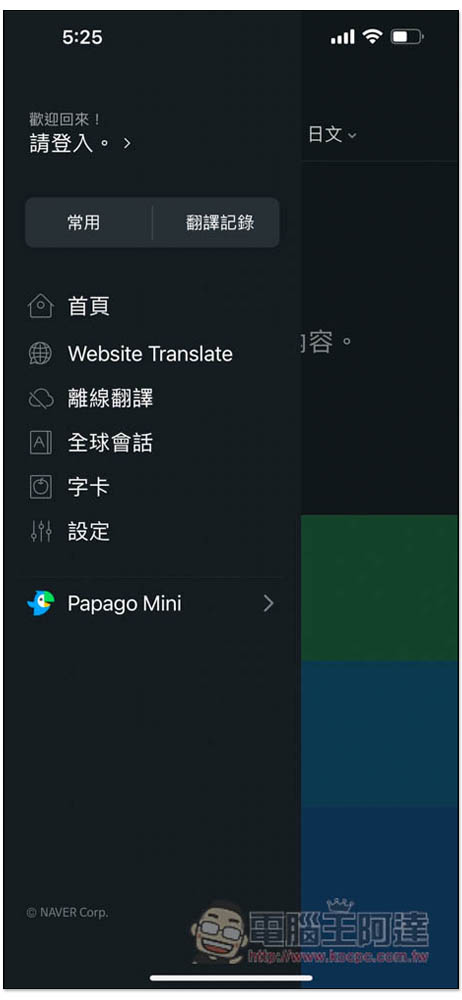
In addition to translation, this App also provides language learning functions. You can find the “Global Conversation” and “Word Cards” functions in the left menu:
Global Conversation has many built-in terms commonly used in travel, including daily life, airport, accommodation, entertainment, etc.:
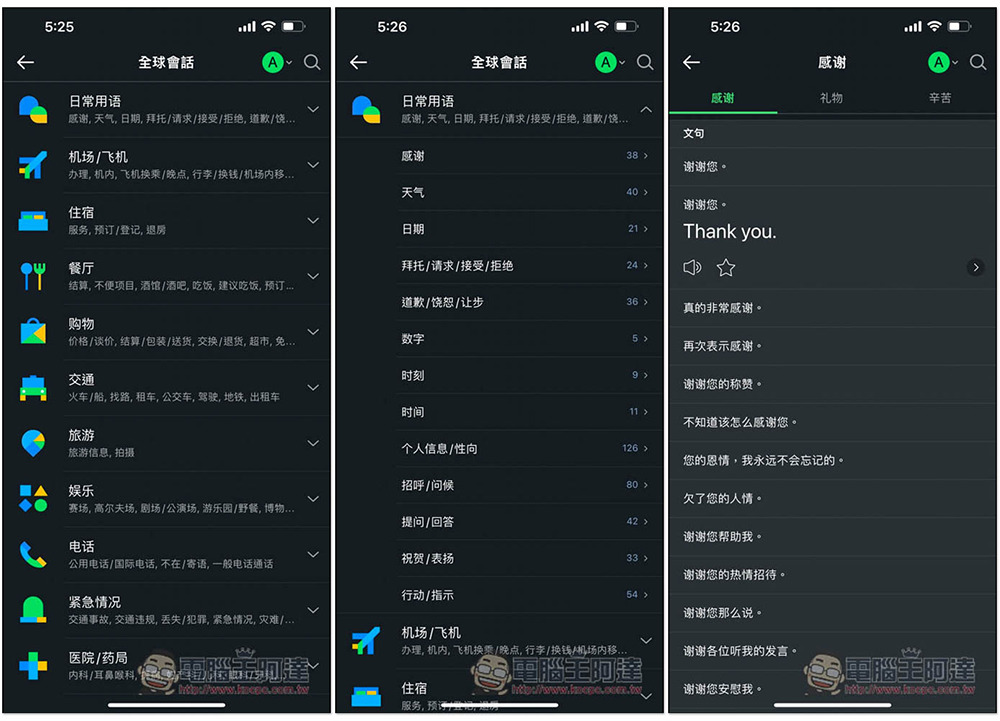
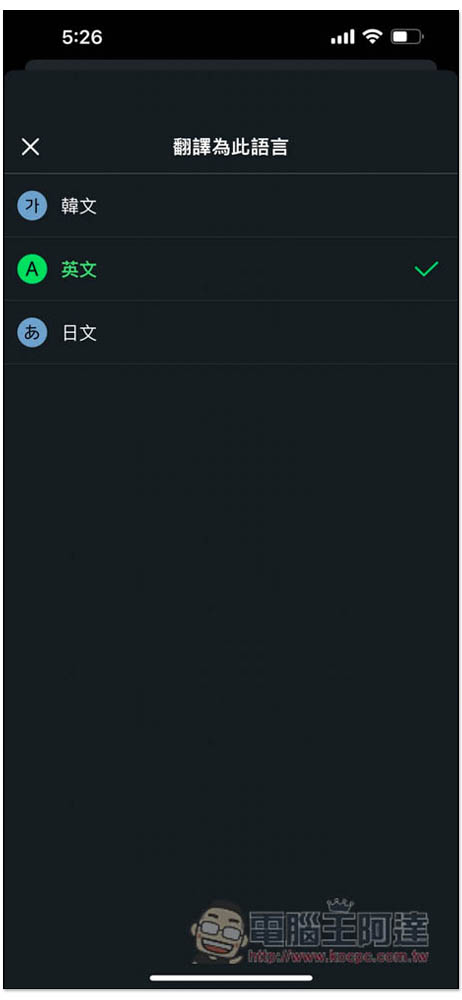
Available in Korean, English and Japanese:
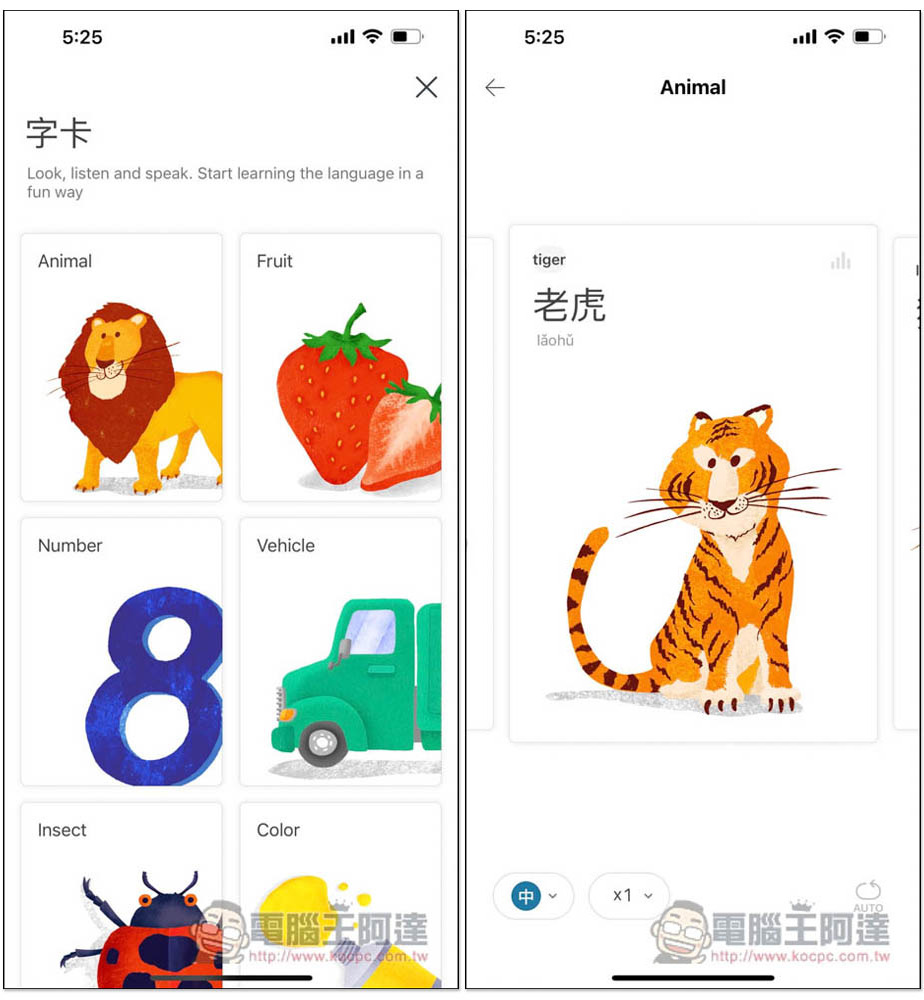
Word cards are used for learning vocabulary:
Source: KOCPC Chinese