


Although many keyboards and chat applications now have built-in Emoji expressions, there are still situations where one chat application has it but another one does not. In this case, the Get Emoji website is a very good choice. It collects thousands of commonly used Emoji expressions and provides corresponding Emoji according to different operating systems. If you are a person who frequently uses Emoji, it is worth collecting.
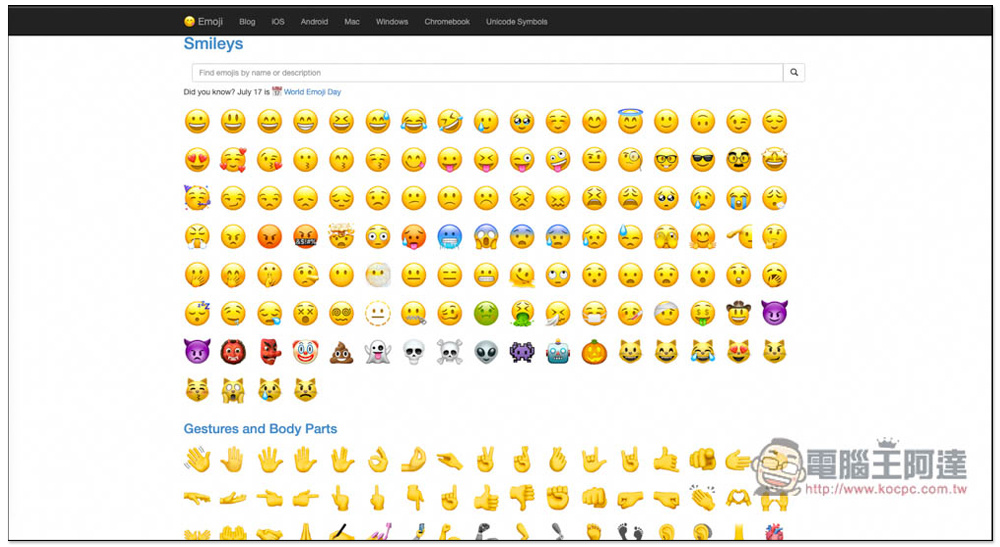
Get Emoji provides thousands of commonly used Emoji expressions, allowing you to quickly copy and use them
After entering the Get Emoji website, you can scroll down to find the Emoji expressions you need. There are many categories, including Smileys, Gestures and Body Parts, People and Fantasy, Clothing and Accessories, Pale Emojis, Cream White Emojis, Brown Emojis, Dark Brown Emojis, Black Emojis, etc. There are also categories above: People, Animals, Food, Activities, Travel, etc.:
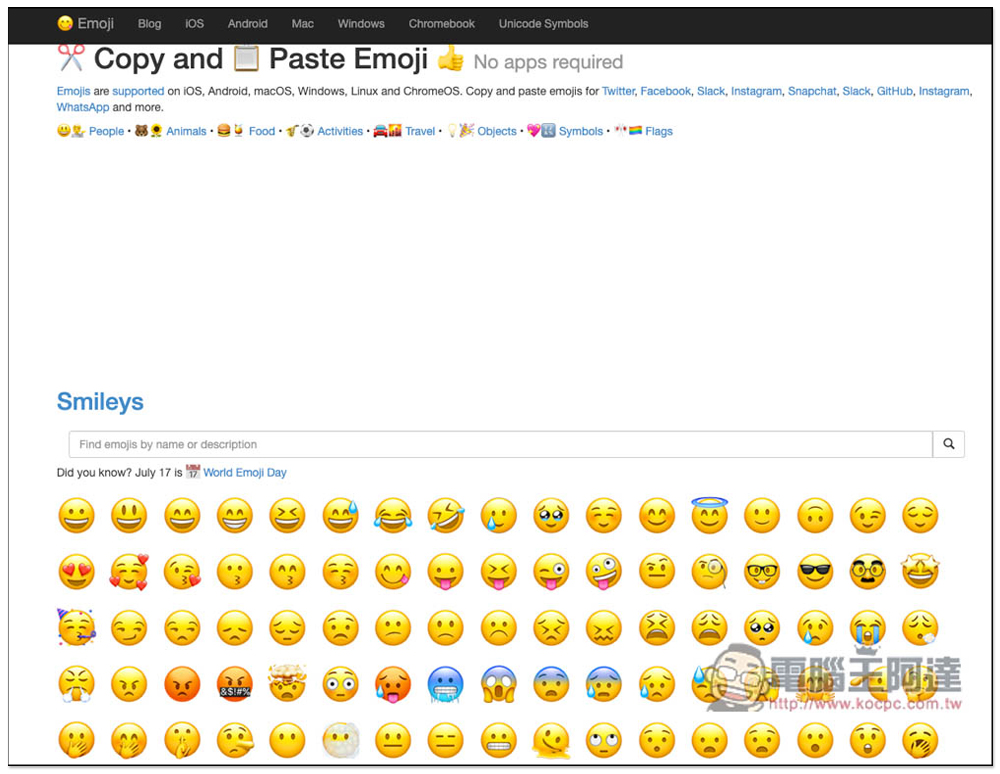
There are many Emojis in each category, but it should be noted that the icons displayed by the same Emoji on various operating systems may be different:
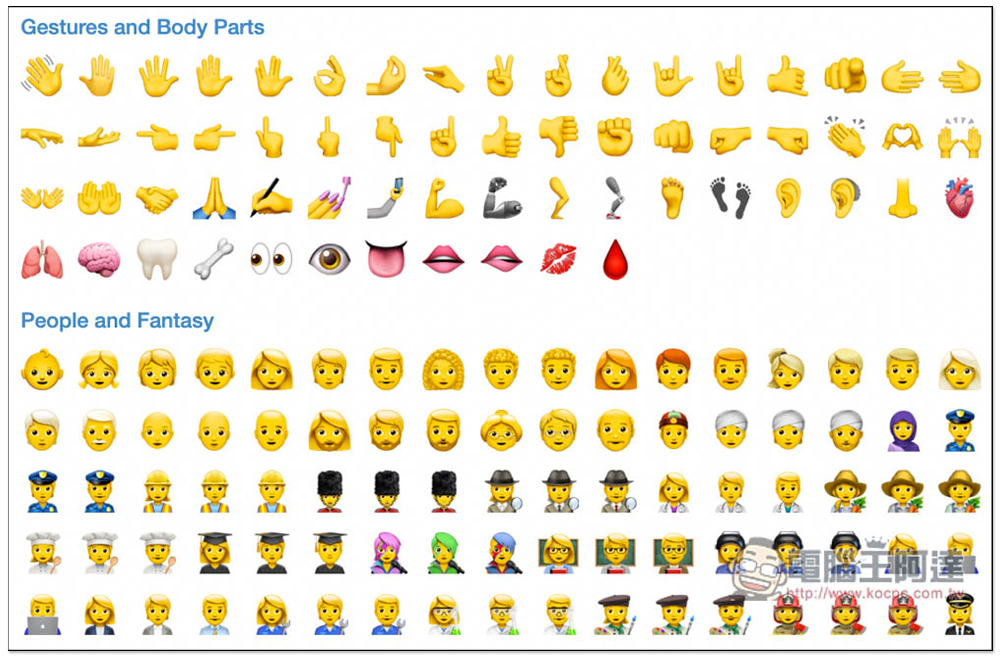
There are also many types of food, including fruits, toast, burgers, desserts, drinks, etc., many of which I have never seen before:
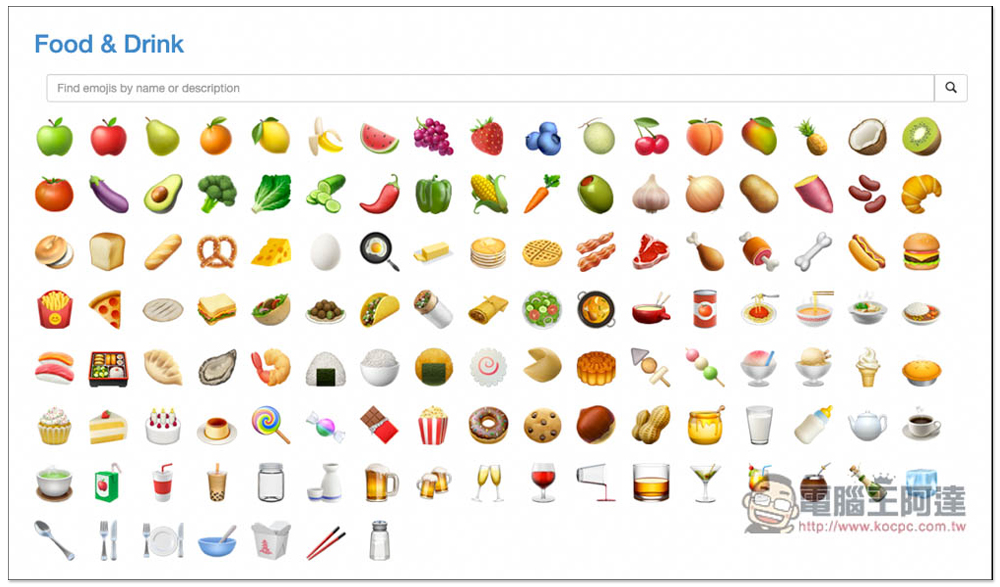
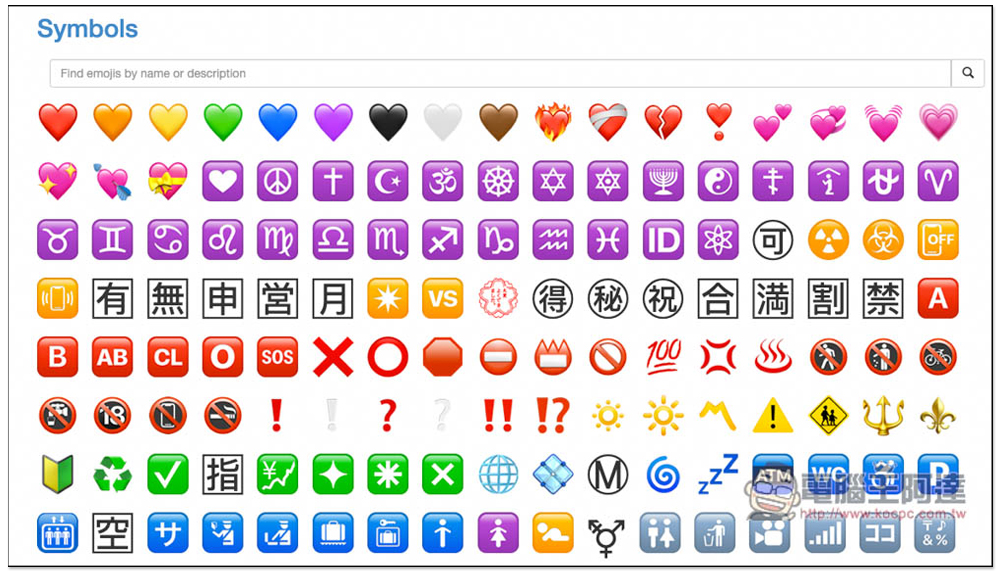
There is also this kind of Emoji, which even has Chinese characters:
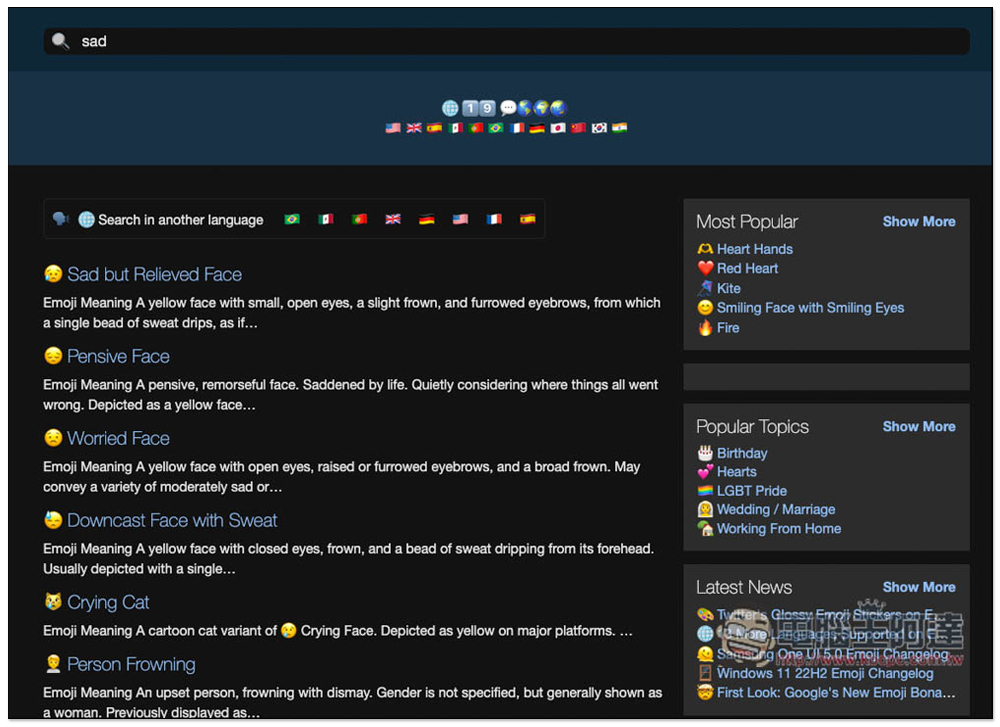
You can also directly search for the Emoji you need with keywords. Like when I searched for Sad, only the Emoji that match Sad will be listed. This is quite convenient and can help you find what you like faster, but it only supports English:
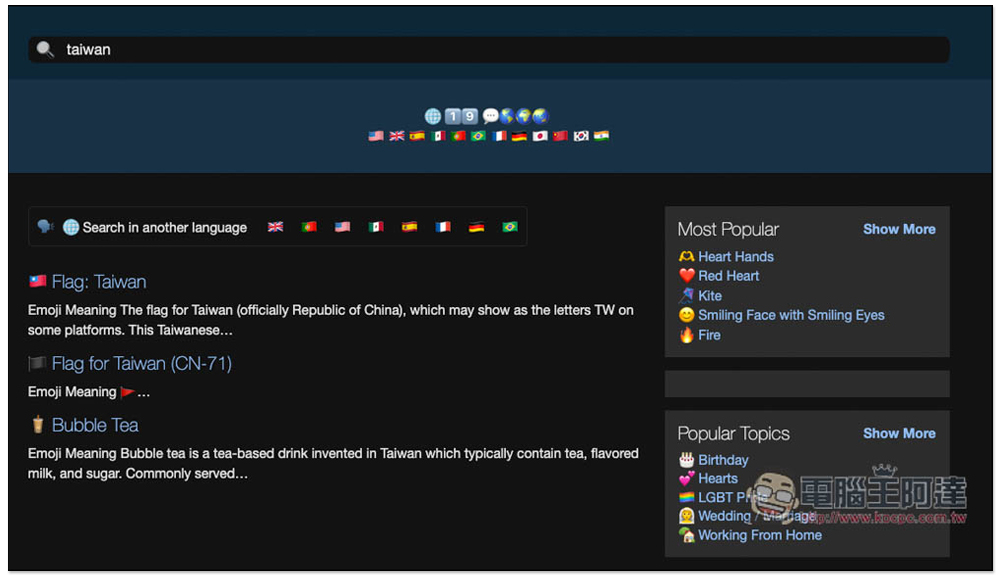
And the results are not just the name of the Emoji, but the content description will also be listed if there is a match. For example, when I searched for Taiwan, in addition to the national flag, there was also Bubble Tea:
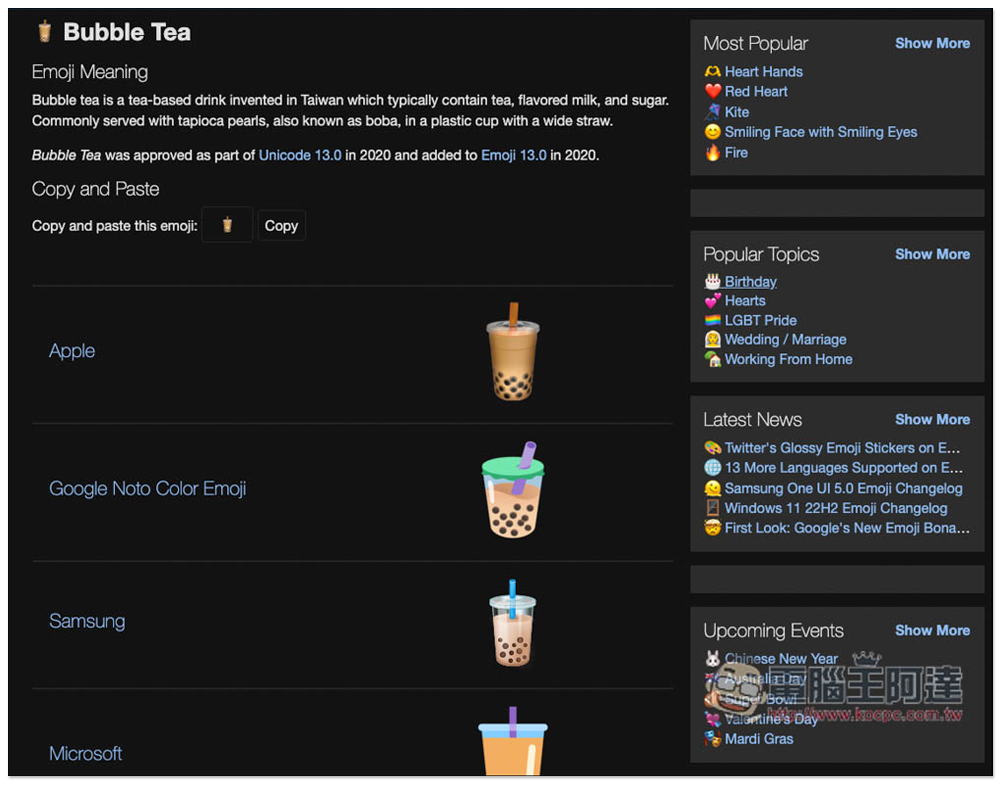
After finding the Emoji you want to use, enter the inner page to find the one-click copy function. Click Copy to copy the Emoji to the clipboard. In addition, as mentioned earlier, the Emoji icons displayed by each operating system (device) may be different. Like the breast milk in the picture below, Apple, Samsung, Windows, etc. are different. Copy and paste this emoji at the top will automatically detect your operating system (device) and then display the corresponding Emoji icon:
After copying, go to the place you want to use and press Paste, you will see this Emoji:
In addition, because it is a free website, there are actually quite a lot of advertisements, so you have to accept this. If you don’t know which Emoji are useful, this website also provides the Most Popular ranking function, you can also check it out here.
Source: KOCPC Chinese