


When you hear good music on social video websites such as YouTube, Tiktok, Facebook, etc., you will definitely want to download it, collect it, and listen to it offline. This article will recommend a super easy-to-use SAVEMP3. Pasting the URL not only gets you the download point of the MP3 music format, but also provides an editing function, allowing you to keep only the music clips you want and cut out the rest. It supports up to 320kbps, is completely free, and has no ads.
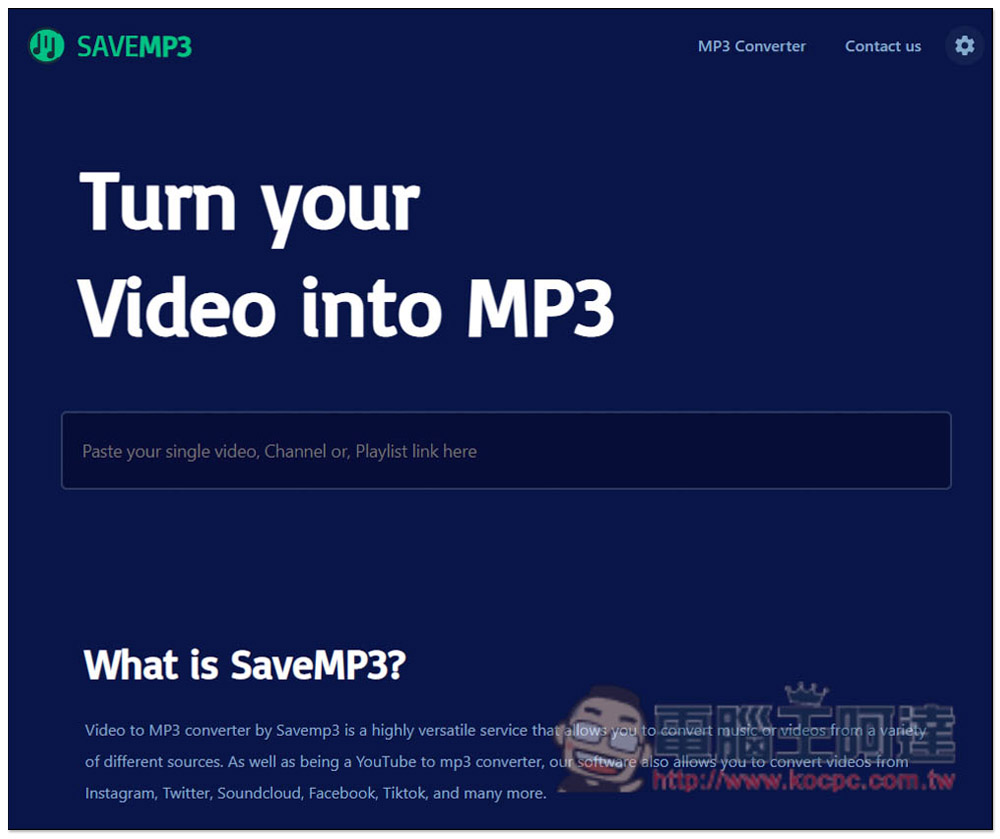
Introduction to SAVEMP3, a free tool that can convert videos from YouTube and other websites into MP3 format
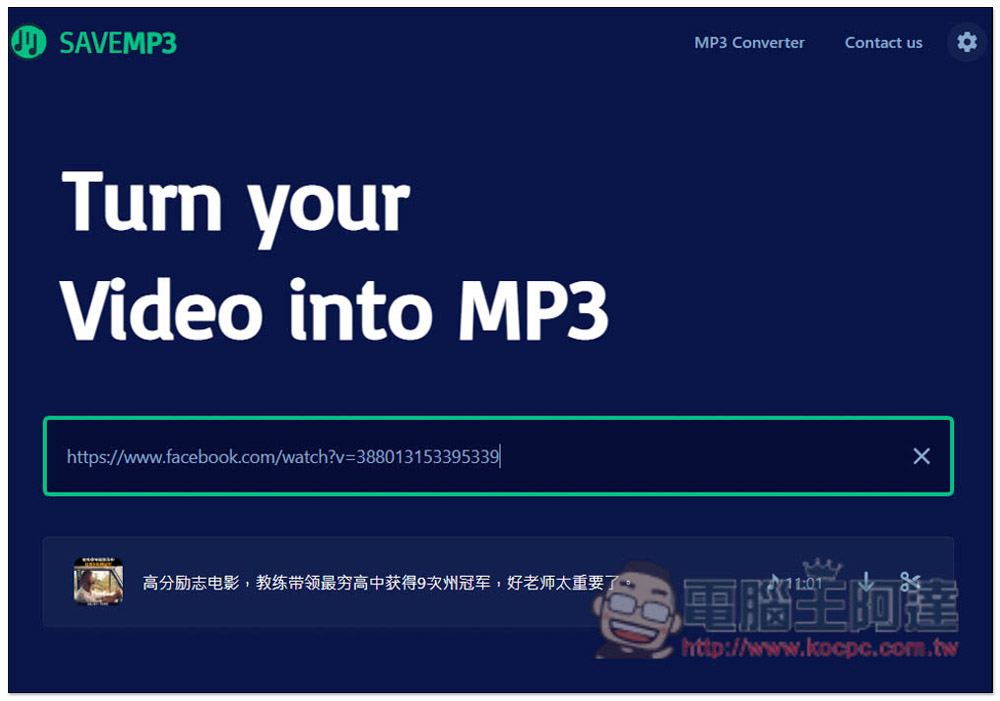
The use of SAVEMP3 is very simple, just like most online audio and video download tools. After entering the website, paste the URL of the video you want to convert to MP3 music format. The download point will appear below, and the editing function is on the right. You can click it if necessary:
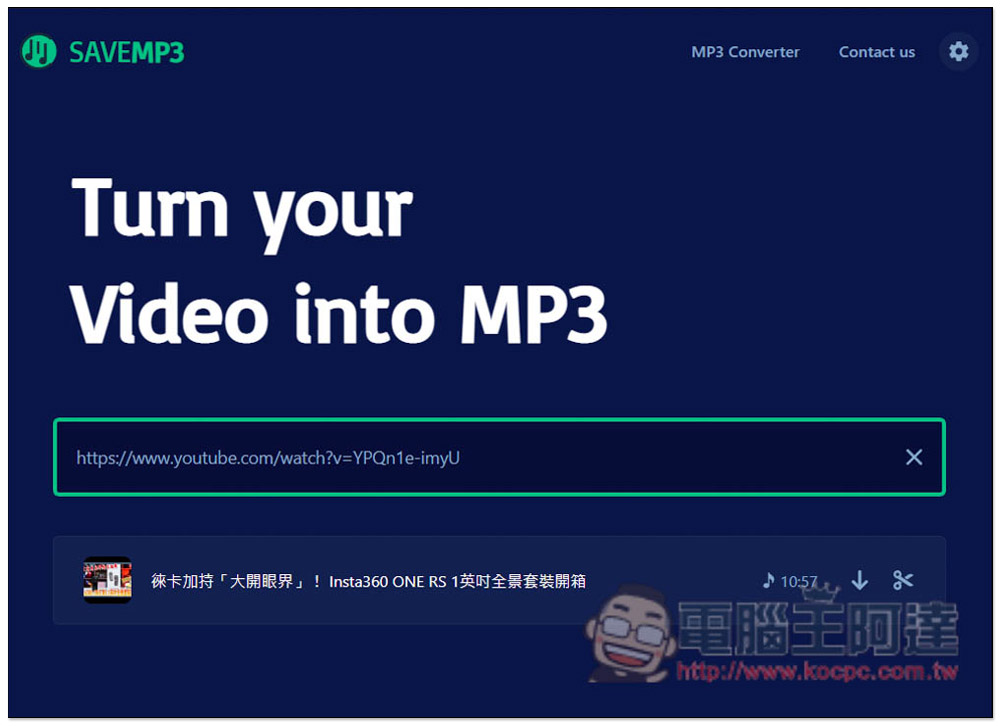
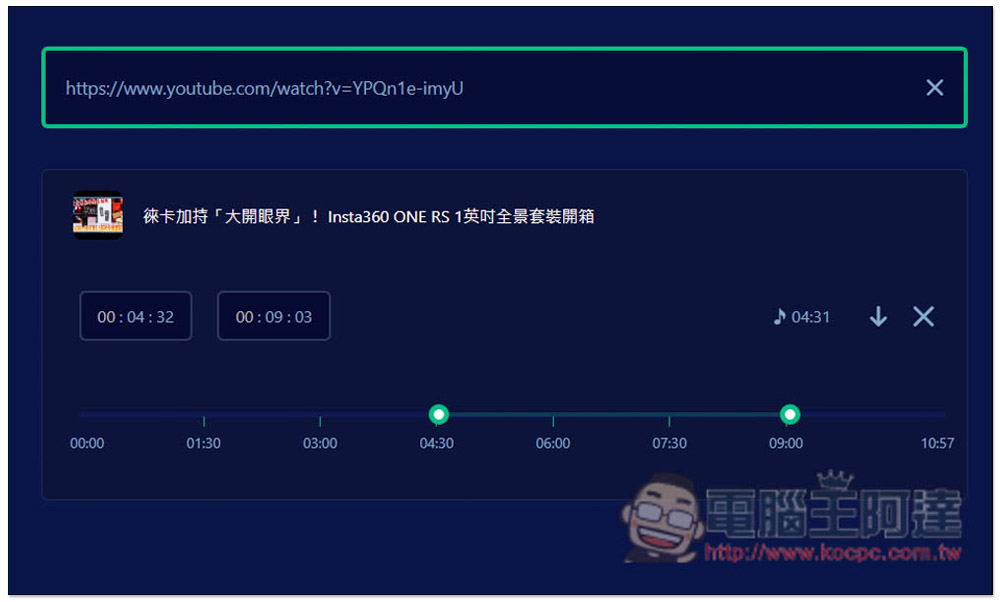
The editing function will appear directly on the same page. You can enter the start and end time you want to keep, or slide the slider below to the time point you want to keep. If you have no problem, click the download icon:
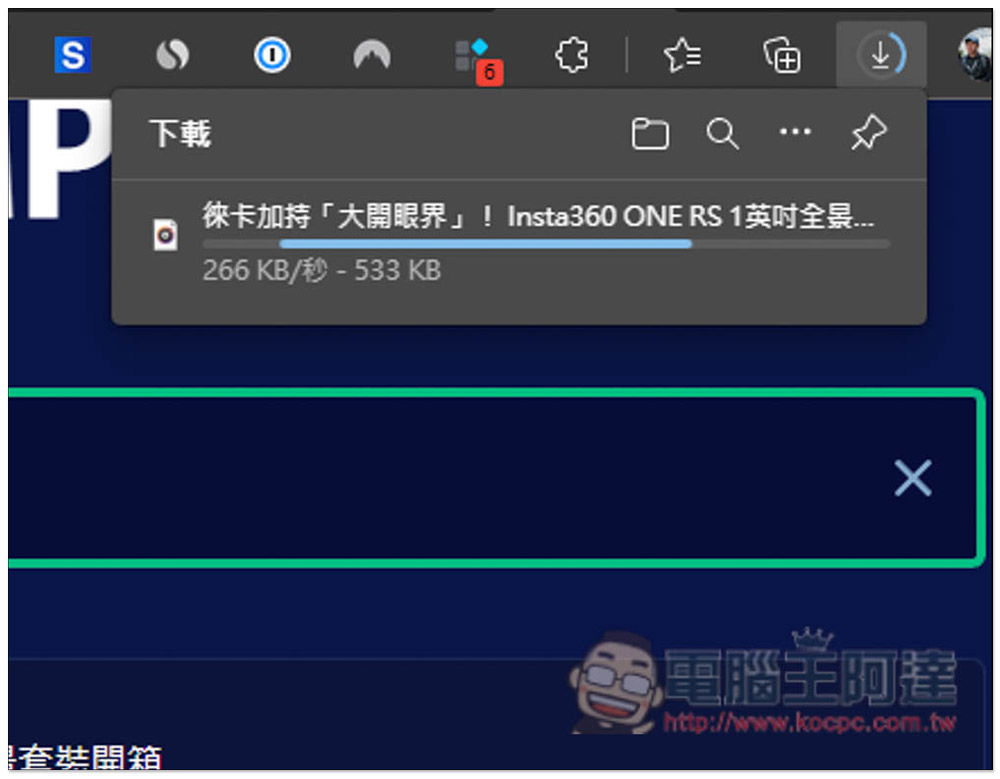
The download will start, the speed is pretty good, not too slow and not very fast:
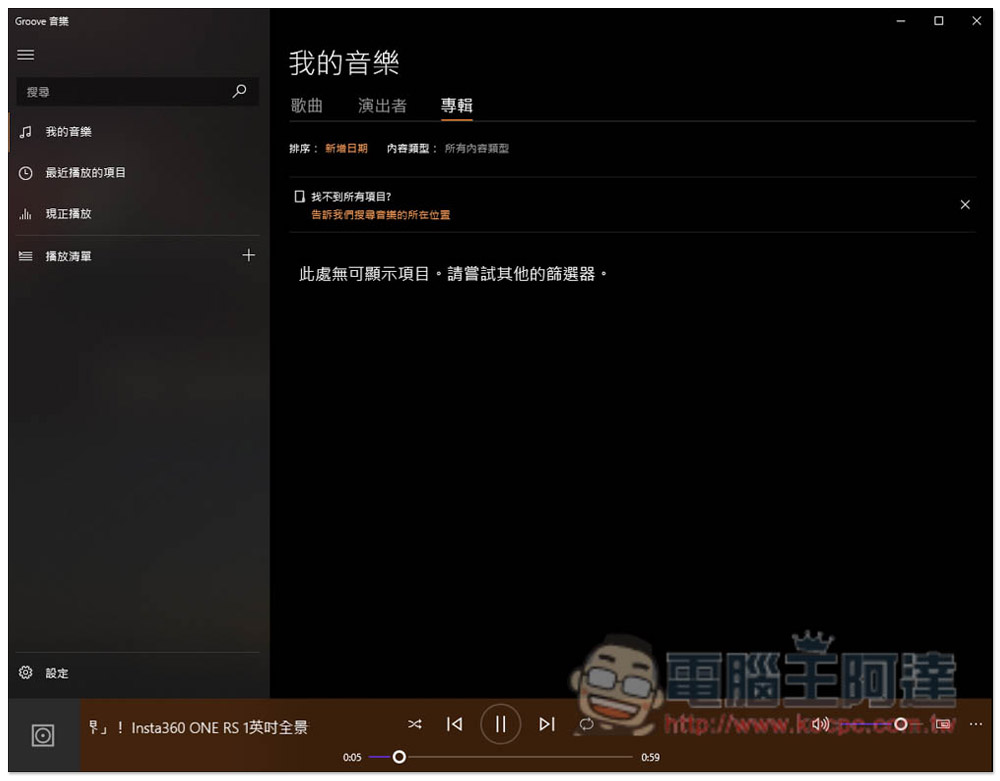
I tested that the editing function is indeed effective. The downloaded music file only retains the fragment I specified, and the rest is gone:
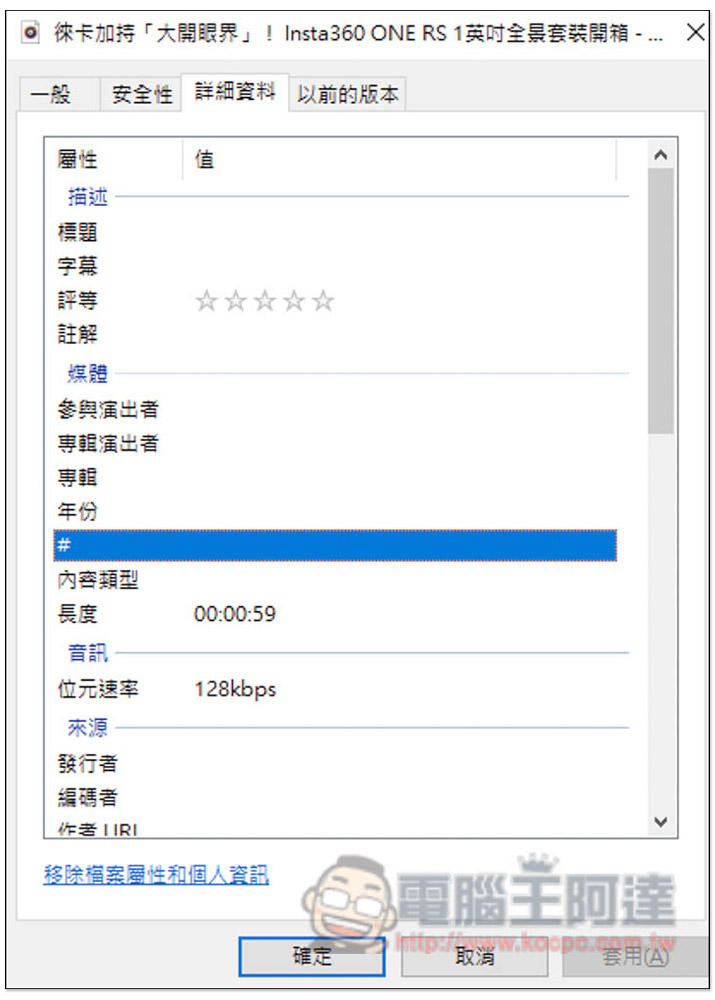
The default download is 128kbps sound quality:
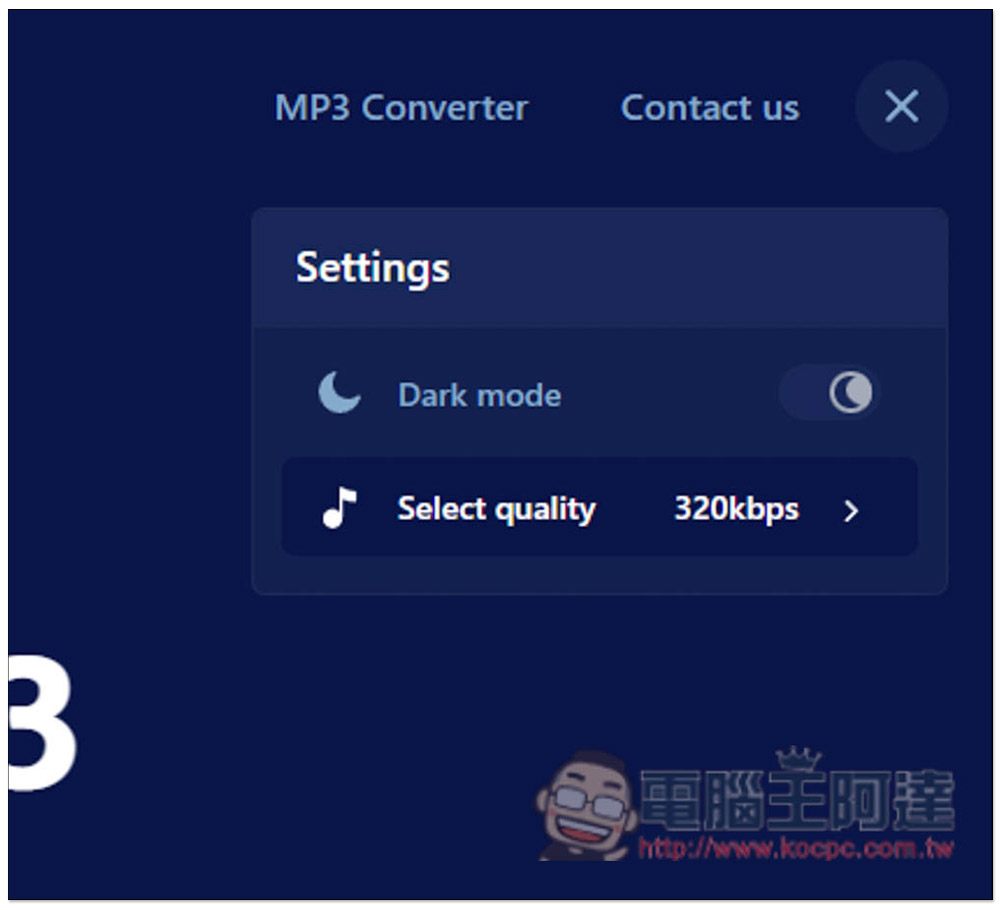
Press the gear icon in the upper right corner of the web page to find the Select quality function. There are three options: 128kbps, 256kbps and 320kbps. However, I don’t know if it is related to music or other reasons. No matter whether I choose 256kbps or 320kbps, I download the 128kbps sound quality, which seems useless. I will let readers test this part by themselves:
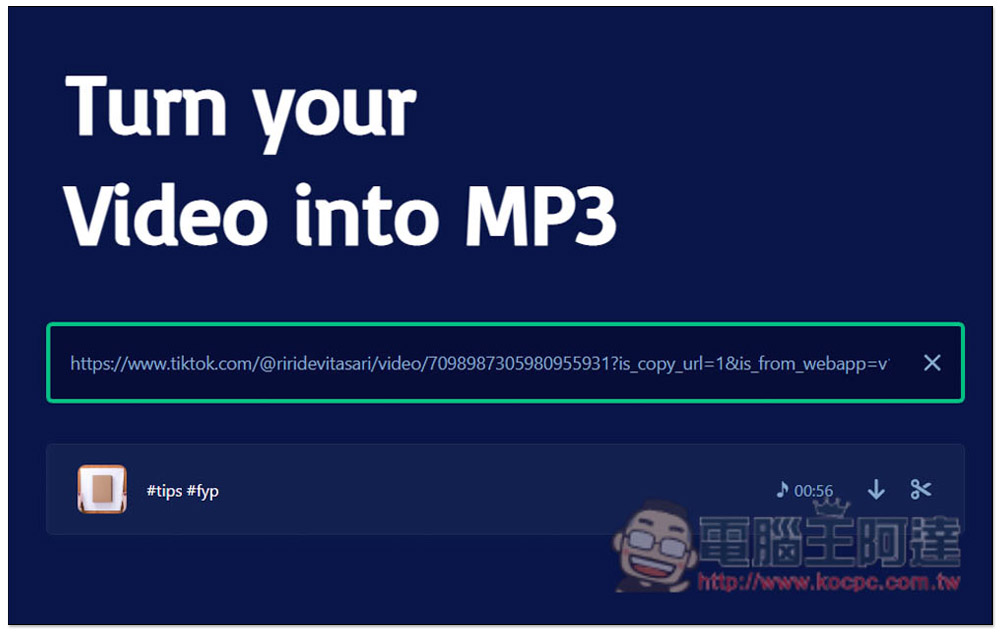
The TikoTok test was also successful. When watching TikTok videos in the future, if you find good music, you can use this free tool to download it:
Facebook is also successful. Remember to copy the URL of the browser directly instead of the short URL in the sharing function:
In addition to computers, this free tool can also be used on mobile devices such as iPhone and Android, so if you want to download it to a mobile phone or tablet to listen to, just use it to download without using a computer.
The supported websites are: YouTube, Dailymotion, Soundcloud, Facebook, Instagram, Twitter, Vimeo, VK and Tiktok.
Finally, I would like to remind you that this kind of free online download tool may become invalid after a while. If you get a message such as unable to download or cannot find the URL when using it, you can wait a few days and try again, or find other download tools instead. What we have introduced before X2Download、Modify the URL to backupmp3 You can try other methods.
Source: KOCPC Chinese