


RAM is definitely one of the hottest topics right now. Due to the shortage of RAM, the price of DDR5 kits has reached an all-time high, of course, if you can still buy it. If you’re thinking of upgrading your computer to 64GB, or buying a new gaming PC or laptop with a bunch of futuristic memory, stop and think about it.
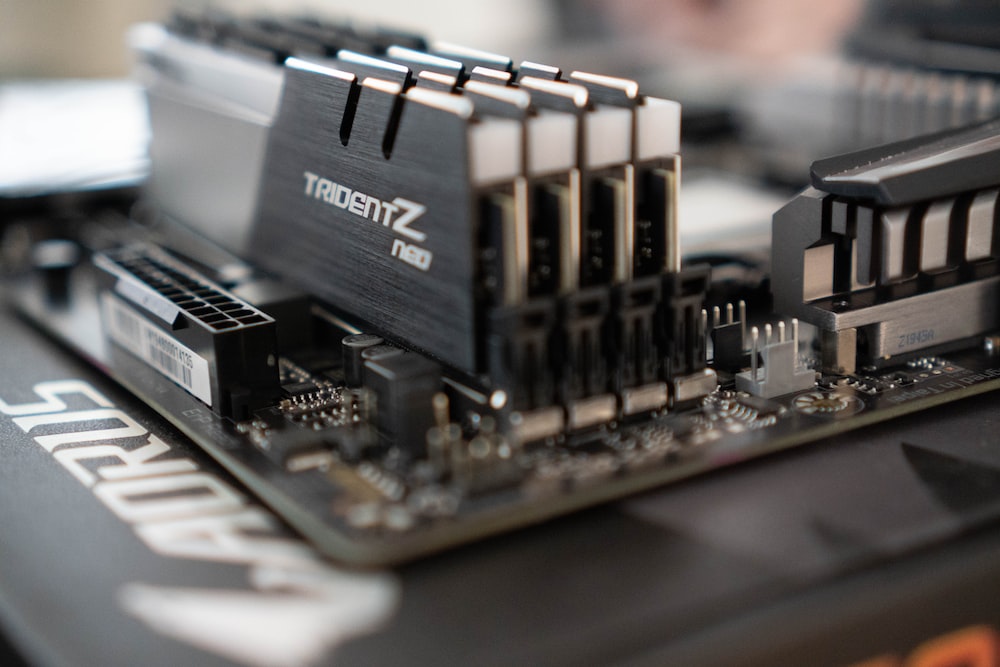
Don’t rush to increase RAM to 64GB due to huge increase in RAM, maximize the performance of 32GB first
32GB is actually the real golden point of RAM. It can be said to be the “livable zone” for various purposes. It is reasonably priced, stable and efficient, and has enough RAM to handle 99% of tasks. Instead of looking for more RAM, get the most out of 32GB of RAM by managing your existing RAM by maximizing memory usage for Windows and applications.
ghost consumption
For most users, the biggest memory hog is not games or even creative applications, but browser windows with too many tabs open. While having a few tabs open may not feel like a big deal, when those tabs suddenly turn into 50 tabs that you completely ignore, your browser is likely to eat up RAM resources.
The easiest way to fix this is to make sure you close pagination when you’re not using it, and close the browser when you’re not using it at all. However, this may not be an option for everyone (myself included) because you never know when you will need to look back, so you always have multiple tabs open just in case. Another step you can take is to enable memory saving mode in Chrome settings. If you’re not using Chrome, most other browsers have similar services. These modes put background paging to sleep when not in use, freeing up a lot of memory.
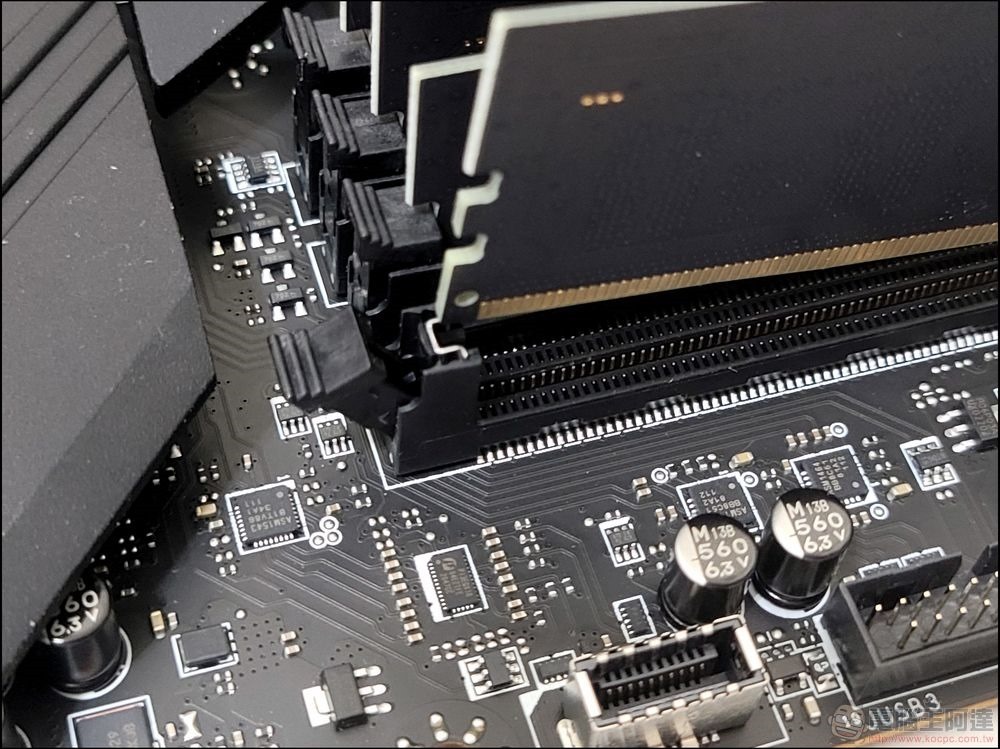
Other background processes may also be using up memory without you even noticing. If you automatically open certain apps when you turn on your computer, they can continue to run in the background even after you close them. The easiest way is to close unnecessary applications at startup in the work manager.
Technology optimization
An essential step in reducing RAM usage is to use software tools to ensure that memory is used for what you are actually doing, rather than a bunch of background programs. If you are using a gaming computer, laptop, or other device with a discrete graphics card, your built-in graphics card may continue to use part of the memory even when it is not being used. If you already have a dedicated graphics card, you can make sure the built-in graphics card is disabled or minimize the memory configuration in your computer’s BIOS.
Another tool worth picking up is ISLC (Smart Standby List Cleaner), it can clear the standby memory list that sometimes cannot be cleared. This ensures that useless background programs are cleared and will no longer occupy your memory.
It’s actually better to use 32GB of fast RAM than 64GB of slow RAM. When it comes to gaming, overall PC speed, and responsiveness, low latency and high frequency memory is more fundamental than 64GB of memory (but underutilized). Another way to optimize lower memory capacity is to make sure you have dual-channel memory.
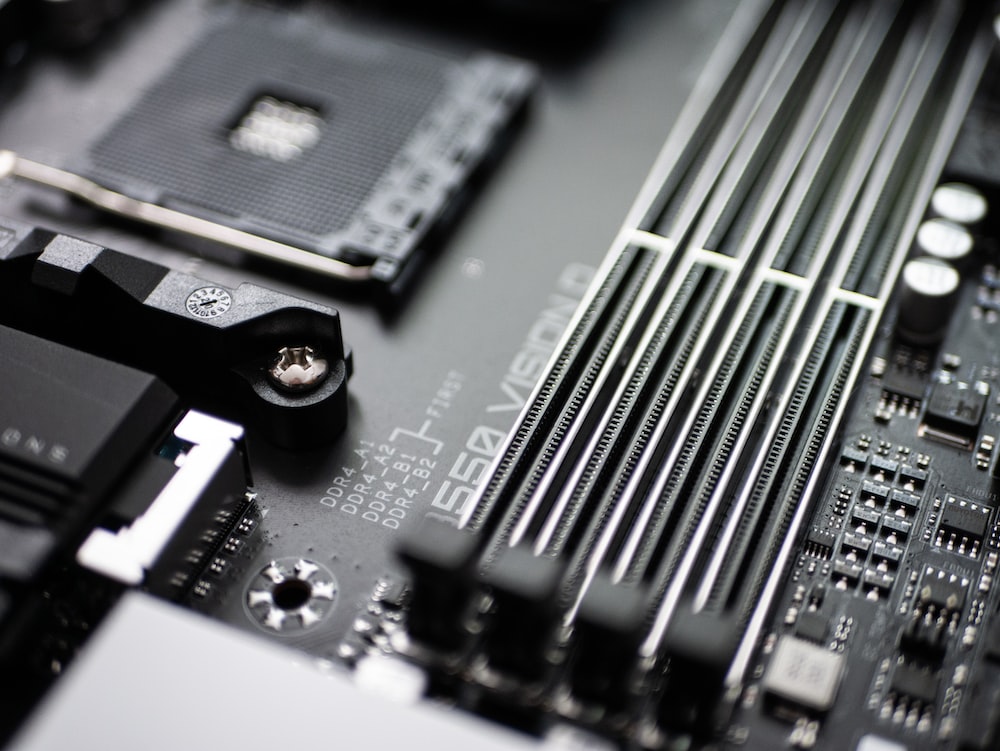
While there are cases where users may benefit from 64GB of memory, this is usually limited to professional workloads. Users who edit 4K and 8K videos at the same time, render 3D, or work with virtual machines may benefit from 64GB of memory. In addition, as long as it is properly optimized, users can probably maintain 32GB of memory, even when playing AAA masterpieces or 4K games. For many people, 32GB of memory is probably the upper limit you can use, especially now that RAM is in short supply and prices are rising, save your money and spend it elsewhere.
Source: KOCPC Chinese