


Your PC gaming setup is your arena and performance engine. With the right components, accessories, and software, you can transform a simple work desk into a powerful command center. Microsoft recently shared its recommended Windows 11 gaming PC optimization tips in a new guide to help you quickly learn how to build the ultimate gaming PC.
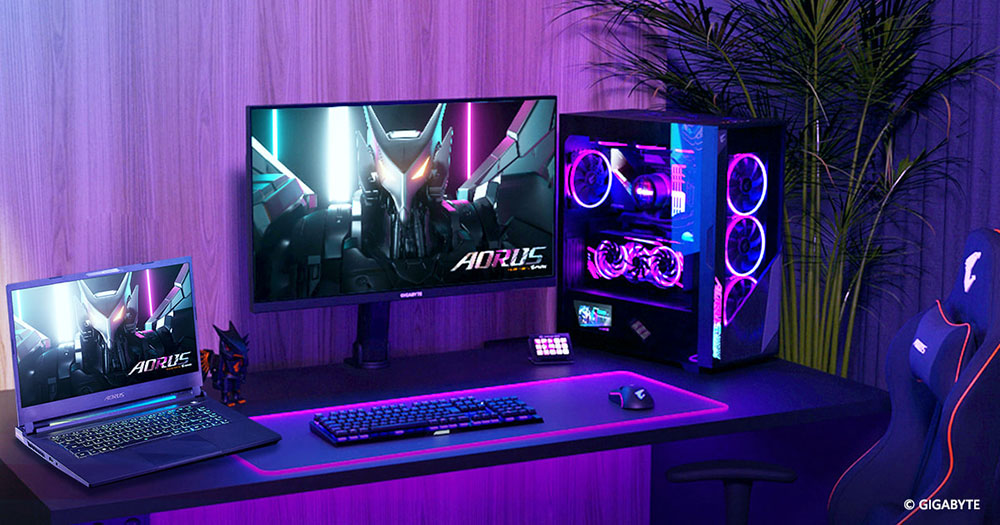
Microsoft shares guide to Windows 11 gaming PC hardware requirements and recommendations
Your hardware is the backbone of your system and is the basis for determining game loading speed, running smoothness, and system life. Get these options right and the rest of your device will perform better. This one from Microsoftofficial guide, which lists the minimum and most recommended CPU and GPU specifications, similar to what many game studios and developers announce before their games are released. In addition, Microsoft also shared memory recommendations and more.
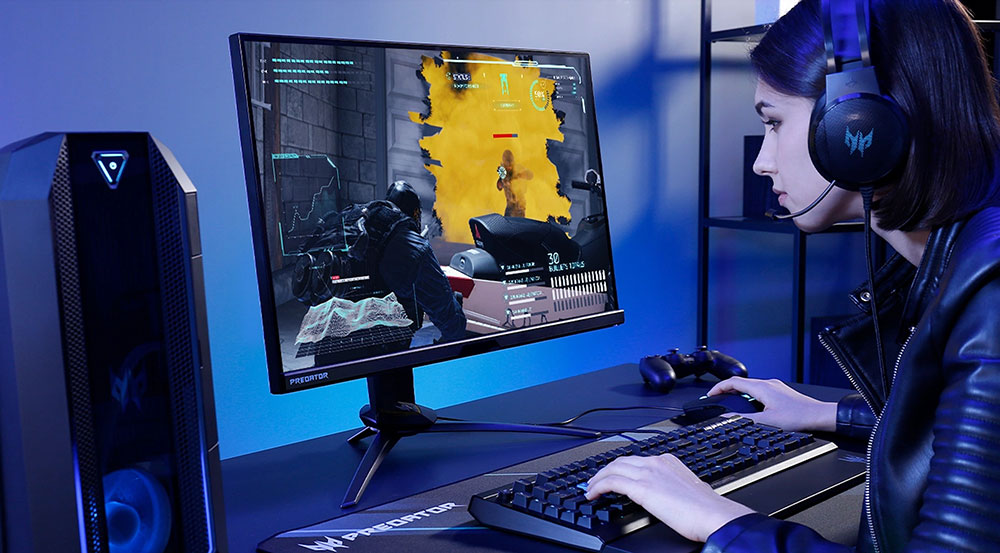
We start with CPU and GPU. Microsoft briefly explains how these components will be a powerhouse, such as the CPU handling game physics, logic, draw calls, etc., while the GPU is primarily responsible for handling all graphics. It also greatly helps GPU-based physics systems like PhysX. The following are the official minimum CPU and GPU specifications and recommended specifications for Windows 11 games in 2026:
- Entry-level games (1080P, medium quality)
- CPU: At least a modern quad-core, such as AMD Ryzen 5 5600 or Intel Core i5-12400
- Graphics card: NVIDIA GTX 1660 Super or AMD Radeon RX 6600
- Mid-level games (1440P, high quality)
- CPU: Six-core or higher, such as AMD Ryzen 5 7600 or Intel Core i5-13600K
- Graphics card: NVIDIA RTX 3060 Ti / 4060 Ti or AMD Radeon RX 6700 XT
- High-End / 4K Gaming
- CPU: Octa-core or higher, such as AMD Ryzen 7 7800X3D or Intel Core i7-13700K
- Graphics card: NVIDIA RTX 4080 or AMD Radeon RX 7900 XTX
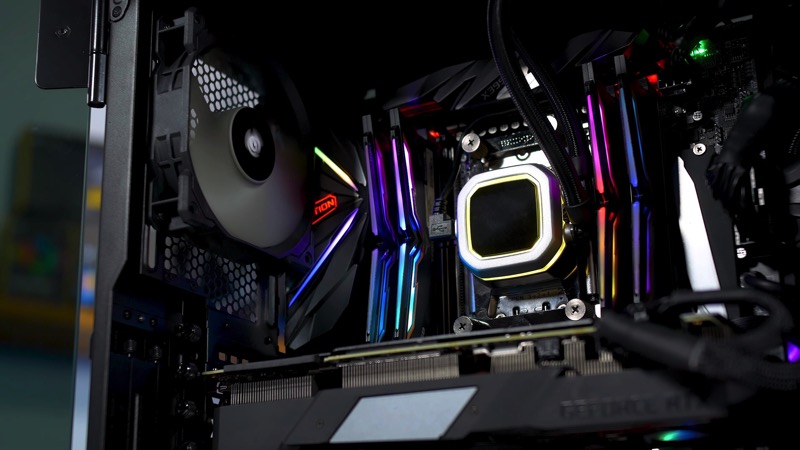
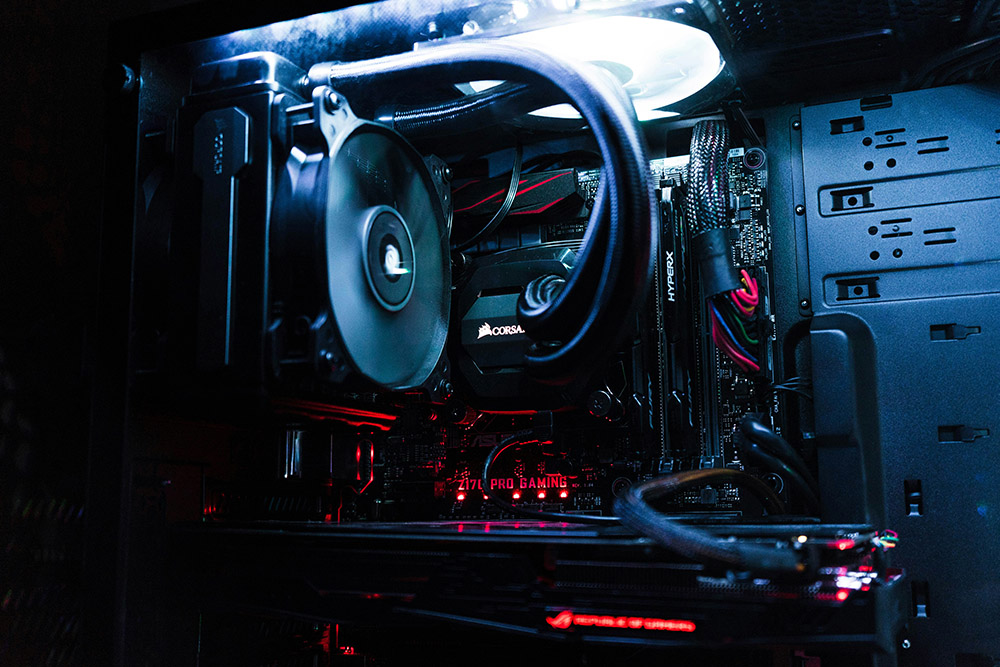
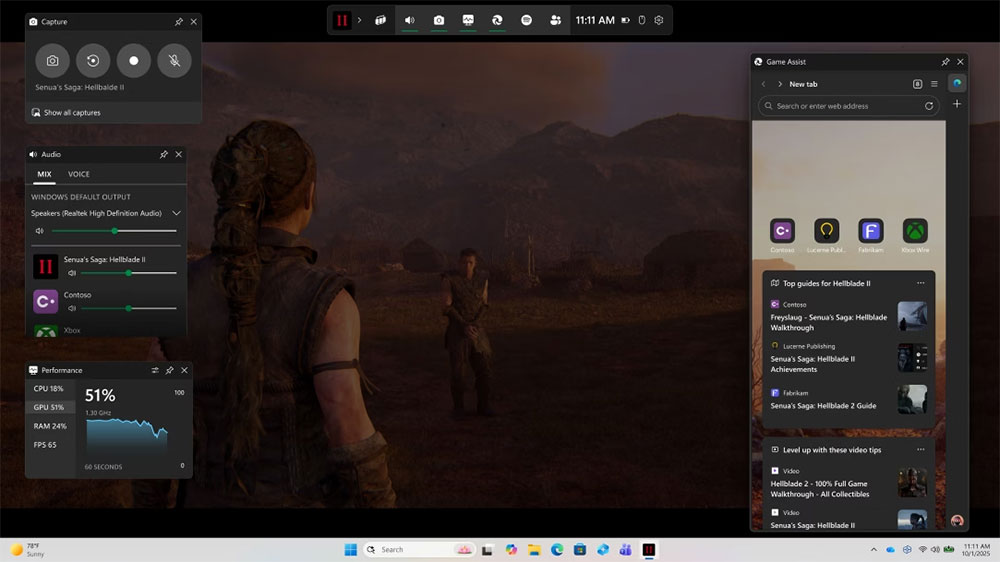
Microsoft also mentioned the importance of Windows 11 Game Mode, saying that “this setting automatically prioritizes gaming tasks” and “reduces background activity, allocates more CPU and GPU resources to the game you are running, and helps maintain a more stable frame rate.” The guide also includes a practical suggestion, suggesting that if the screen can only support 144Hz, users should not spend too much on a GPU or CPU that supports 240fps, because the extra frames will be wasted. Another practical tip is when it comes to the benefits of properly managing wires within the case including helping to improve airflow.
Speaking of screens, here are Microsoft’s guidelines on how to choose the screen that best suits your gaming needs based on factors such as update rate, response time, and panel type.
- Update rate (Hz): The number of times the screen is updated per second.
- 144Hz is a solid benchmark for smooth gaming.
- 165Hz – 240Hz for competitive shooting or fast action gaming.
- Reaction time (ms): The time it takes for a pixel to change color.
- 1ms to 3ms is ideal for gaming, reducing ghosting and motion blur during fast movements.
- Panel type
- IPS: Excellent color accuracy and wide field of view, making it an all-around great choice.
- VA: Deeper contrast and richer blacks, but slightly slower response than IPS.
- OLED: Excellent contrast and almost instant response, true blacks and vivid colors, but can be more expensive.
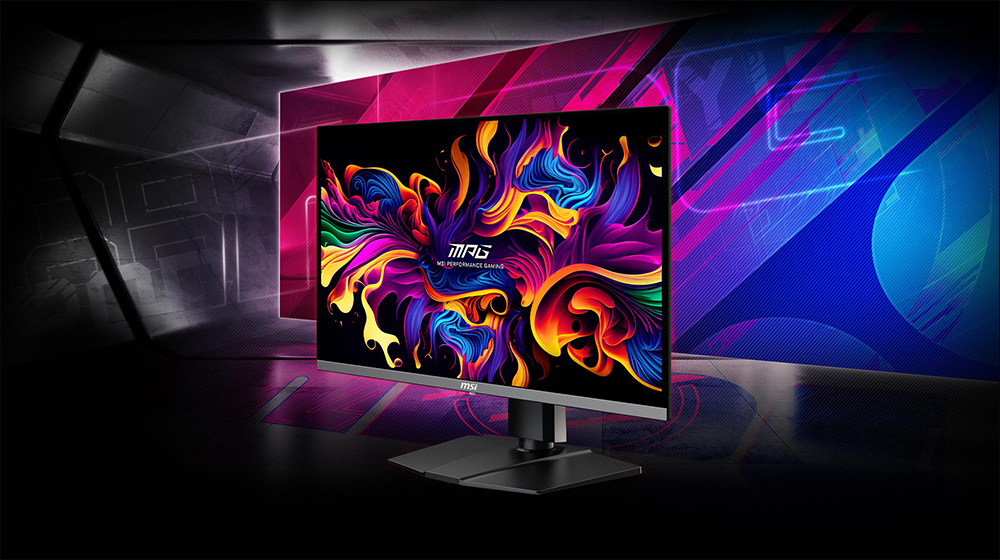
Next, Microsoft talks about memory and storage recommendations, noting that 16GB of memory is enough for most games, while 32GB is ideal for those who play the most demanding games or use heavy modding. However, due to the high cost of memory, the second option may be too expensive for most people. In addition, 16GB of memory is also a basic requirement for Copilot+ AI computers.
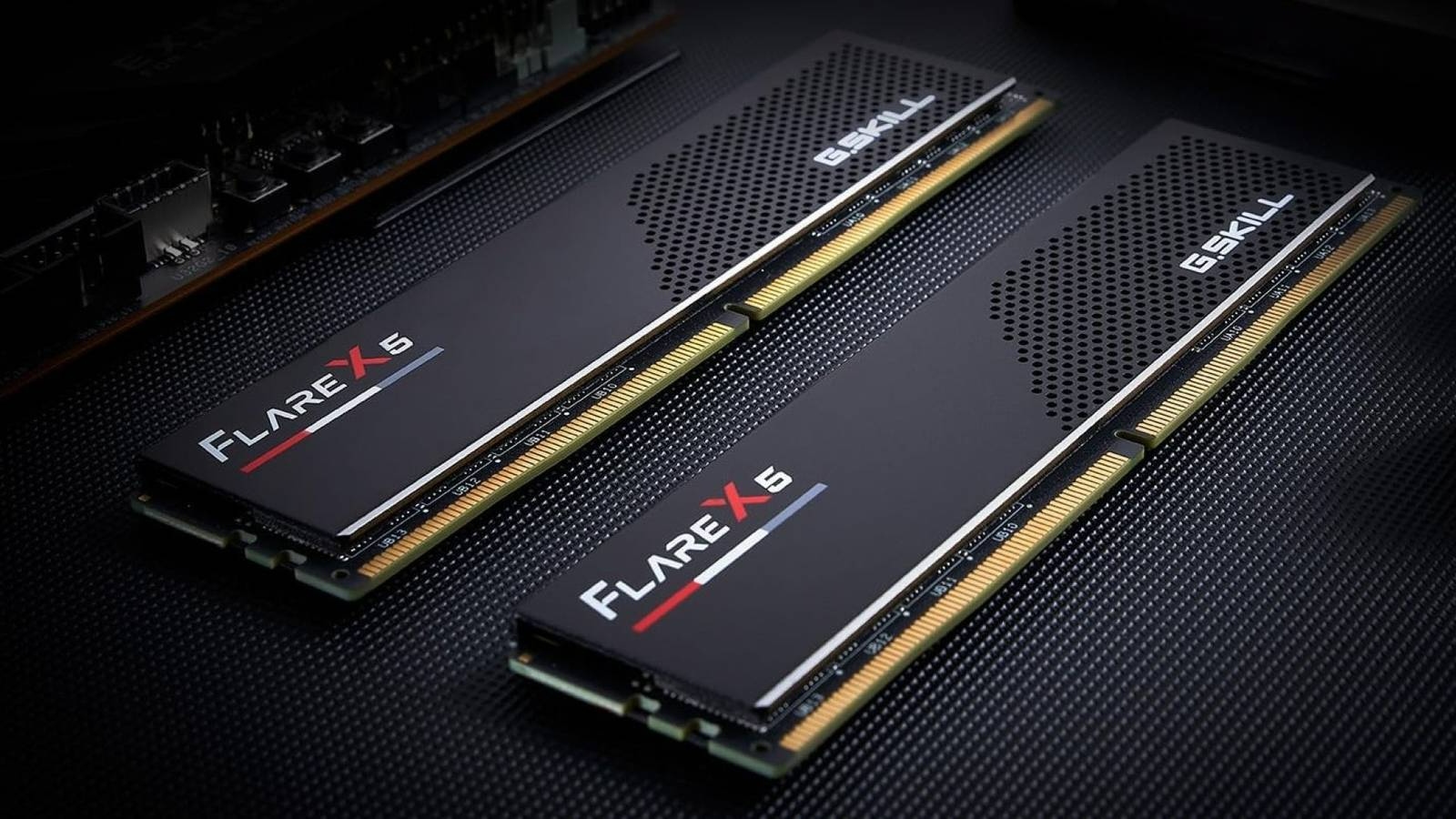
Microsoft also recommends opting for a 1TB SSD if you want to keep a large library of games, but honestly, given the size of games these days, if you want to keep playing natively. 1TB is probably the minimum standard for modern gaming computers. Microsoft also mentioned that another advantage of NVMe SSD is the ability to use DirectStorage in supported games. The company explains that DirectStorage is a Windows technology that allows your graphics card to retrieve game data directly from an NVMe SSD without having to route all the data through the CPU first. This results in faster load times and seamless connectivity in large and detailed game worlds.
In the keyboard and mouse section, Microsoft mentioned that your input device is your direct connection to the game, so accuracy is important, and many professional players will lower the DPI to make aiming more accurate:
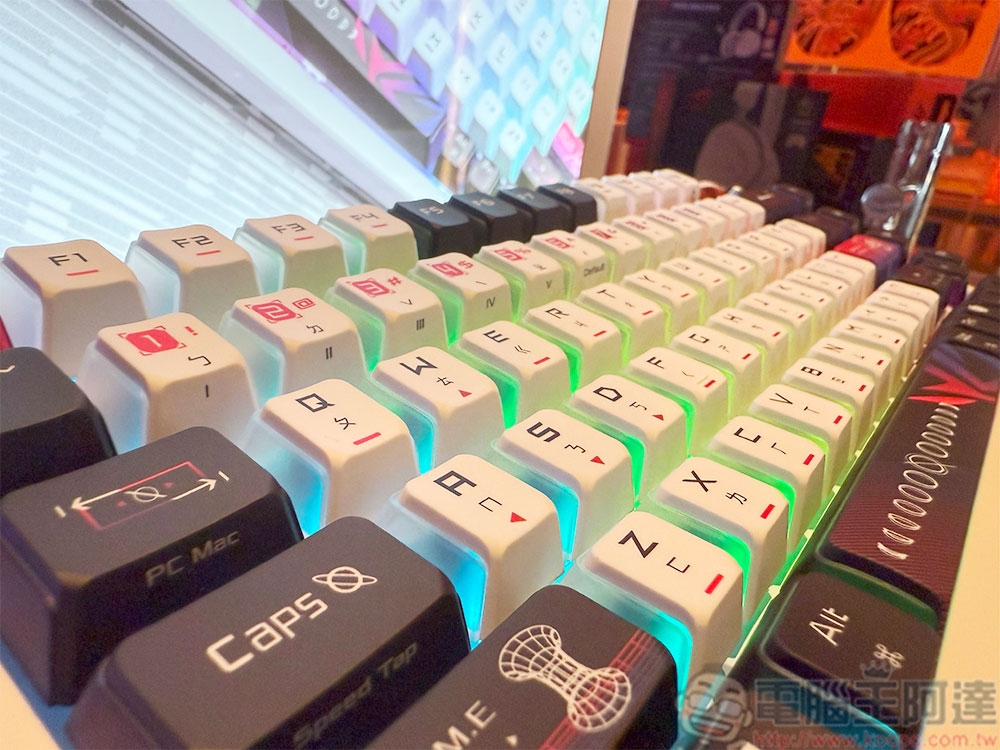
- Mechanical keyboard: Provides crisp, tactile feedback and faster operation than membrane keys, giving you more control in competitive gaming. Key switch type (linear, tactile or clicky) lets you choose between smooth keystrokes or audible feedback.
- Gaming Mouse: Adjustable DPI (dots per inch) lets you fine-tune cursor sensitivity for different music genres. A higher DPI is great for fast-moving shots; a lower DPI makes aiming in shooters more stable.
- Extras: Look for programmable side buttons, customizable RGB lighting, and weight adjustments for a truly personalized build.
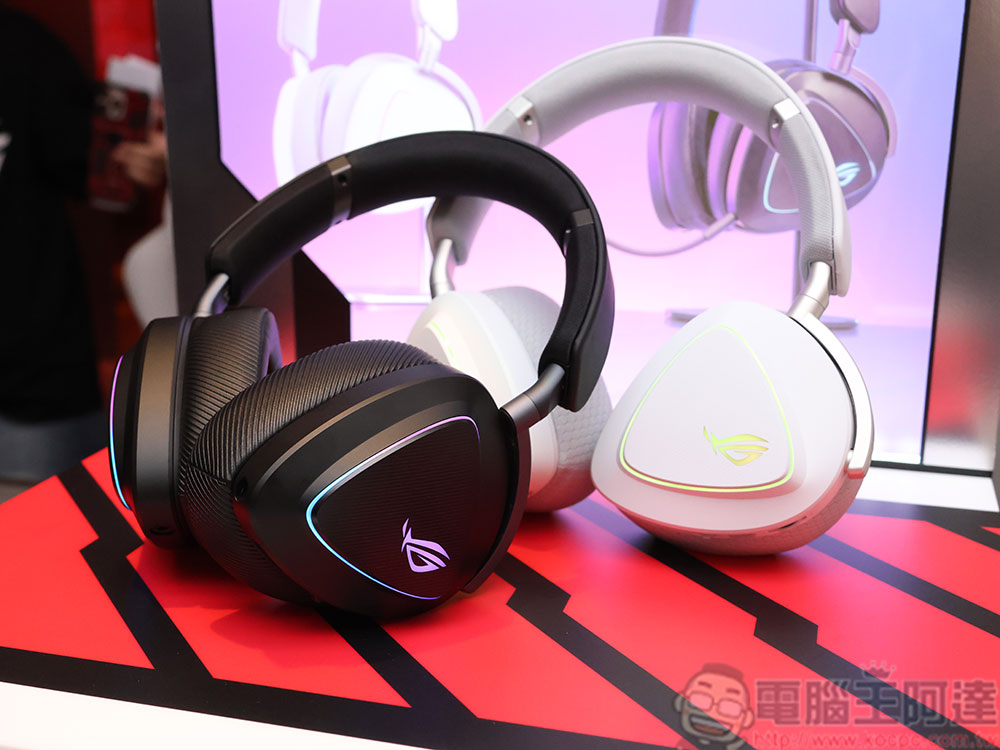
Excellent sound effects can change the way you play and even affect the situation of the battle:
- Surround sound effects: Accurately capture enemy footsteps or distant gunshots to enhance your competitive advantage.
- Driver unit and frequency range: Larger drivers (40–50 mm) deliver richer low frequencies and clear high frequencies, making explosions and ambient sound effects come alive.
- Microphone: Choose a noise-canceling microphone or a directional microphone to let your teammates hear you clearly, even in the chaos of a game.
- Comfort: The lightweight frame and memory foam earcups keep you comfortable during long training sessions.
What we’ve listed above are the most important ones, but Microsoft also includes more practical advice and tips in the guide that you can use at your companyOfficial blogSee more details in .
Source: KOCPC Chinese