


After installing Windows 11, many people will feel that the response speed of opening applications and UI is slower than that of Windows 10. Therefore, you will see a lot of complaints in major forums and Microsoft official forums. To this end, Microsoft internally launched a project code-named K2 in the second half of last year to solve the problems of Windows 11’s performance, reliability, and too many AI functions at once. In recent months, it has been gradually launched into the Windows Insider beta version.
Recently, Windows Central revealed a new “Low Latency Profile” feature, which is a performance improvement part of K2. By briefly pulling the CPU clock to the maximum, it can greatly improve the startup time of Windows 11 App and UI, up to nearly 70% faster.
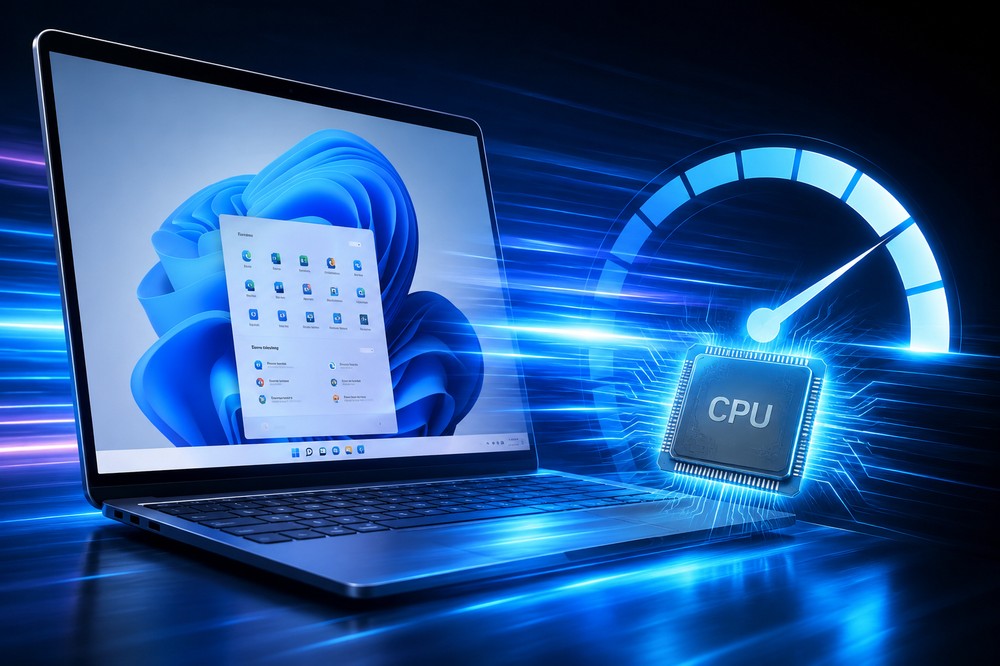
Windows 11 secretly tests “Low Latency Profile”: it briefly increases the CPU clock when opening apps and menus, and starts up to 70% faster
according toReported by foreign media Windows Central, people familiar with the matter revealed that Microsoft is developing a Low Latency Profile feature, and the principle of its operation is very simple.
When the system detects that the user has just performed a high-priority operation, such as opening an app, calling the start menu, opening the right-click menu, sliding out the notification panel, etc., the system will directly push the CPU clock to the highest level within a few seconds. When the operation is completed and the screen is opened, the CPU will be lowered back. This sprint is limited to just 1 to 3 seconds, which allows users to obviously feel that the startup speed is faster without increasing power consumption and heat dissipation.
Judging from early data obtained by Windows Central, the effect can be divided into two parts.
Built-in apps such as Microsoft Edge browser, Outlook mailbox, etc. can start up to 40% faster. The response of shell interfaces such as the start menu and right-click menu can be up to 70% faster.
It is understood that third-party apps can also benefit from this acceleration, but the speed still depends on the loading process of the app itself. Windows Central’s description is “With this performance boost enabled, the OS is much snappier” (the response of the entire system becomes significantly snappier after it is turned on).
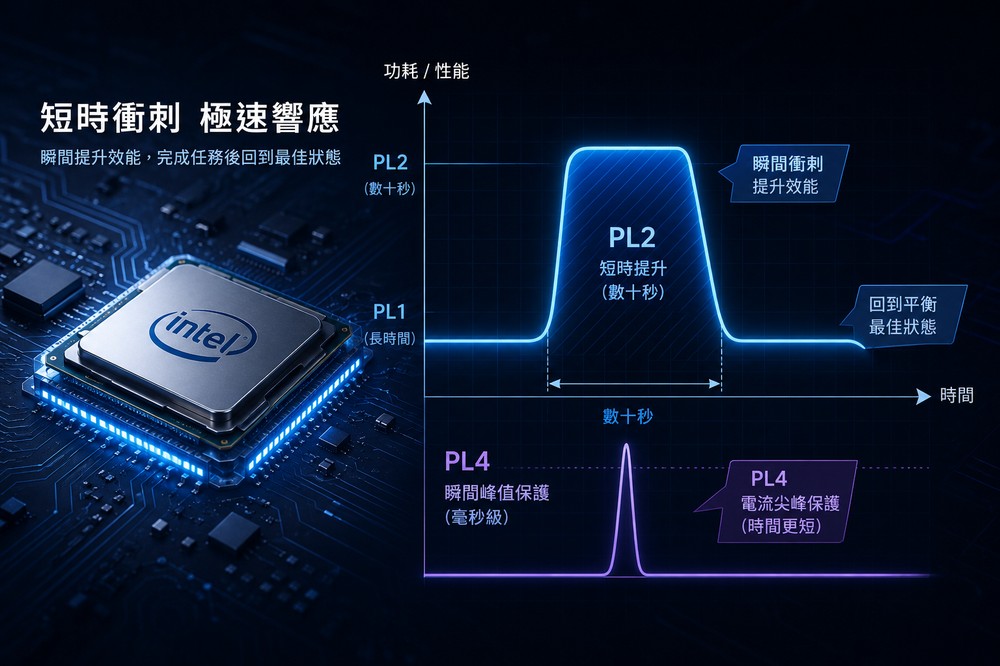
People who are familiar with PC hardware should notice that this method is very similar to the “short sprint” mechanism of Intel CPU. Intel’s PL2 allows the CPU to increase the power consumption limit for a limited time, usually set on the order of tens of seconds. PL4 is biased towards instantaneous power consumption/current spike protection limit with shorter time.
Low Latency Profile is currently in the early branch of the Windows Insider Program, but it is not open to users by default and is currently running automatically. If you want to try it now, you can use ViveTool to force the corresponding function flag to turn on. However, it is still an early test and it is recommended to operate it only on the test machine. The instructions are:
vivetool /enable /id:60716524,61391826
As for when it will be officially launched, Microsoft has not made it public yet. Judging from the overall rhythm of K2, a more reasonable guess is that it will be launched successively from the second half of 2026 to 2027.
Source: KOCPC Chinese