


Now the web pages of major websitesadvertiseIt can be said that more and more, when you see good content and want to save the PDF permanently, advertisements will definitely take up a lot of space, and there may even be other unimportant ones.Web pageInformation, and this article will recommend a super easy-to-use PrintFriendly freeOnline tools, ads will be automatically removed when converting web pages, and it also provides editing functions, allowing you to remove unnecessary content with one click and easily obtain the cleanest PDF file.
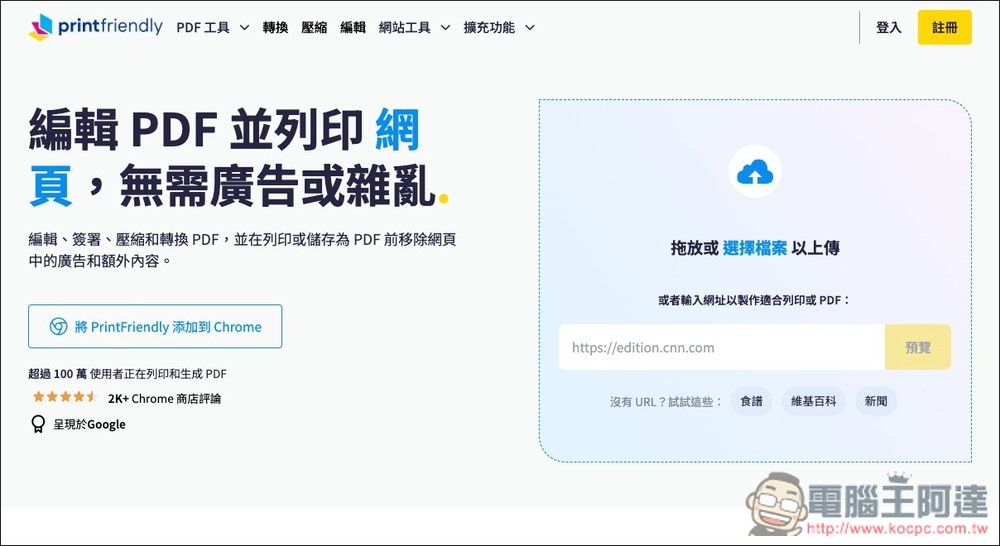
PrintFriendly can turn web content into clean PDF, with no ads and any unwanted information can be removed.
PrintFriendly is an online tool designed to convert web content into clean, easy-to-read PDFs. Many websites now contain a large number of advertisements, sidebars, and unnecessary elements, which makes reading difficult, frequently interrupted, and inconvenient for printing. The biggest feature of PrintFriendly is that it can automatically remove these noises and retain the main body of the article, pictures and important information, so that you can quickly get a streamlined and well-formatted PDF file.
Whether students are organizing data, office workers are making reports, bloggers are collecting articles, or researchers are organizing documents, this tool can save a lot of time.
The method of use is very simple. Just paste the URL and you will get a refreshing version of the preview page. You are also free to delete paragraphs or pictures and adjust the font size to make the PDF content more suitable for your personal needs. In addition, PrintFriendly also provides other PDF functions, such as editing, compression, signing, merging and file conversion, and those who need it can also try it.
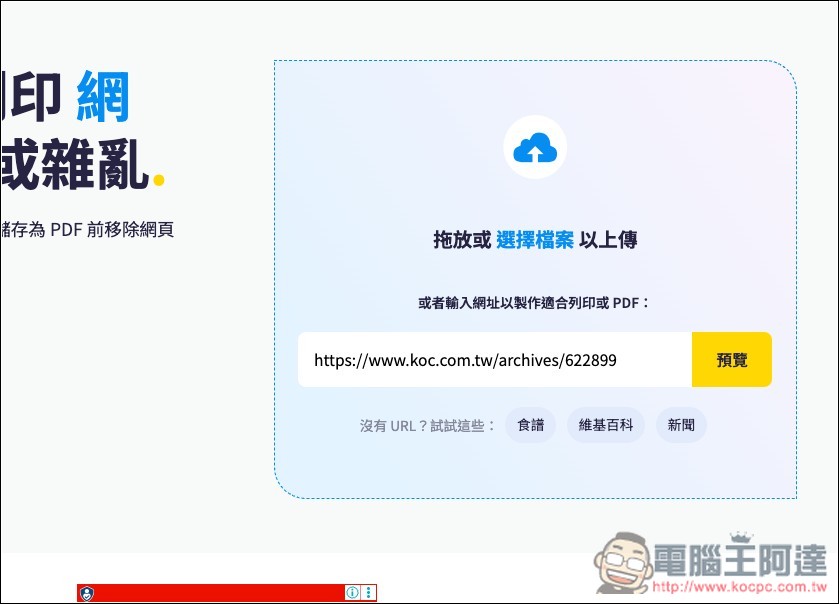
After clicking the link above to enter PrintFriendly, paste the link to the web page you want to convert to PDF in the frame, and then click “Preview”:
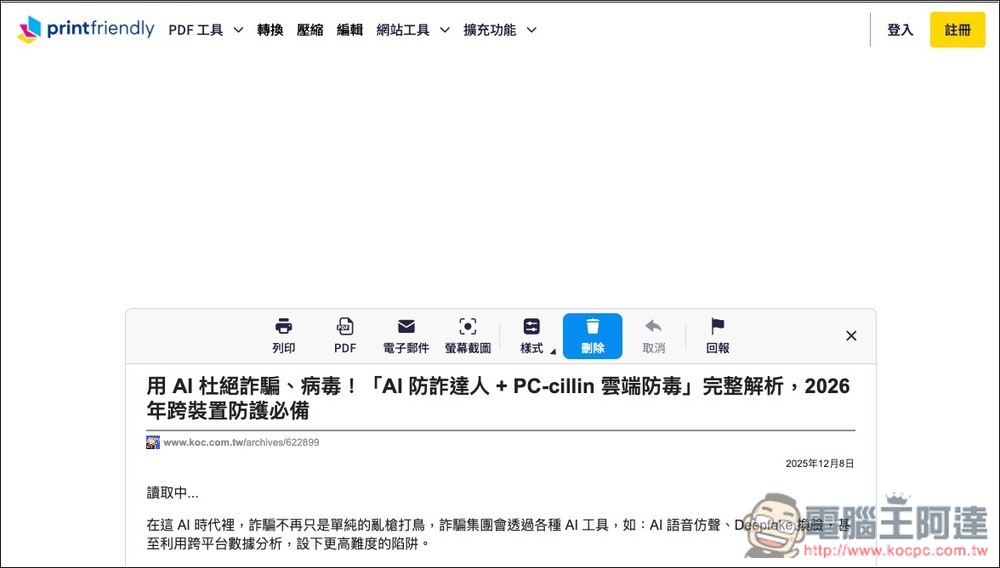
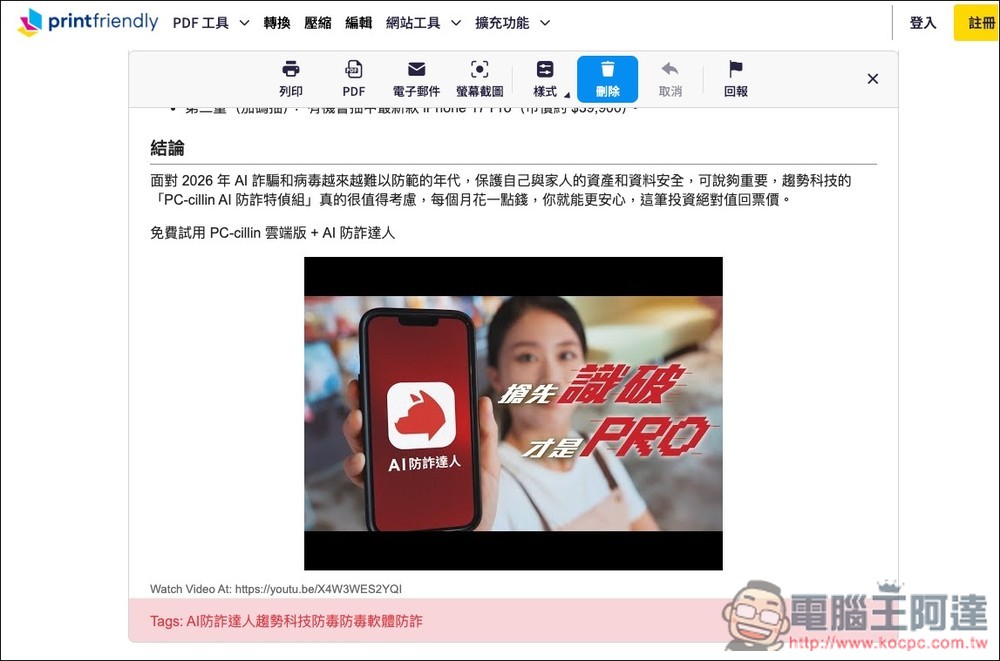
After waiting for a few seconds, you will enter the editing screen, which has some tools, including print, PDF, email, screenshot, style (adjust font size), cancel, and report. When you confirm that the content is OK, click PDF to save it in PDF format, and you can also print it directly:
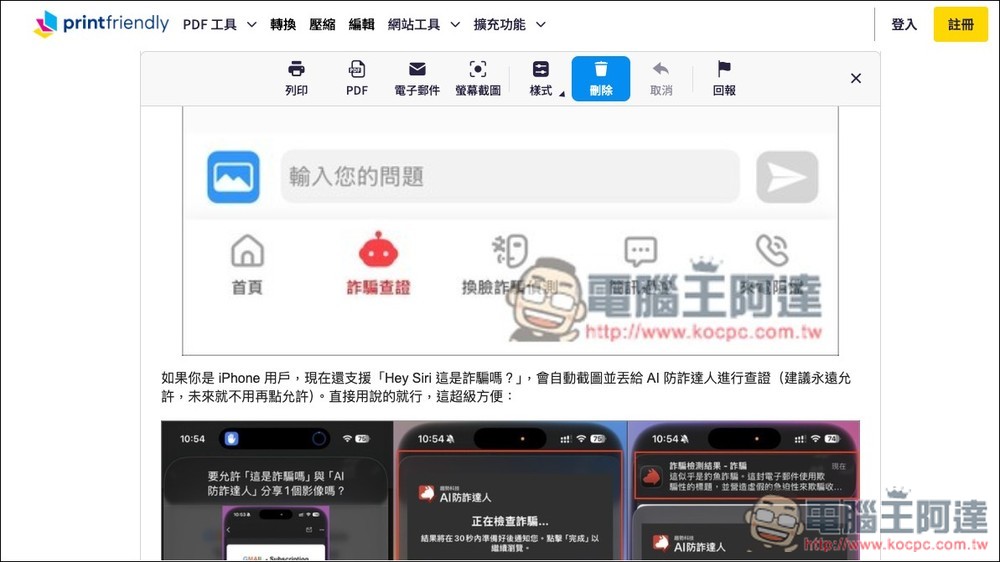
Advertisements originally inserted into web articles are automatically removed, leaving only content images:
There are some contents that PrintFriendly cannot judge whether they are important or not. At this time, you can decide whether to remove them. For example, I don’t think the Tags label at the bottom of the picture below is needed. Move the mouse above and a red line will appear. Click to remove this section:
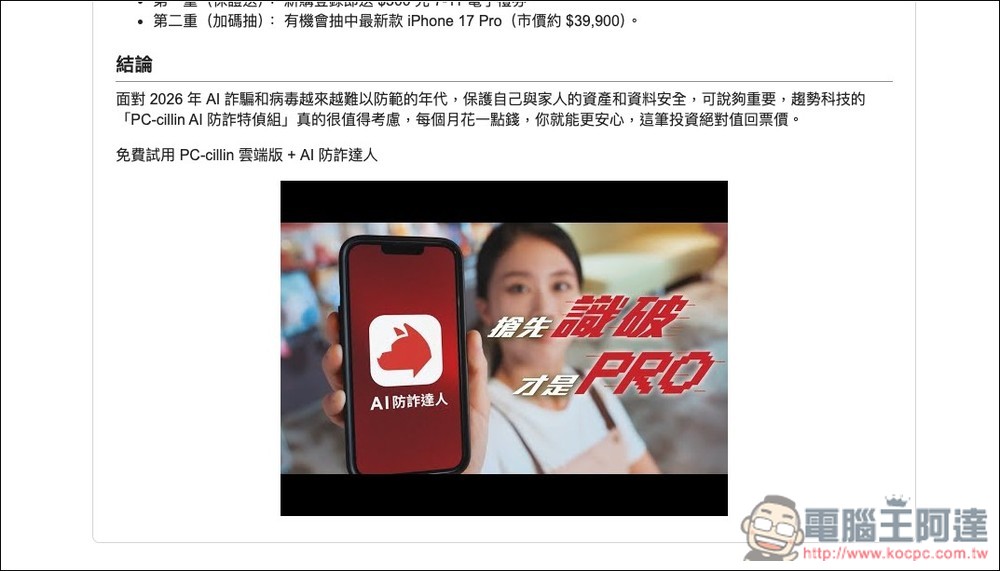
Like this, the redundant content at the bottom can be easily deleted:
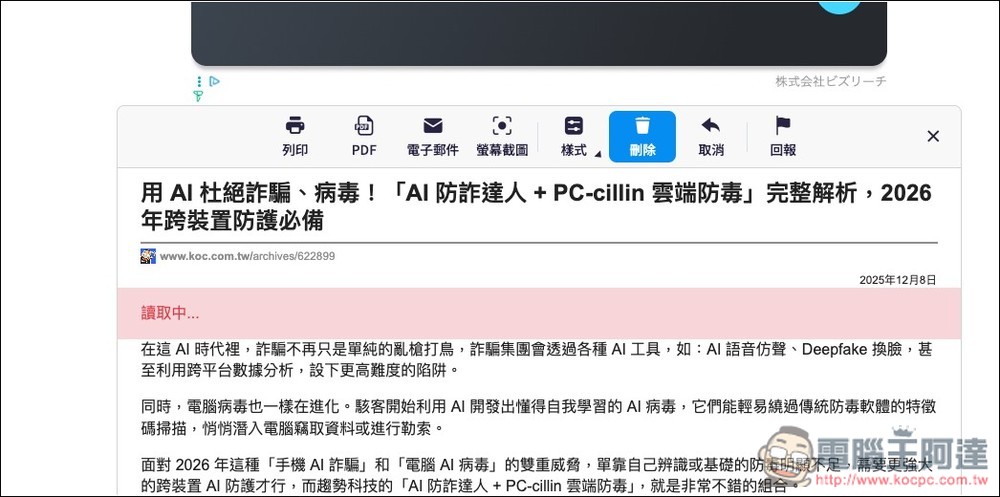
The same is true for loading at the beginning of the article. Click to remove it, and then click the PDF icon:
Generating will start and finish in a few seconds, then click the “Download your PDF” button:
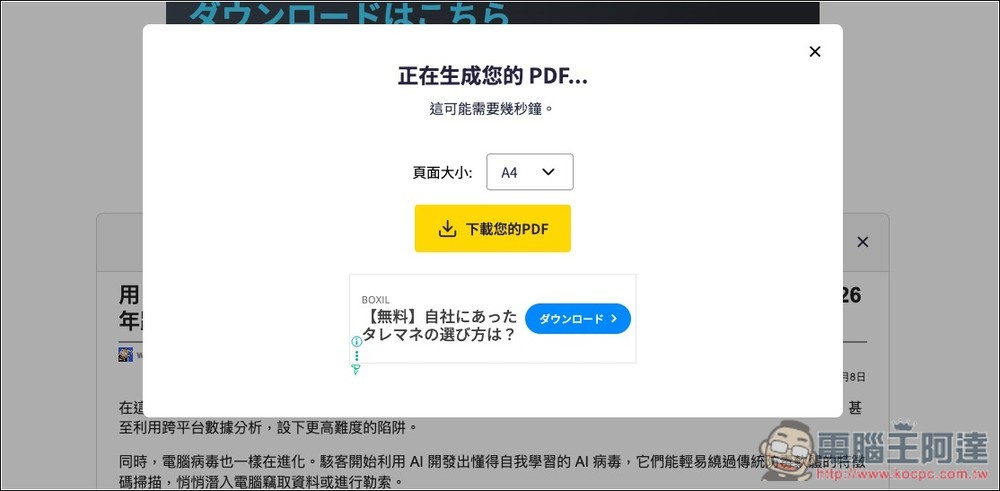
You can convert the web page content just now into PDF and download it:
Therefore, in the future, even if there are a lot of advertisements on the web page, through PrintFriendly you will be able to obtain the cleanest content PDF files without any difficulty.
Source: KOCPC Chinese