


One of the biggest headaches for parents with young children is probably having to prepare quality children’s books for their kids. But these kinds of children’s publications are becoming rarer these days, and kids can go through picture books pretty quickly too. Constantly replenishing their reading material isn’t all that convenient (not to mention it costs money). Sometimes, there aren’t even related books to match the questions kids ask, which leaves parents scratching their heads. But now— Google use Gemini AI Easily generate a children’s picture book from just one sentence, with simple, easy-to-understand content that’s also richly illustrated. Here’s how to effortlessly create a custom children’s picture book for your little one.
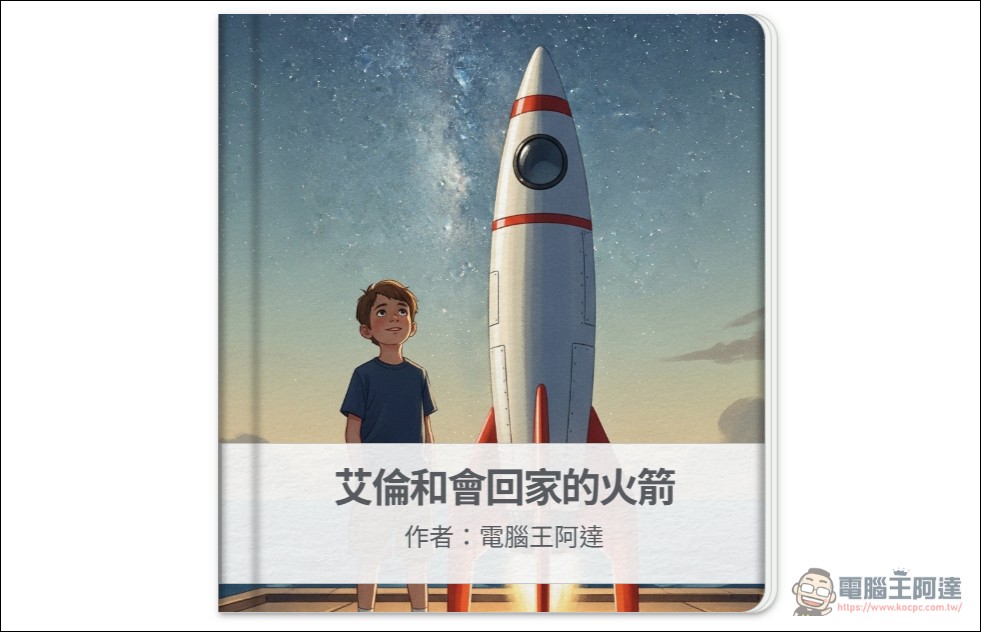
Google Gemini Storybook Picture Book Creation Tutorial
This “Storybook” feature is a new experimental feature that Google developed for Gemini. You can easily generate stories by going to Google GEM, and you’ll need to log in to your Google account to use it. Once you’re in, there are plenty of examples to browse—feel free to use them as references or type your own text into the text input box below.
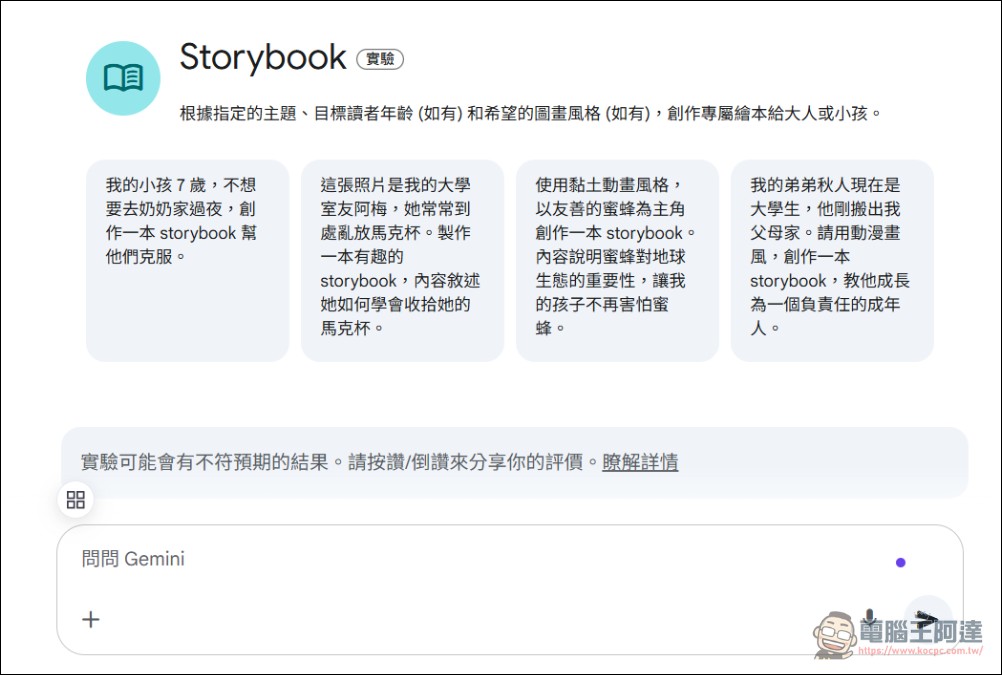
Storybook Features: Click Me
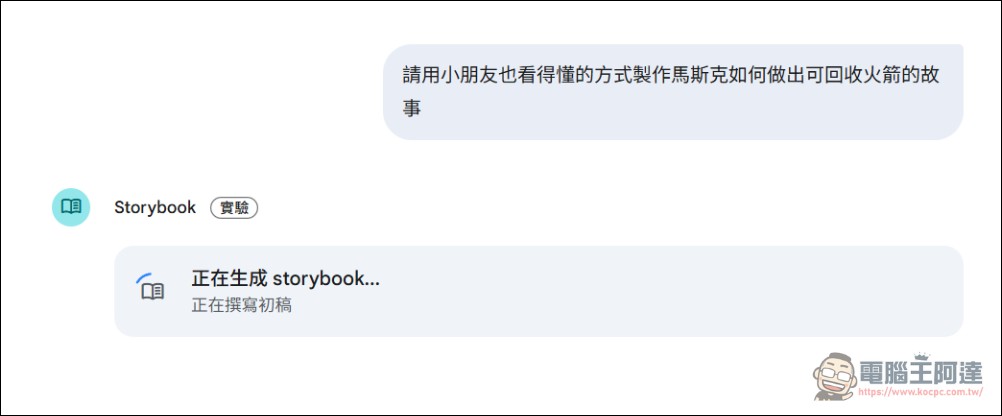
I just casually think of something like “make a story about how Musk builds reusable rockets in a way that kids can understand,” and then the system starts creating. The coolest part is it will also add pictures for you. If it’s a historical story or a biography of a real person, the AI might write it using fables or pseudonyms.
That’s it. Click the read-aloud button at the top right to start playing the picture book content. Check whether the content has any issues (it’s recommended that parents take a look themselves to avoid AI making things up), then you can click share to let children or others read directly:
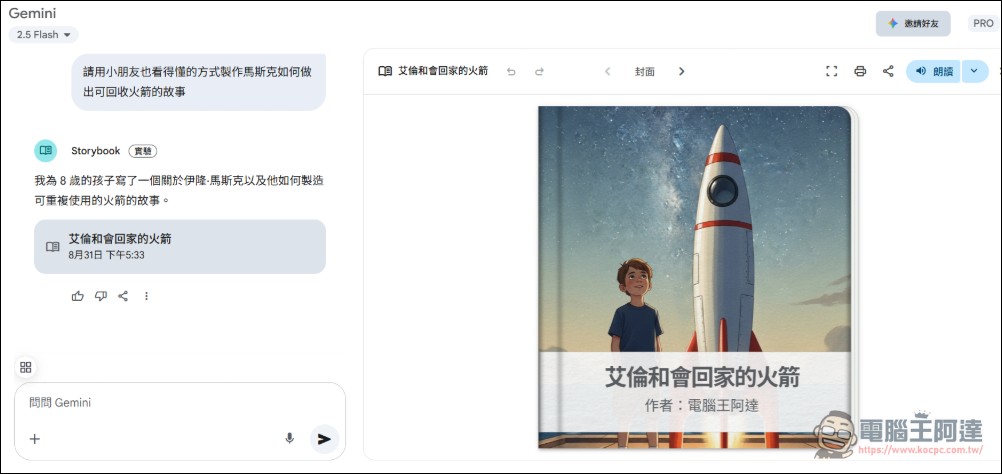
This is the one I made (please click me)Everyone can take a look; you can either simply read it or have AI read it aloud to the kids:
Source: KOCPC Chinese