


Nowadays, almost everyone uses mobile phones to browse the web. If your website looks perfect on a computer, but the entire page is lost on a mobile phone or tablet, it will not only affect the experience, but also the conversion rate.
This time I want to share with you a very powerful Chrome plug-in “Mobile Simulator – Test Responsive Websites”, you don’t need to install additional software, and you don’t need to actually take out a bunch of mobile phones. Just use the browser to quickly switch between various common models, check the effect of portrait and landscape, and you can also take screenshots and record videos. The important thing is that the free version is very easy to use:
(Image source: AI generated)
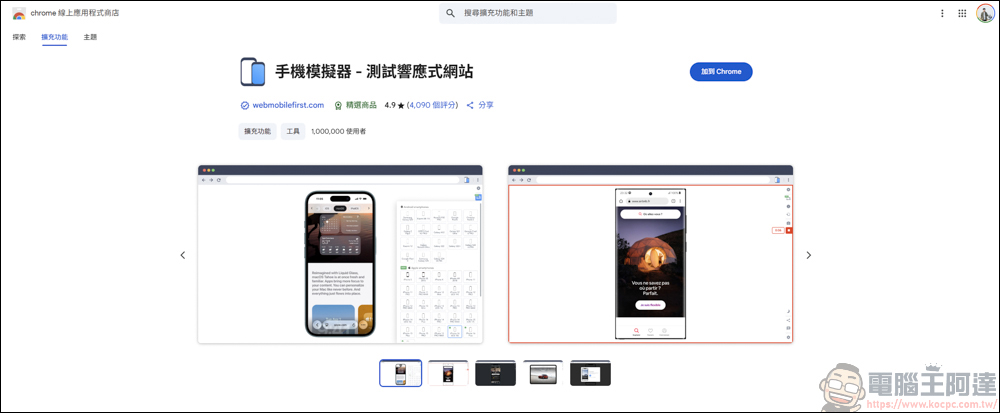
Chrome plug-in mobile simulator – test responsive website downloads
You can click on the link above to download the software. This software is free, but some mobile phone and tablet models need to be upgraded to the Pro version before it can be used. However, I have used the free version and it is quite easy to use:
After downloading, another page will pop up with simple instructions:
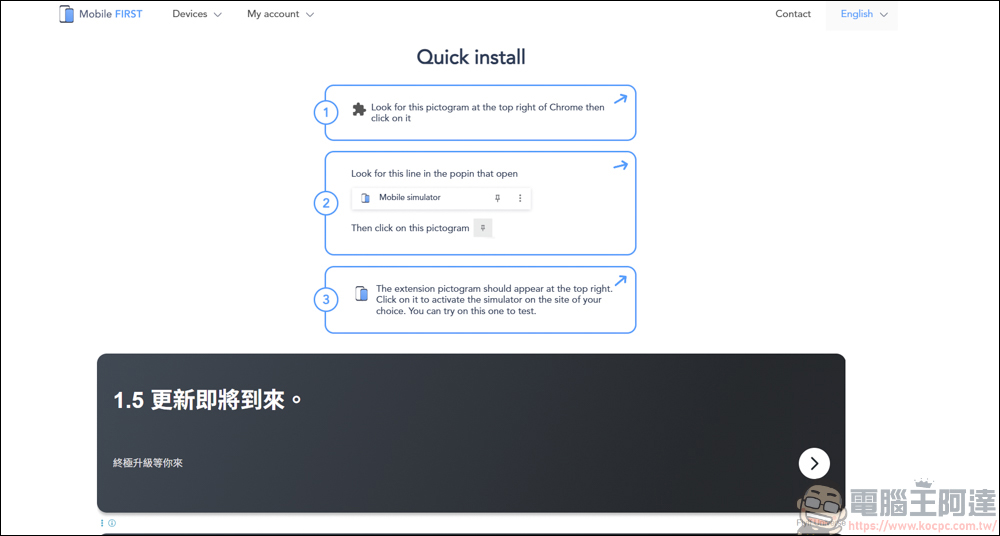
Mobile phone simulator usage tutorial
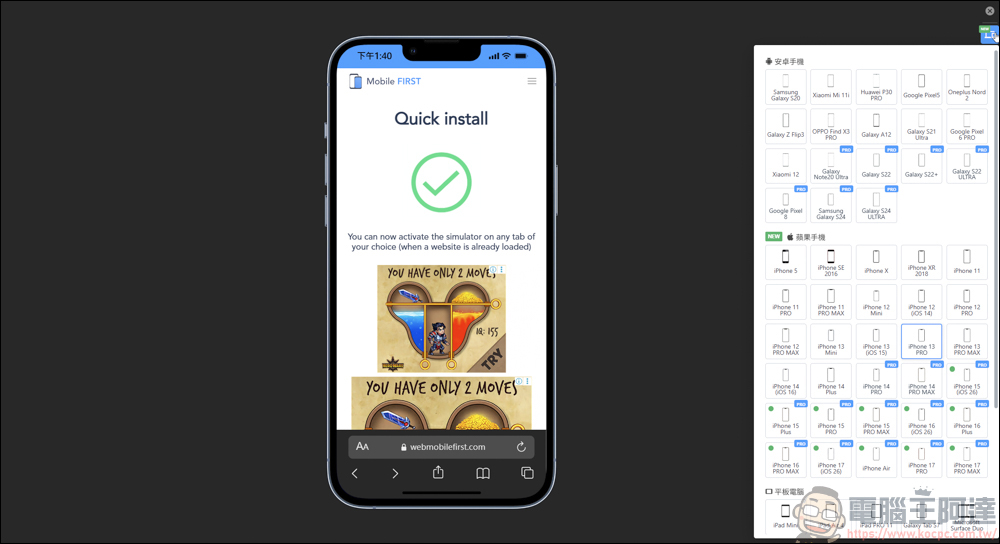
Then open your Chrome application list, find Mobile Simulator – Test Responsive Website, open it, and the following screen will appear:
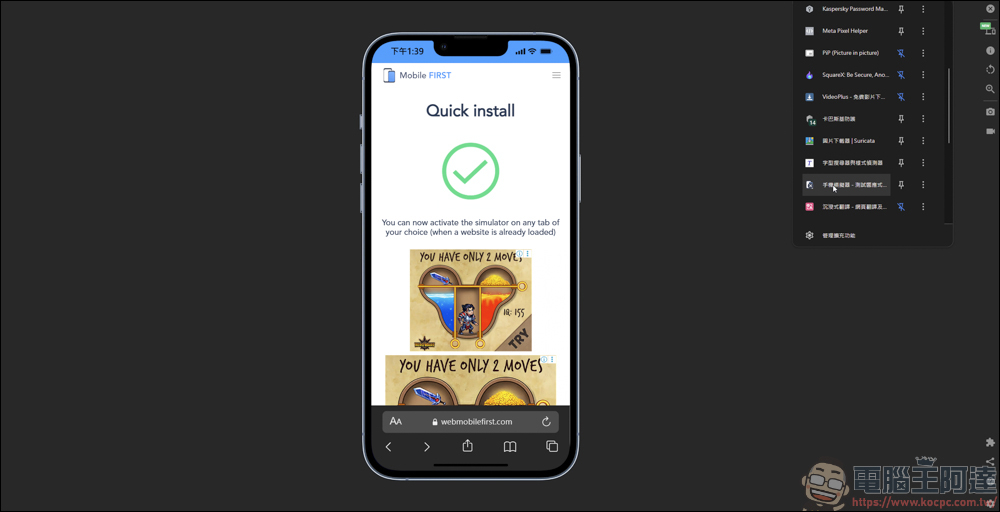
Let’s briefly introduce some of its functions. On the device side on the right, you can choose from common models on the market, whether they are Android or iPhone, and there are also tablet devices to choose from. Of course, it is not completely free. As long as it has the word Pro on it, it means that you need to pay for a plan to activate it. But I think if you just want to view web page effects, screenshots, and record videos, the free equipment is actually enough:
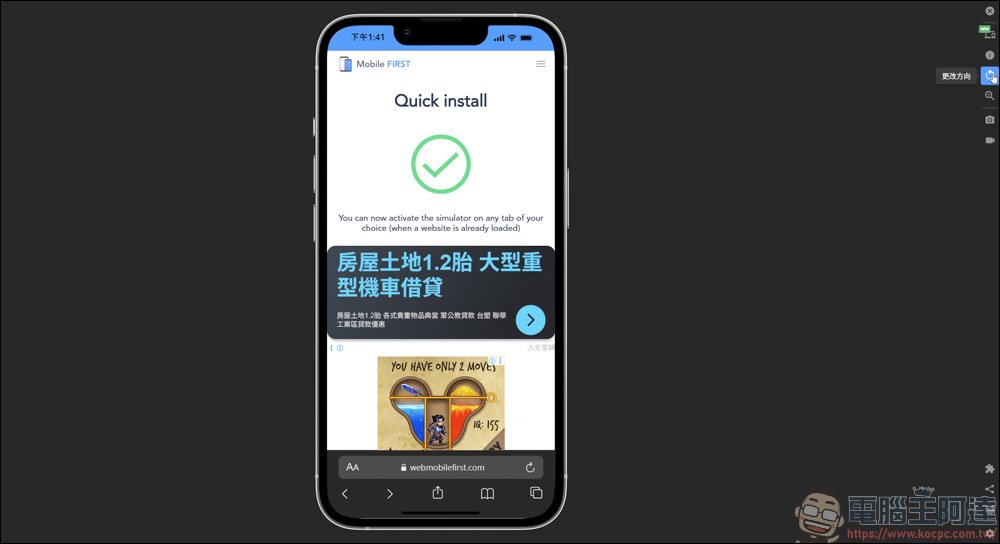
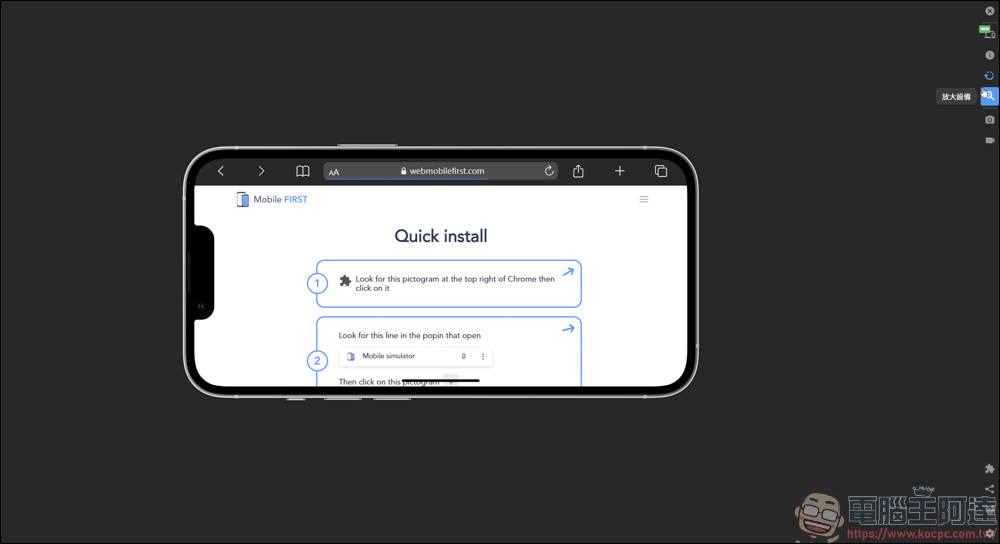
In addition, it also supports the portrait-to-horizontal switching function. Through this function, you can know the effect of browsing the webpage in portrait or landscape mode on your mobile phone, and you can also clearly know whether the responsive webpage is working:
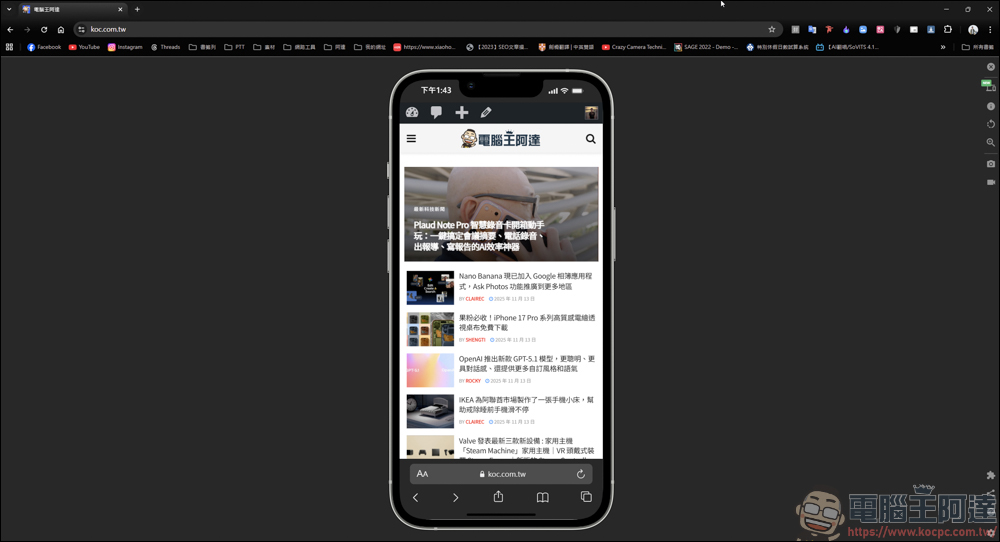
If you want to switch to another URL, it is also very simple. Just enter the URL on the original Chrome page to change the URL displayed on the phone. This part can only be entered in the search bar above. If it is entered on the phone, it will have no effect:
There are also some settings that can be changed, such as switching light/dark themes, displaying mobile device screens, etc. Some functions still require a paid upgrade to a Pro membership before they can be used:
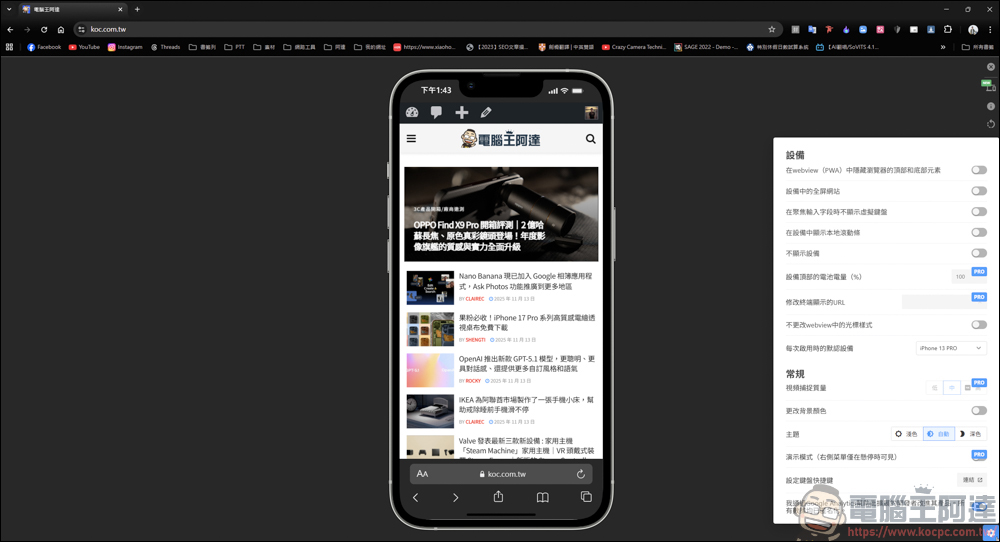
If you have your own website like Ada, or are a web engineer, you can clearly know how your page will look on the mobile phone/tablet in this way:
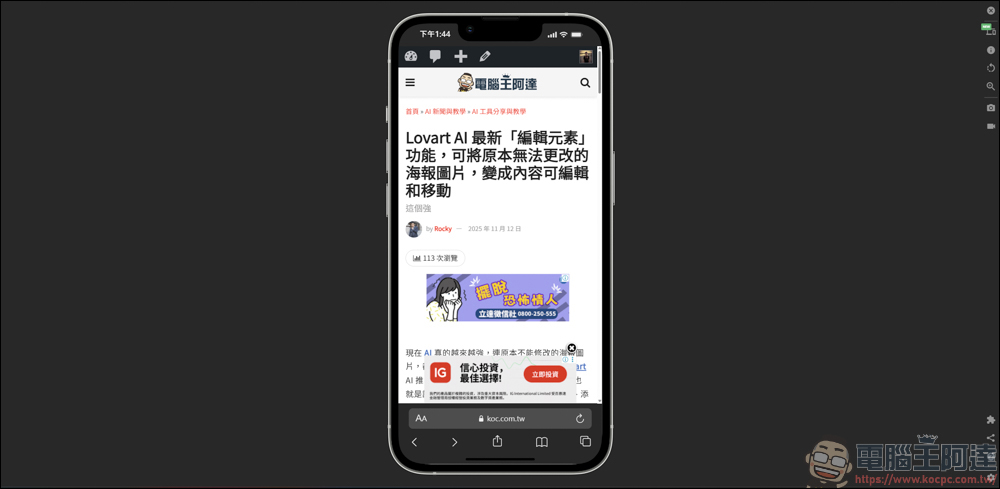
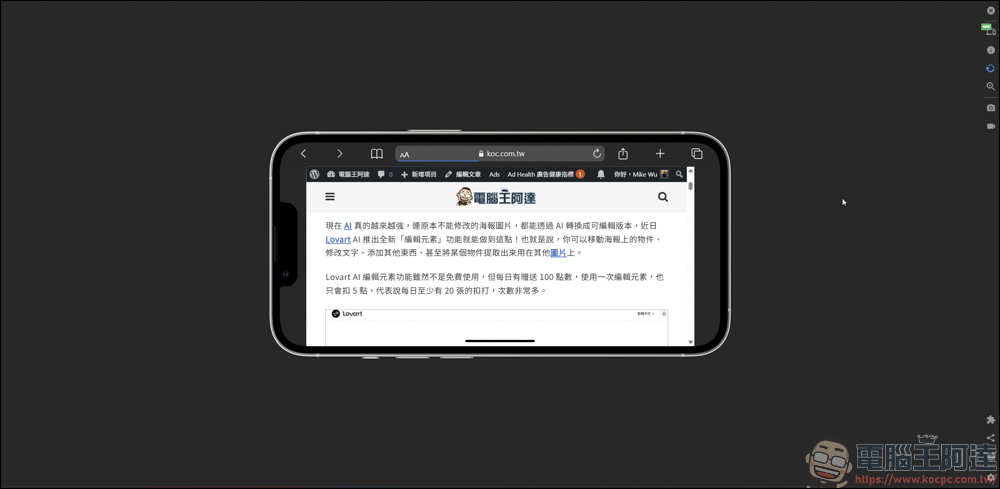
Of course, these are not the only functions. If you want to make screenshots with mobile phone borders every day, this plug-in can also do it:
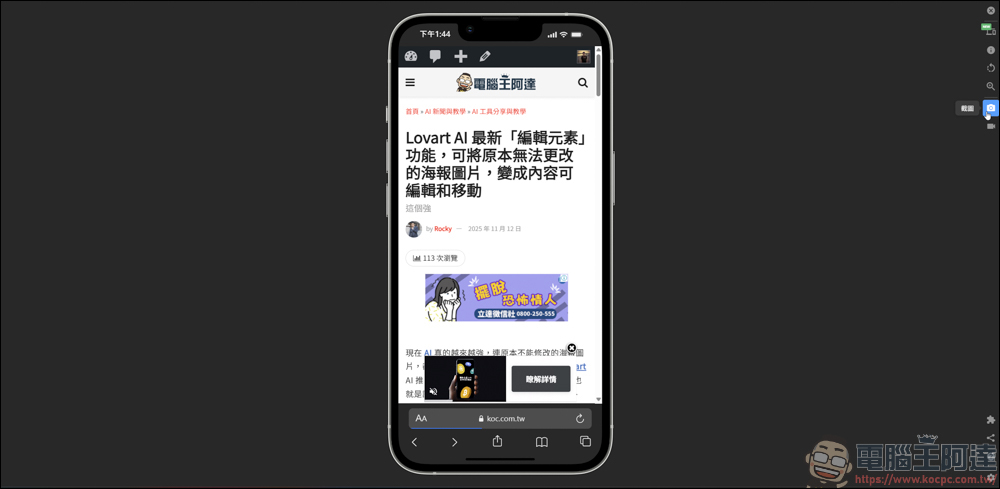
There are three screenshot methods, namely device screenshot/website screenshot only/capture the entire page:
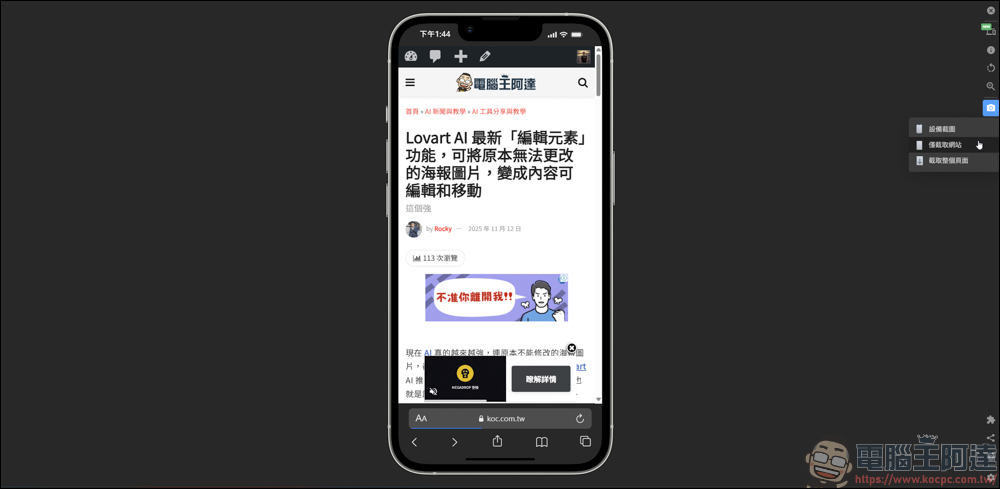
After pressing the screenshot function, the software will ask you whether to save or copy. If you are a paid member, you can also modify the screenshot:
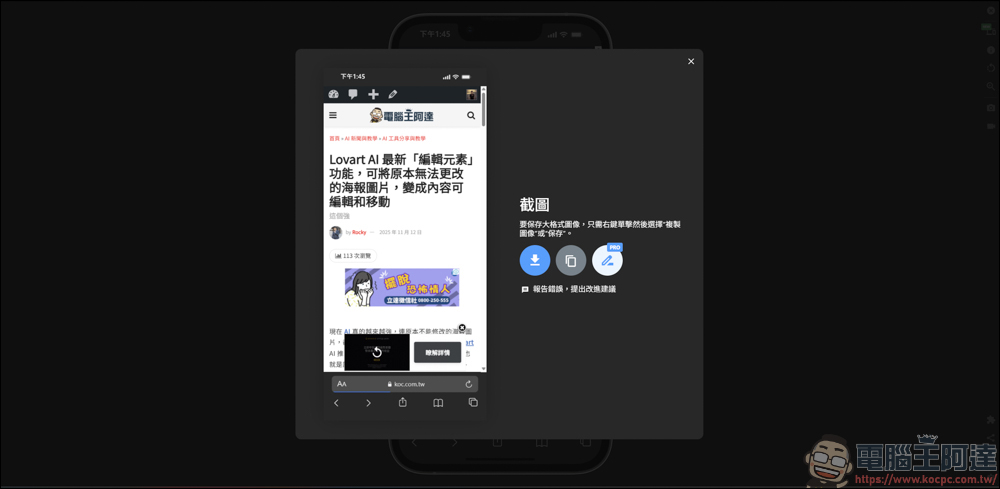
The effects of the screenshots are as follows, one has the frame of the phone, and the other does not, it depends on what kind of screenshot effect you want:

And the best part is, it even supports screen recording function:
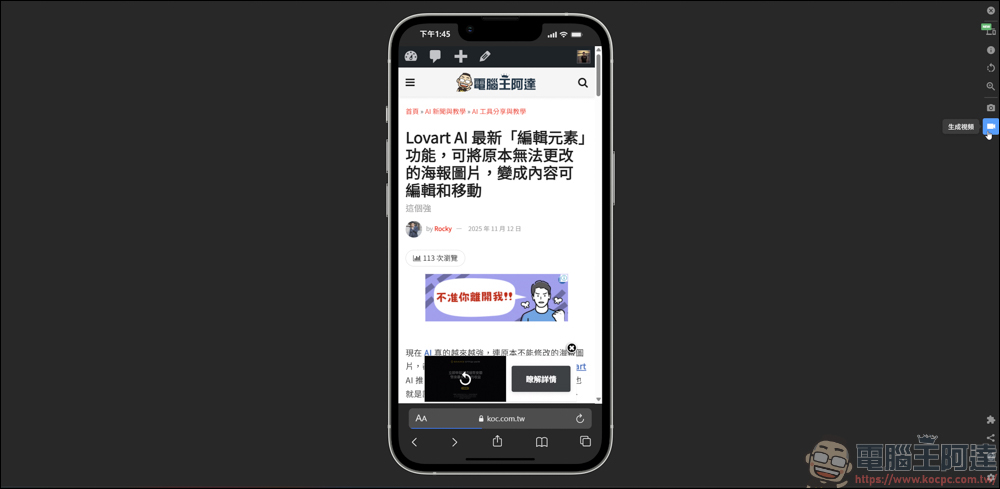
With one click you can record the page currently displayed on your phone:
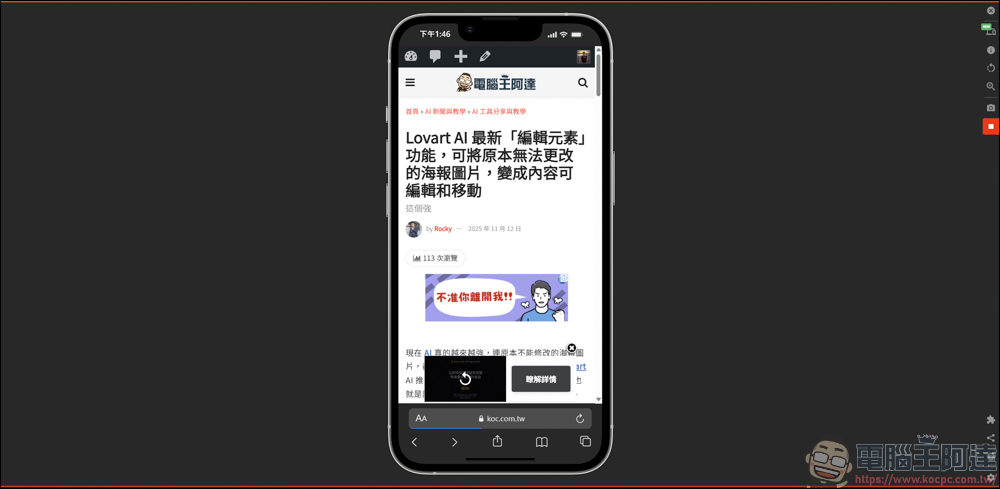
However, the free version can only download WEBM format, MP4 and GIF are features that require additional payment to unlock:
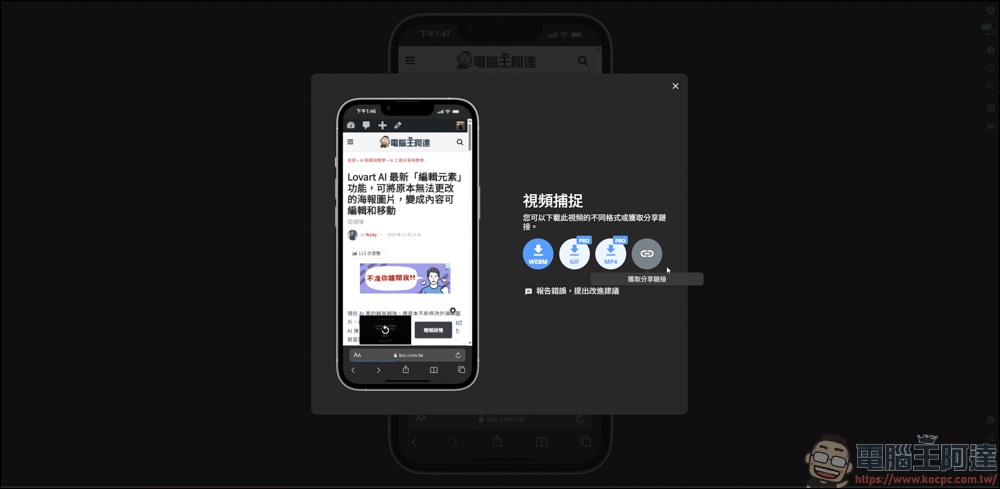
You can watch this video for the actual picture quality and operation method. He can use the mouse to perform touch operations. However, since the recording is in WEBM format, the picture quality is not as good as actual recording with a mobile phone, but it is free after all, so I think it is enough.
Overall, this plug-in allows you to simulate various mobile phone and tablet sizes on your computer without actually preparing a bunch of physical devices, and quickly check whether the responsive webpage is displayed normally. It also comes with screenshots, video recording and other functions, which is also very convenient for daily teaching, writing articles, and making presentations. If you are often worried about “what does the mobile version look like?”, you might as well start with this free plug-in and use the simplest way to check the experience of your website on various devices:
Source: KOCPC Chinese