


Although it seems simple to “stick” a pattern on an item, it is the most likely to cause trouble. Direct hard scaling causes deformation and pulling, and covers up the fiber texture and light and shadow of the original fabric. This tutorial uses Photoshop to demonstrate a more natural approach from scratch to avoid the “flat” false feeling caused by processing.
Whether you want to quickly change fabric colors for e-commerce vision, or a designer wants to naturally paste totems on various materials, the process in this article can be reused for tablecloths, clothing, software and other materials. As long as you use basic PS operations, you can create a highly realistic finished product that can be adjusted repeatedly:
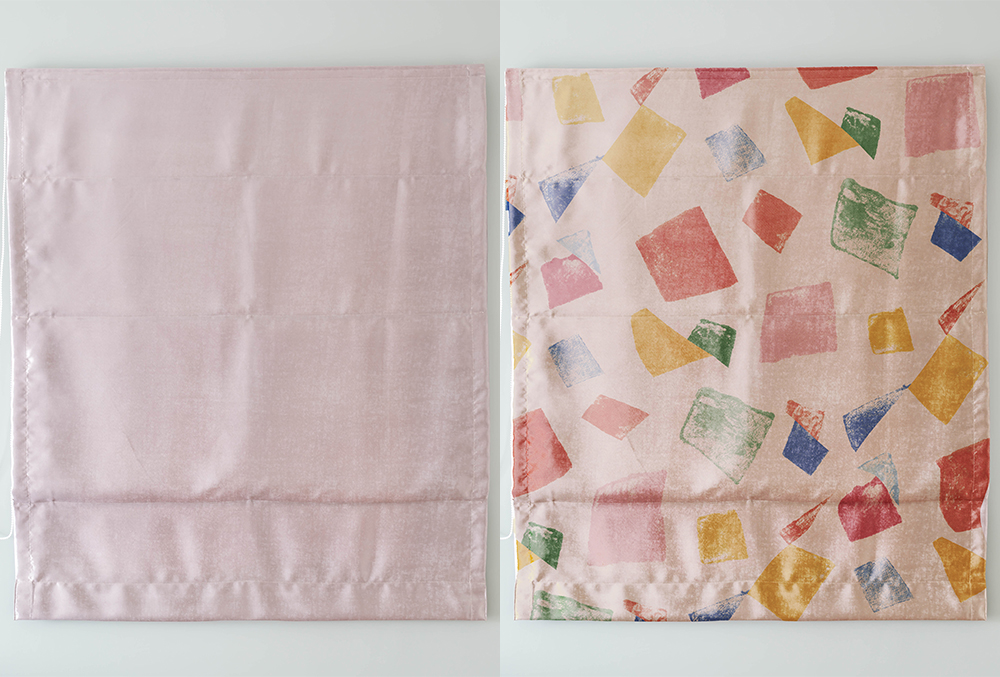
Towel sticker style tutorial
First, put a picture of the towel in PS:
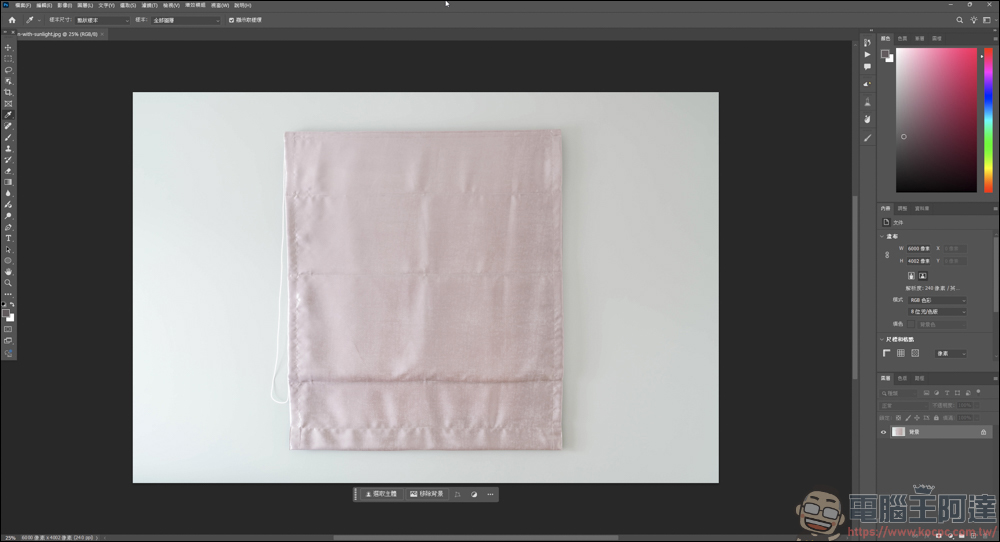
In the past, when it came to putting on patterns, the cheapest way was to directly scale the proportions of the patterns to the extent of the towel… :
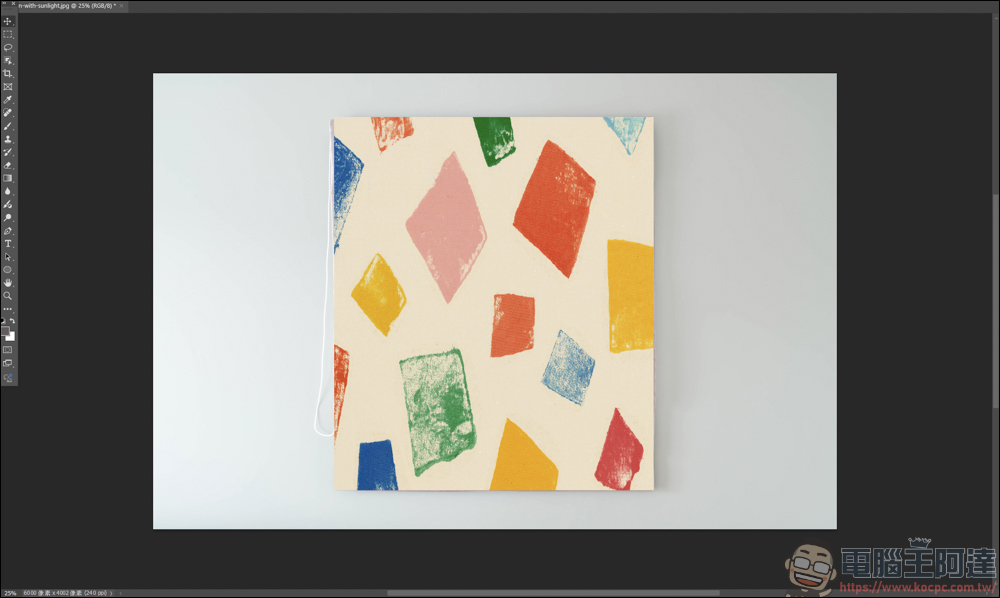
If you don’t want it to be so ugly, just do this, first select the object selection tool:
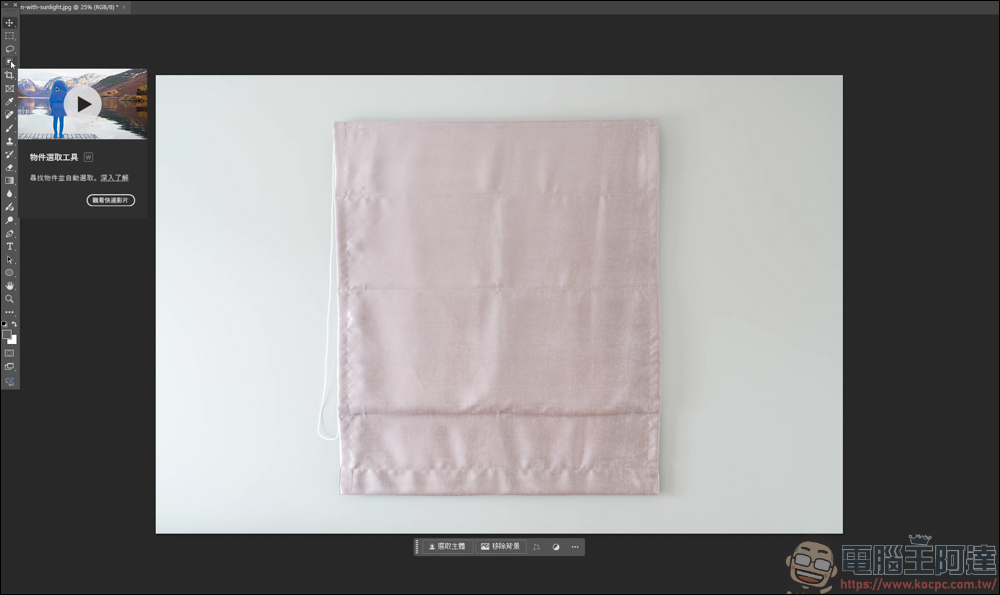
Select the towel area and create a new layer:
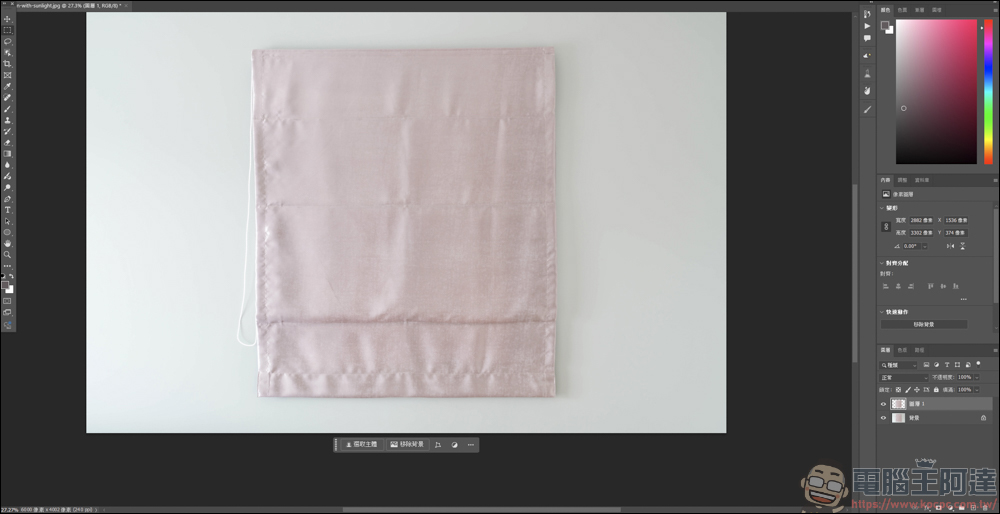
Then read the pattern you want to insert into PS, then edit → define pattern:
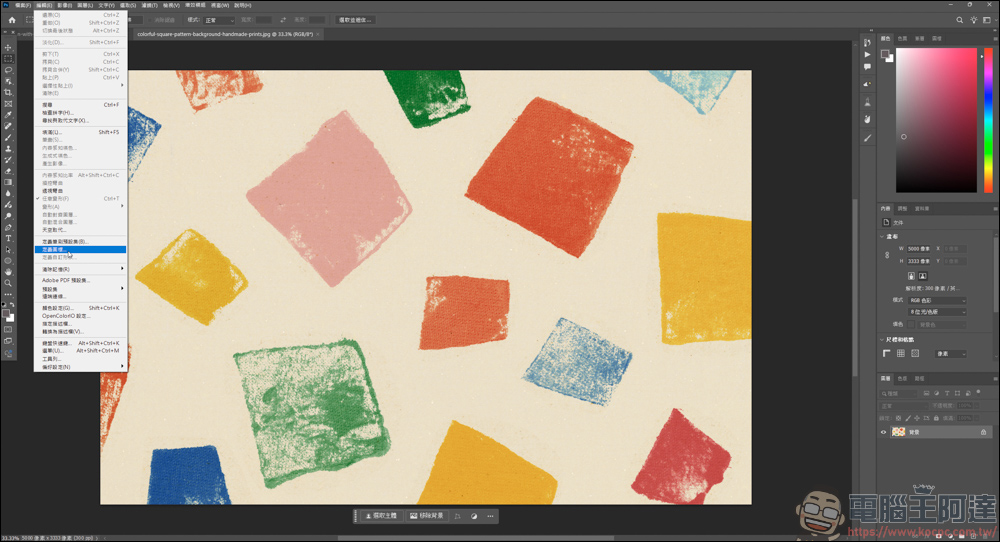
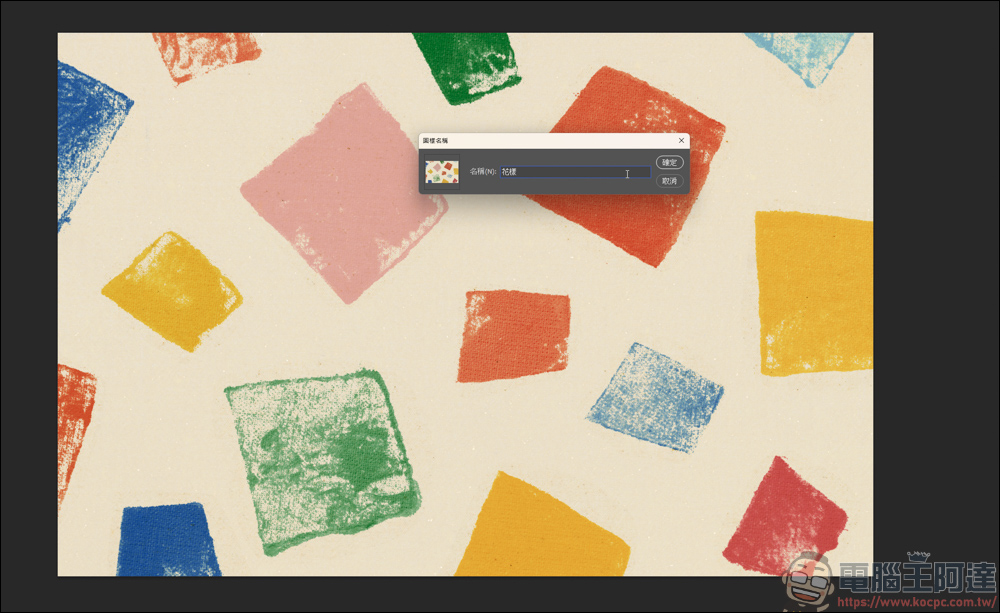
Save this pattern:
Go back to the towel and select the Rectangle Tool:
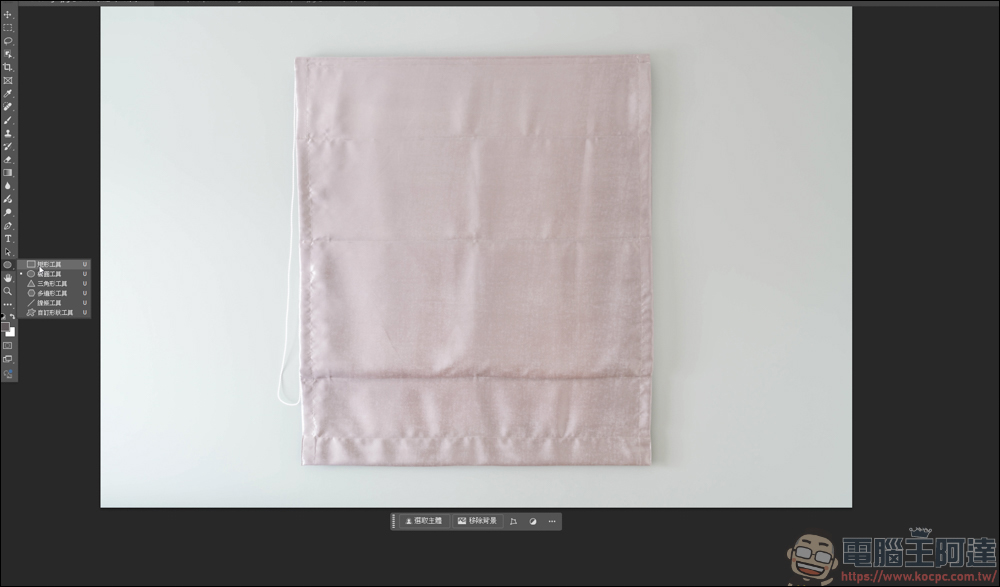
Draw a rectangle within the area of the towel:
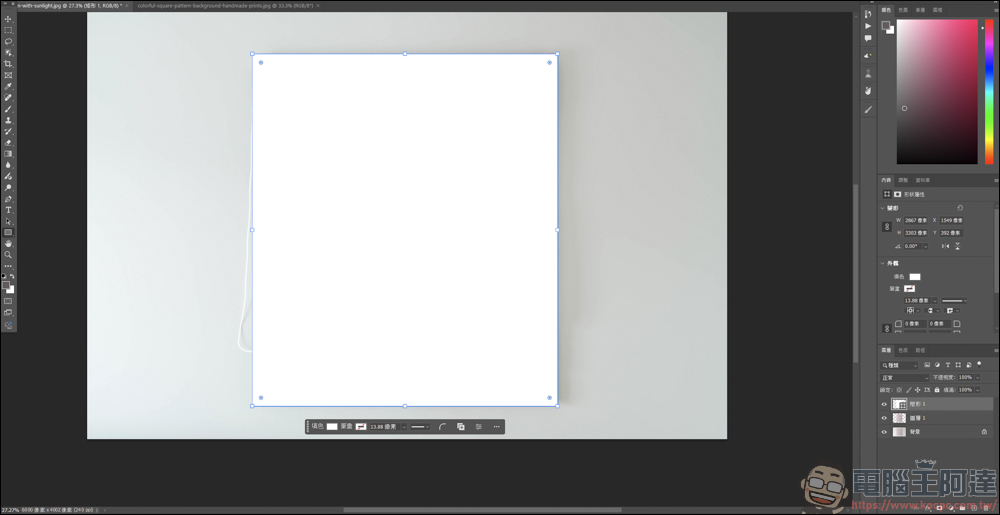
Fill this side with the pattern you just saved:
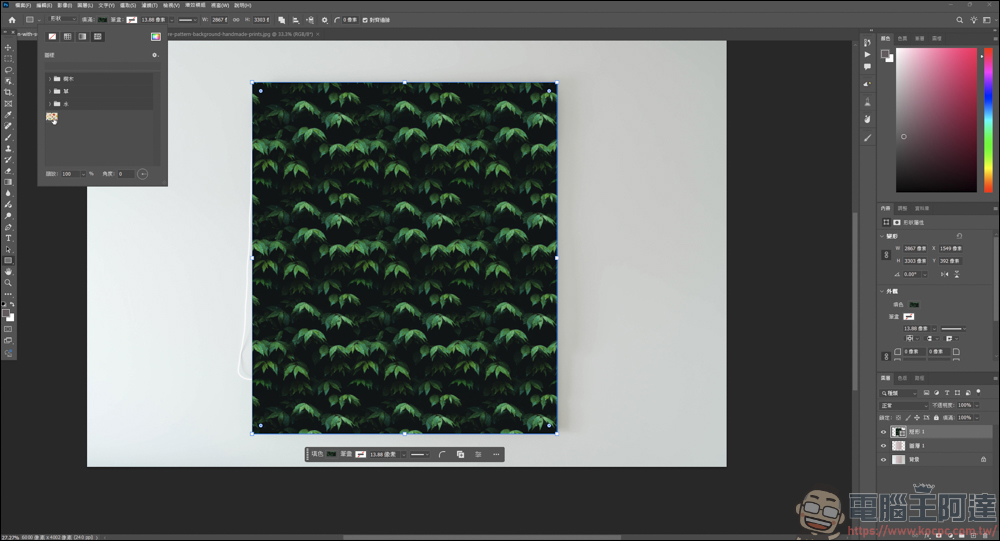
It will look like this:
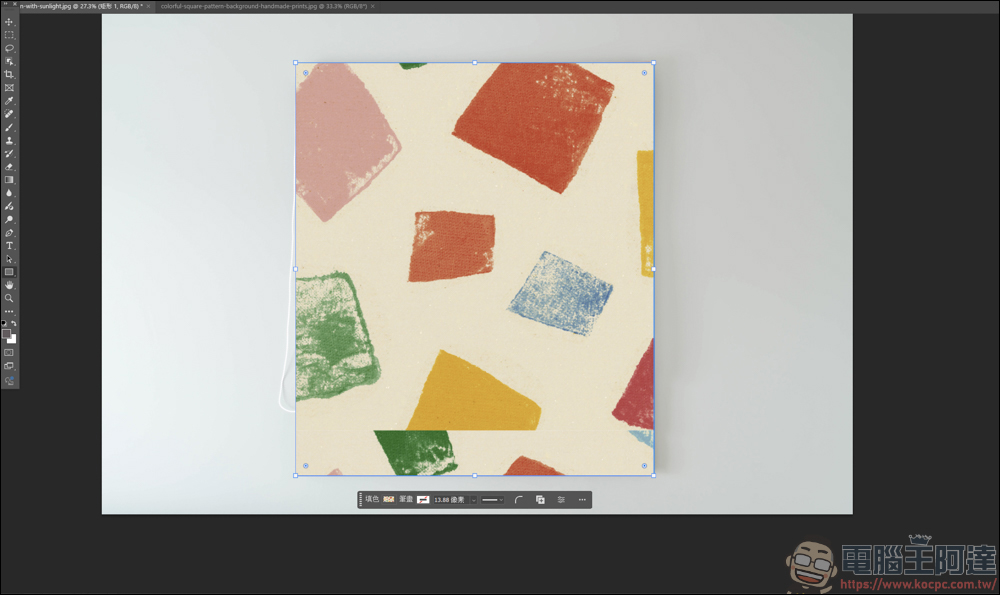
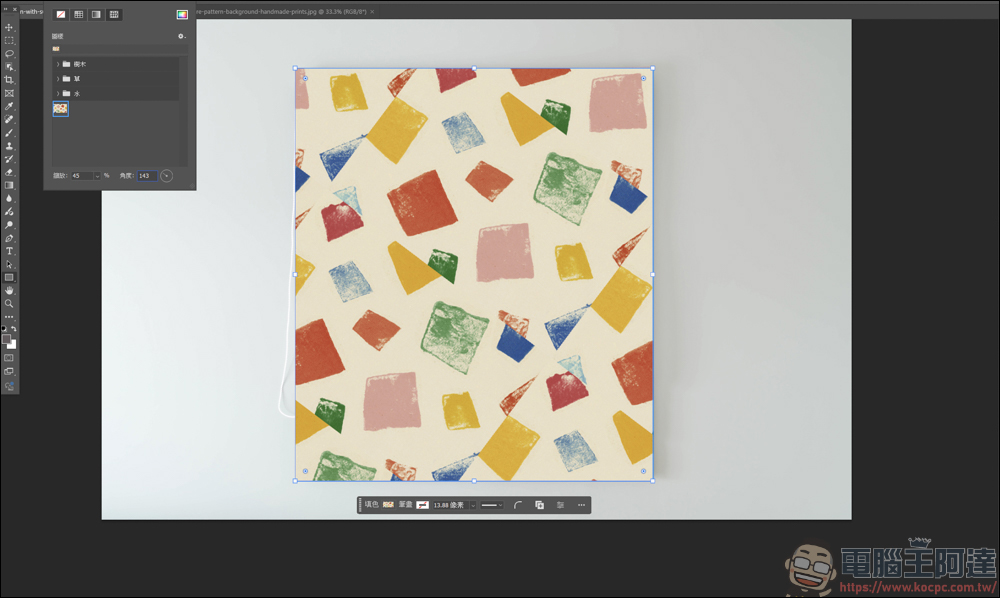
In the fill effect, you can also change the size and angle, which can be fine-tuned according to personal preferences:
Then create a group together with the pattern and towel layers:
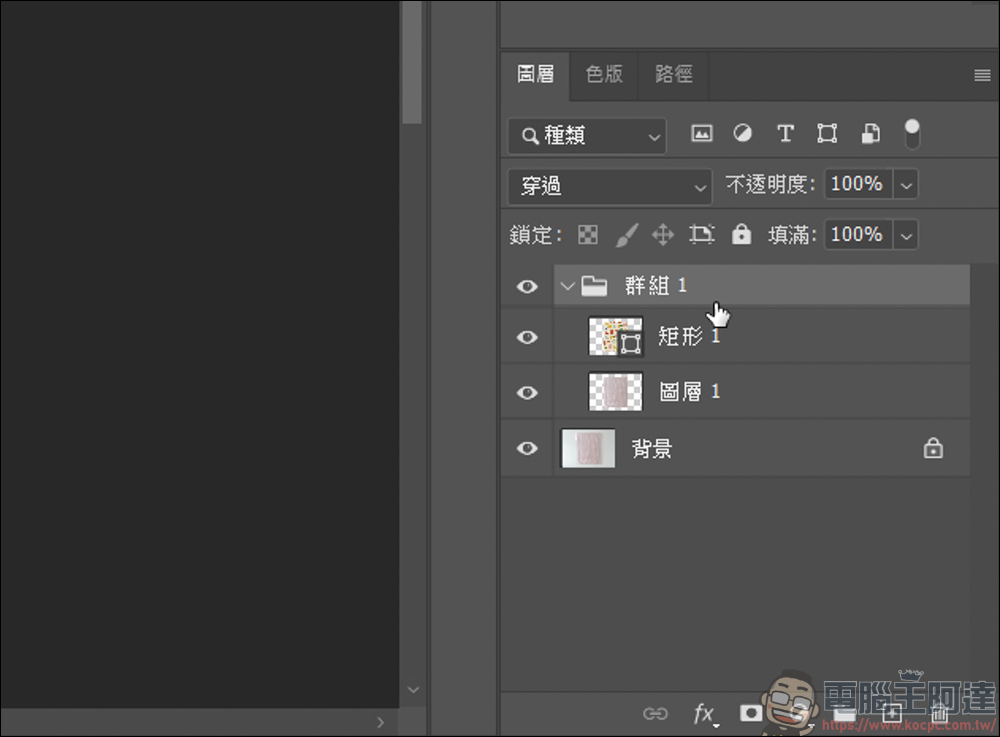
Then select the towel range:
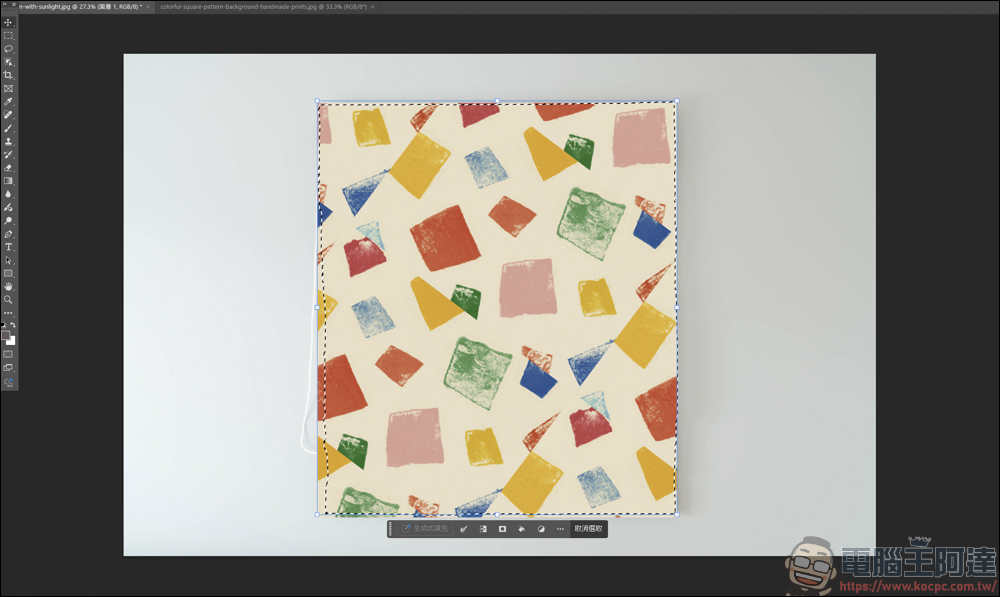
Click on the group and create a mask:
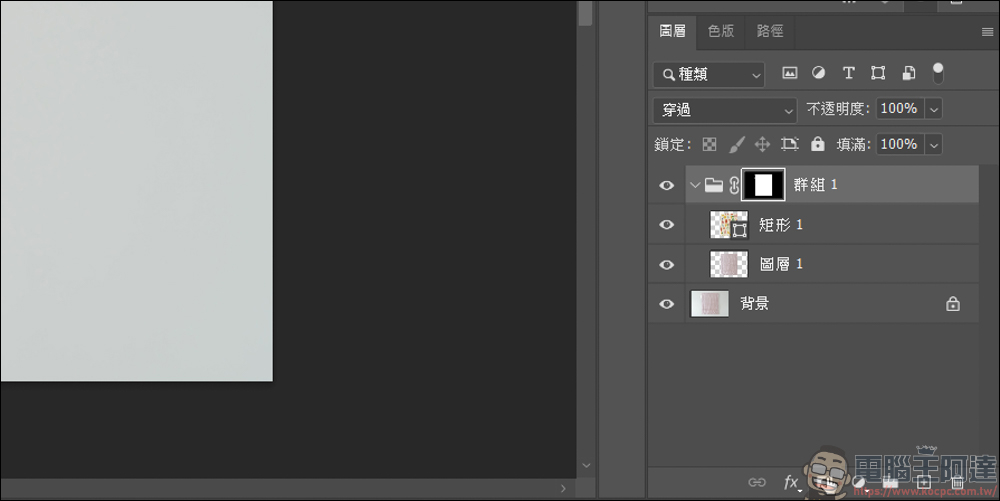
The pattern will be directly attached to the towel, and then change the layer style to Color Additive and you will have a good effect:
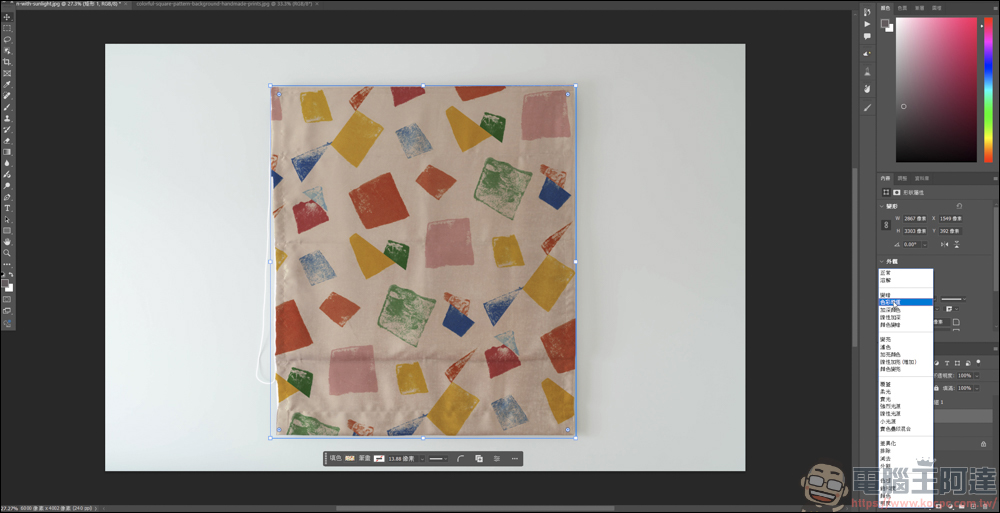
If you want the towel to have a wrinkled effect, you can first convert the pattern layer into a smart object:
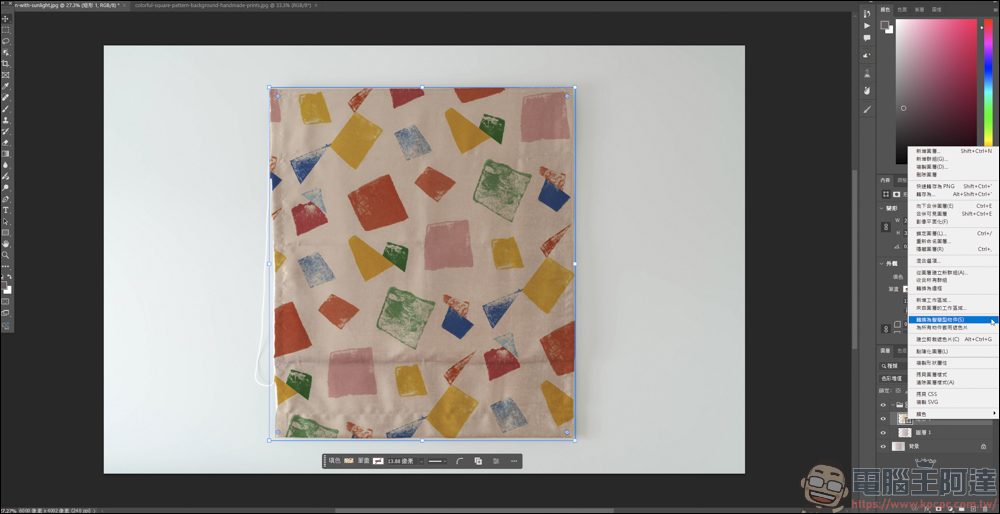
Ctrl +T Transform, right-click and select Bend:
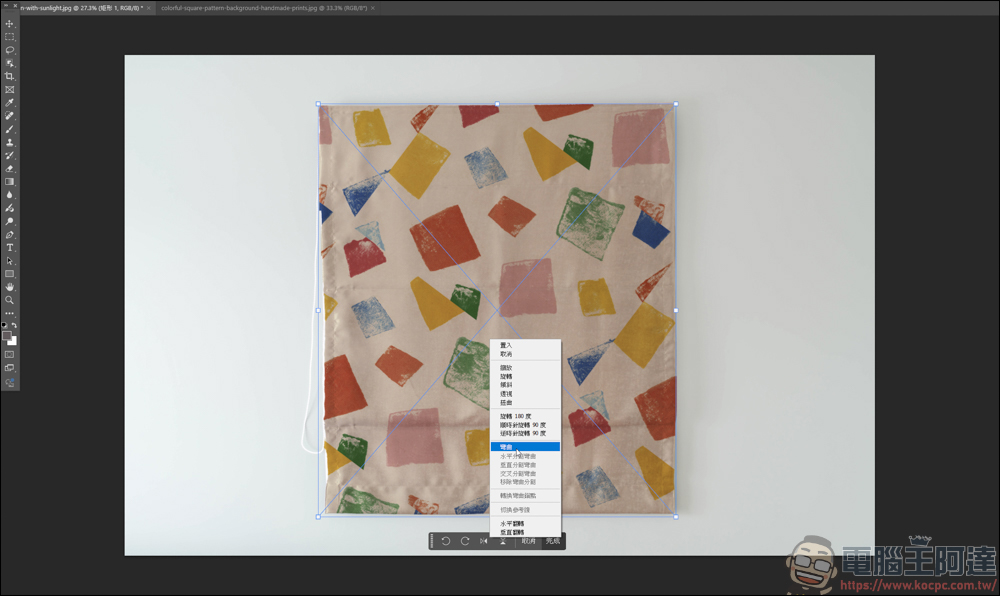
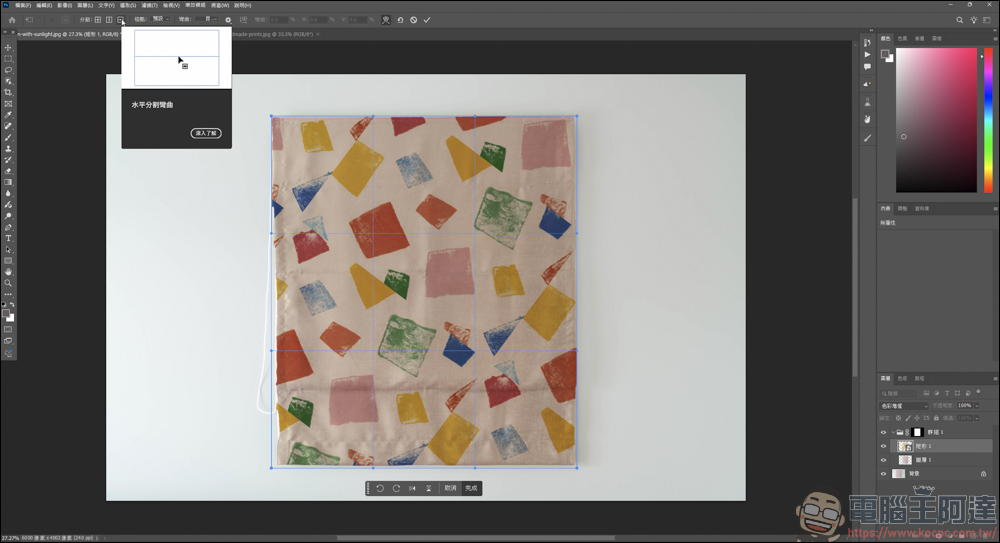
Add vertical and horizontal dividing lines above to fine-tune the details of the pattern:
This way you can adjust the wrinkles or deformation of the pattern:
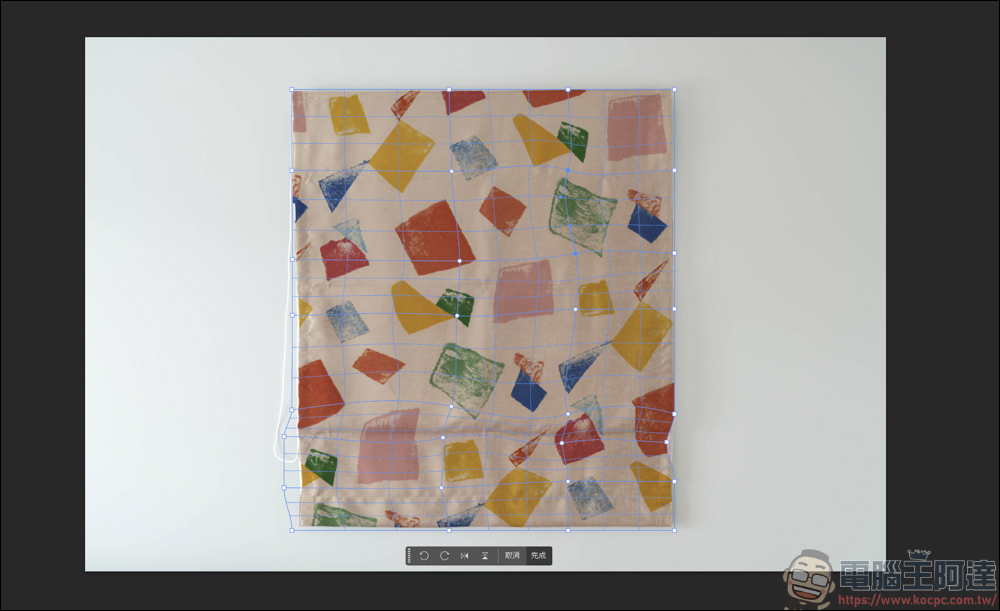
The overall effect will be like this, which is close to the wrinkled feeling of daily towels:
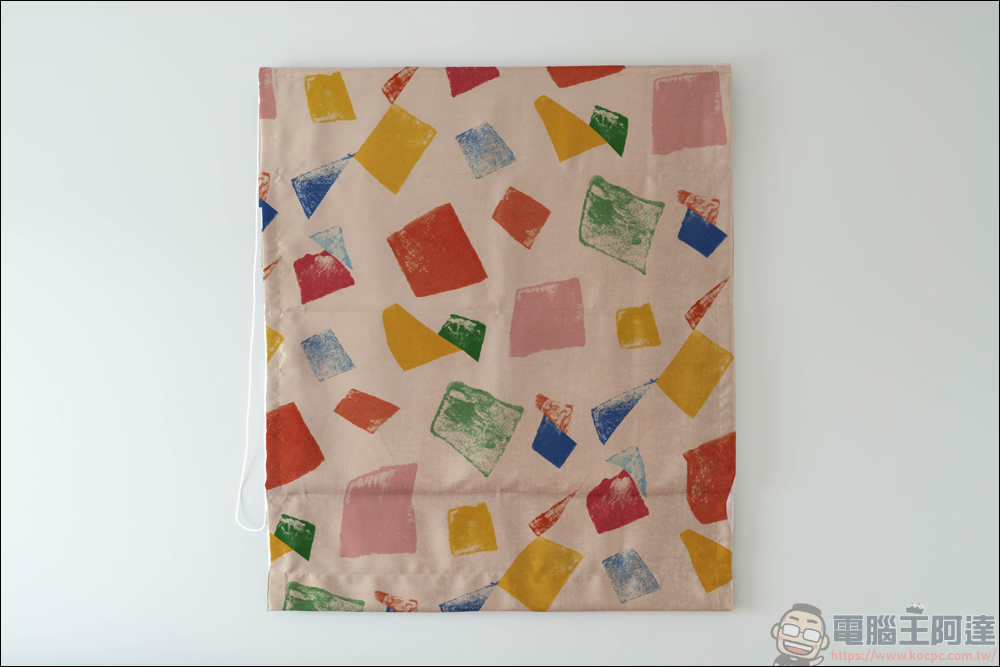
However, this approach cannot restore the current light source of the towel at that time, and it is not natural enough. In order to make it look better, you can make some adjustments here and turn off the pattern layer first:
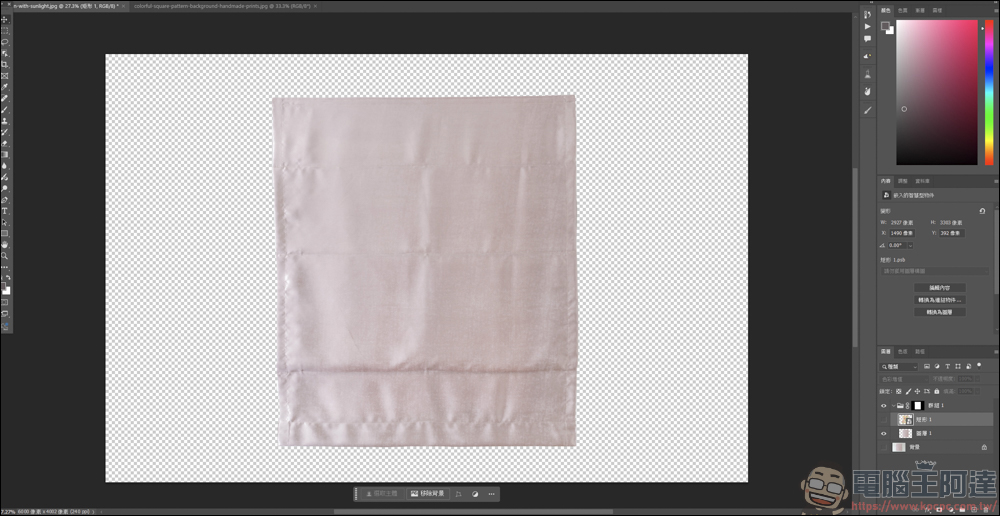
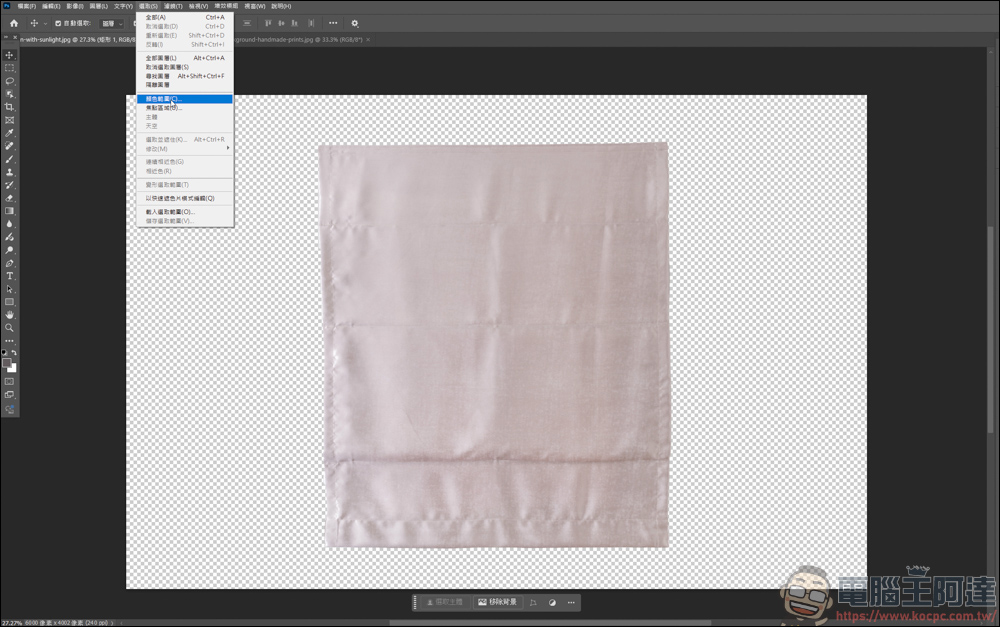
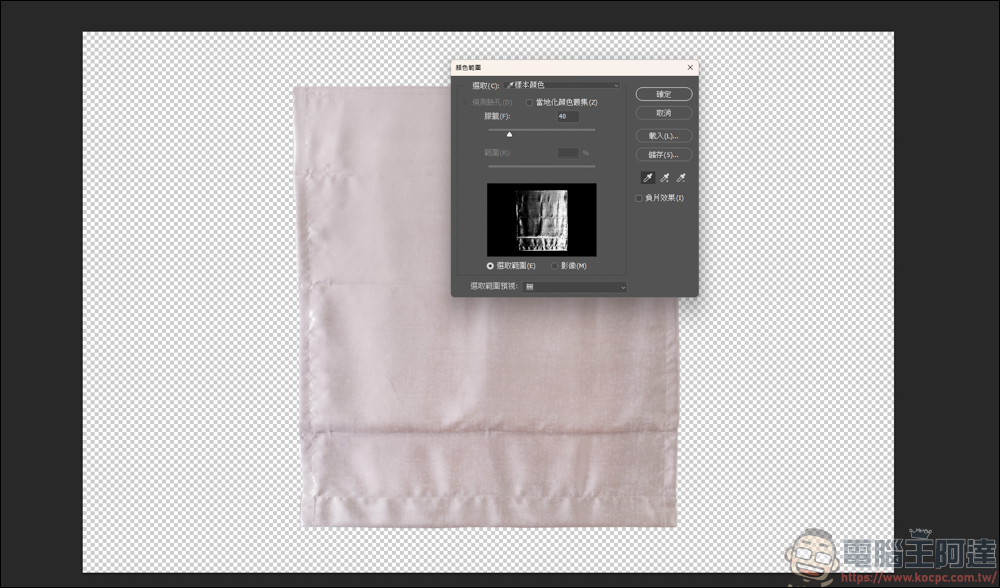
Select the highlight of the original towel, save it and save the range as a layer:
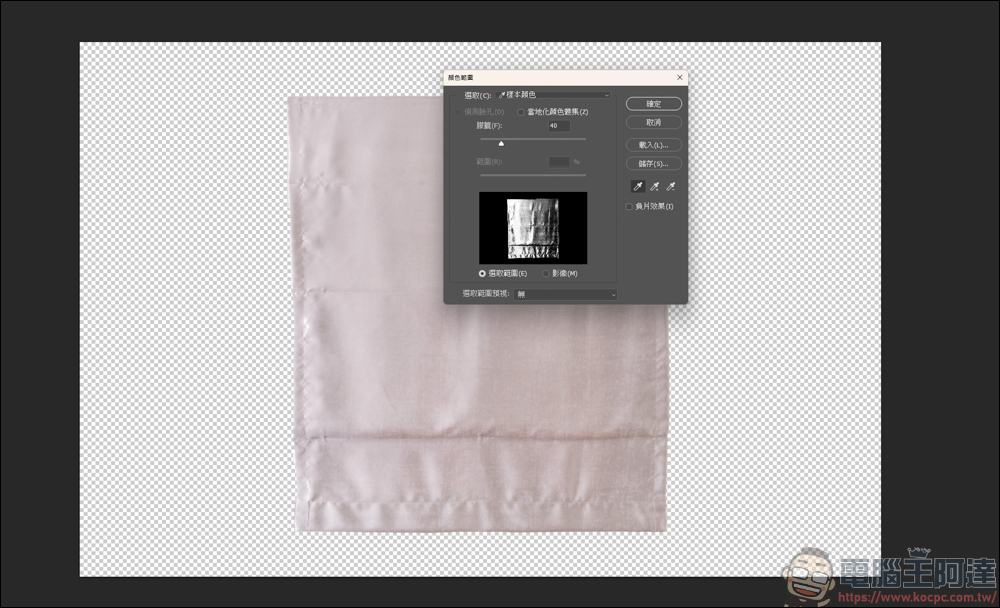
Then select the shadow of the towel, save it as usual, and save the area as a layer:
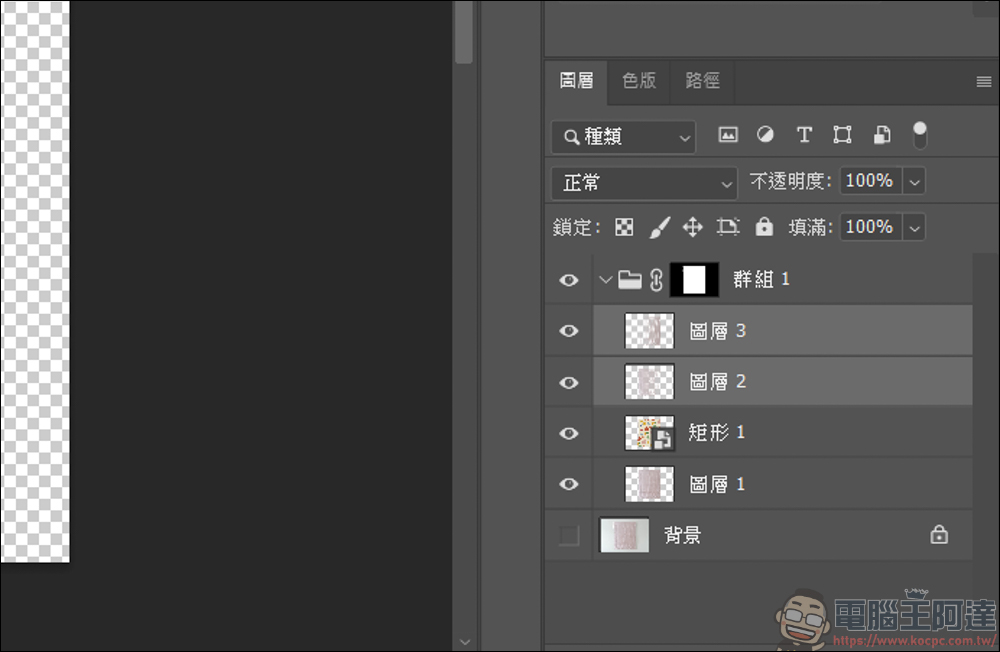
Layers 2&3 here are the highlights and shadows we just made respectively. We pull these two layers to the upper layer of the pattern:
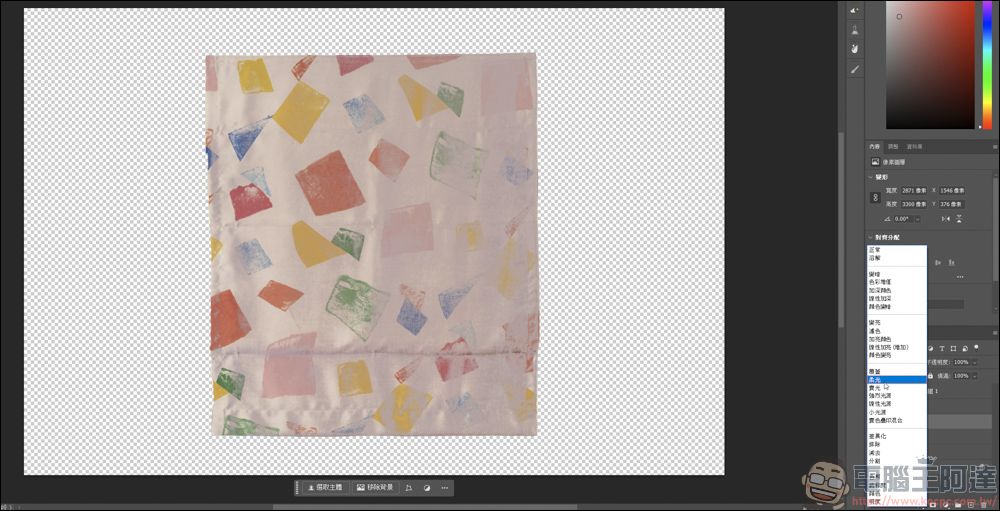
The highlighted part can give it a soft light effect:
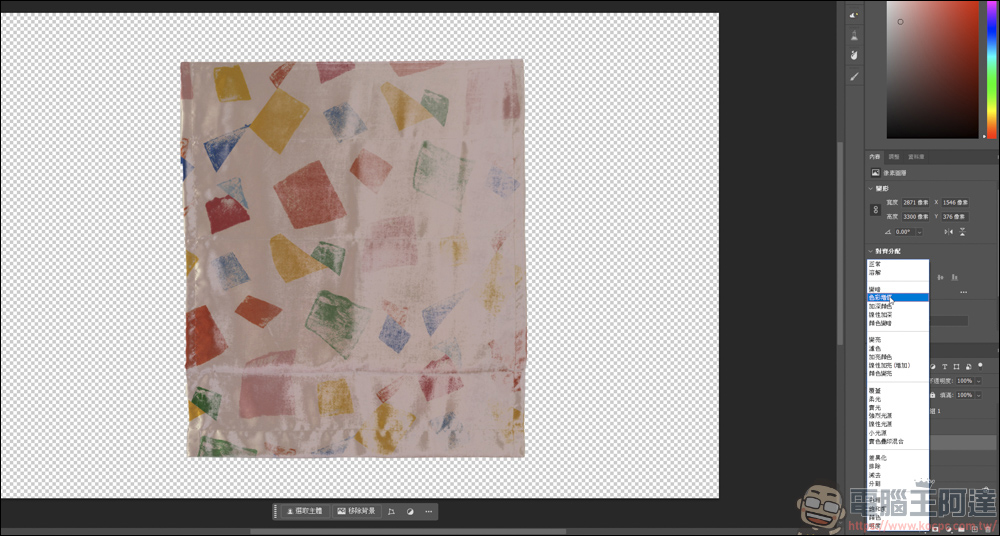
The shadow part can add value to its color. You can also try different effects to see what it will look like. This is not necessarily the case:
Then pull down the opacity of the highlight and shadow layers respectively to make the overall effect look more natural:
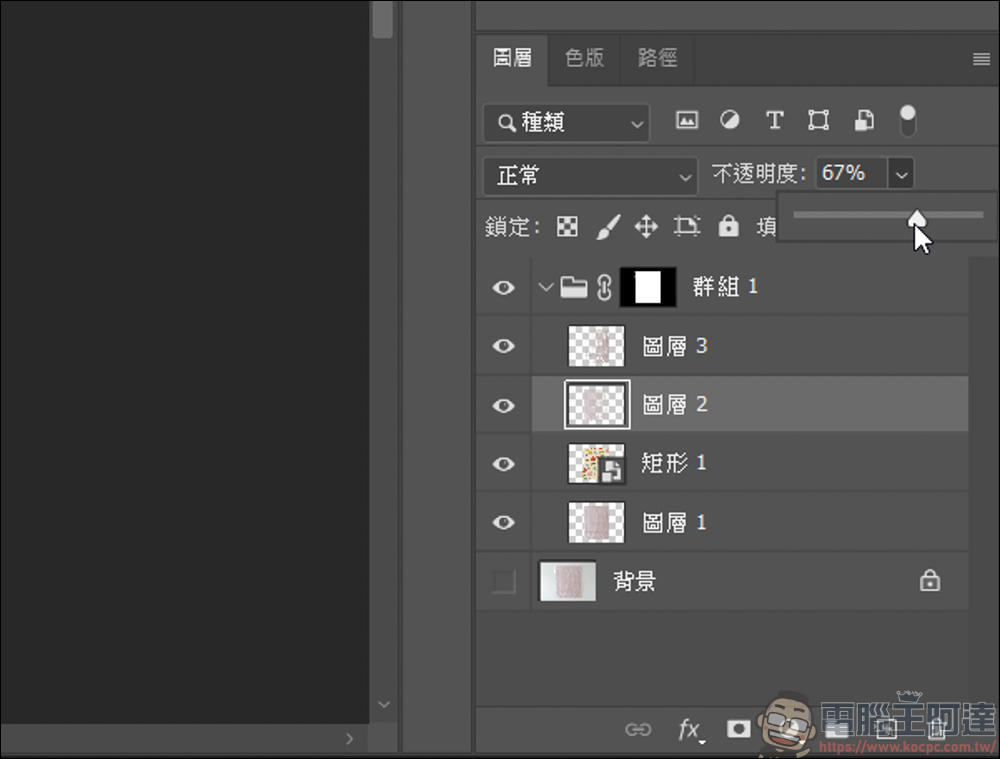
If you feel that the effect is unnatural or too fake, you can also enhance the details by increasing the contrast, or increase the saturation:
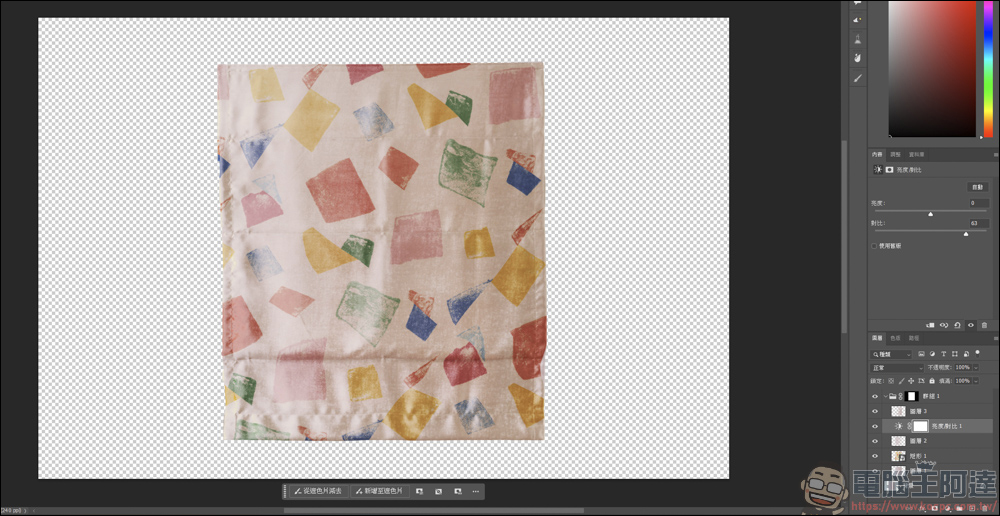
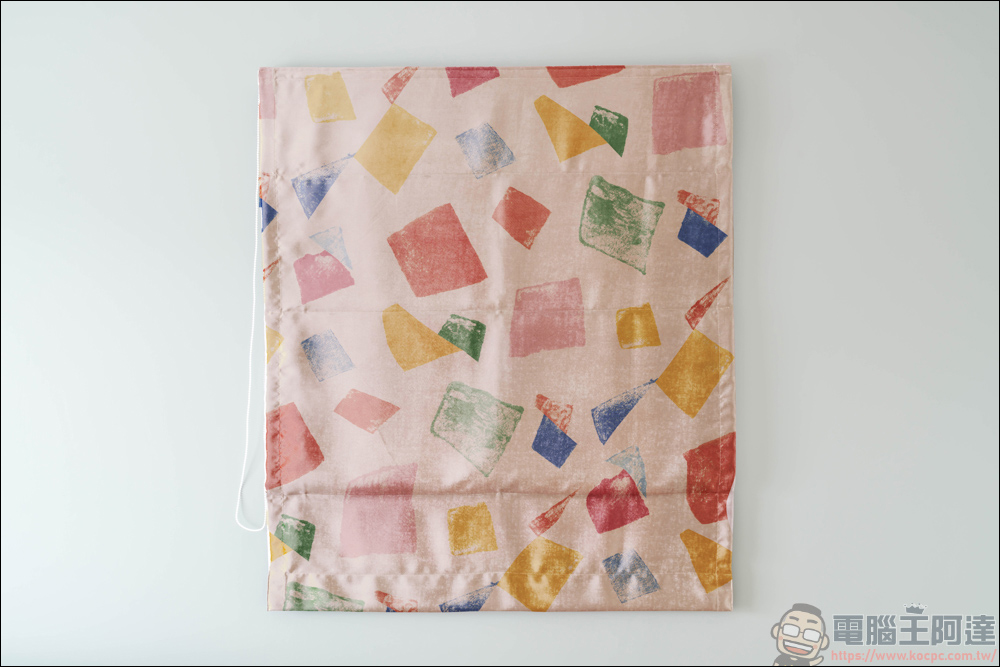
The finished product looks like this. We added the pattern we chose on the original pink towel, and the texture and details of the original towel are exactly the same as the original one, and the effect is very natural. In this way, you can easily apply the pattern to the items you want to present, whether it is towels, tabletops or other items, they can be presented using similar techniques:
Source: KOCPC Chinese