


Microsoft is clearly promoting its own… Copilot Spare no effort in service. Recently, besides announcing the full rollout of Security Copilot in Entra, it now further states… Microsoft 365 has finally gained a new feature called “Copilot Memory” that can remember all sorts of things about you., thereby greatly facilitating service personalization.
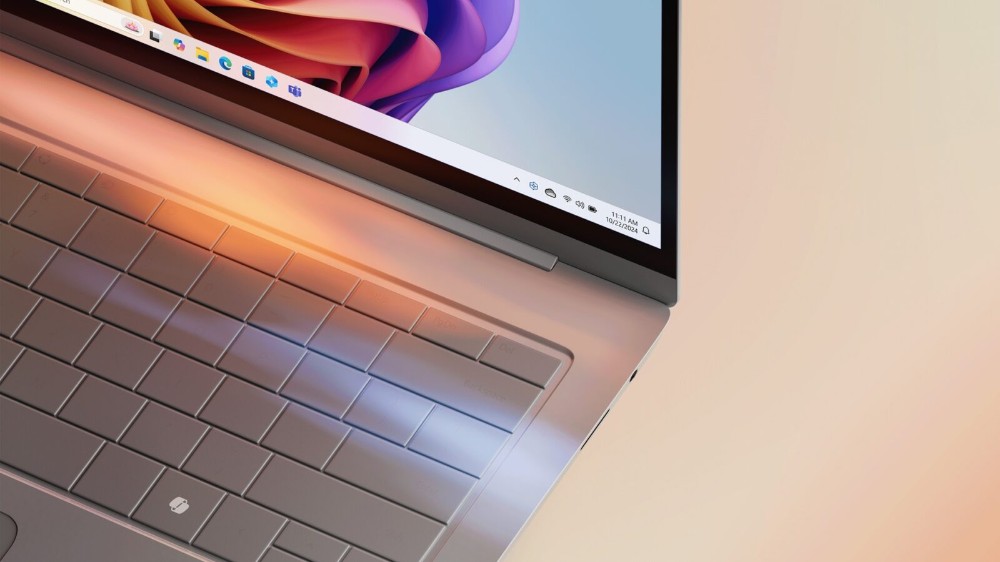
Microsoft 365 gets new “Copilot Memory” feature, AI makes your work more efficient and personalized
You may already know that the Copilot app in Windows has a Memory feature, but now this capability is also being extended to the Microsoft 365 version. Microsoft believes this will make its AI assistant smarter and more helpful to users. Similar to the feature already available in ChatGPT, Memory in Copilot will allow the assistant to remember important details about you, such as your preferences and favorite topics for discussion.
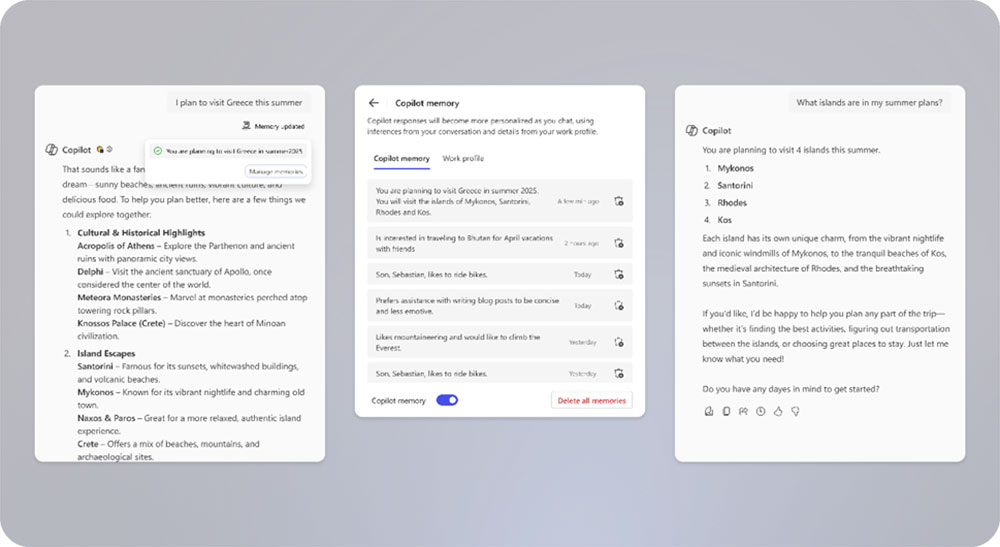
Basically, two features are enabled in this area. The first is related to Copilot Memory as mentioned earlier. The second is Custom Instructions, which let users set baseline instructions to guide how the AI should respond to you in future conversations. For example, you can ask the AI to be more humorous, concise, or even more talkative. These baseline instructions can be written in natural language without much technical skill.
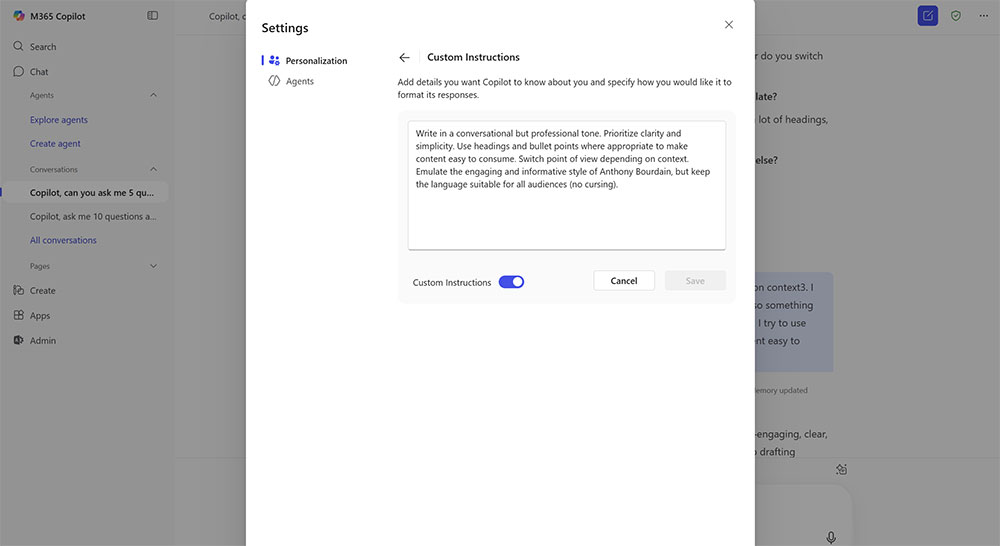
Microsoft believes that combining these two features can reduce repetitive input, streamline conversations, and enhance personalization. For example, you can ask Copilot to generate an image with specific size constraints, and with the help of Copilot Memory, you only need to issue the instruction once for it to keep acting on it, without having to repeat it every time.
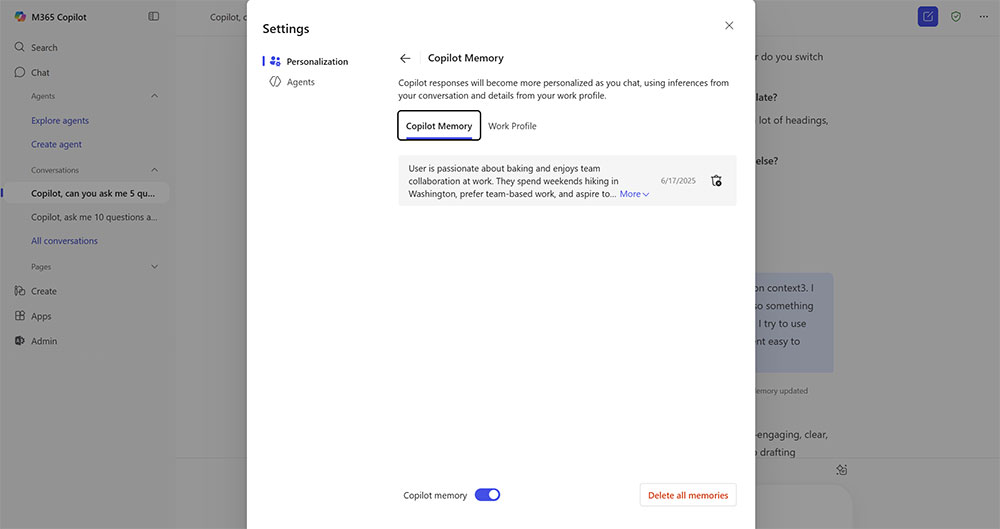
There are still a few things to tell you about Copilot Memory. For starters, users will always receive a subtle notification letting you know that Copilot Memory has been updated. Second, you can view, edit, or delete Memory through the personal settings page. Finally, if you don’t like the service silently remembering your information, you can turn off Copilot Memory entirely—it’s all up to you.
Source: KOCPC Chinese