


Most people now use cloud storage and local wireless transfers, such as Apple’s AirDrop, when transferring files. Still, you’re bound to have some primary flash drives that you use occasionally. However, many people, like me, have pen drives sitting in drawers that they haven’t even used in years, and while it’s easy to forget about them, you should still check to make sure everything is still working properly.
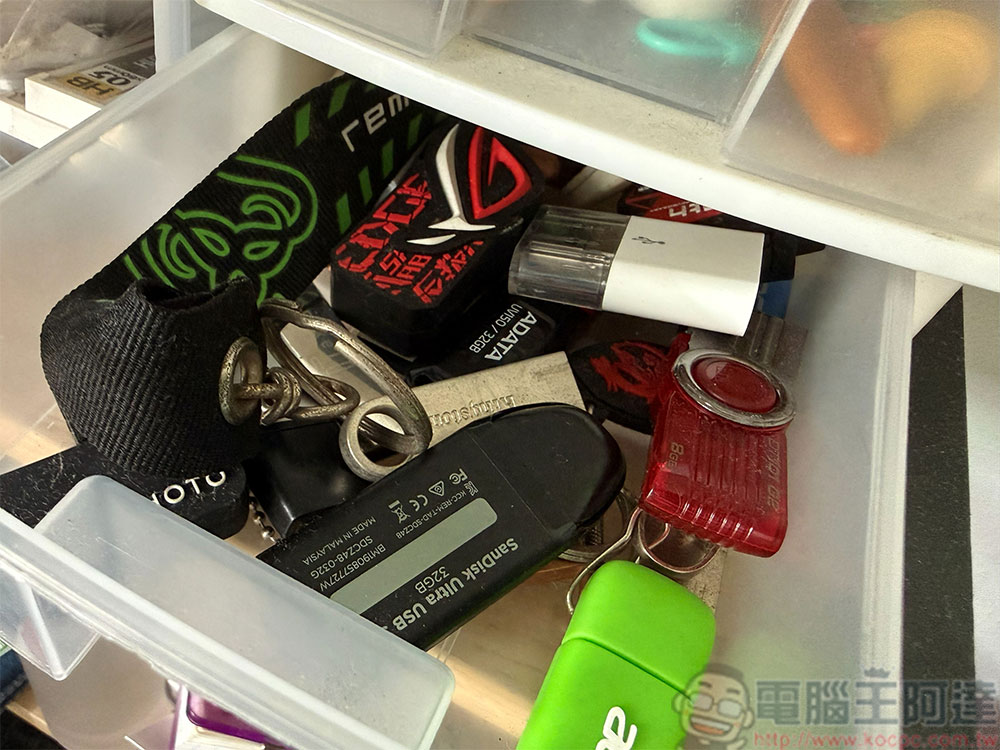
How often do you use a pen drive? It’s time to take a good look
Just like SSDs and SD cards, the flash memory chips in flash drives wear out with the number of writes, so any flash drive that is written to frequently is likely to fail or become too worn out to be usable. Especially for cheap flash drives, the storage unit may not be able to withstand too much load, so it will wear out more than you think.
In addition to the pen drive itself, the data you store on it may actually disappear if the pen drive is not plugged in and used for a while. This is because the charge representing the binary value of the data can be lost over time, resetting the storage to a blank state. The process will happen faster if the flash drive is stored in high temperature conditions, but over a long time span, the flash memory will be affected by it. As a result, some of your pen drives may no longer be worth keeping, and even if you choose to keep them, you should take some extra steps with the data stored on them.
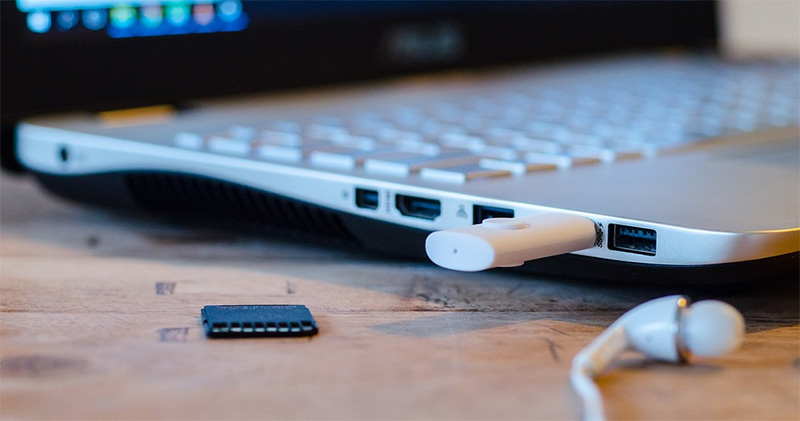
The good news is that checking your flash drive won’t take too long unless you have a bunch of them. you can use H2testw (Windows)、F3 (macOS/Linux) and CrystalDiskMark and other tools to understand the true status of each flash drive. They check for fake capacity pen drives (a common scam), detect slow or inconsistent write speeds, and catch bad sectors early on.
Of course, you don’t need to do all of this if you just want to check that the pen drive is functioning properly and that your data is readable. All you have to do is copy the data to a different hard drive (preferably the cloud or NAS) and if the result is corrupted or unreadable files, you should know something is wrong. I don’t recommend leaving any important or sensitive data on these pen drives, so this is also a good time to safely erase and format them before putting the pen drives back into storage or disposing of them.
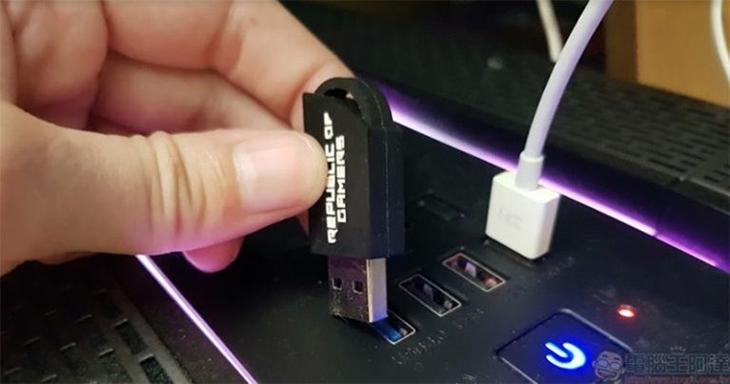
Speaking of disposal, you probably don’t need all the pen drives you own. Any off-brand flash drive you get for free can be recycled, and any flash drive older than 5 years is also a good candidate. Of course, any flash drive that is obviously not working properly or has errors in testing should be discarded, and any flash drive that is too small may not be used. If the pen drive is too damaged to be properly erased, remember to physically destroy it so that it cannot be recovered to avoid the leakage of sensitive data stored on it.
Source: KOCPC Chinese