


If your smart TV at home starts to feel sluggish after using it for a while, like apps taking a long time to load, menu switching being sluggish, etc., and usually acting like it’s about to crash, you’re not alone. Before you start spending money on a new TV or be forced to accept the painfully slow experience, take a moment and follow us to try and save your experience.
Is your smart TV getting slower and slower? These methods effectively speed up
You might be able to breathe some life into your old smart TV with a repair that’s easier and cheaper than you think. You can actually make your existing TV feel livelier and closer to its former glory. There are some simple, easy-to-do things you can do to significantly improve the performance of your old smart TV, so you can get back to enjoying your entertainment without letting constant lag take up your precious leisure time.
Clear digital clutter
If you have an older smart TV, you’ll need to be proactive with system maintenance to keep it fast and responsive. These TVs are basically computers running on hardware, and are often manufactured to modest specifications. The main processor and RAM are often underpowered compared to our phones or laptops, especially if you’re using a mid-range or entry-level model, making them very susceptible to slowing down due to the accumulation of digital data.
Therefore, regular maintenance is important, and it all starts with the absolute golden rule of technical troubleshooting: reboot. Restarting your TV is the easiest way to free up RAM and resources within your TV, by closing any background applications and processes that have accumulated and may be hogging your system. Smart TVs, especially Android TVs, tend to stay on for long periods of time, and unless you manually turn them off or reset them, the process can build up.
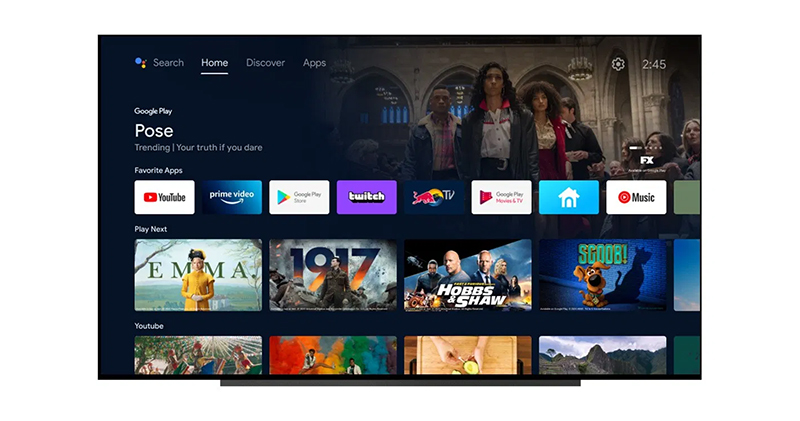
In addition to rebooting, you will also need to manually clear the temporary files. Like any modern computing device, your smart TV has a dedicated cache. The cache is a temporary storage area for data. It is often used to speed things up, such as making apps load faster when you first launch them. This cached data includes things like app thumbnails, frequently used items, and sometimes even login details. Over time, caches can grow huge or become cluttered and corrupted, and go from being useful shortcuts to being the main cause of system sluggishness. This accumulation can slow things down, causing annoying input lag, slow navigation, app crashes, freezing mid-stream, or content not loading properly. Clearing the cache reclaims valuable internal storage space and gives your TV a new, optimized operating foundation. You should do this regularly, such as once every few months, or immediately if you notice slowdowns or receive low storage warnings.
In addition to managing your cache, don’t forget to uninstall unused apps. Since smart TVs often run on the motherboard’s built-in storage and limited RAM, managing your installed apps is a necessary step to free up valuable resources and space. In addition, digital clutter may also exist in media files such as movies, videos, or game content. Deleting these redundant files or moving them to an external storage device (such as a USB flash drive) is critical to optimizing device performance with limited storage space.
Optimize and disable resource occupiers
Just like computers, smart TVs come ready-to-use out of the box with preset functions, gorgeous visual animations, and a large amount of pre-installed redundant software. All this extra stuff will immediately start consuming the TV’s limited processor power and internal memory, and since the processors in smart TVs, especially mid-range and entry-level TVs, are often designed to only meet the minimum requirements, all that extra work will slow things down.
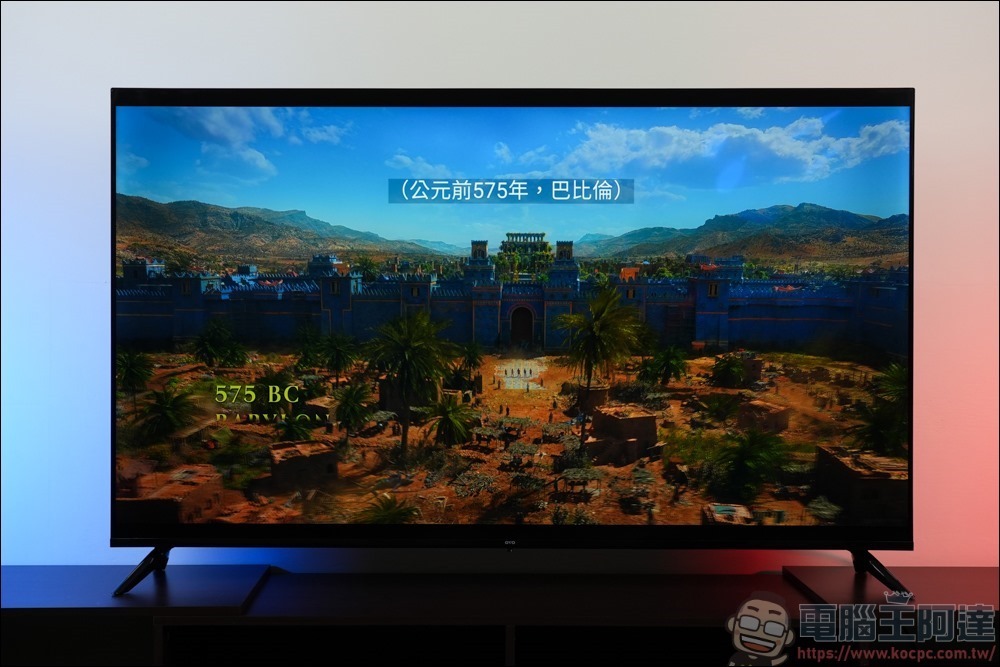
This is what leads to annoying input lag, unresponsive menus, and general sluggishness, especially if you have an older model. These extra elements drain performance, and in order to speed up your TV, you basically have to manually remove or turn off these resource-consuming elements. Make quick, easy and effective adjustments to settings that slow you down, such as battery saver mode. This mode, sometimes called “Eco mode,” intentionally reduces the device’s processing power and quality to save a little power. If you want the best performance and don’t care about the negligible power savings, then you’ll have to forgo power saving mode by turning this feature off in your TV. This simple tweak can get your processor running at full speed in no time.
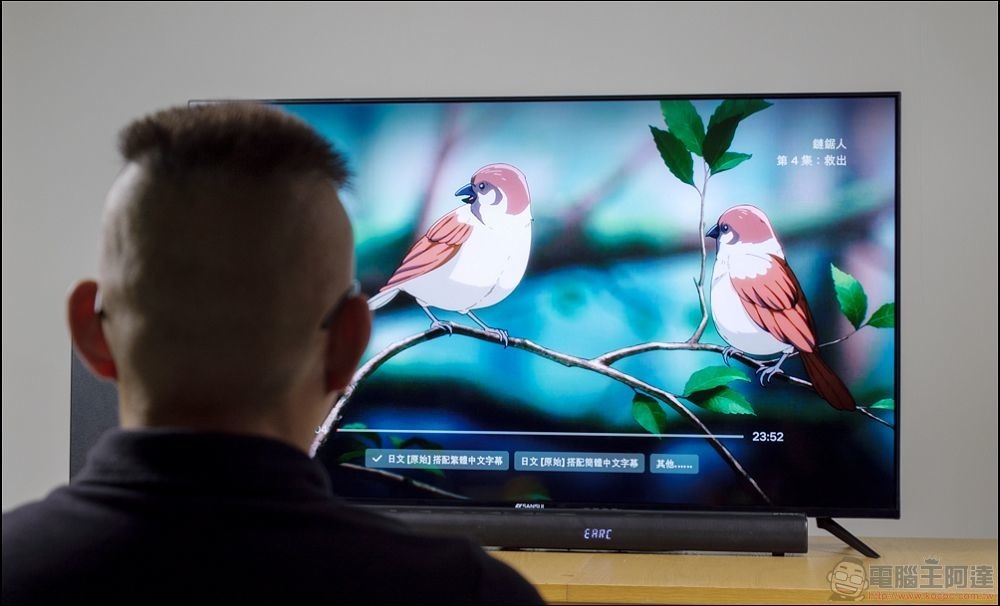
Additionally, while the smooth transitions of modern smart TV interfaces look great, these fluid animations come at a performance cost because rendering these effects requires extra juice from the GPU. If your device is older or encounters obstacles, turning off unnecessary visual effects or setting animations to a lower-end standard can have a huge impact on the speed and responsiveness of your user interface. Disabling these animations, or setting the speed scale to a lower level, will use less RAM and CPU for purely visual content, which will make the system feel snappier and load apps faster.
A really important way to improve system speed is to proactively remove or disable pointless manufacturer-built and redundant software. These are apps that TV manufacturers put on your device before you get it home, like Samsung TV Plus or LG Channels, that are constantly running in the background, consuming resources, hogging internal storage, and actively slowing down your TV software.
Upgrade your internet connection
People often blame lag and slowness on limited TV hardware, but it’s not always the fault of the TV, especially when streaming media. Persistent performance issues such as freezes, stuttering playback, or constant buffering often stem from network hardware limitations or simply a weak Wi-Fi signal, rather than the internal processing speed of the TV itself. Smart TVs require a consistent network to transmit content correctly. Anything that disrupts the streaming, such as network congestion caused by too many devices connected at the same time, or a poorly placed router, will seriously affect your viewing experience. If your connection is unstable or slow, this weakness can become a bottleneck, causing your application to lag as the resources it uses take longer to load.
For optimal speed and stability, use a wired network connection whenever possible. Using a network cable to connect your smart TV directly to your network router will provide you with the fastest and most stable connection. This physical, direct connection eliminates potential Wi-Fi interference and makes it smoother for heavier workloads like streaming 4K content.
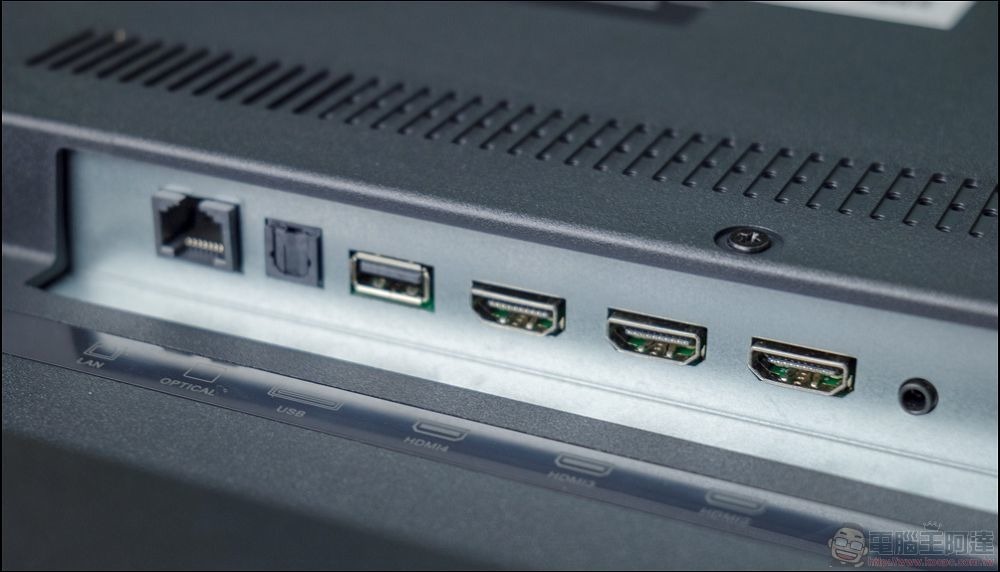
While many smart TVs have built-in Ethernet ports, some have surprisingly slow built-in network cards, with this NIC typically capped at around 100Mbps. This technical limitation means that even if you pay for a faster internet plan, the speeds your TV can access via its built-in Ethernet port are still limited to a cap of 100Mbps. However, if you want more stability and faster network speeds, you can bypass the slow built-in network card by purchasing a separate adapter that plugs into your TV’s USB 3.0 port to Ethernet.
Invest in dedicated streaming equipment
If you’ve tried every software tweak and your TV is still slow, the best thing you can do is to stop relying on your TV’s built-in system altogether. Your best option is to choose a dedicated external streaming device. TV manufacturers tend to put all their engineering and marketing efforts into making the screen look great or sound good, leaving the actual processing power of the smart platform as an afterthought.
In stark contrast, performance and processing power are a huge competitive advantage for dedicated external streaming devices that aim to run streaming platforms quickly, smoothly and responsively.
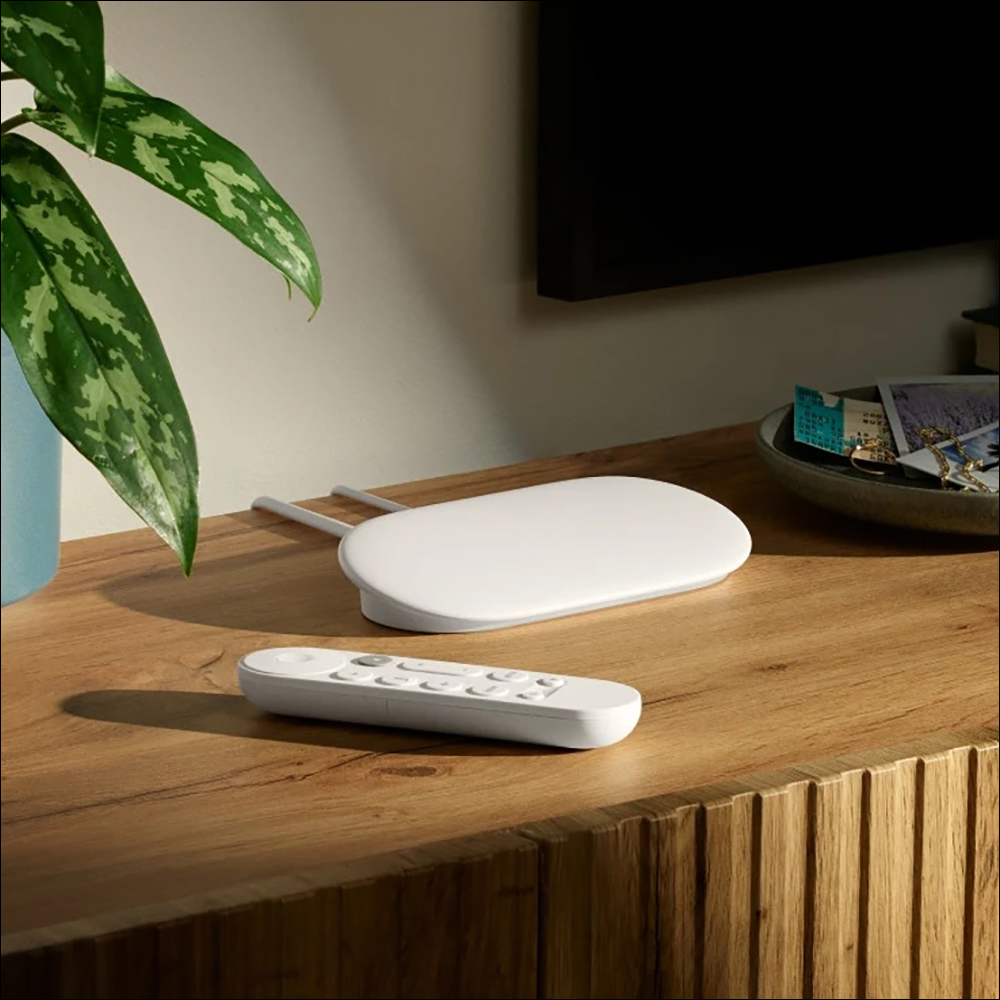
Giving your old smart TV a new lease of life doesn’t have to be some complicated, expensive affair. Just a few simple fixes can give it a new lease of life without having to drop a ton of cash on a shiny new TV. The whole idea here is that even older technology can be completely optimized with a little thought, making it more valuable and still enjoying all the features you paid for.
Source: KOCPC Chinese