


are you still looking forfreeAnd stablepicture space? ImageBam is a long-established service that has been established for more than 15 years. It provides free image uploading and sharing functions. You can quickly obtain image links without spending money or installing an app. It supports batch drag and drop upload, generate HTML or BBCode, and even manually delete links for easy management. The point is, there is no capacity limit, and you don’t have to worry about being forced to upgrade to a paid membership. In just a few steps, you can share pictures to communities, forums or blogs. This article will give you a complete understanding of ImageBam and teach you step by step how to use it.
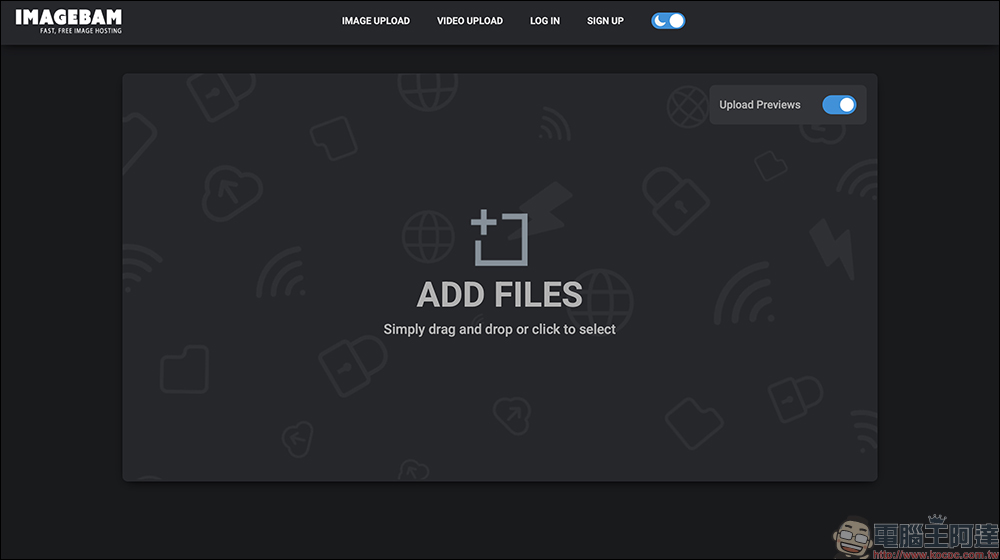
Lazy people will be punished! ImageBam free image space guide: super fast upload, no need to register, and quick sharing of pictures
In the age of cloud drives and various image platforms, there are not many free image spaces that can survive 15 years and are still in operation, and ImageBam is one of them. This platform has been positioned as “zero fees, zero upgrades” from the beginning, so whether you are a novice trying to share pictures or an experienced user who often needs to post pictures to forums, auctions or blogs, you can get started painlessly.
One of the features of the website is that it can be used directly without registration or login. In other words, if you just need to upload an image temporarily and get a usable link immediately, ImageBam is almost the best choice.
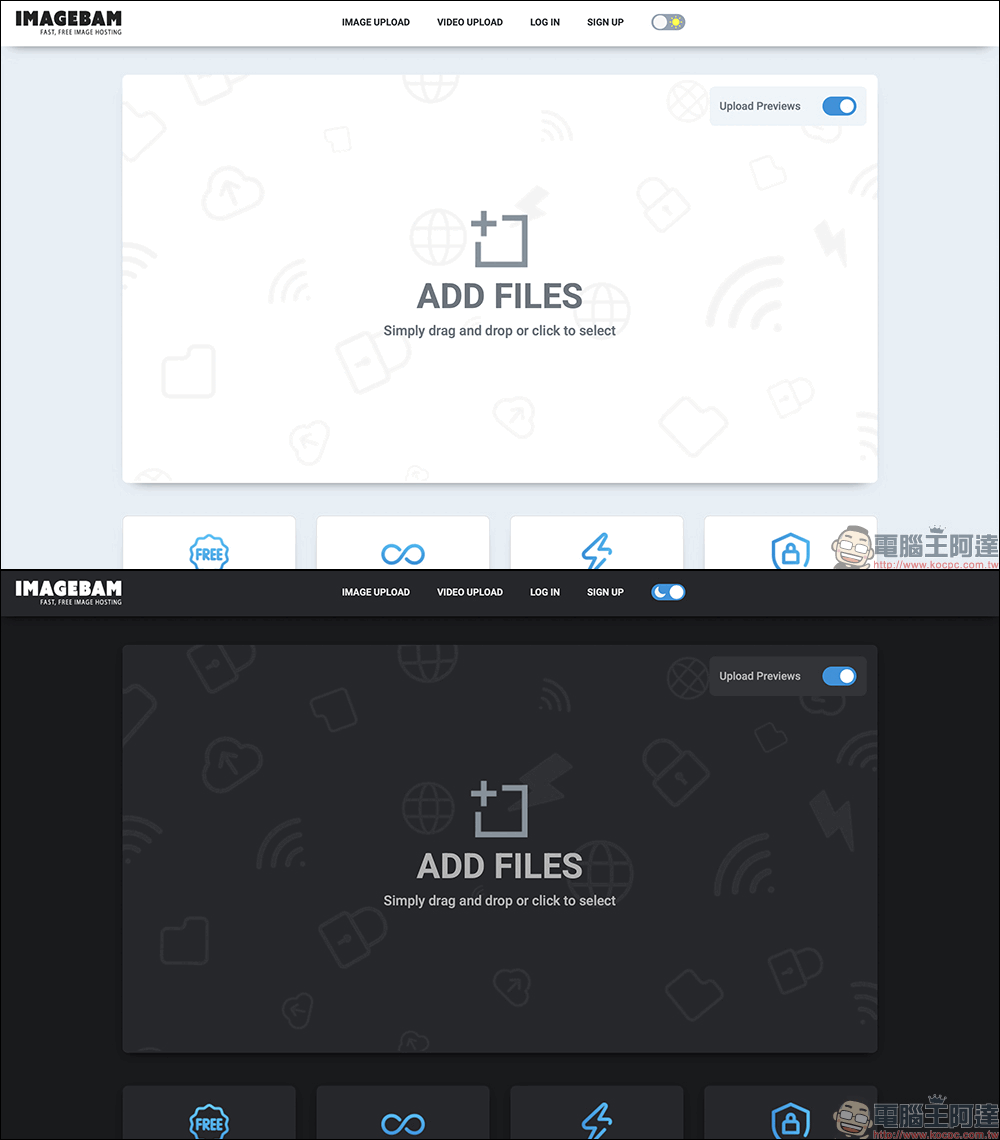
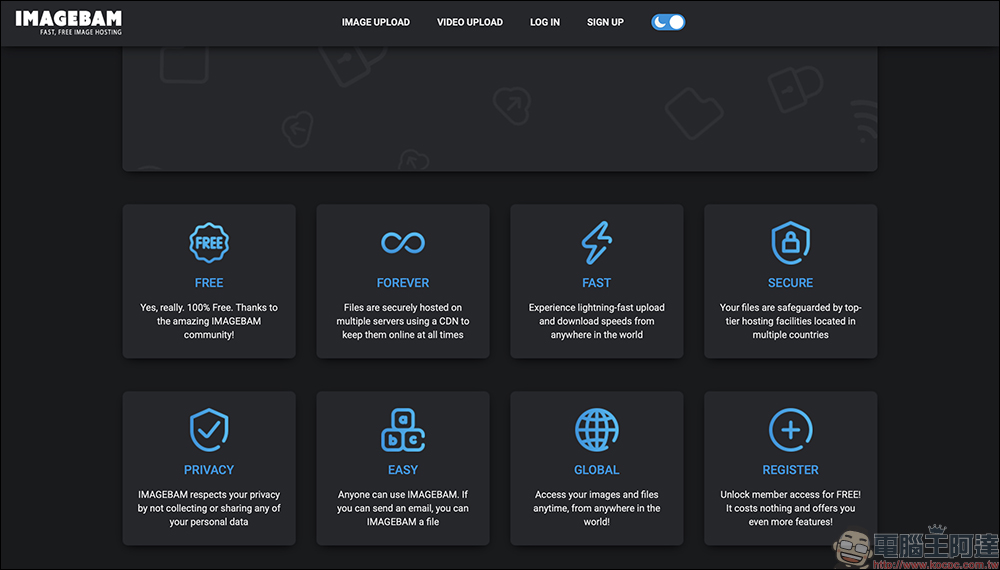
According to official instructions, ImageBam hosts images in different countries and uses a CDN (Content Delivery Network) to speed up loading. This means that no matter where you are in the world, you can open images relatively quickly. At the same time, images can be accessed at any time and will not be hung up due to a single point problem on the server. For creators or sellers who need to preserve materials for a long time, this kind of stability is a plus.
Although the official image size and storage period are not clearly marked, according to past data, each image can be up to 3 MB, and if no one has viewed it for more than 40 days, the image may be deleted. However, in recent years, users have found that this restriction has been relaxed, and the measured pictures are saved for longer, without even obvious signs of deletion. As for the upload method, it is also more convenient. There is no need to compress it into a zip file first. You can drag multiple pictures at once to upload them in batches, which greatly improves the efficiency.
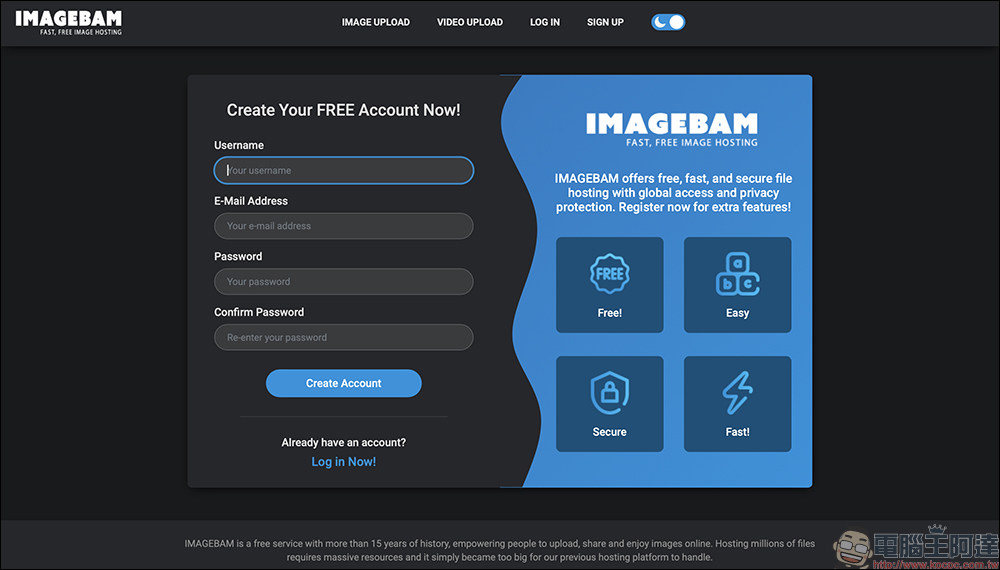
Even though anonymous use can meet most needs, if you want to more conveniently manage uploaded images, it is recommended to register for a free account. Registration requires filling in the user name, email and password. After logging in after activation, you can find “My Files” and “My Galleries” in the interface. This can help you categorize and organize pictures, such as creating travel albums and product albums, and package and display pictures of the same series at one time.
Tutorial: Take you step by step to upload pictures
1. Select and upload an image:
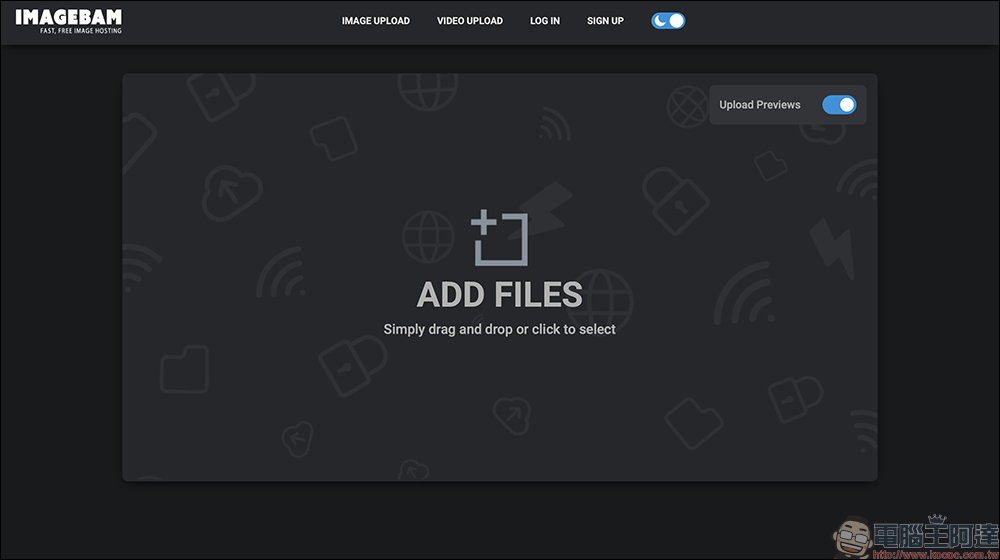
Enter ImageBam websiteFinally, click “Add Files” to select the image, or drag the image directly to the web page.
2. Set upload options:
You can check “Upload Previews” in the upper right corner to preview the image.
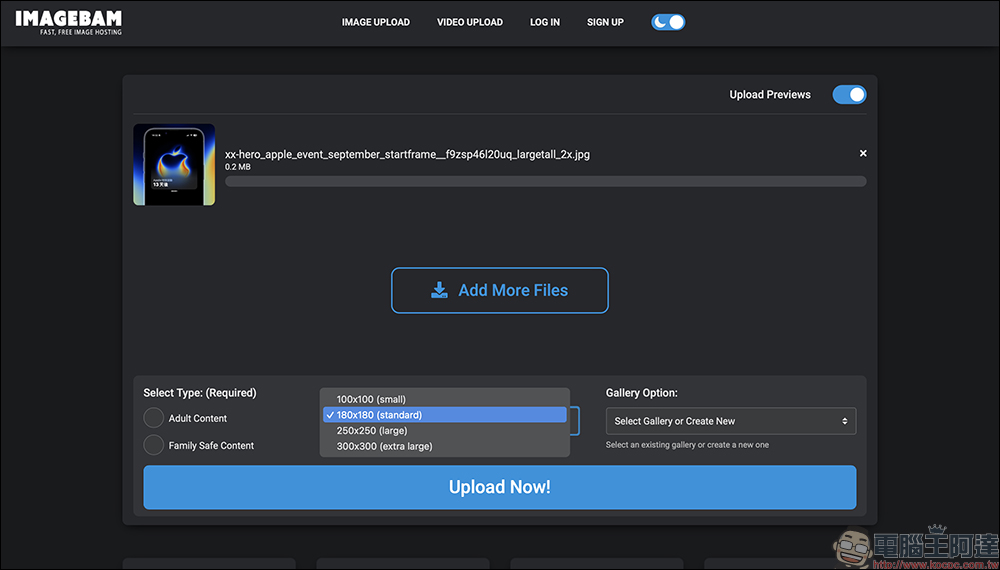
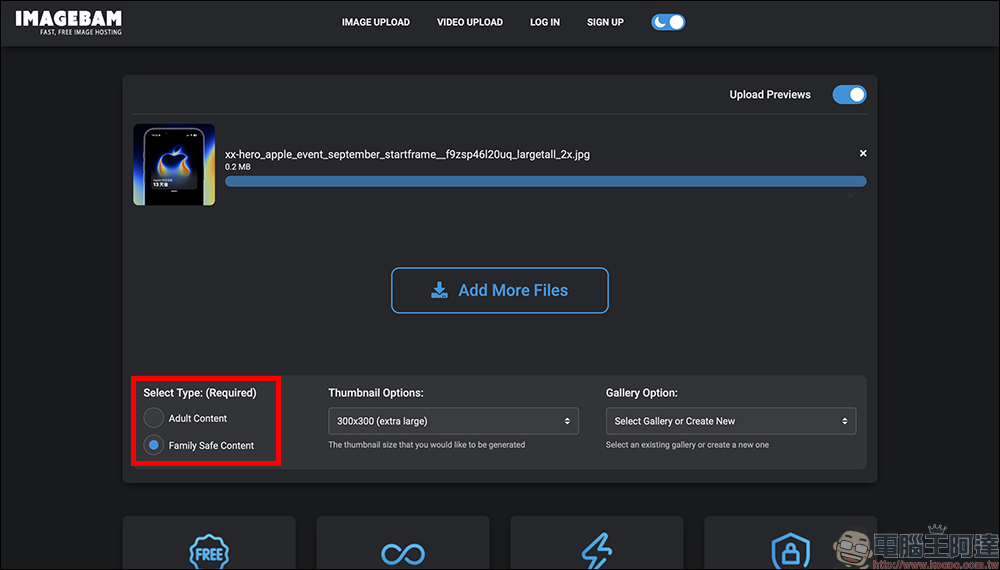
Then find “Select Type”, this is a necessary option, you must select the image category:
- Adult Content: adult content
- Family Safe Content: General safety content
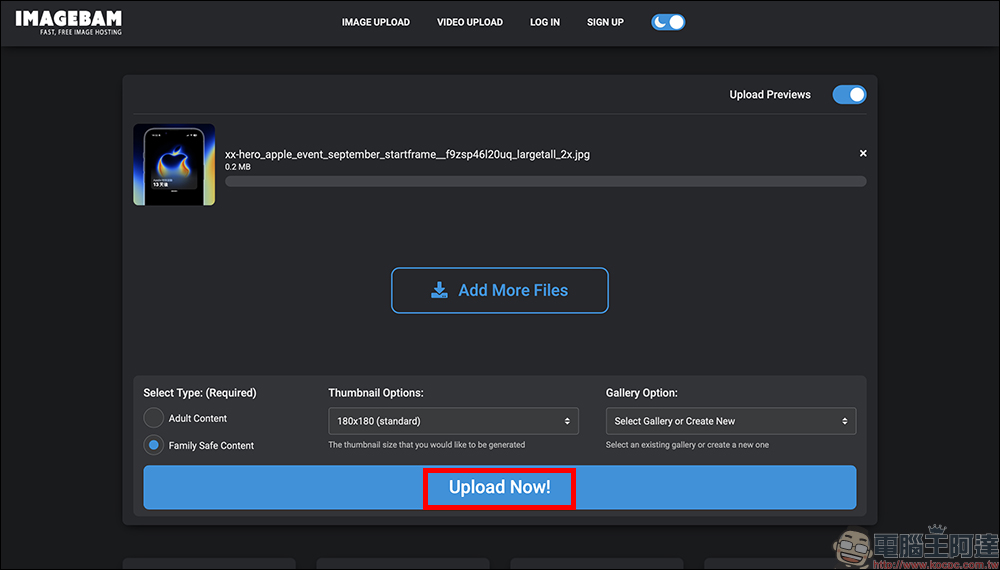
You can also set the thumbnail size, whether to add it to the album, and finally press “Upload Now” to start uploading.
3. Monitor progress:
A progress bar will be displayed during the upload process, which is quite fast, but remember to keep the web page open until it is completed.
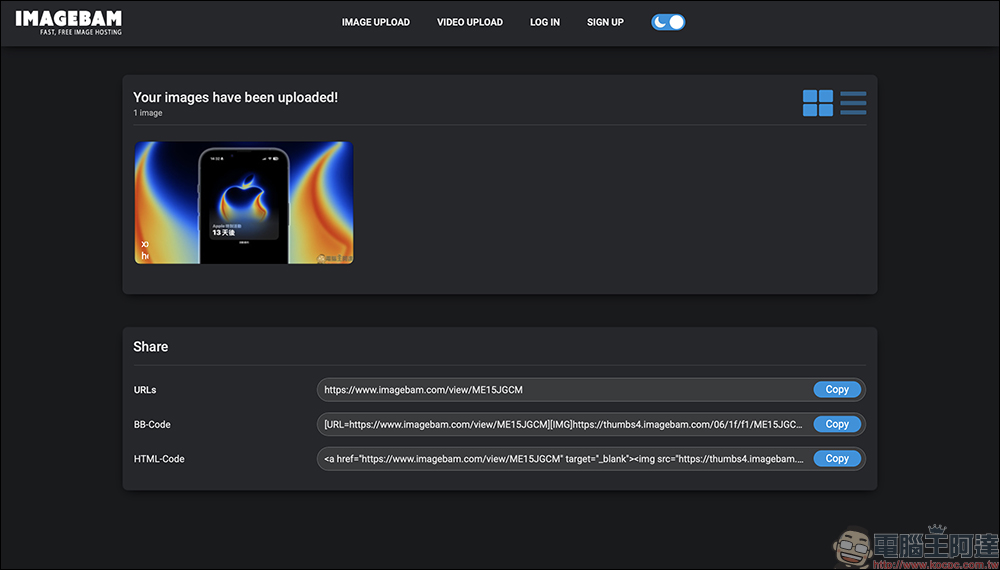
4. Get sharing link
After completion, a list of images will be displayed. Each image has a corresponding sharing link, BBCode and HTML code. It is recommended to switch to “list mode” to facilitate copying one by one.
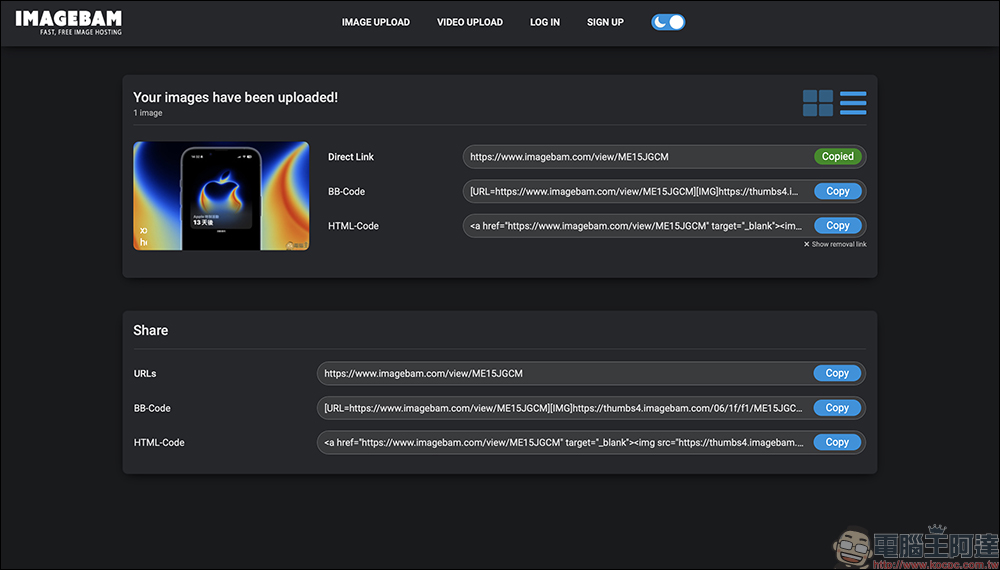
There is also a “Show removal link” next to each picture. Click to get the removal link.
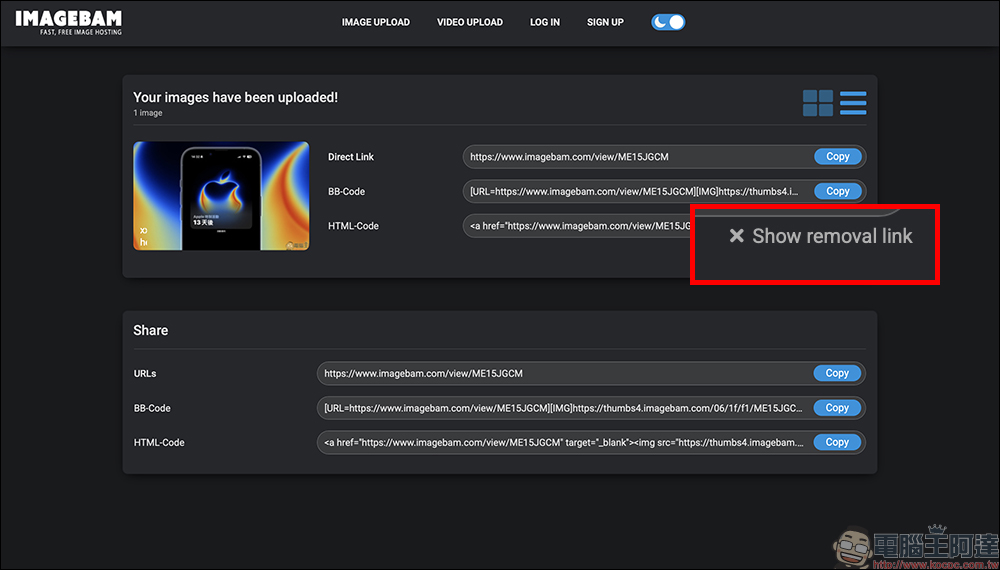
If you no longer want to keep the image, copy this link and open it to manually remove the image.
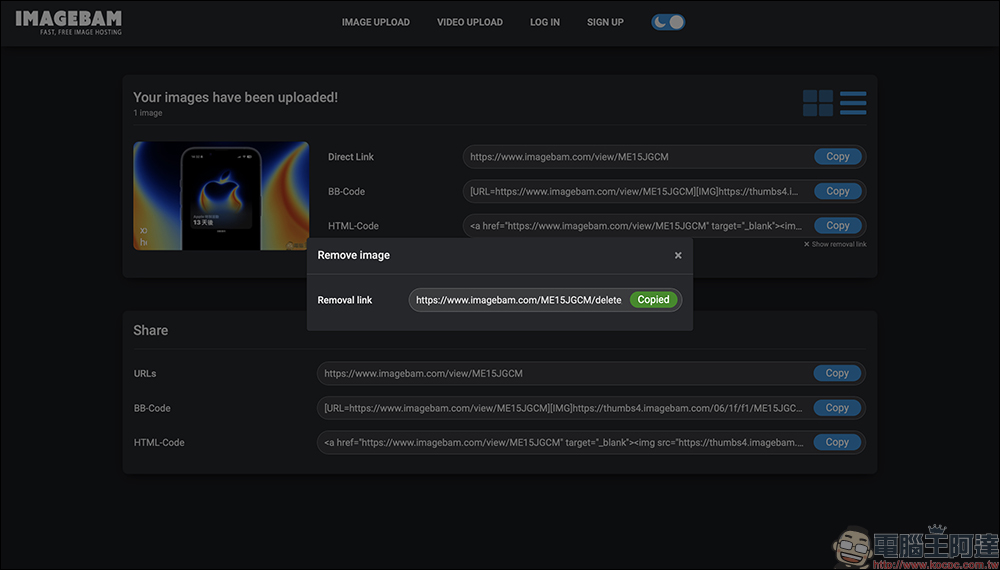
When the screen displays “The item has been deleted successfully”, it means that the image has been successfully deleted. This process can be operated directly even if you are not logged in as a member.
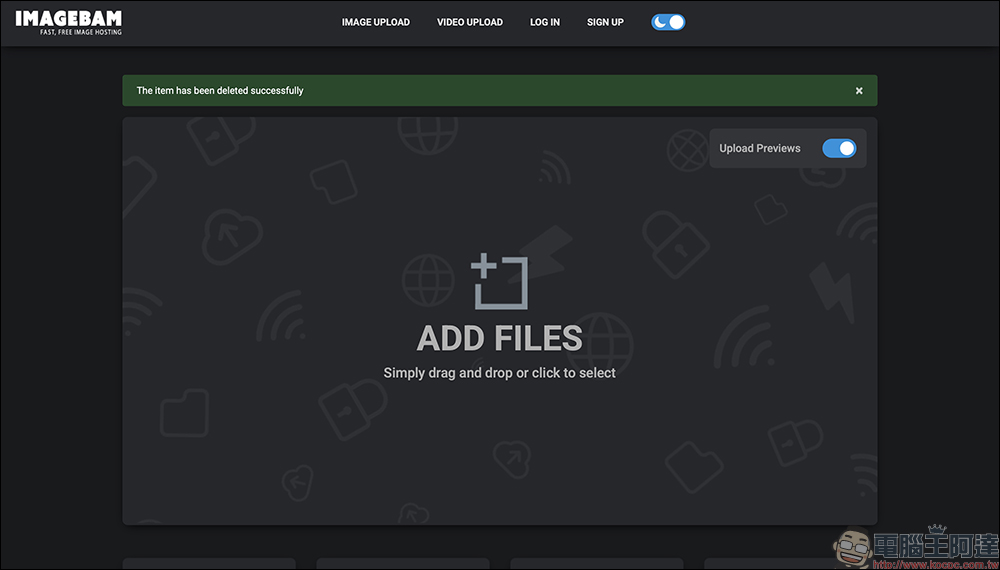
5. View the picture display page:
The uploaded pictures will have a dedicated URL, and when opened, it will be a standard picture display page, similar to other picture beds platforms.
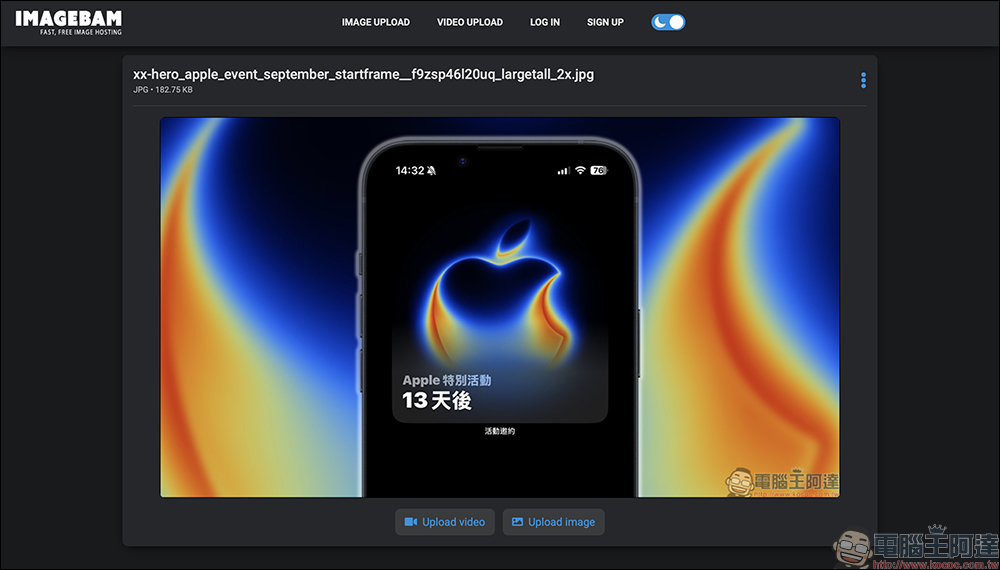
Conclusion
Even today, when there are so many cloud service options, ImageBam is still one of the few established image spaces that is completely free, intuitive to operate, and fast. It does not have a cumbersome membership system, nor does it force you to pay for upgrades, nor does it suddenly close your account and delete files. For Taiwanese users, it is a very convenient tool whether it is to temporarily share photos, insert graphics and text in blogs, or post replies in forums. If you need a simple and fast free image bed, try ImageBam.
ImageBam Free Image Space
Further reading:
Source: KOCPC Chinese