


Working on a larger screen is definitely more convenient than working on a laptop screen. You have more screen space, and you can use dozens of windows for multitasking, making it more comfortable and efficient. You can even choose to make fonts larger without sacrificing screen real estate, helping reduce eye strain during long hours of work. Compared with standard laptops, some external monitors also support higher resolutions, which means you can enjoy better image quality.
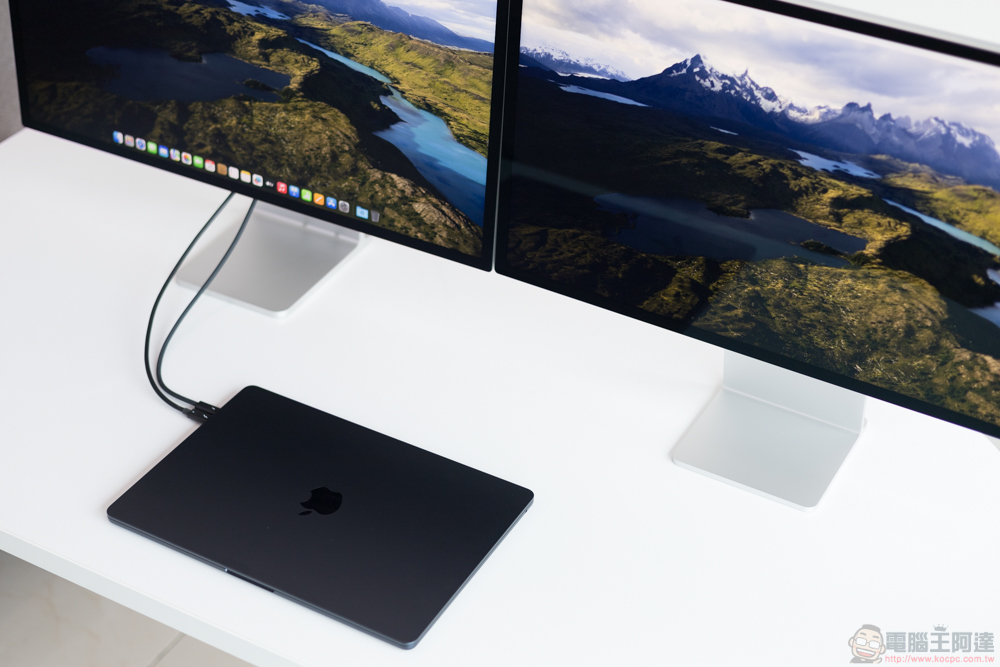
Can my MacBook Pro be connected to any monitor? Let’s take a look at its compatibility
In the past, if you want to pair a laptop with an external monitor, you usually only need to plug in a VGA cable. As display technology develops, users have more and more connection options. There are now a variety of ports, cables, and display standards available, such as DisplayPort and HDMI, and there’s even the option of using a single USB-C / Thunderbolt cable for both image transfer and power delivery. If you’re looking for a new monitor for your MacBook Pro, you might be wondering what types are compatible with it. Generally speaking, you can pair a MacBook Pro with just about any monitor, but the catch is that it’s not always plug-and-play.
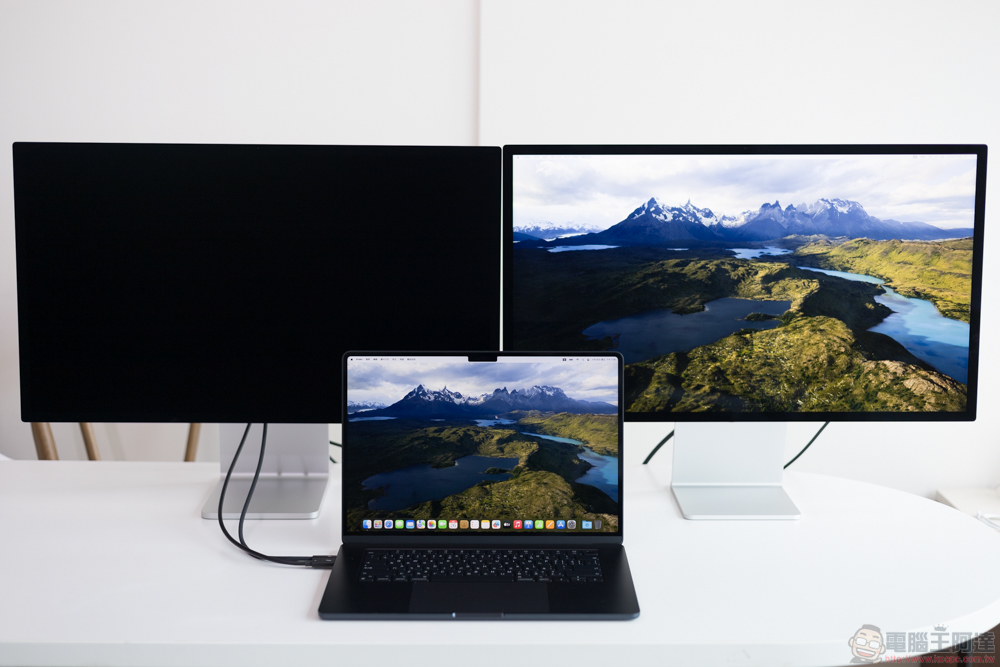
Which monitors work with MacBook Pro?
If you want a suitable monitor for your MacBook Pro, it’s best to check the compatibility to learn how to set it up before paying for it.
To determine which monitors will work with your MacBook Pro, just look at the side ports. MacBook Pro models after 2021, such as MacBook Pro M4 Max and MacBook Pro M1 Pro, are equipped with two types of display ports, namely USB-C/Thunderbolt and HDMI. Most monitors from major brands have HDMI ports, USB-C/Thunderbolt ports, or both. That means all you need is a compatible Thunderbolt cable (which looks like USB-C and fits the same connector, but has a different internal structure) or a standard HDMI cable to get started. Simply plug the power cord into either device and wait a few seconds for the display to pair with your MacBook Pro.
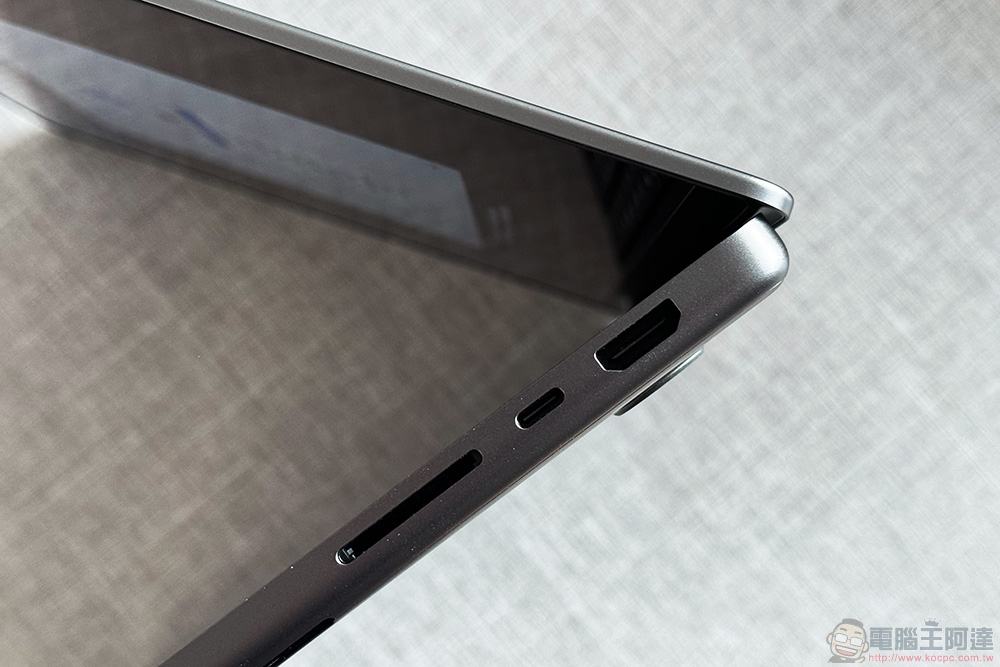
Some monitors come with DisplayPort, but since the MacBook Pro doesn’t have native DisplayPort, you’ll need a USB-C to DisplayPort adapter to connect to any USB-C / Thunderbolt port on the laptop. You can also use VGA and DVI displays with your MacBook Pro as long as you have a USB-C to VGA or DVI adapter. However, VGA and DVI are quite ancient and support lower resolutions that don’t even include audio. You’re better off buying a more modern external monitor for your MacBook Pro.
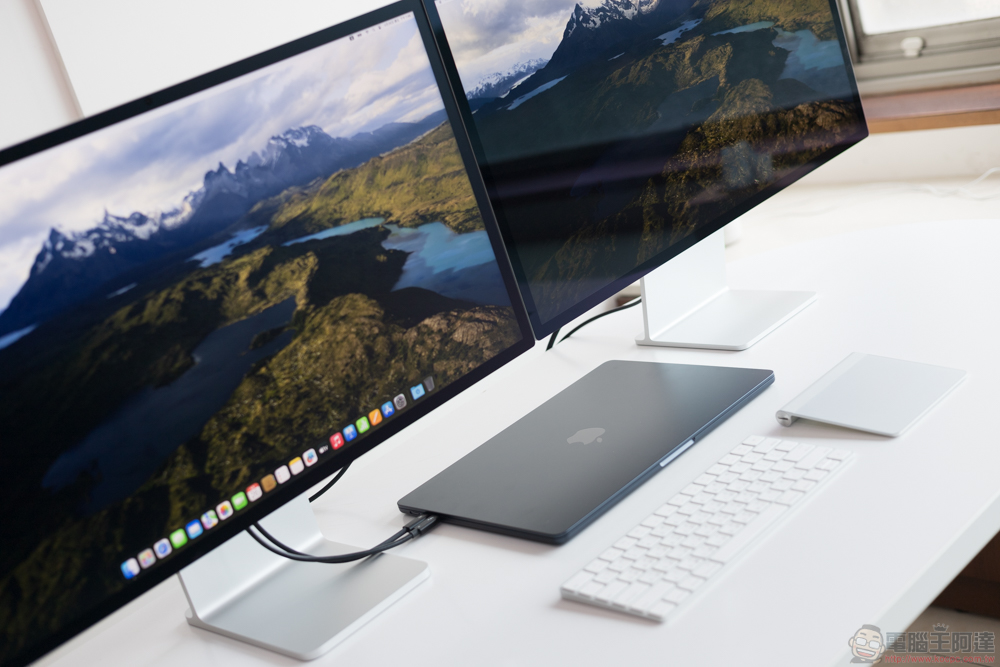
How many monitors can I connect to my MacBook Pro?
Depending on the model, most modern MacBook Pros support one to four external monitors. For base models with Apple M1 to M3 chips, you can only pair one monitor using the HDMI port or the Thunderbolt USB-C port. On the other hand, the Apple M4 chip has been upgraded to support up to two external monitors, which means you can use HDMI and Thunderbolt USB-C ports or two USB-C ports at the same time. In addition to Apple’s M4 laptops, MacBook Pros with Pro or Max chips from the M1 to the latest M4 can also be connected to multiple monitors. For example, you can use the M4 Pro with up to two monitors, while the M3 Max and M4 Max allow up to four monitors.
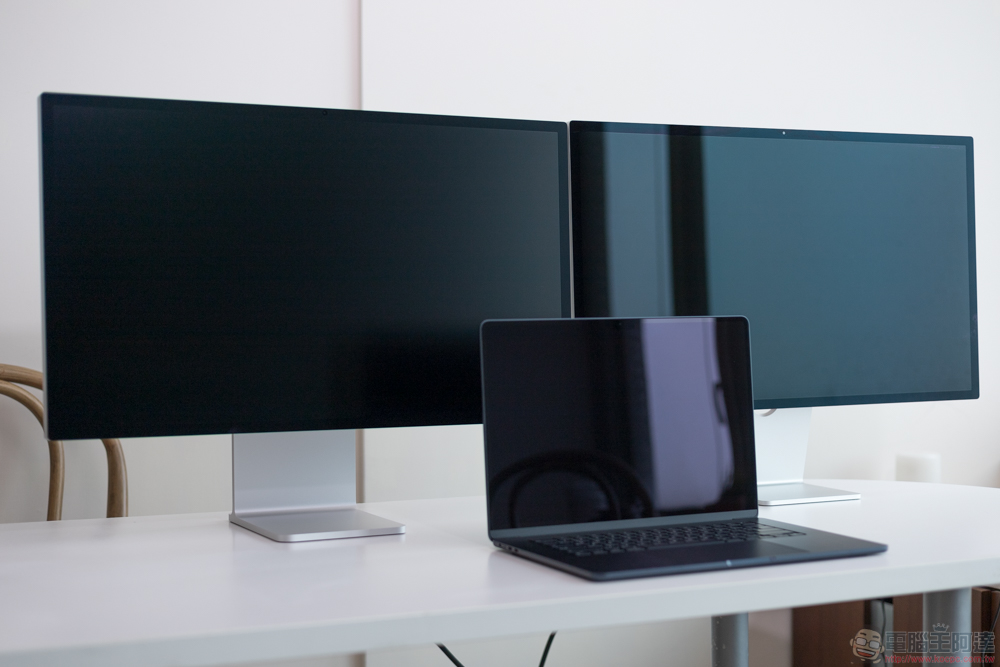
But it’s important to note that there are some limitations when connecting multiple external monitors to your MacBook Pro. Two things to pay special attention to are the display’s resolution and update rate. While all USB-C ports (in the same laptop) support the same resolution and update rate, HDMI ports are limited to a different set of specifications. On the MacBook Pro M4 Max, the Thunderbolt port allows the display to reach up to 6K resolution at 60Hz. If you use all three USB-C ports, you can connect a 4K@144Hz display to HDMI for a total of four displays; if you use only two USB-C ports, the HDMI port can drive an 8K@60Hz or 4K@240Hz display.
Source: KOCPC Chinese