


Taking screenshots on smartphones is a frequently used function. There is no need to save the information in the screen or take notes. You can capture it with just one click, which is very convenient. Sometimes when you try to take a screenshot, you will find that the result is blank, or the phone pauses and displays that it cannot take a screenshot. This is not a special error or glitch, but a special function.
Why does the Android screenshot function sometimes fail?
There are many apps that are deliberately configured not to take screenshots in order to save information within the app, such as banking and financial apps, but you may also encounter this situation in WhatsApp messages that disappear after reading, or even in the playback interface of video streaming apps.
Prevent screenshots from working
Your first thought may be that there is some advanced or deep security operation here, but this is just a system setting. This protection is built into every phone and is available to all app developers. When building code, developers simply flip a switch to mark screen attempts as safe, and the operating system itself blocks any screen capture attempts while the security flag is active. Every time you press the screen recording button or the screenshot shortcut, the operating system first checks to see if the security flag is enabled for the screen, and only passes the image data to the screenshot function when the security flag is disabled.
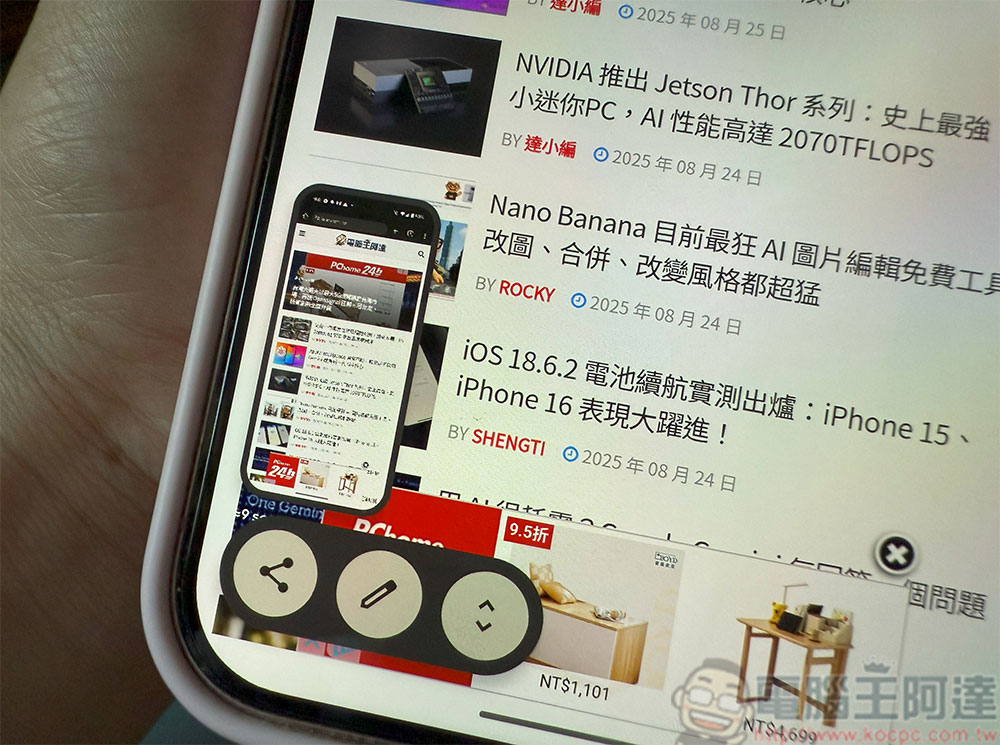
This is also a modular function. It can lock the entire application or take separate screenshots within the application. This is why sometimes you can capture the login page of the banking application, but you cannot capture the balance overview panel, transaction details and other pages. Netflix allows you to capture the entire interface outside of the video player, which is why you can’t bypass it with a third-party application, because all input requests (including hardware buttons, swipe gestures, or graphics) are passed to the operating system, which takes the final action.
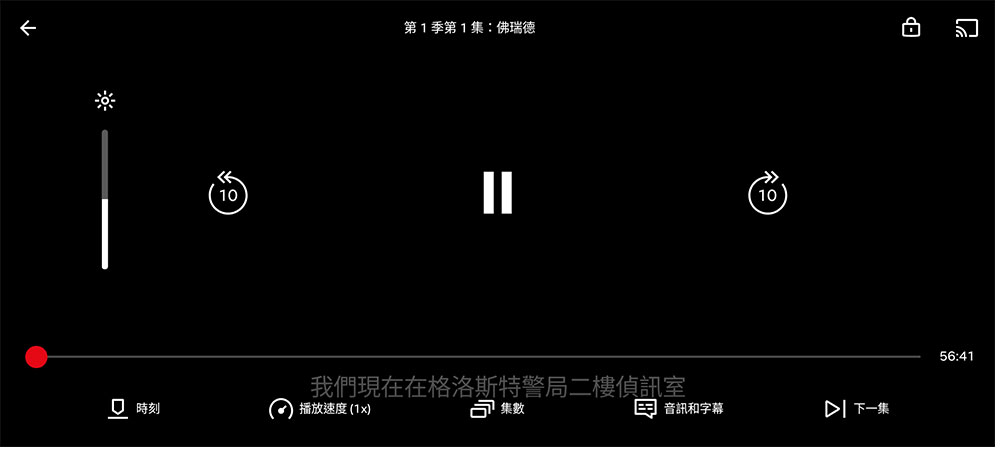
What do you see when blocking occurs?
The lockdown methods themselves are not all the same. Most of the time, you’ll see a message like “Unable to take a screenshot” or “A screenshot is not allowed due to app security.” Some don’t display a message at all and just make the app pause.
Sometimes, applications marked as safe will let you take screenshots, but when you turn on the screenshot, you will see that the captured image does not have any image data, only a blank space. This is also the most commonly used solution when recording images. When a protected image is recorded on the screen, a static black frame will be displayed throughout the playback process, and the audio will also be eliminated.
Source: KOCPC Chinese