


The “Font Finder and Style Detector” introduced in this article is a tool that can accurately identify fonts and styles on web pages for professionals who often deal with text and visual design. Whether you’re drawing inspiration, analyzing competing product designs, or simply curious about why a certain website is so pleasing to the eye, this useful tool can help you get twice the result with half the effort:
(Image source: AI)
Font Finder and Style Detector Download
Font Finder and Style Detector are a set of small tools for Chrome. They are completely free to use, so you don’t have to worry about being charged. In addition, it can also be used in offline mode, which means you have to check the font on the web page. It seems strange not to be connected:
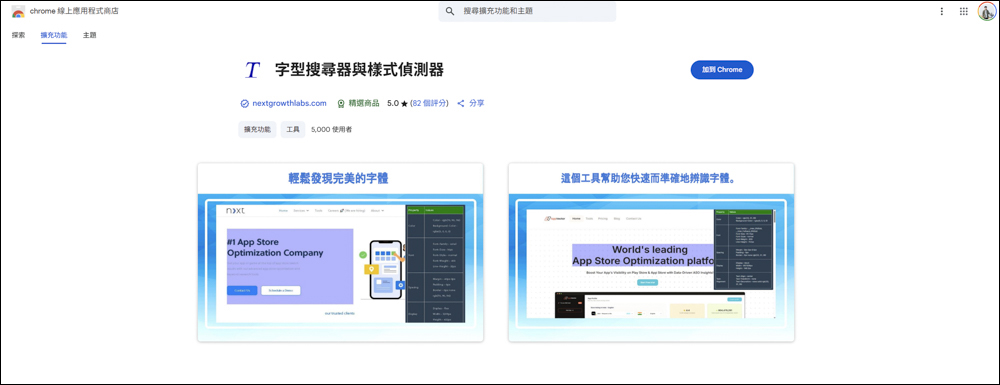
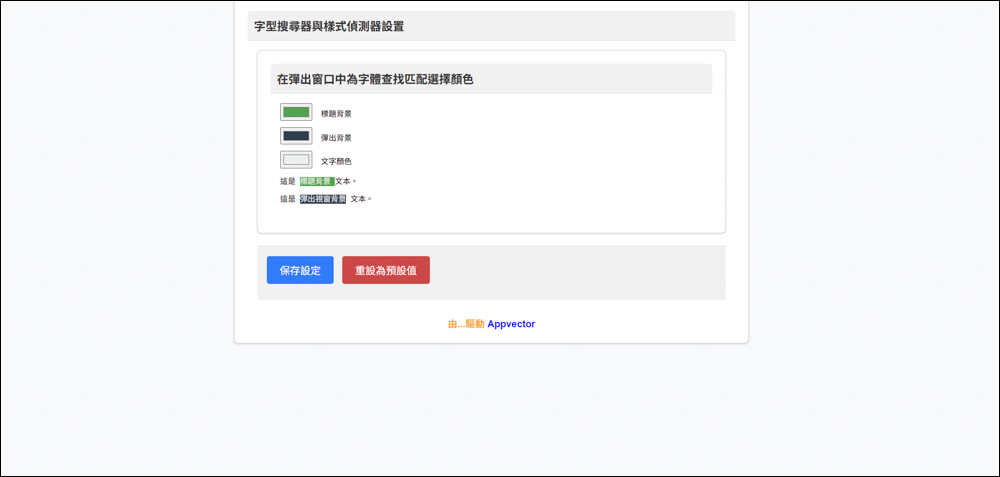
After adding it to Chrome, a new settings page will pop up. You can directly click to save the settings:
Font Finder and Style Detector How to Use
After installing it, let’s actually test it and see how to use it:

Find the Font Finder and Style Detector in the Chrome extension and click:

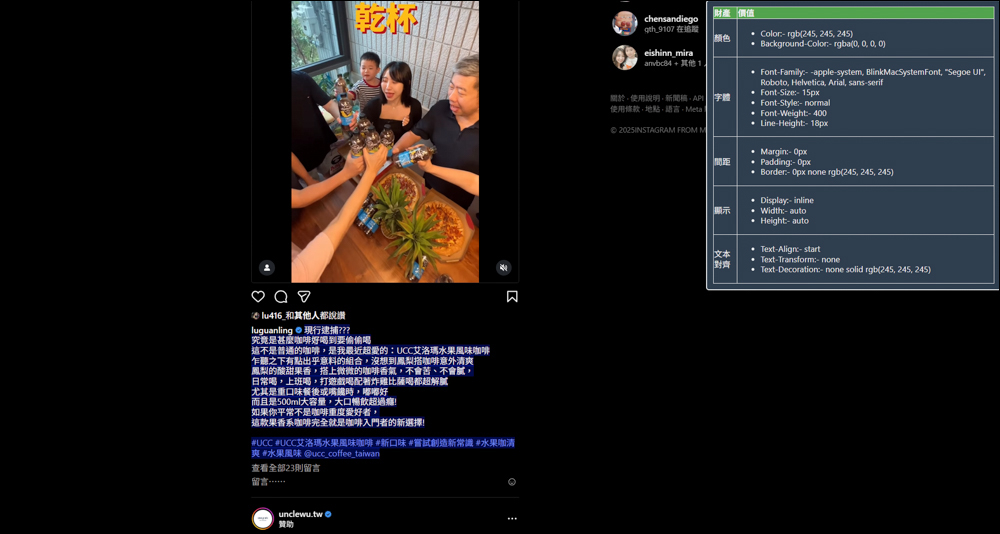
Then the font search and style detector windows will pop up on the right. Just move the mouse to the position where you want to identify the font, and the window on the right will display the fonts, spacing, and colors currently used on the website. For example, the main title text currently used on our website is Noto Sans TC (Siyuan Hei). Its spacing, color, and display clearly list the values:

The text in the text can also be clearly recognized, and it directly blocks the text for recognition. The user only needs to move the mouse over and does not need to drag the range of text to recognize it. However, the recognition content on the right cannot be copied directly. As long as the mouse is moved over, it will be regarded as a new text block being recognized. It is recommended to directly use a screenshot to remember the information:

Font searchers and style detectors can identify text information on almost all websites. For example, YouTube, which we often watch, can also obtain text information on the website:

“Font Finder and Style Detector” is a powerful and useful Chrome extension. Not only is it completely free, it is also very easy to install and use. This tool can instantly and accurately detect the text block pointed by the mouse when you browse the web, and list in detail all the style information such as font name, font size, line spacing, color, etc. used.
This means that you no longer need to guess or manually review the web page source code, you can easily grasp the design details with just one swipe. Whether you want to refer to the design style of mainstream websites or seek inspiration when you are lacking inspiration, this tool can be your right-hand assistant. It can not only effectively improve your work efficiency, but also help you deeply understand the essence of web design, making your work more professional and personal:
Source: KOCPC Chinese