


from Windows From 1.0 to the current Windows 11, this operating system version has gone through 15 major version changes. A lot has changed from the first version of this graphical operating system to today, but many features in Windows 11 have been there or remain virtually unchanged from the beginning. So this time we take a look at what aspects of Windows DNA have remained unchanged from the first generation.
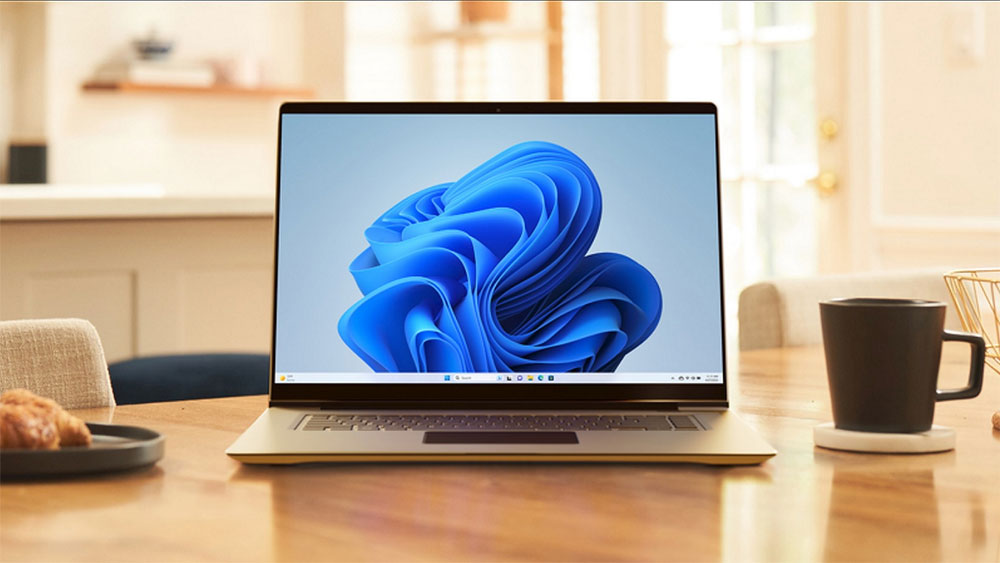
6 things that haven’t changed from Windows 1.0 to Windows 11
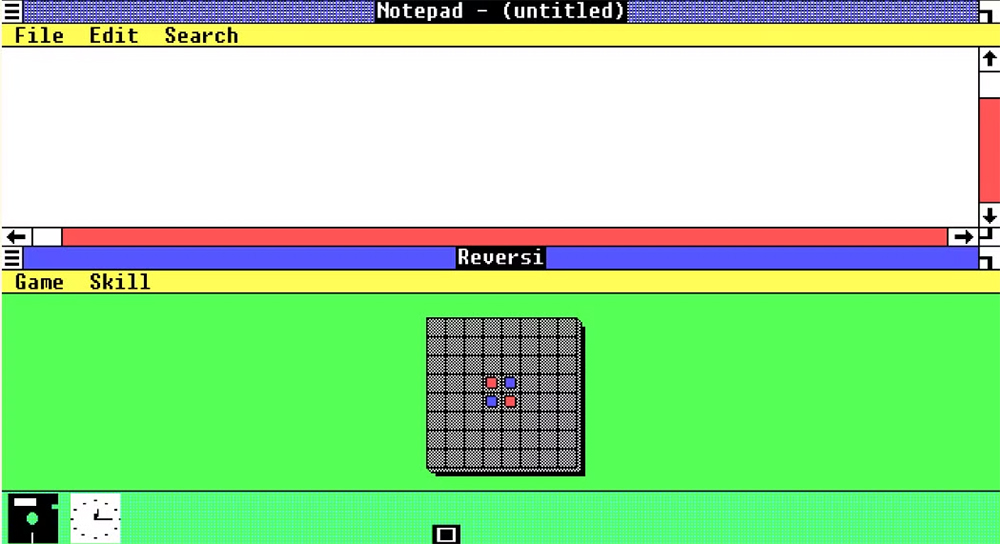
Windows always has windows
This item should be the most obvious feature visible to the naked eye. Windows has been around since the birth of Windows. In Windows 1.0, different applications were located in their own windows and could run simultaneously. At that time, windows could not overlap and were arranged tiled. In Windows 2.0, as screen space expanded and graphics technology advanced, windows could finally overlap.
Oddly enough, while tiling has been around since the beginning, it only really became practical with the advent of high-resolution displays and quality-of-life features like window snapping and quick tiling mods.
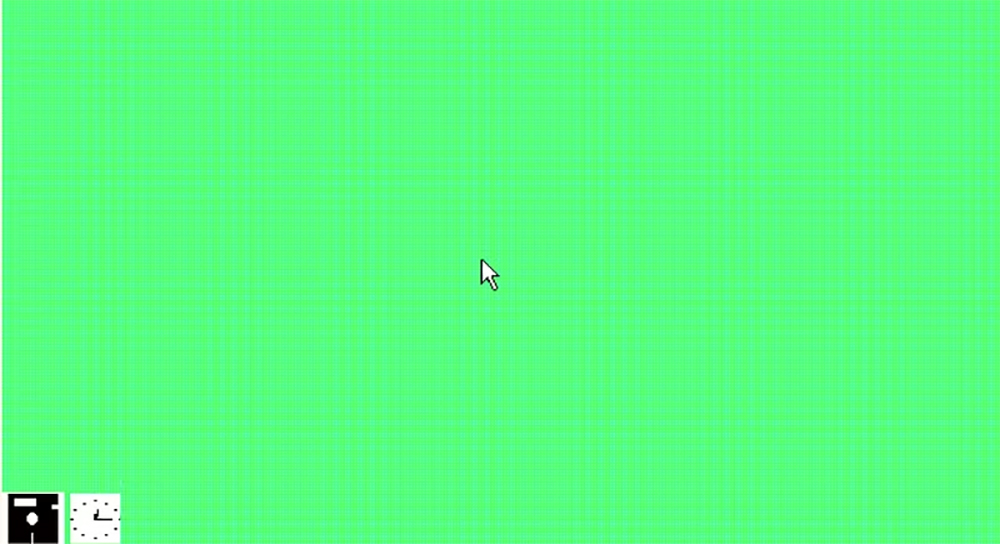
The mouse is the primary input device
Windows 1.0 was one of the first operating systems to be designed with mouse functionality in mind. Although many MS-DOS applications support mice, Windows still requires a mouse to function properly. Of course, if that’s not possible, you can use keyboard shortcuts to use Windows 1.0 and all subsequent versions of the operating system without a mouse.
Having said that, Windows is too cumbersome to use only the keyboard, and there are some useful keyboard shortcuts that can be used to enhance mouse control.
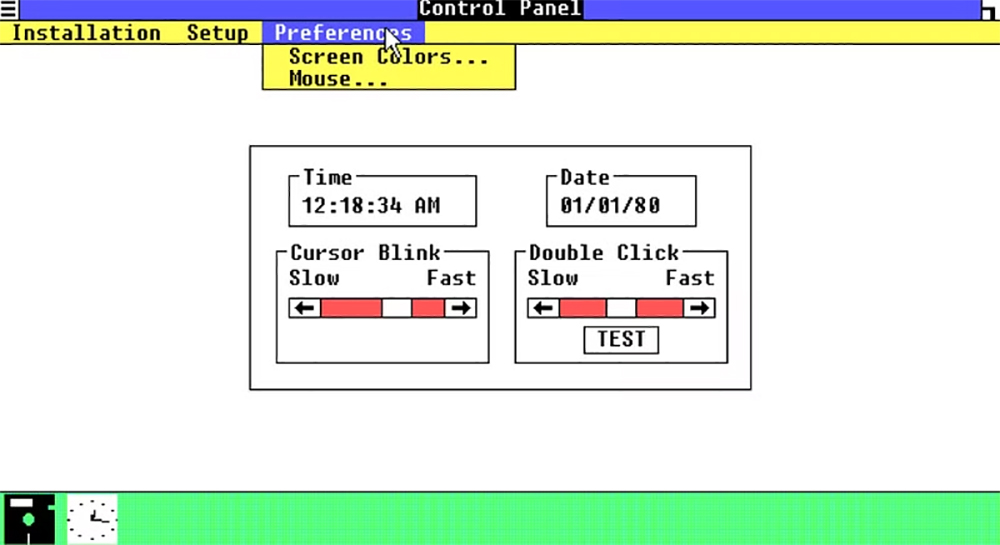
Function bars and drop-down menus
An important feature of early graphical operating systems (such as Windows 1.0) is that they standardized the operation of different applications developed by different software developers. Under DOS, each application developer had his or her own opinion on how mouse menus should work. On Windows, two word processors from different developers operate with the same menu bar and drop-down menus throughout the operating system.
Although there has been a lot of experimentation with menus, sidebars, three-dot menus, and more, the top-level menu structure of applications in Windows is still basically the same as it was originally.
Minimize, maximize and close controls
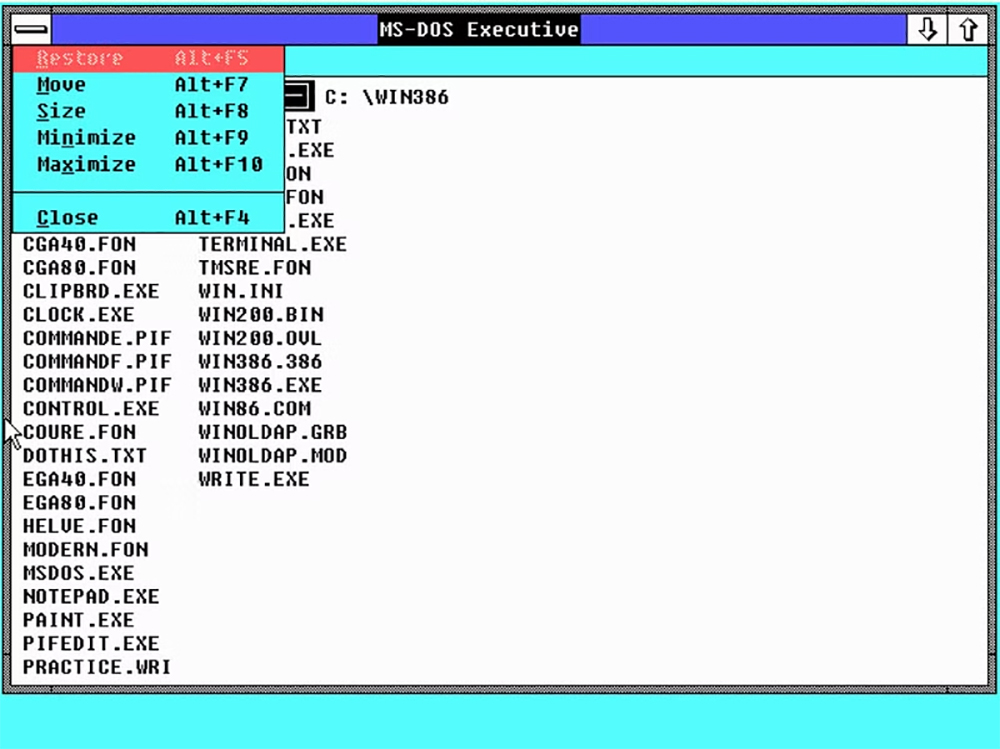
In Windows 1.0, you could minimize, maximize, and close windows using controls that are less familiar to modern Windows users, but starting with Windows 2.0 and later, these controls start to look more like the three buttons we are familiar with and use today.
Although Microsoft has slightly enriched the functionality and options of these controls, the basic window management controls have remained unchanged, and it can be said that any modern Windows user can go back to master the operation of Windows 1.0 in a few minutes. After all, one of the big selling points of these new graphics operating systems is that you don’t have to be a computer whiz with a bunch of instructions memorized to use a computer. You can now efficiently switch between windows with easy-to-use buttons on each window, but you can still switch between virtual desktops with your keyboard and cycle through open windows with Alt+Tab.
multitasking
Under MS-DOS, you must close one program before another can run. One of the biggest innovations and productivity improvements of Windows 1.0 was the ability to run multiple applications simultaneously. Of course, since computers at the time had only one CPU core, “multitasking” was actually just an illusion. However, the CPU switches between tasks so quickly that from your perspective, all of your programs are running at the same time.
Best of all, this means you can quickly switch programs, move data, and keep everything open and available. This assumes you have enough memory or don’t mind waiting for data to be swapped from secondary storage. Today, Windows 11 is a multitasker, with hundreds or thousands of processes running in the background. Of course, thanks to a host of multi-core, hyper-threading and other technologies, multitasking is now child’s play.
Notepad, little painter and computer
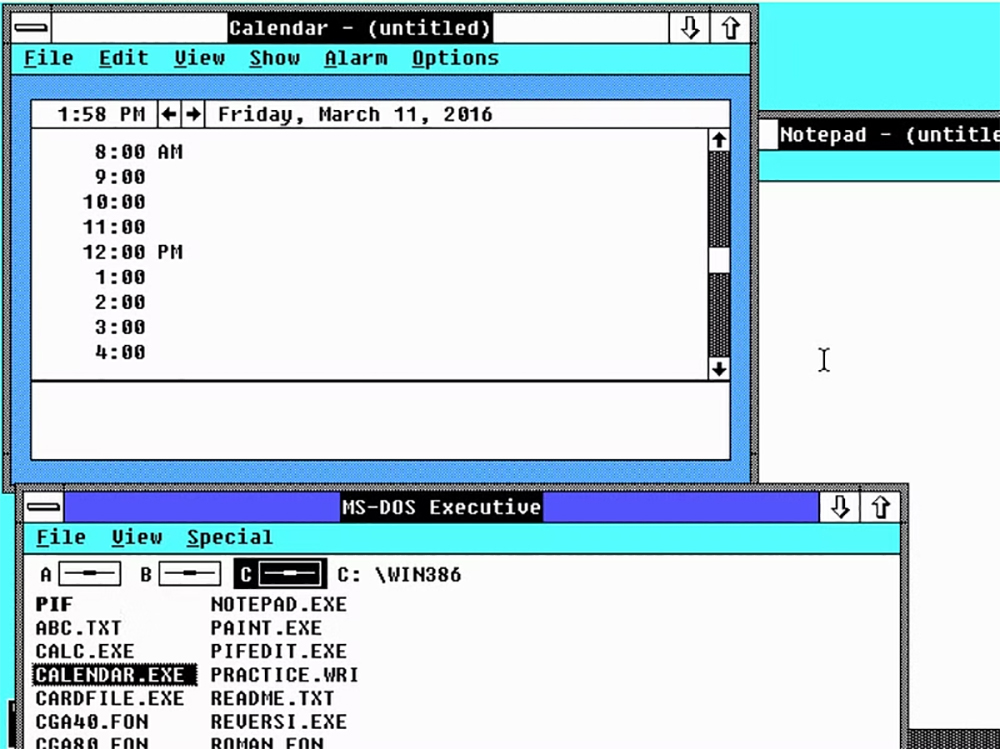
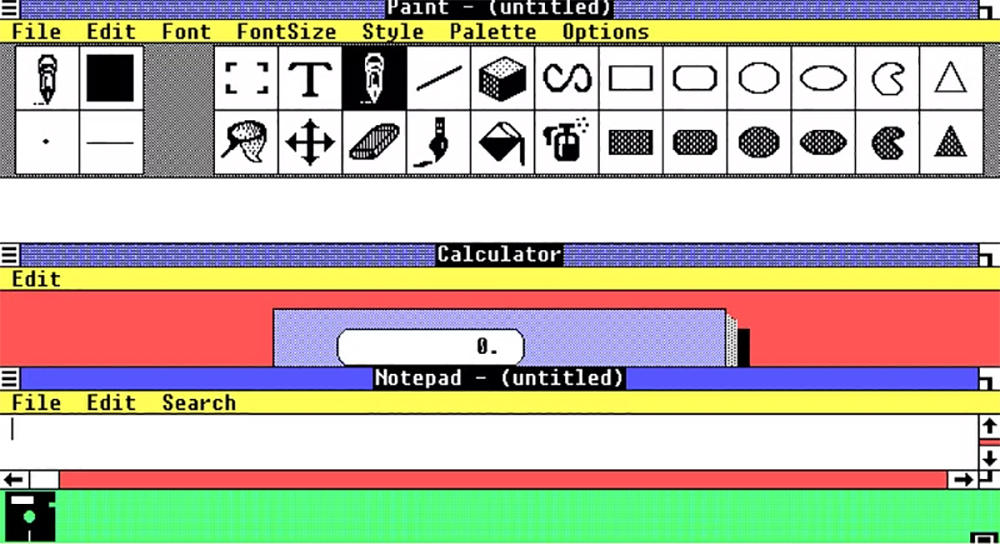
In MS-DOS, you literally had nothing but the basic applications you needed to operate your computer and run software. In Windows 1.0, in addition to the operating system itself, Microsoft also added a bunch of value-added software, the most famous of which are Notepad, Little Painter, and Computer.
These applications have been built into every version of Windows since the original generation, and despite attempts by third parties to provide alternatives, they have been unable to replace their usefulness and are actively used by a large number of users. I’ve used Painter in every version of Windows for basic image editing, and I still use it to this day to edit and annotate screenshots. Over time, computer functionality became more and more sophisticated, and Windows now has a full-featured engineering and graphics computer built into it.
While the core Windows experience remains largely unchanged, who knows what the future holds. Apparently, other popular computer operating systems now look and operate much the same. Windows borrows many features from macOS and vice versa. Today, Linux distributions and ChromeOS are vying for the same market. Will Windows still exist in ten years? No one knows for sure, but if there was Windows 12, 13, or 100, I bet it would still have these little Painter gadgets.
Source: KOCPC Chinese