


The earliest feature phones could only accommodate a few hundred KB to a few MB of storage space. Later, when the first Android phone, the HTC Dream, was launched in 2008, it had 256MB of internal storage, expandable to 16GB via microSD card. By today’s standards, that’s not even enough to accommodate the apps that come pre-installed on the phone, so even affordable phones like the Google Pixel 9a now come with at least 128GB of storage as standard.
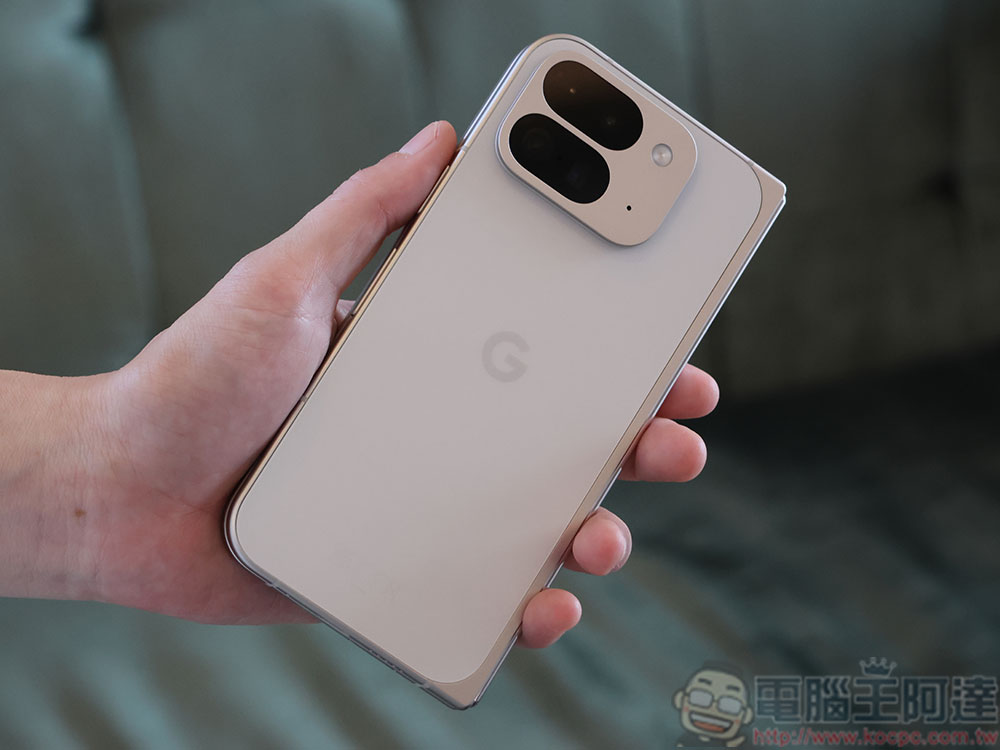
Will having undeleted old text messages on your phone slow down your Android phone?
While the dramatic increase in storage capacity in modern smartphones may seem to mean that storage shortages are a thing of the past, this is not the case. Today’s newer apps and media formats take up a lot of storage space, making it difficult for Android devices to keep up with software developments over time. To solve the problem of poor performance and slowness of Android phones, people often delete photos, videos, and unused apps. Some people also clear their cache to clear away unnecessary storage accumulation. However, many people tend to ignore another factor that affects the speed of their mobile phones, which is the mountain of old text messages on their phones.
Ever since smartphone storage passed the GB mark, text messages have been compressed into imperceptibly small files, leading many to believe that text messages would never consume device resources. However, if left unchecked, the cumulative effect of storing years of communications can slow down your phone. If you’re someone who never deletes text messages, it’s time to reevaluate.
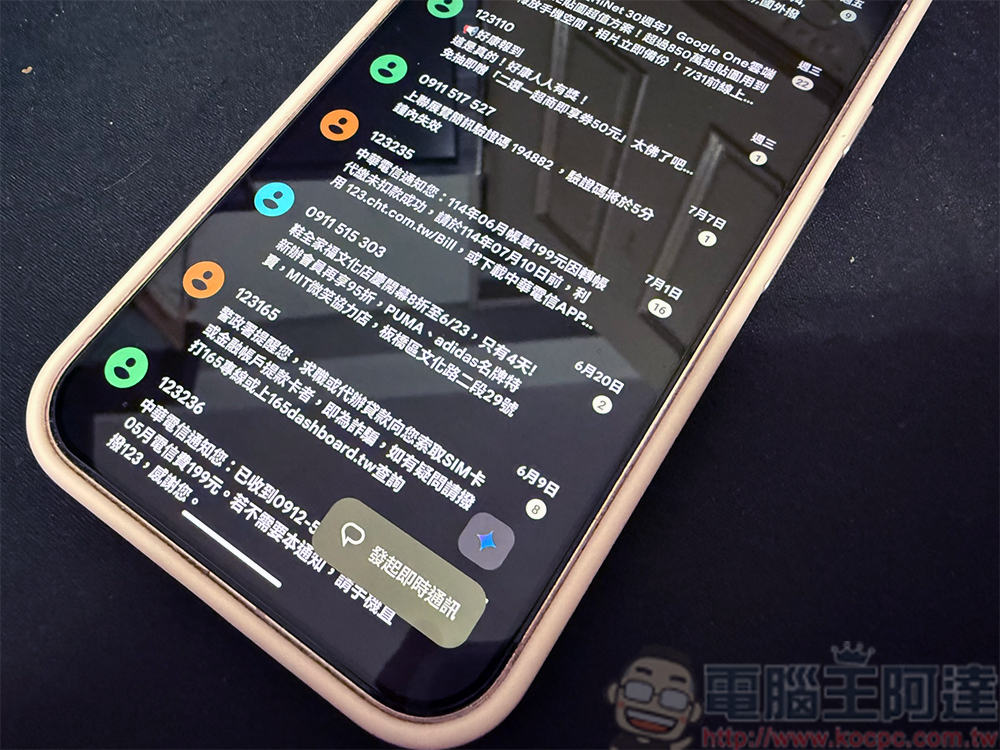
Text messages are inherently very small, with two or three paragraphs of plain text weighing in at about 1KB, which means that about 1,000 text messages of the same length would take up 1MB of phone storage. So, since text messages take up so little storage space, how do they affect the performance or speed of your Android phone? The answer lies in the rapid development of text message technology over the years. Now each of our text messages can send different media formats instead of just plain text. Multimedia attachments, such as photos, GIFs, audio clips, and even videos embedded in text messages, can quickly consume storage space. However, in addition to attachments taking up device storage space, messaging apps themselves can also affect the overall performance of your phone when running in the background. When there is too much data, the application process may become slow, resulting in a decrease in Android software performance. You can usually experience longer application loading times, interface lags, and delays in opening the messaging application itself. You may even see netizens complaining on the Internet about how texting applications consume battery quickly.
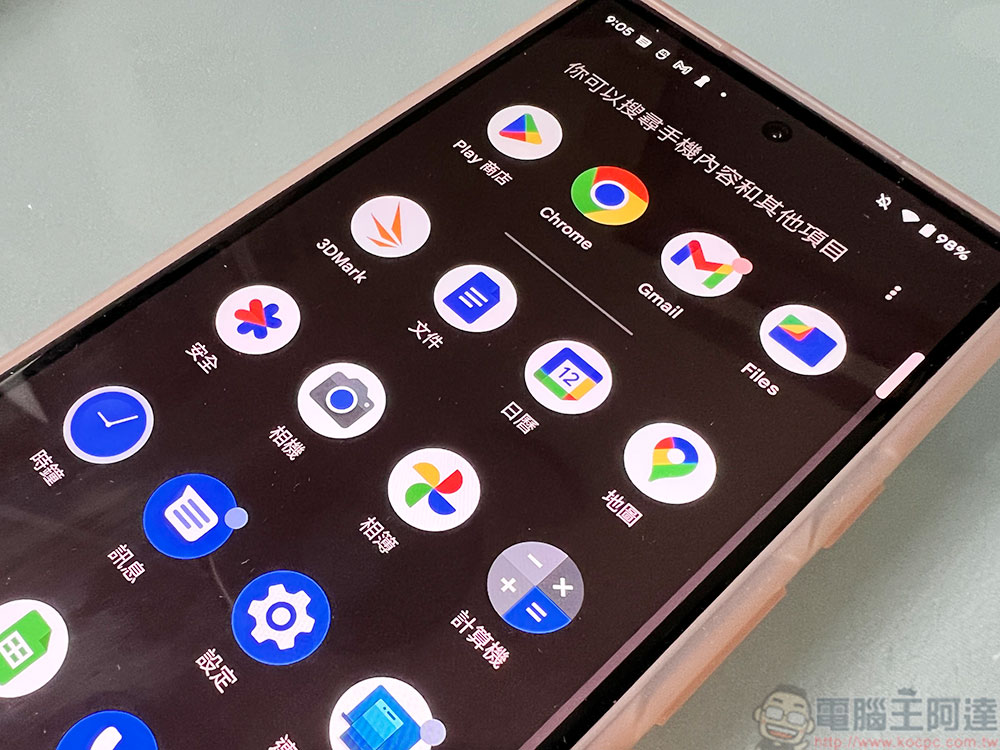
Deleting old text messages can free up storage space and tidy up your smartphone, but don’t expect it to solve the problem of slow device performance. Unless your stored text messages contain multi-gigabyte attachments, clearing them won’t bring a significant performance gain. After all, 1,000 text-only messages will only take up 1MB, which is a drop in the bucket compared to cash storage standards. Having said that, if you are a text message lover, often send and receive high-resolution attachments, and have been using the same phone for more than 4 or 5 years, then the text message content may take up a lot of storage, and deletion may be helpful in this case.
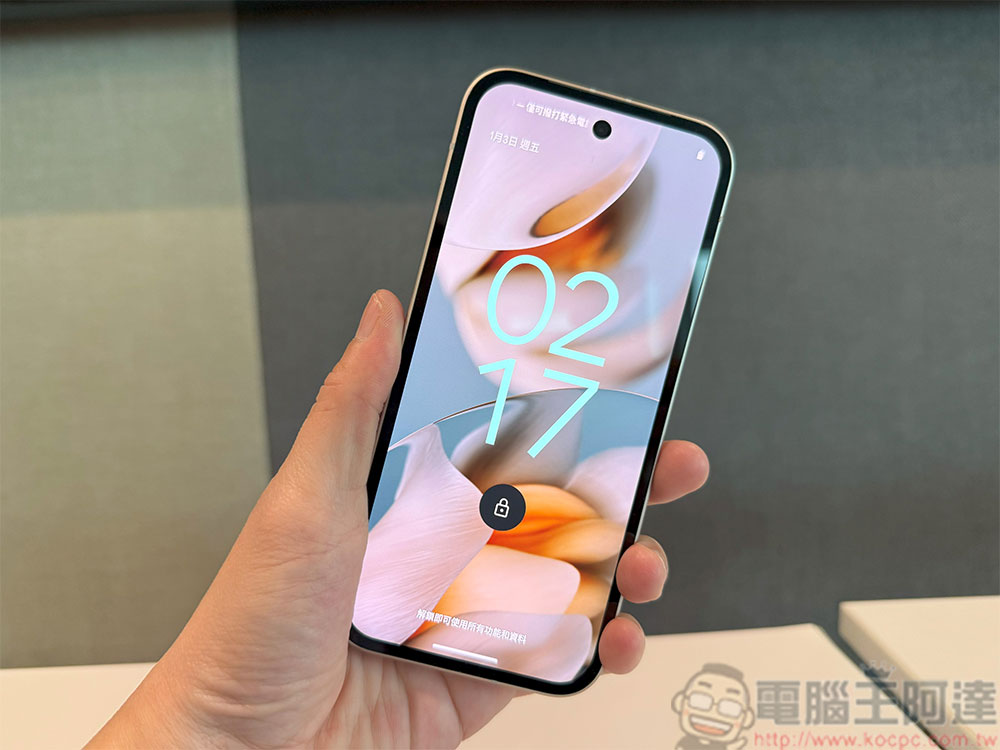
However, don’t rely on deleting text messages as your primary solution to a slow device. It’s a good idea to check your phone’s storage space to see which apps are taking up the most storage and clean it out regularly. To ensure that your phone has enough storage space, consider backing up your Android phone using services provided by Google, such as Google One, Google Photos, and Drive. You can use an external SD card if your phone supports it. Finally, while a clean inbox won’t significantly speed up your device, it can be a handy method when your device is nearly full.
Source: KOCPC Chinese