


Android phoneAlthough the power button on the phone is just a button and you often ignore it, it is one of Google’s best designs. In addition to sleeping and waking up, the power button can be used to do many things with some simple adjustments. If you also want to unlock other potentials of the power button, this time we will tell you what it can do.
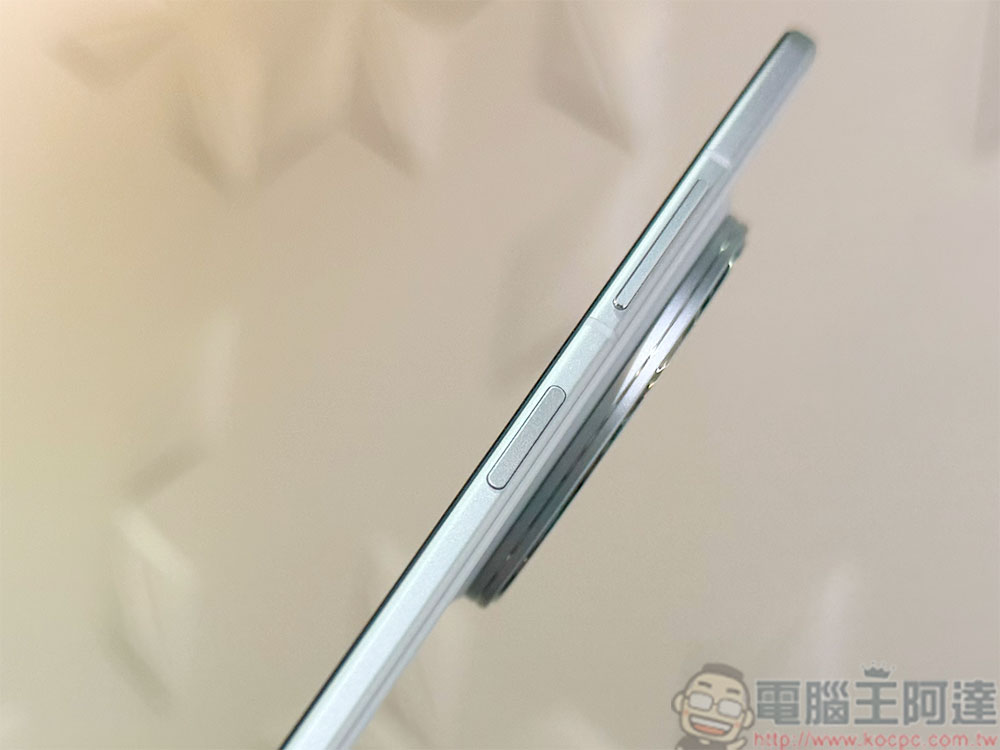
In addition to waking up and sleeping, the power button of an Android phone can also do these things
Quickly launch the camera
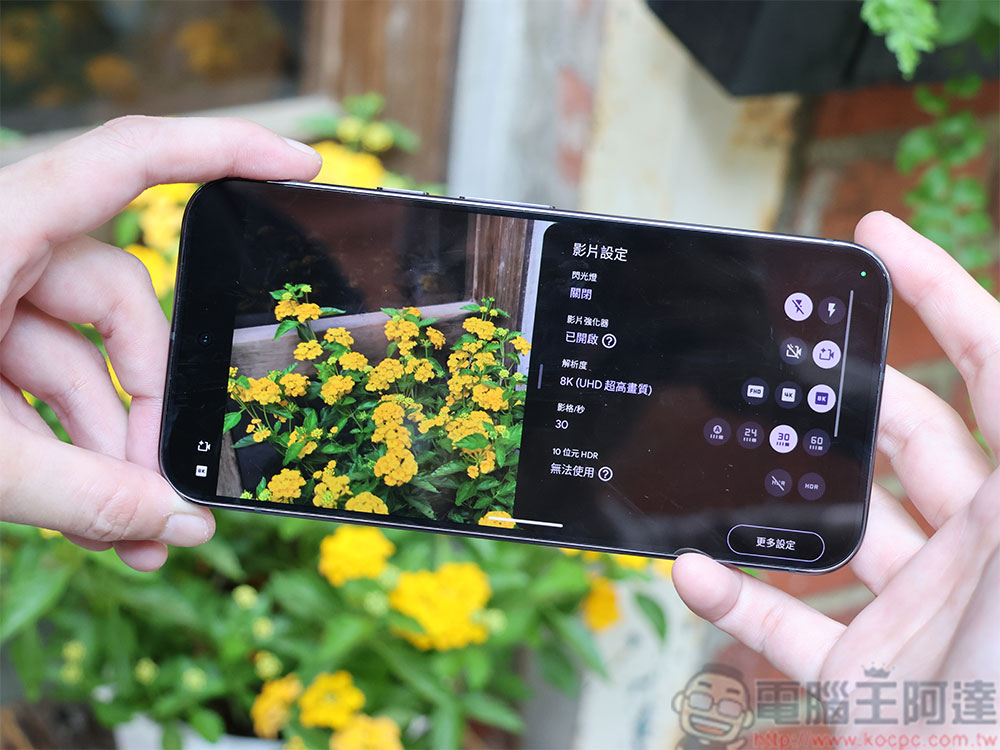
Sometimes when you see something random and interesting, you unlock your phone and turn on the camera to take a picture, but often the image you want to capture is fleeting. For a quicker response, you can press the power button twice to quickly open the camera without unlocking the phone first. This shortcut is designed to capture footage by bypassing the screen lock for a period of time. You will not be able to access the photo album, edit files, or share photos until the device is unlocked. This is also helpful in preventing anyone from opening a backdoor into your device under the pretext of taking photos.
Launch Google Wallet
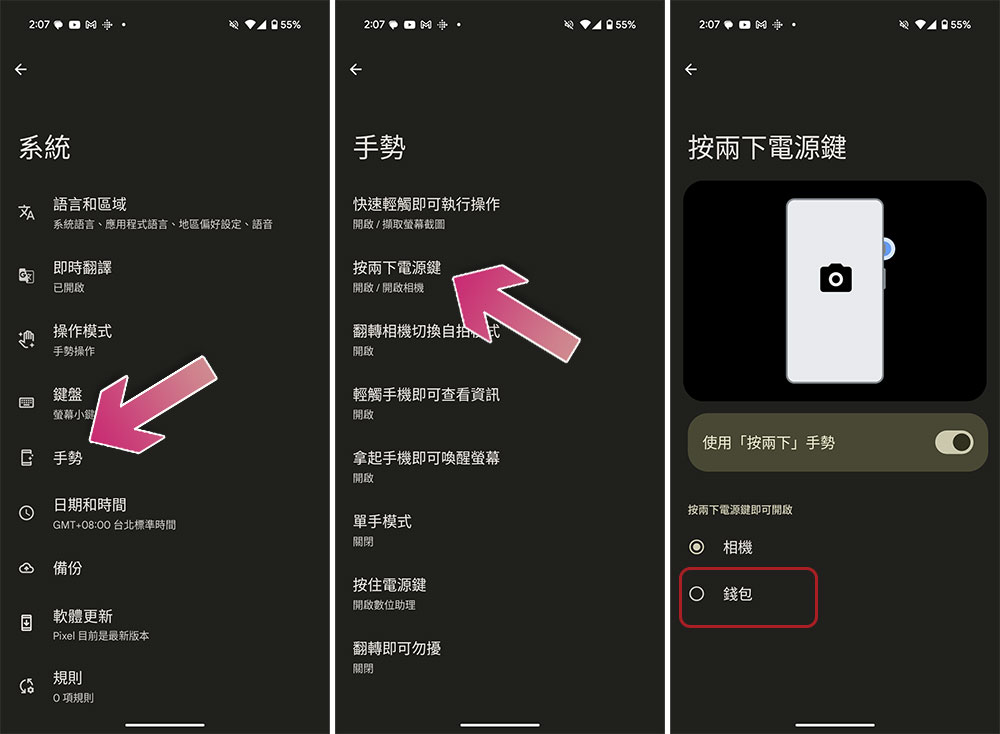
With the official release of Android 16, Google has given the power button another job, allowing you to bring up the Wallet app with a double press. Google Wallet is an all-in-one digital wallet on Android that stores contactless payments, loyalty cards, transit passes, event tickets, vaccine records, and more. If you want to use this function, you can open the Settings application and go to “System >> Gestures >> Press the power button twice” to set the behavior corresponding to this action. By default, the previous item is to quickly launch the camera.
SOS
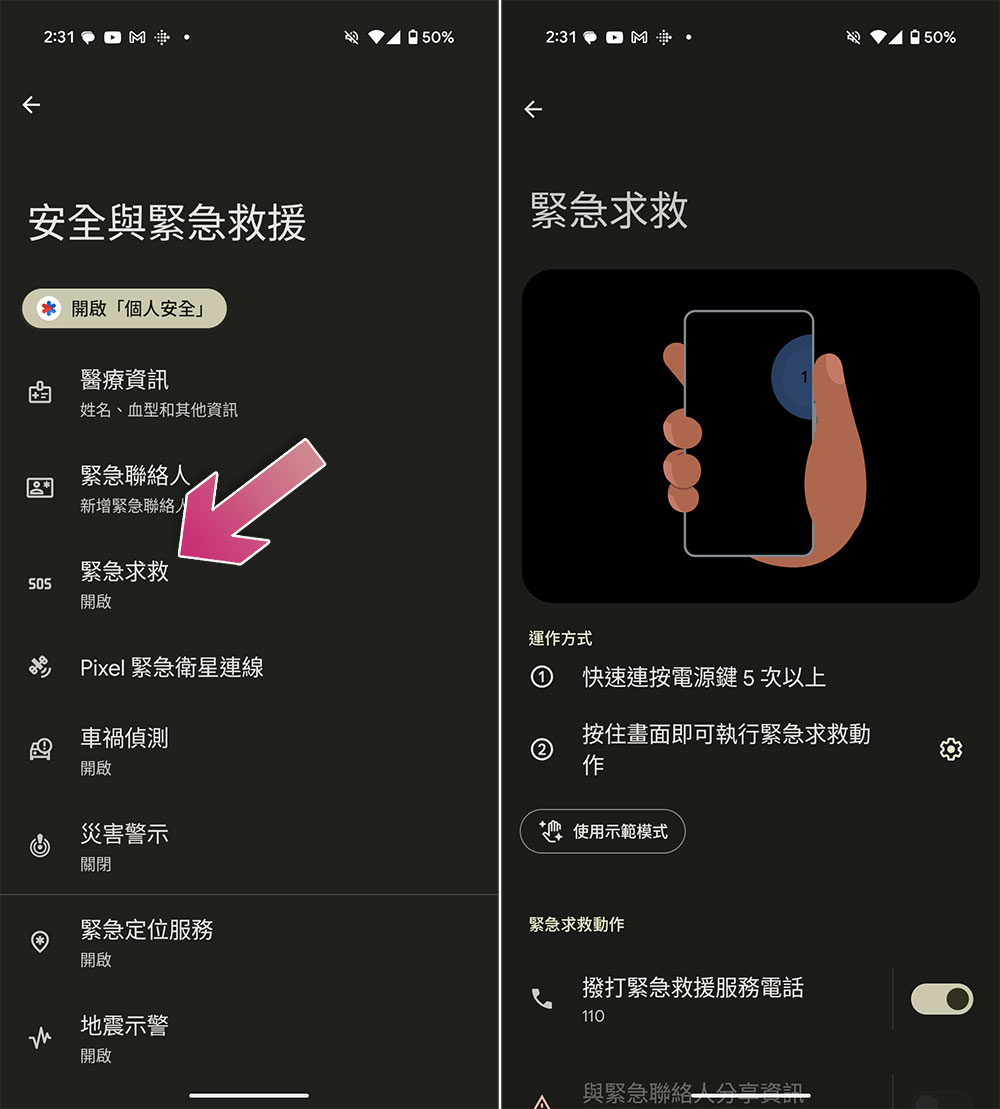
This is a function that I hope no one will use, but we still need to learn to be prepared. You can find “Emergency” in “Security and Emergency” in Settings. The name depends on the device model. It is off by default. When you activate it, in an emergency, you can quickly press the power button more than 5 times to have the phone automatically call local emergency services or trusted contacts.
Of course, don’t forget to set emergency contacts, your name, blood type, allergies, and any other personal health information you want to share with first responders in your phone when activating this function.
Silence incoming calls
Although you will carry your mobile phone with you, it does not mean that you can answer calls at any time. Especially when you are having an important conversation or working, it may be considered impolite to hang up the phone hastily. At this time, you can press the power button to directly mute the incoming ringtone. This feature does not require additional settings on your phone to work (the phone I tested was Pixel 9 Pro XL). Of course, this feature may not exist or require settings depending on the device brand.
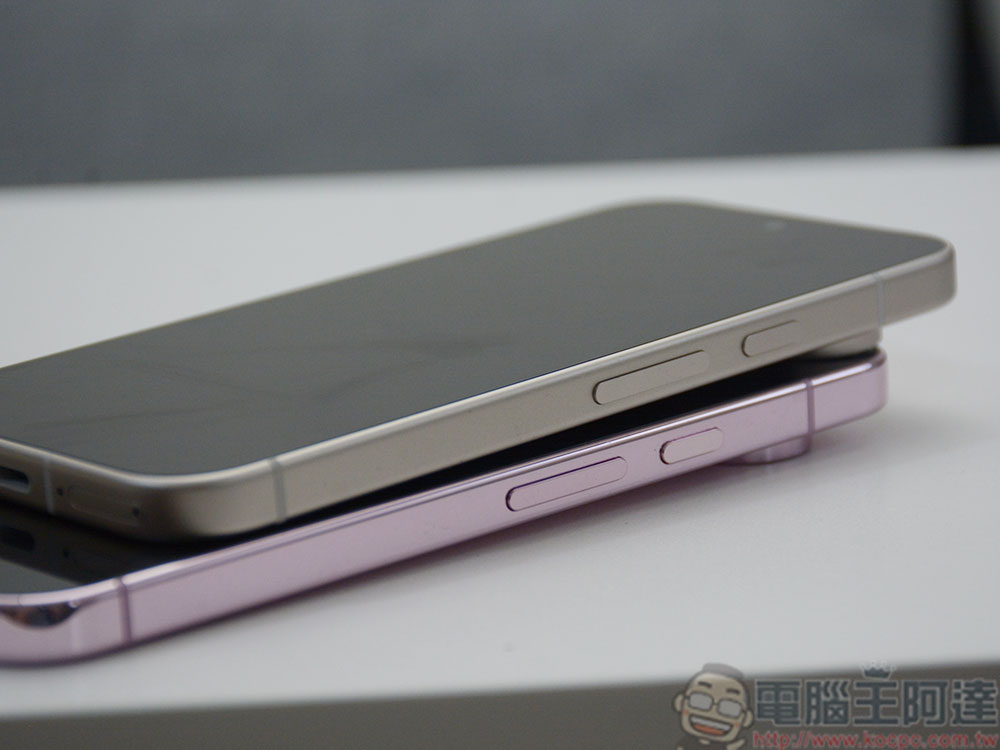
People have become accustomed to using touch and gesture controls and have almost ignored the possible functions of buttons. However, it is undeniable that physical buttons are still very helpful. They can have many uses, and the feel of using them cannot be compared to touch. The power button is not just designed to wake up and put the phone to sleep. Enabling other supported functions can make your phone control more personalized.
Source: KOCPC Chinese