


when you unbox iPad, or when using the iPad, you may notice that there are three small metal dots on the back or side of the device. These dots are a set of things called “Pogo Pins” and are also the basis of the smart interface (Apple iPad Smart Connector). So, when would you take advantage of it? What accessories are there around it?
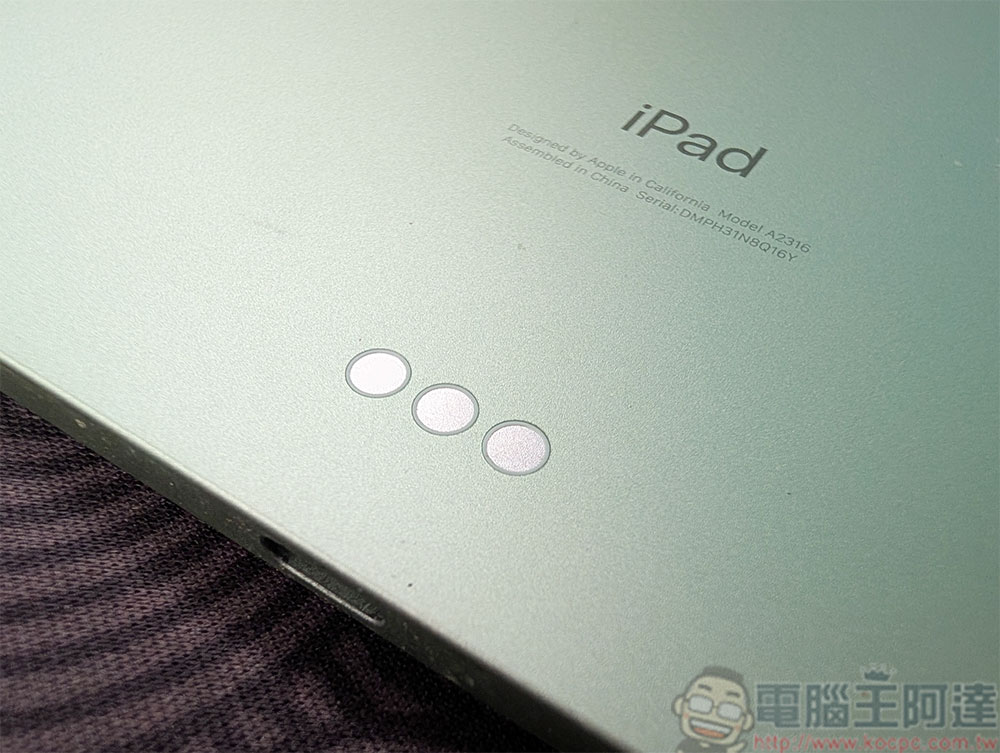
What are the three little metal dots on the iPad? Why are there so few accessories that take advantage of it?
Smart interfaces transmit power and data to connected smart accessories, the most common of which is a keyboard. These accessories feature spring-loaded pins that snap into the Smart Connector on your iPad, creating a stable connection between the two devices. Not only does this connect two devices without the need for Bluetooth pairing, it also powers and charges any accessories connected to the iPad. It’s a stylish, battery-free solution perfect for heavy users who are often on the go.
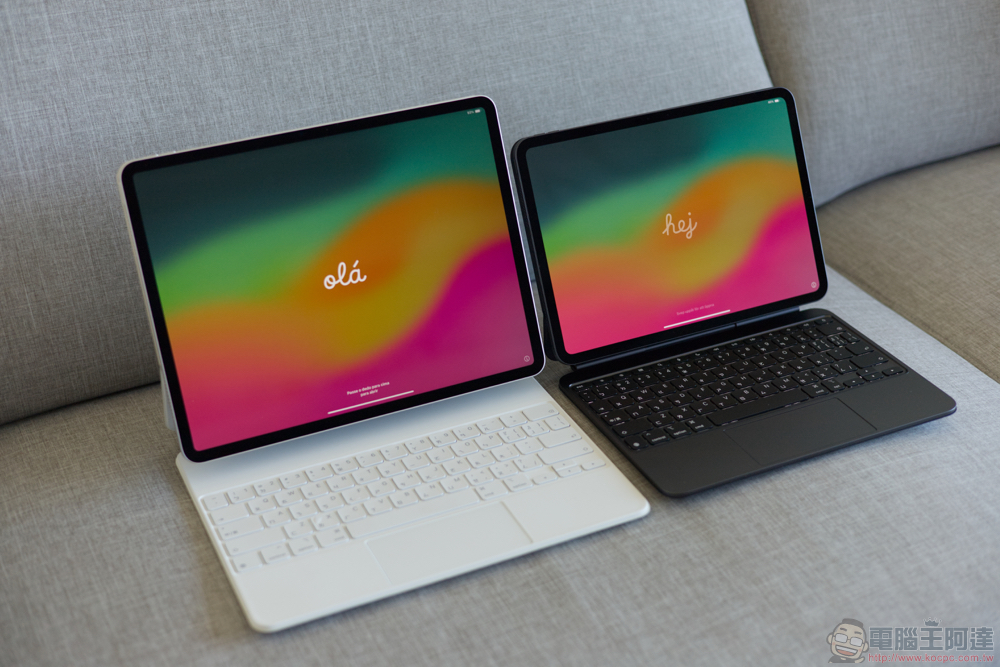
While Smart Connect sounds like an innovator for iPad accessories, it doesn’t live up to its full potential. Since the advent of Smart Interface, there have been very few accessories that use Smart Interface. Almost all of them are keyboards produced by Apple or Logitech. Below we’ll not only take a look at all the official Smart Connect accessories currently available and explain how they work, but we’ll also discuss why this feature hasn’t really taken off.
smart keyboard
Apple’s Smart Keyboard, which debuted with iPad Pro in November 2015, was the first accessory to use the Smart Connector. It’s designed as a slim folio case that magnetically attaches to the iPad and connects using a smart interface, which allows the keyboard to draw power directly from the iPad, so users can start typing as soon as it’s attached. This is the biggest selling point of the Smart Keyboard: no Bluetooth, zero latency, and no need for additional charging or running out of power.
Over time, Apple has released versions of the Smart Keyboard for nearly every model of iPad, including the iPad Pro, iPad Air, and the base iPad, and while there are minor tweaks here and there between models to accommodate differences in screen size, the core functionality of the Smart Keyboard remains the same. However, if you want a true laptop typing experience, you’re out of luck. The Smart Keyboard doesn’t come with a single function key or trackpad, so it’s perfect for users who just want to type.
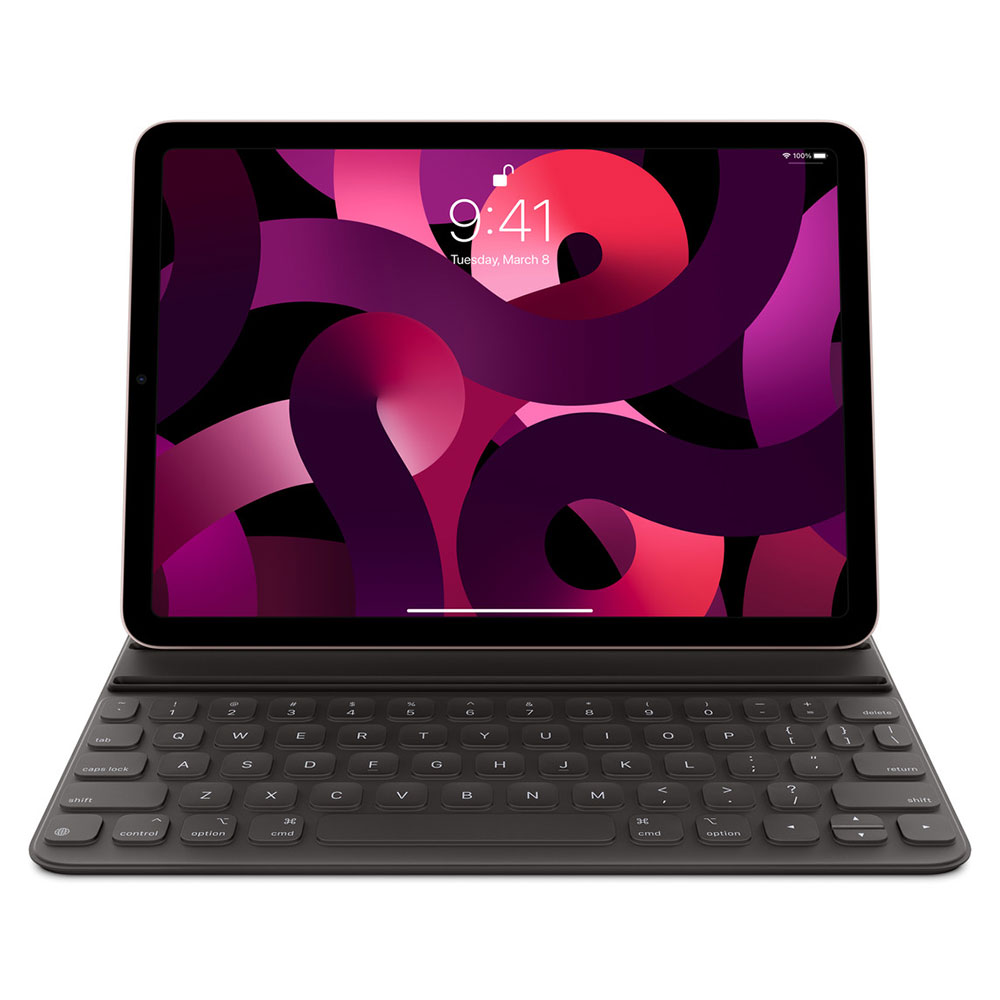
Smart keyboard
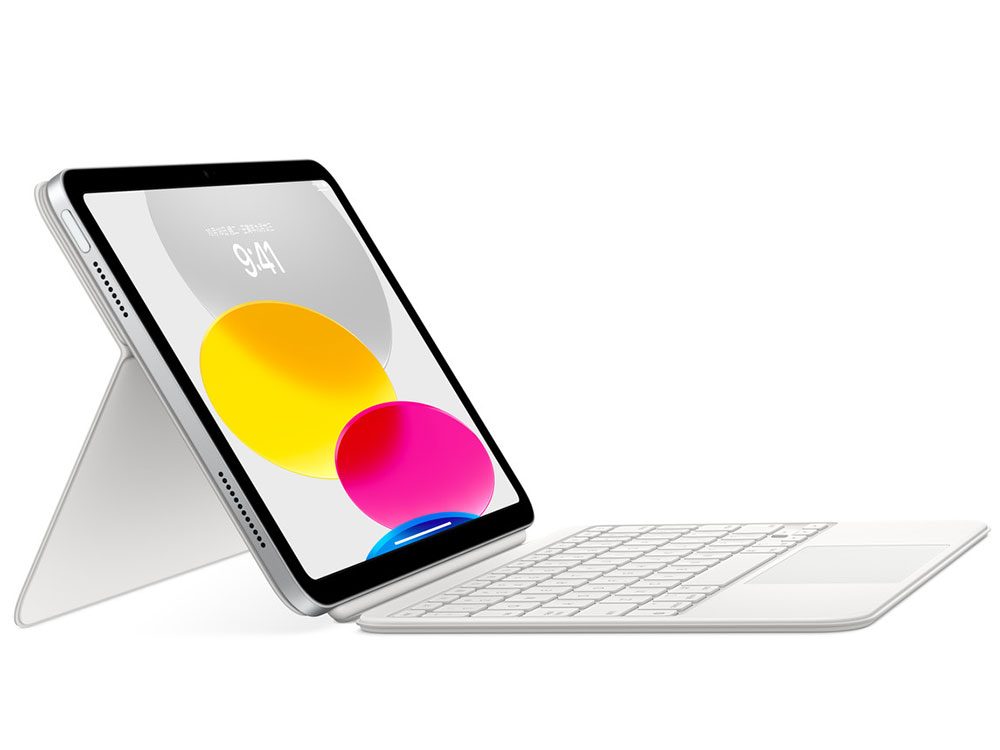
The Smart Keyboard adopts a different design from the existing wireless keyboard. It is an upgrade of the Smart Keyboard. It is not a simple folio type, but introduces a floating cantilever design. When it is turned on, the iPad looks like it is hovering above the keyboard. Just like the Smart Keyboard, it also uses the Smart Connector to connect to and from iPad or power. When you’re done typing, you can fold it up to act as a protective case.
What really sets the Smart Keyboard apart is its functionality. It features a scissor keyboard with backlighting, a full row of function keys, and most importantly, a multi-touch trackpad. With iPad’s cursor support, Smart Keyboard more effectively transforms iPad into a laptop-like experience. Another great feature of the Smart Keyboard is that it also comes with a USB-C port for pass-through charging, which means you can charge your iPad while using the keyboard, allowing for an additional port and a cleaner setup.
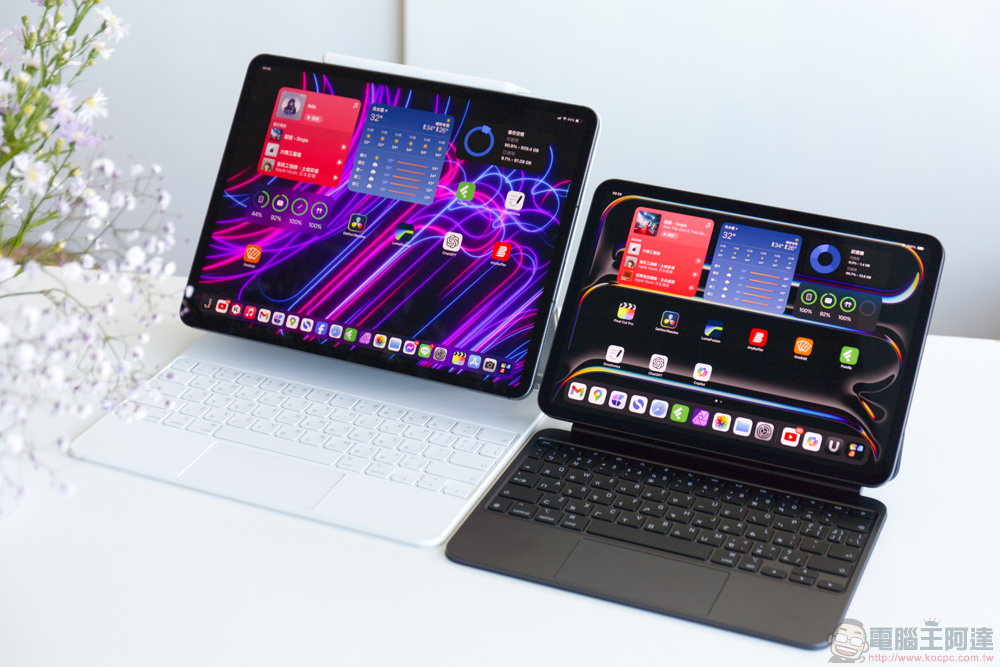
Smart Keyboard with floating cantilever design is only available on iPad Pro and iPad Air. There’s also a Smart Keyboard Folio for standard iPad models, which isn’t a standard floating design as the name suggests, it’s more of a folder-style design, similar to the Smart Keyboard.
Why haven’t smart interfaces really taken off?
On the surface, smart interfaces seem to be a trend that accessories manufacturers should seize. There are no batteries or annoying charging problems, and no pairing. A simple magnetic snap connection is very convenient, but for nearly 10 years, Logitech has been the only company to take advantage of this technology.
In a report published by Fast Company in 2017, manufacturers cited a number of reasons for shying away from smart interfaces, one of which was the time it takes to obtain the hardware components, with some citing lead times of up to six months. On top of that, the components are said to be too expensive to be cost-effective for many manufacturers, and Apple’s partnership with Logitech has become a stumbling block to competition, even if some are willing to forego the cost and time inefficiencies.
All in all, most manufacturers consider Smart Interface to be more limiting than Bluetooth, especially since Apple integrated it into the iPad. The Pogo Pin’s placement only allows for landscape keyboards and accessories, and while it doesn’t require batteries or charging for supported accessories, some modern Bluetooth devices offer up to 2 years of battery life, making the advantages of the Pogo Pin even less obvious.
Source: KOCPC Chinese