


keyboardIt is one of the most important peripherals of your computer as it allows you to issue commands for different actions that need to be performed. Most keyboards these days come with 104 keys, most of which have self-explanatory functions, such as ESC for exit and PrintScrn for screenshot. But what does the Fn key do? For those who are new to the computer world, let us find out what the role of Fn is this time.
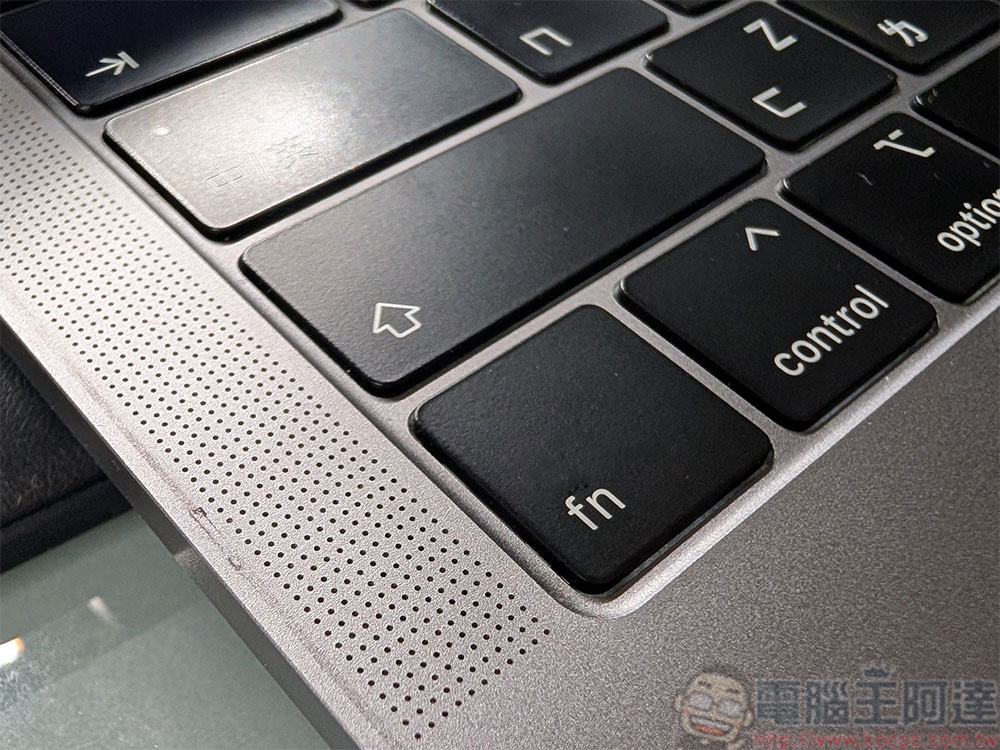
What does the “Fn” key on the keyboard do? What’s the difference between MAC and Windows?
Like the Shift, Ctrl, and Alt keys on Windows and the Command key on Mac, Fn is a modifier key, which means it can be used in conjunction with other keys to change the key’s usual function. The Fn is also known as the function key, and you’ll find it in the lower right corner of the keyboard on Windows; on most Mac keyboards, it’s in the lower left corner. However, on some larger Mac keyboards with numeric keypads, Fn is placed in the middle, next to Home and End. Also, on newer MacBooks and Apple keyboards, the Fn icon has been replaced by a globe icon, but don’t worry, the functionality is still the same.
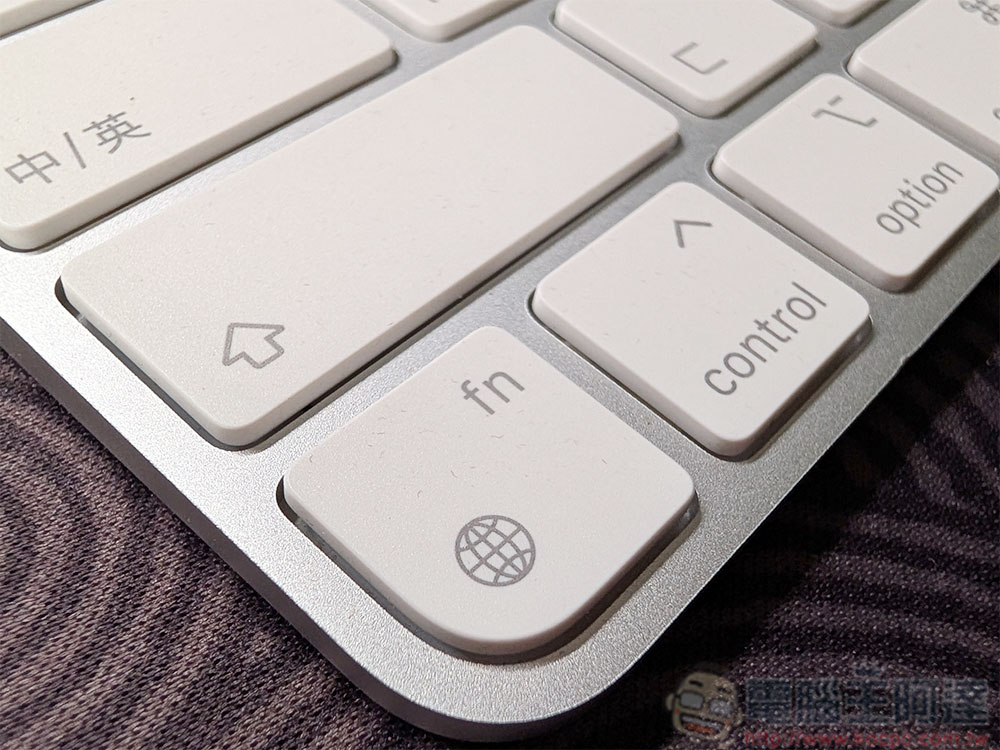
How does the Fn key behavior differ between Mac and Windows?
Interestingly, the Fn key performs different functions in Windows and Mac. No matter which system you switch from one system to another, it may take a little time to adapt to the Fn key function on the operating system you are using, so let’s take a look at how Fn differs between the two systems.
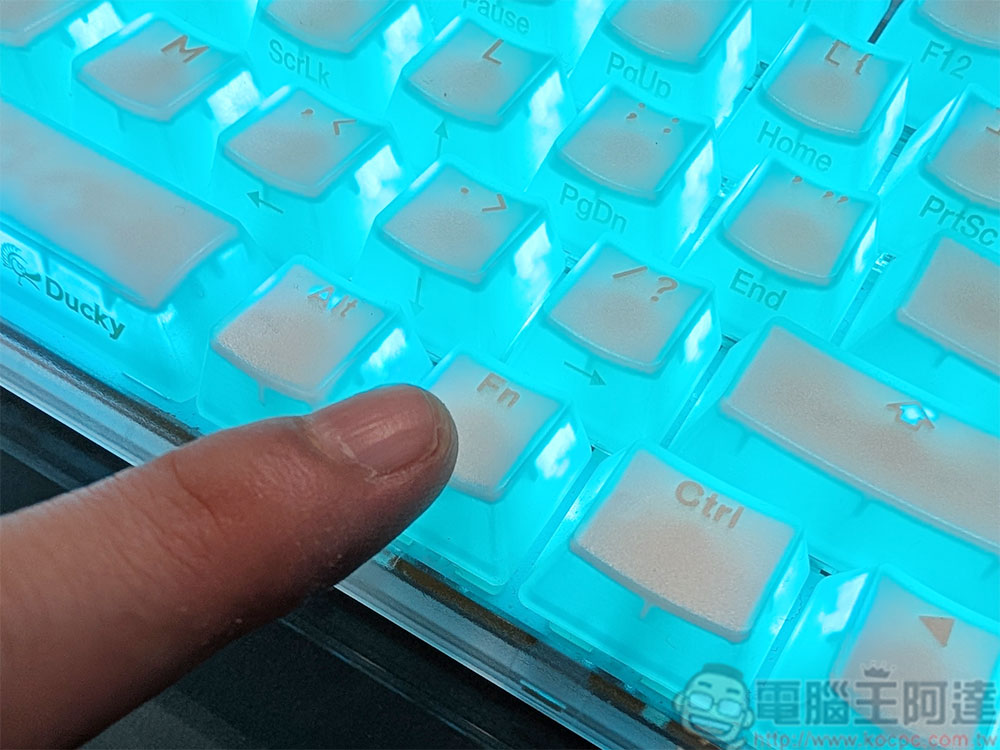
On Windows and Mac, the Fn key is usually used in conjunction with the top F1 to F12 keys to toggle and adjust the hardware functions embedded in it. For example, on Windows, you will find that the original F8 also has a volume increase icon, which means that when you press Fn and F8 at the same time, you can increase the volume. But if you press F1-F12 independently, you can perform standard functions, such as F5 to update a web page, etc.
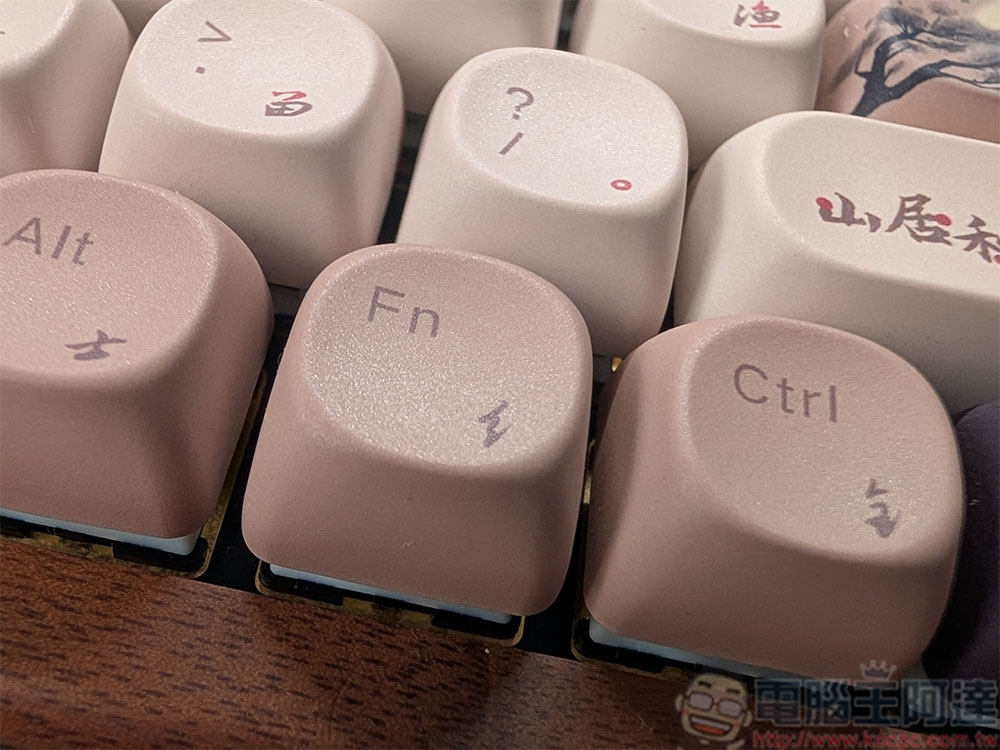
The Fn function is exactly the opposite on Mac. When F1 – F12 is pressed independently, it performs a hardware function. For example, if you want to increase the volume on your Mac, you only need to press F12, not Fn + F12, but some applications have independent functions associated with F1 to F12.
How do I change what the Fn key does when used independently on Mac?
While Fn is a modifier key, meaning it’s typically used in conjunction with other keys on the keyboard, you can also use it on its own to perform a function, though this option is limited to Mac users. On Windows, you cannot use Fn alone to perform any action. If you want to customize Fn behavior on Mac, you can do the following:
- Open system settings and select “Keyboard” in the left sidebar.
- Click the drop-down menu next to “Press Fn key to” and select the action you want Fn to perform when pressed alone.
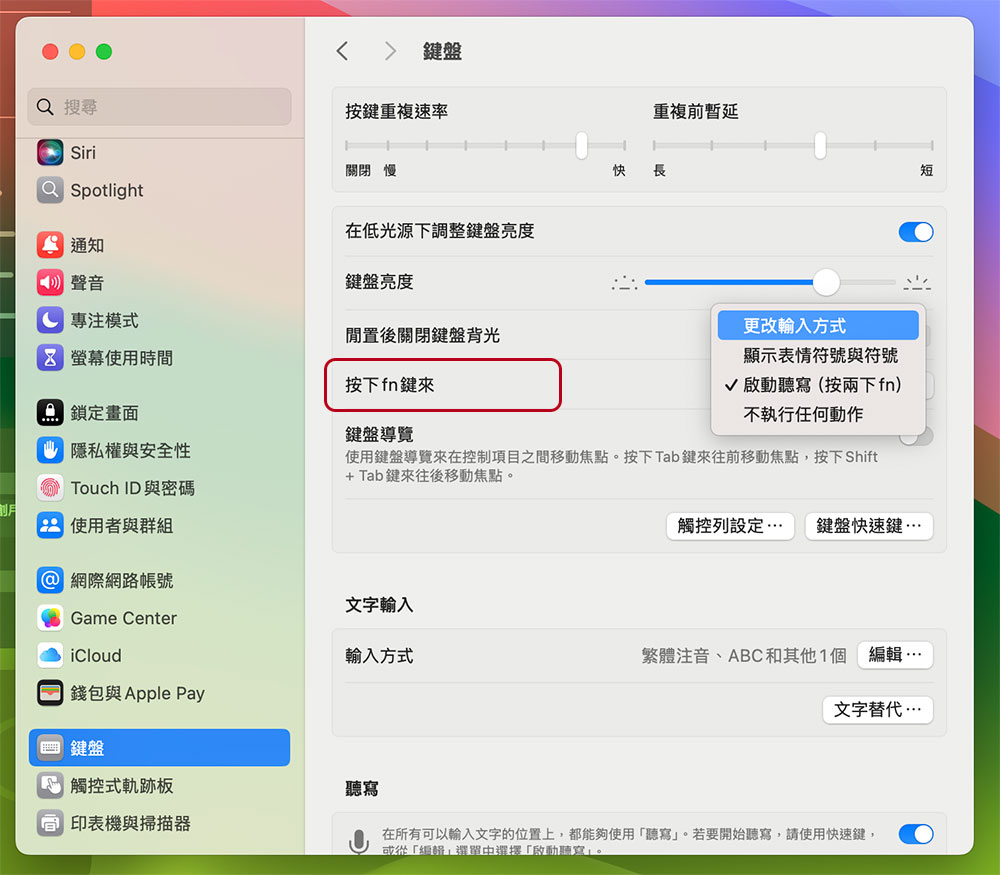
You can choose to change the input method, display emojis and symbols, or enable dictation. Similar to Windows, if you don’t want the Fn key to perform any action when used independently, you can choose to take no action.
Source: KOCPC Chinese