


bump intopictureOverkill? Do photos take up too much space? This Caesium Image Compressor is free and open sourceImage compressionThe tool can help you. It not only supports batch processing (can drop multiple pictures at once), but can also compress up to 90%, which means that the original 10MB picture file can be compressed to only 1MB, saving a lot of space without losing too much image quality. Common picture formats are supported, and can be used online or installed locally on Windows and Mac. It is completely free.
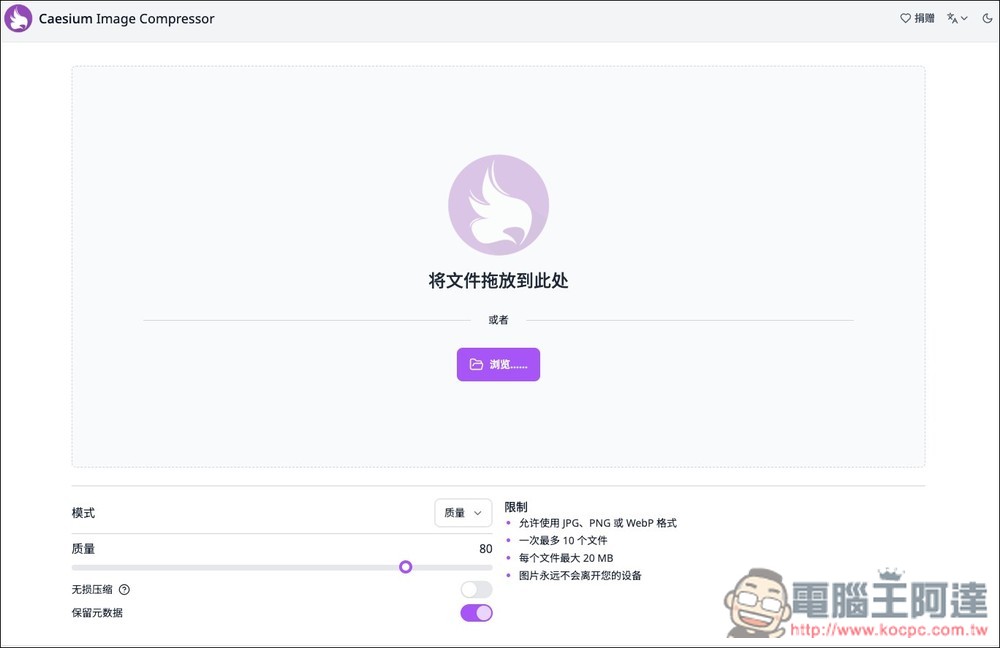
Caesium Image Compressor open source image compression tool introduction and operation tutorial
- Go to Caesium Image Compressor online version
- Go to Caesium Image Compressor official website (download the installation file)
Caesium Image Compressor is an image compression tool that supports JPG, PNG and WebP. It can quickly compress the file size while ensuring the overall image quality. Even in the online version, the images will not be uploaded to the server. They are all done locally, so it is very safe to use.
The operation interface of the online version of Caesium Image Compressor is very simple. After clicking the link above to enter the webpage, you can drag in the image you want to compress, or select it manually. There are some options below that can be adjusted. Also note that the online version only supports a maximum of 10 files at a time, and each file cannot exceed 20MB. If you want to process more, or the images are larger than 20MB, you can use the locally installed version instead:
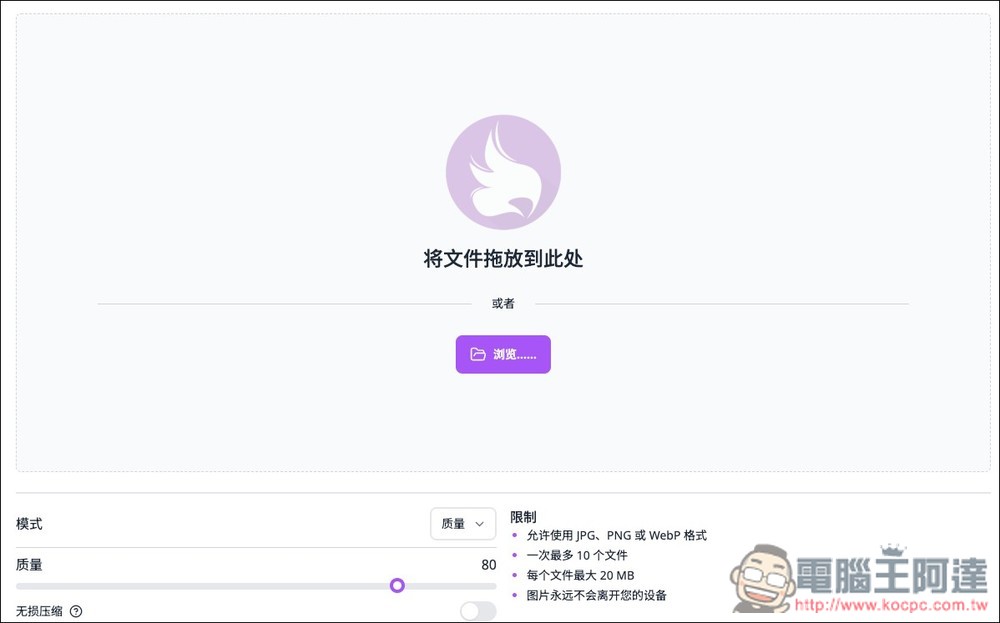
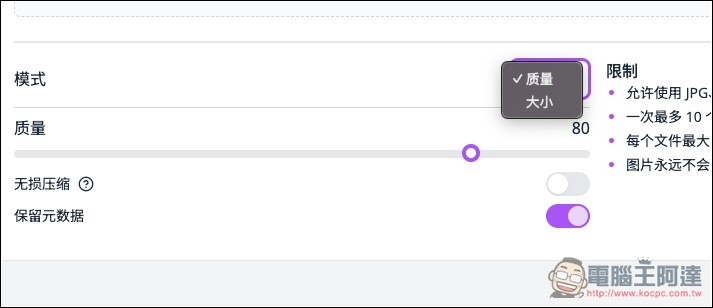
There are two modes: “Quality” and “Size”. If the size is not specified, it is recommended to use Quality to ensure that your images still have high quality after compression. The quality is preset to 80, which basically does not need to be adjusted. I have tested that even if the image still retains 80 quality, the file will be greatly compressed. There are also options for lossless compression and metadata retention below, which can be adjusted by those who need them:
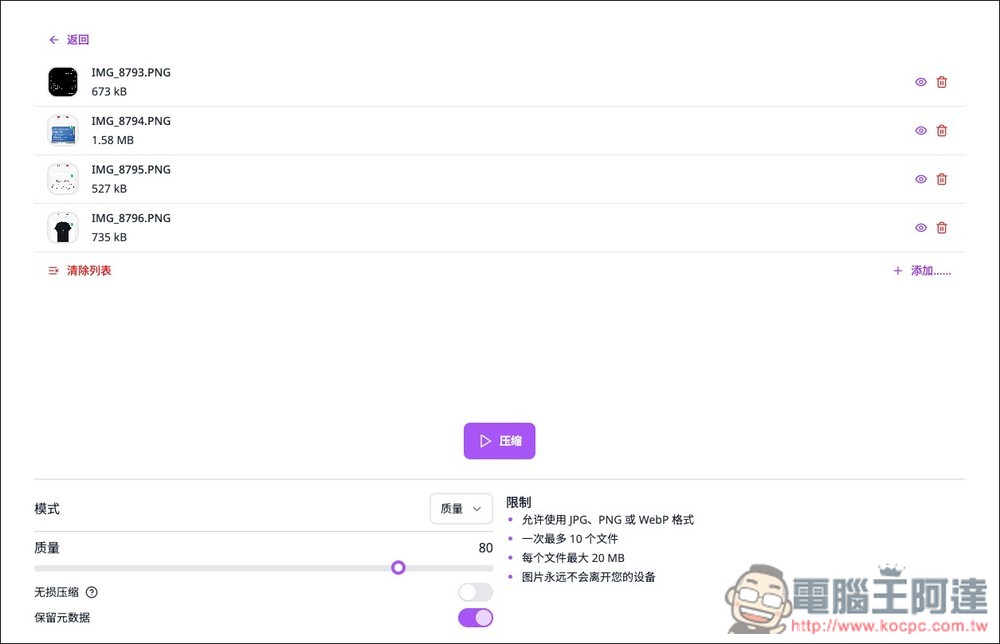
After importing the image, you need to click the compression button below to start processing:
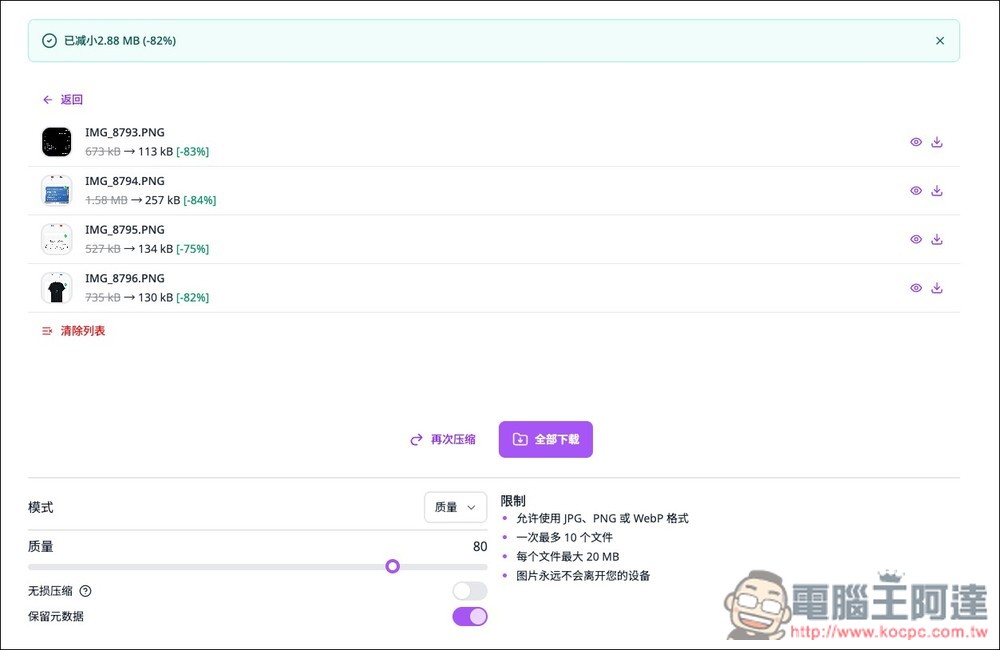
Just wait a few seconds and it will be fine. It is very fast and will also tell you how much the compression is. For example, for the four pictures of mine, the quality setting is 80. Three of them are still compressed by more than 80%. The file size is smaller than that of the other one. The other picture is also compressed by 75%. All downloads below can be packaged as a whole, or you can download them individually by clicking the download icon on the right side of each picture:
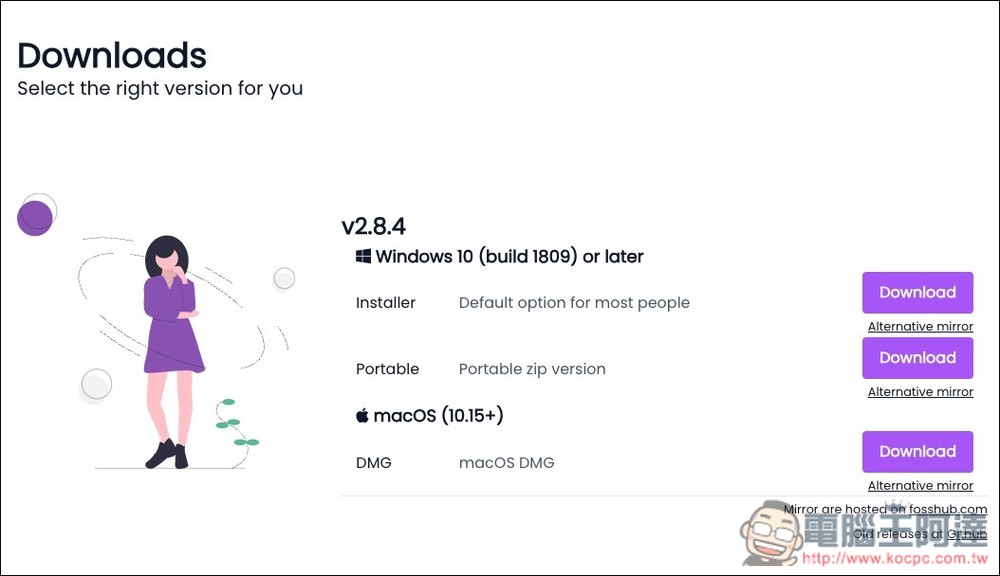
Although Caesium Image Compressor is an open source tool, it also has an official website and provides installation files. There is even an installation-free version (Portable) for Windows:
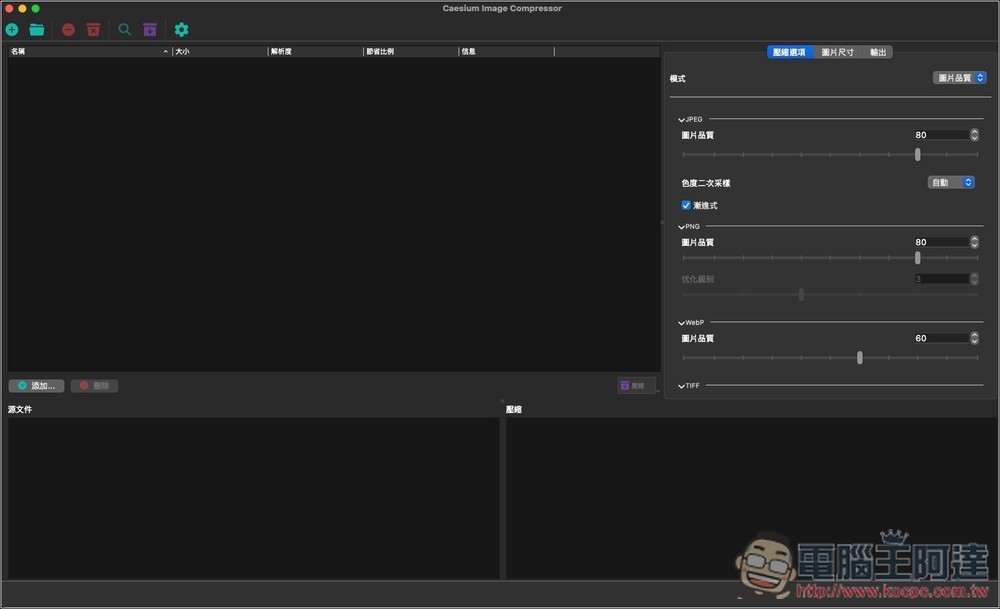
The desktop version supports Traditional Chinese, and the operating interface is different from the web version. It has richer functions and can set image quality for different file formats, such as JPEG, PNG, WebP, etc. The desktop version seems to have no import quantity or file size limit:
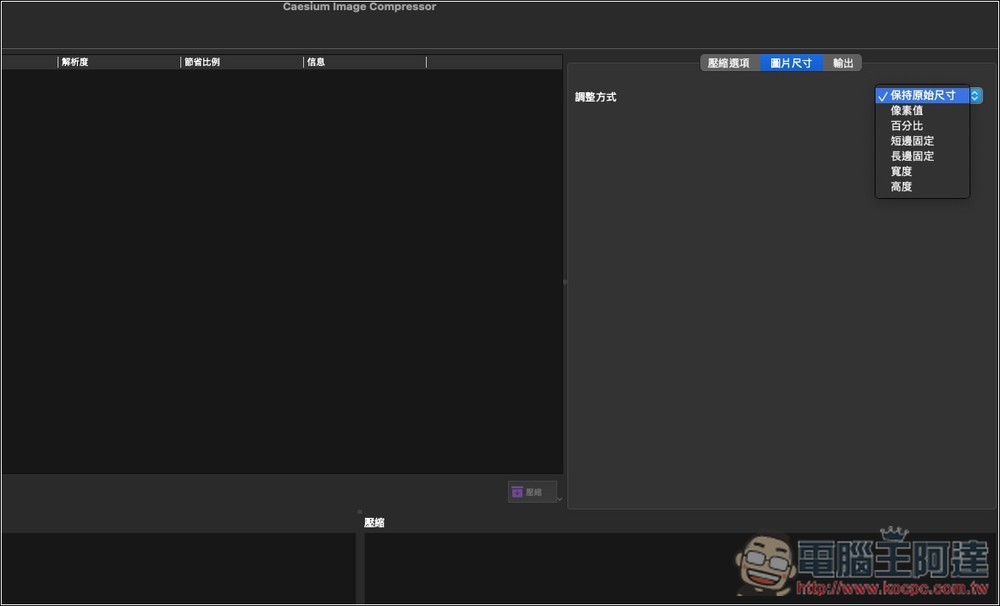
Not only compression, but also image size adjustment, which can be set for pixel value, percentage, short side/long side, width, and height:
Source: KOCPC Chinese